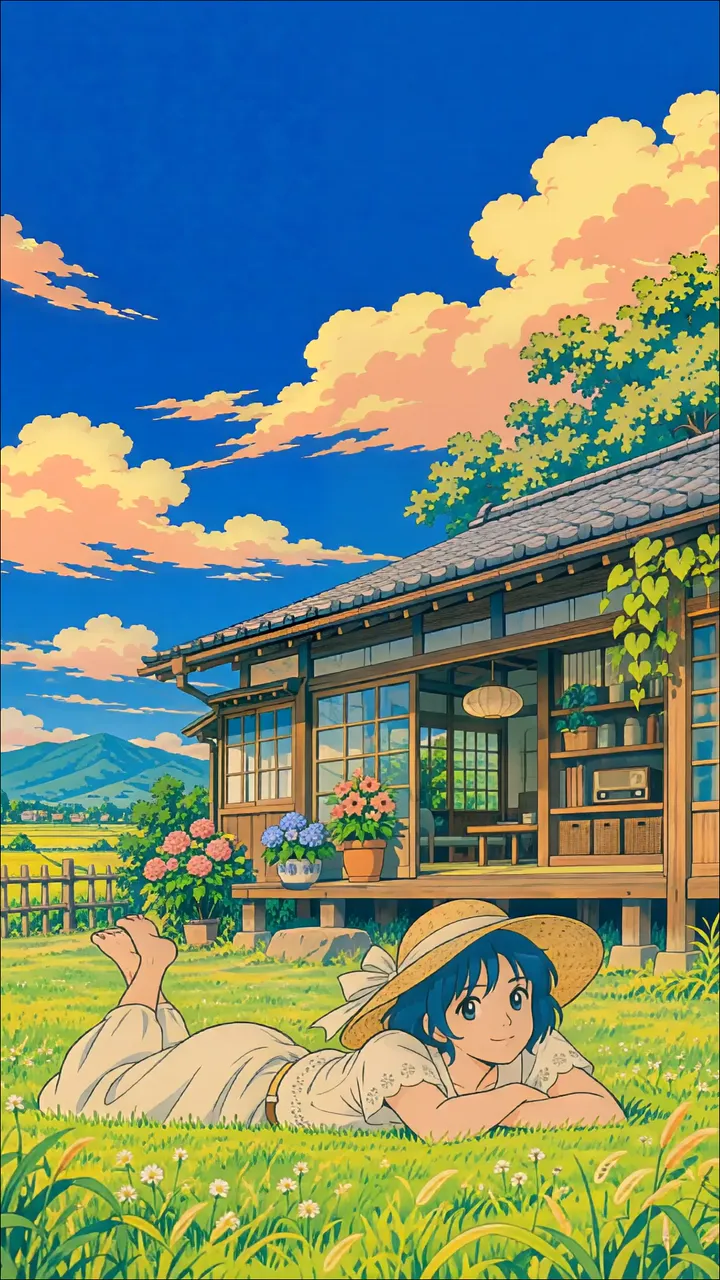
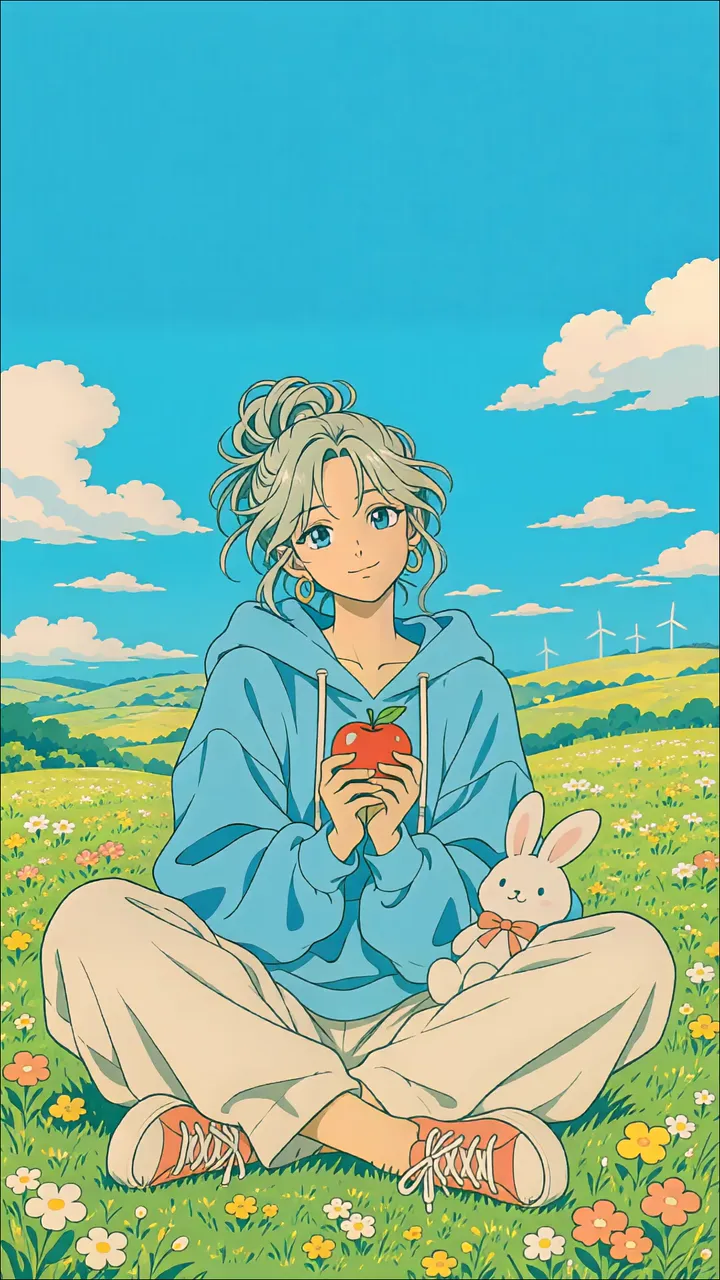
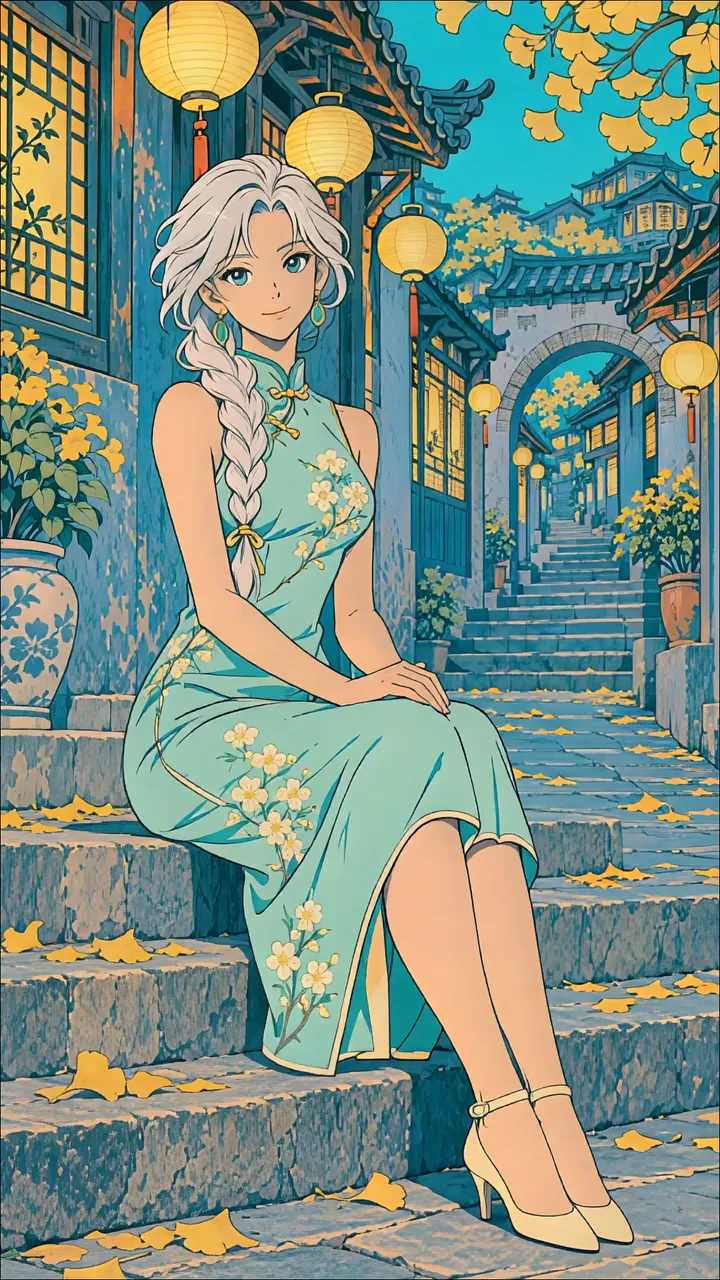
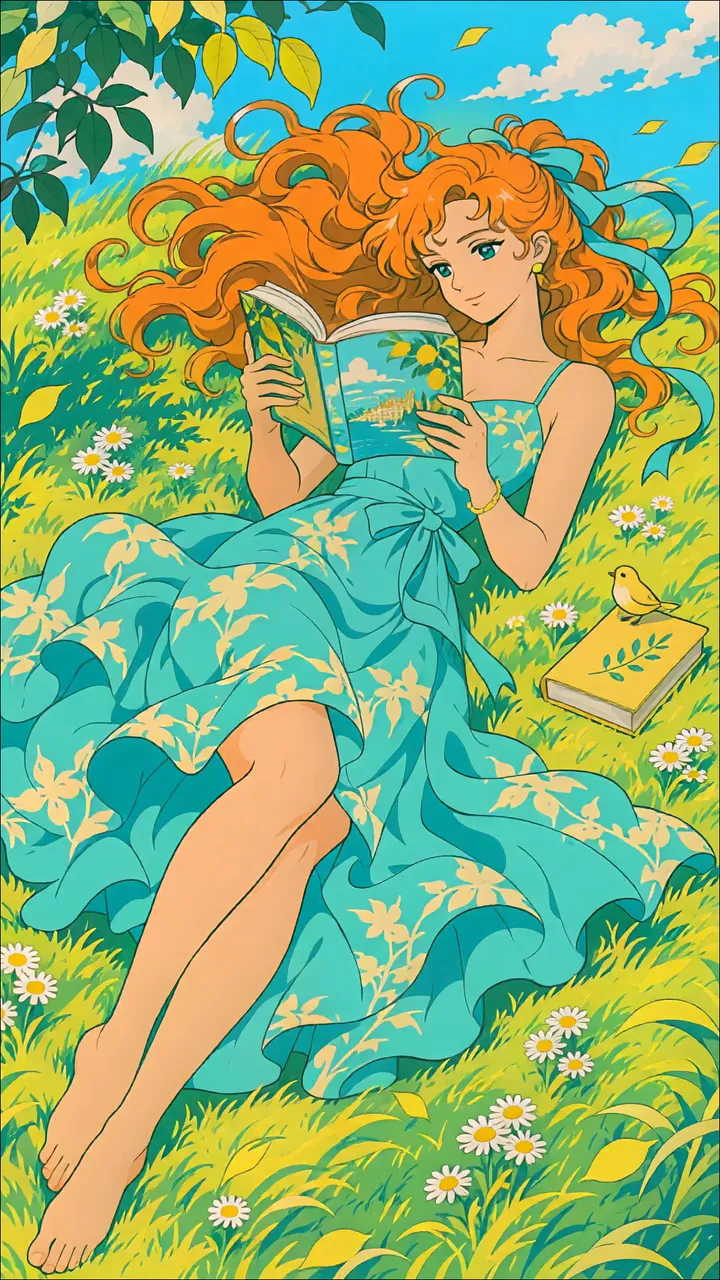
Retro Anime Girl With Scroll Standing On A Mountain Path At Sunset live wallpaper
How to set it as wallpaper
iPhone
For a still wallpaper, save the cropped JPG to Photos and choose it in Settings → Wallpaper. For an animated Lock Screen on supported models, convert the MP4 to a Live Photo with a compatible app and select it in the wallpaper picker.
Android
For a still wallpaper, open the JPG in your gallery and choose Set as wallpaper. For the MP4, look for a video wallpaper option in your gallery or wallpaper settings. A compatible live wallpaper app can help if your phone has no built-in option.
After saving the converted Live Photo to Photos, open Settings, then Wallpaper, then Add New Wallpaper. Tap Photos, choose Live Photo, select the saved image, turn on the Live Photo effect, and tap Add to apply it to your Lock Screen.
Two anime characters, a girl with green hair holding a scroll and a boy with blue hair in a red cloak, stand together on a rocky mountain path. Behind them, a large tree frames a scenic sunset landscape with distant mountains, a castle on a hill, and a winding road. The warm golden light of the setting sun casts soft shadows across the vibrant green foliage and the characters’ clothing. The composition suggests an adventurous journey, with the characters appearing calm and observant as they gaze toward the horizon. The retro art style enhances the nostalgic, storybook quality of the scene.
- Format
- MP4 live wallpaper
- Resolution
- 720P, 1080P
- Duration
- 00:08
- File size
- 8.4 MB
- Category
- Retro Anime Girl, Anime Girl, Anime Boy