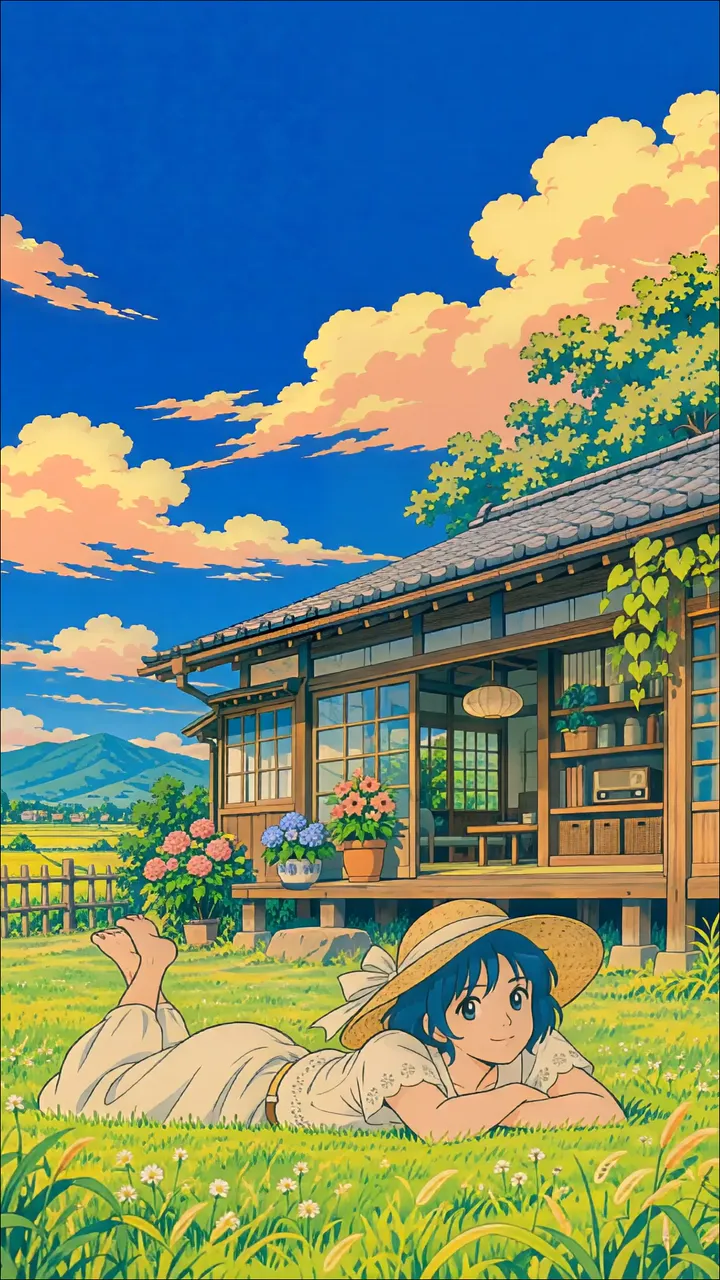
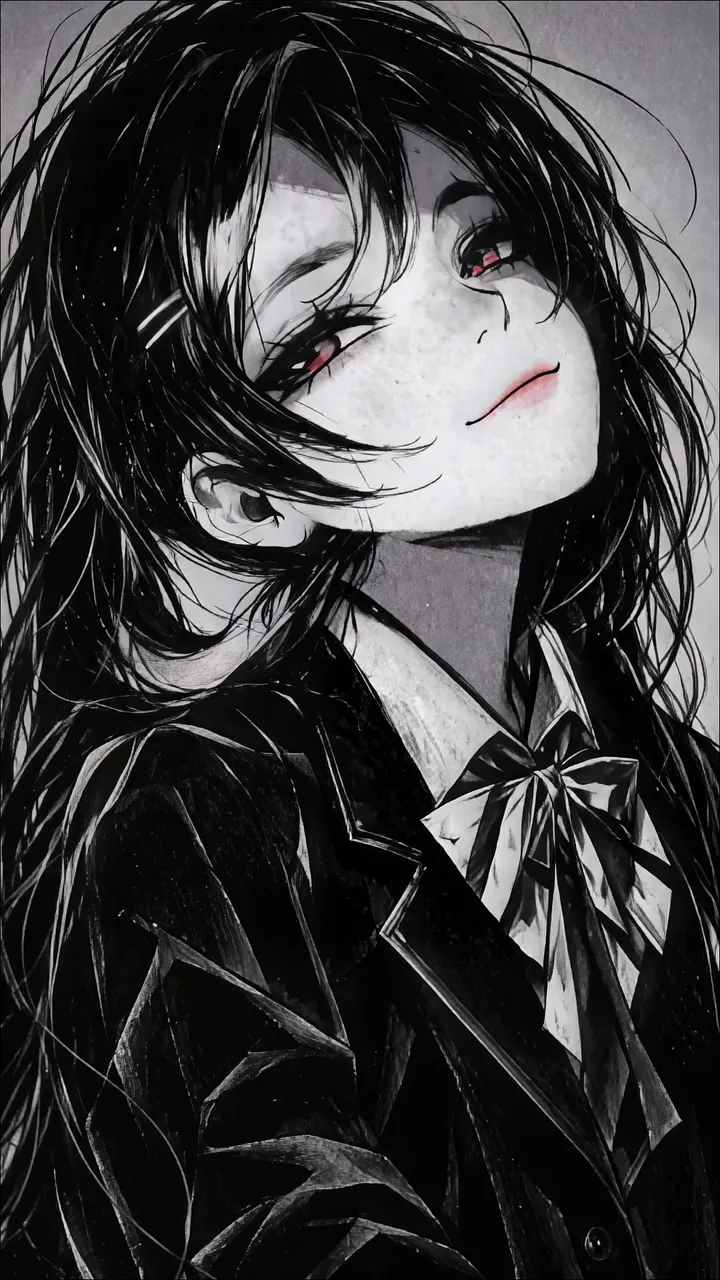
Anime Girl In Traditional Qipao Sitting On Stone Steps live wallpaper
How to set it as wallpaper
iPhone
For a still wallpaper, save the cropped JPG to Photos and choose it in Settings → Wallpaper. For an animated Lock Screen on supported models, convert the MP4 to a Live Photo with a compatible app and select it in the wallpaper picker.
Android
For a still wallpaper, open the JPG in your gallery and choose Set as wallpaper. For the MP4, look for a video wallpaper option in your gallery or wallpaper settings. A compatible live wallpaper app can help if your phone has no built-in option.
After saving the converted Live Photo to Photos, open Settings, then Wallpaper, then Add New Wallpaper. Tap Photos, choose Live Photo, select the saved image, turn on the Live Photo effect, and tap Add to apply it to your Lock Screen.
An anime girl with white hair sits gracefully on weathered stone steps, wearing a light blue qipao adorned with floral embroidery. The scene is set in a traditional Chinese alleyway, flanked by wooden buildings with tiled roofs and illuminated by hanging paper lanterns. Golden ginkgo leaves scatter across the stone path and surround her, enhancing the autumnal atmosphere. The warm glow from the lanterns contrasts with the cool blue tones of the architecture and her dress, creating a serene and picturesque moment. The composition balances the girl’s poised posture with the depth of the stone staircase and distant archway, evoking a tranquil, culturally rich ambiance.
- Format
- MP4 live wallpaper
- Resolution
- 720P, 1080P
- Duration
- 00:08
- File size
- 8.6 MB
- Category
- Retro Anime Girl, Anime Girl, Qipao