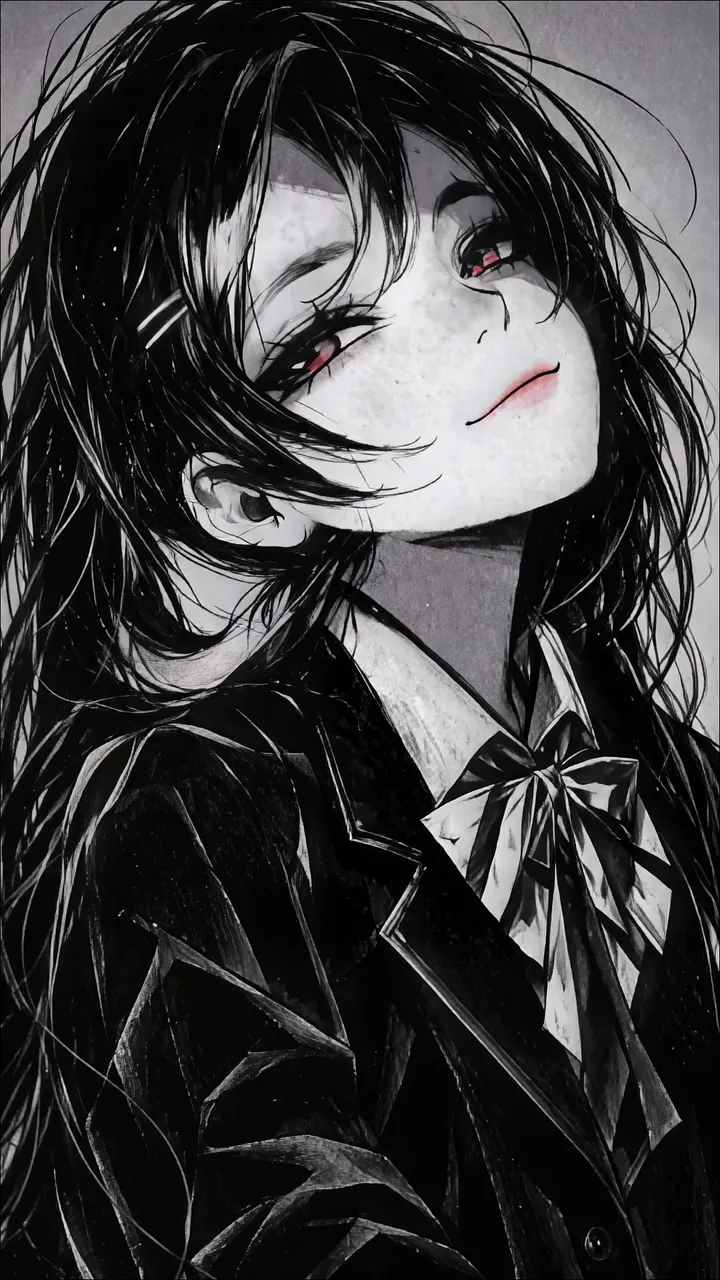
Retro Anime Girl With Teal Hair Holding Ice Pop live wallpaper
How to set it as wallpaper
iPhone
For a still wallpaper, save the cropped JPG to Photos and choose it in Settings → Wallpaper. For an animated Lock Screen on supported models, convert the MP4 to a Live Photo with a compatible app and select it in the wallpaper picker.
Android
For a still wallpaper, open the JPG in your gallery and choose Set as wallpaper. For the MP4, look for a video wallpaper option in your gallery or wallpaper settings. A compatible live wallpaper app can help if your phone has no built-in option.
After saving the converted Live Photo to Photos, open Settings, then Wallpaper, then Add New Wallpaper. Tap Photos, choose Live Photo, select the saved image, turn on the Live Photo effect, and tap Add to apply it to your Lock Screen.
A retro-style anime girl with vibrant teal hair and pink eyes holds a blue ice pop, her expression gentle and inviting. She wears an ornate outfit with gold trim and wave motifs, complemented by decorative earrings and a floral pendant. Bubbles float around her, enhancing the playful, refreshing atmosphere. The background features stylized ocean wave patterns in soft pastel blue, creating a cohesive aquatic theme. The artwork combines classic anime aesthetics with a modern, colorful palette, emphasizing the character’s cheerful demeanor and the cool, summery vibe of the scene.
- Format
- MP4 live wallpaper
- Resolution
- 720P, 1080P
- Duration
- 00:08
- File size
- 9.6 MB
- Category
- Retro Anime Girl, Anime Girl, Teal Hair