Krishna Playing Flute Amidst Purple Peacock Feathers live wallpaper
How to set it as wallpaper
iPhone
For a still wallpaper, save the cropped JPG to Photos and choose it in Settings → Wallpaper. For an animated Lock Screen on supported models, convert the MP4 to a Live Photo with a compatible app and select it in the wallpaper picker.
Android
For a still wallpaper, open the JPG in your gallery and choose Set as wallpaper. For the MP4, look for a video wallpaper option in your gallery or wallpaper settings. A compatible live wallpaper app can help if your phone has no built-in option.
After saving the converted Live Photo to Photos, open Settings, then Wallpaper, then Add New Wallpaper. Tap Photos, choose Live Photo, select the saved image, turn on the Live Photo effect, and tap Add to apply it to your Lock Screen.
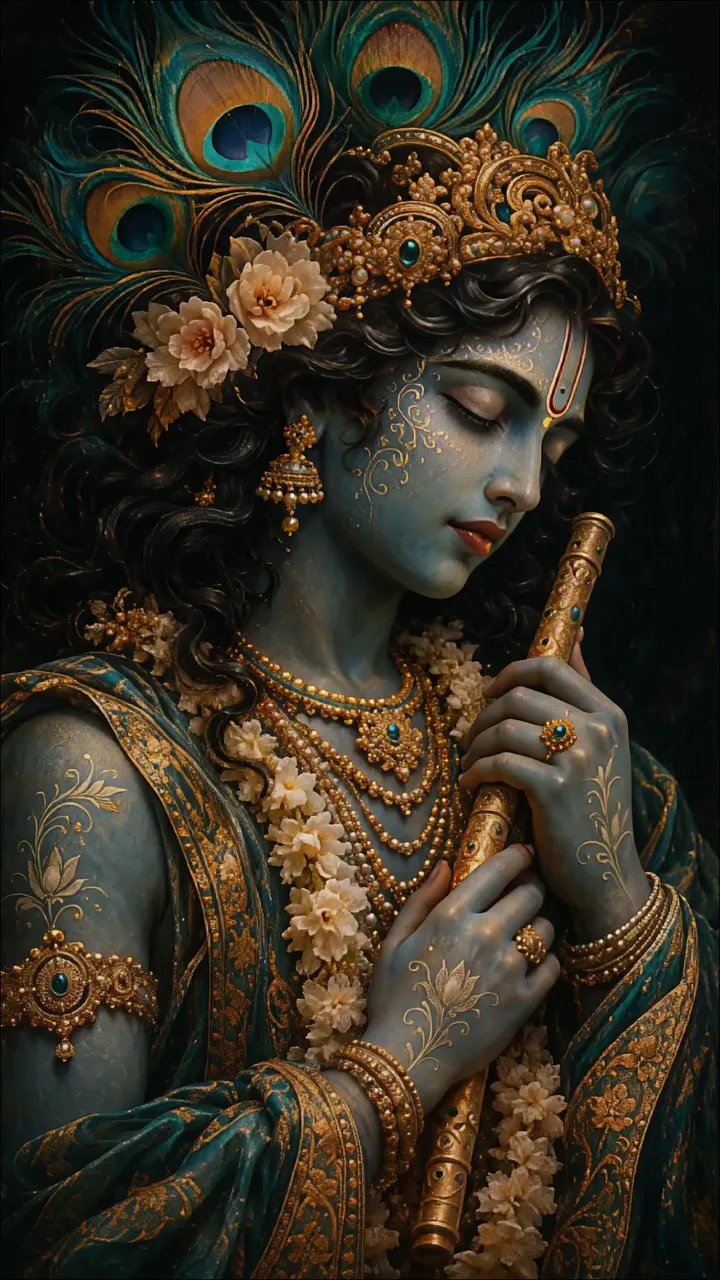
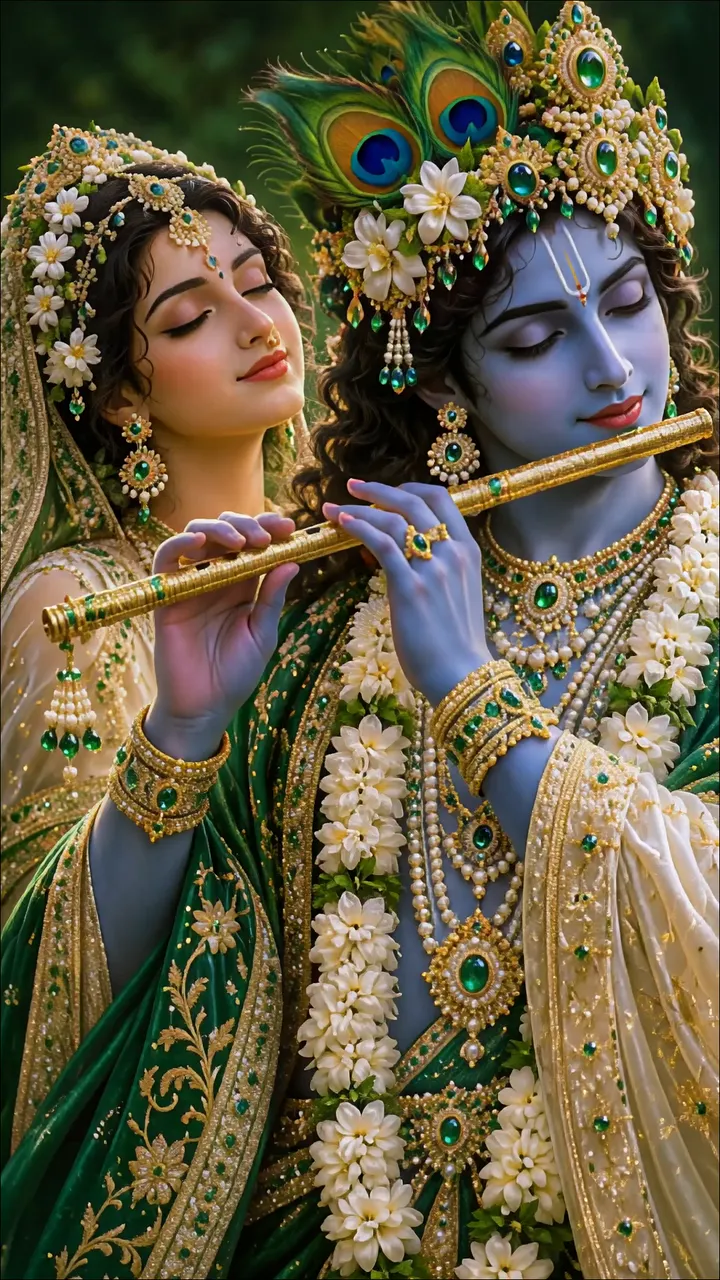
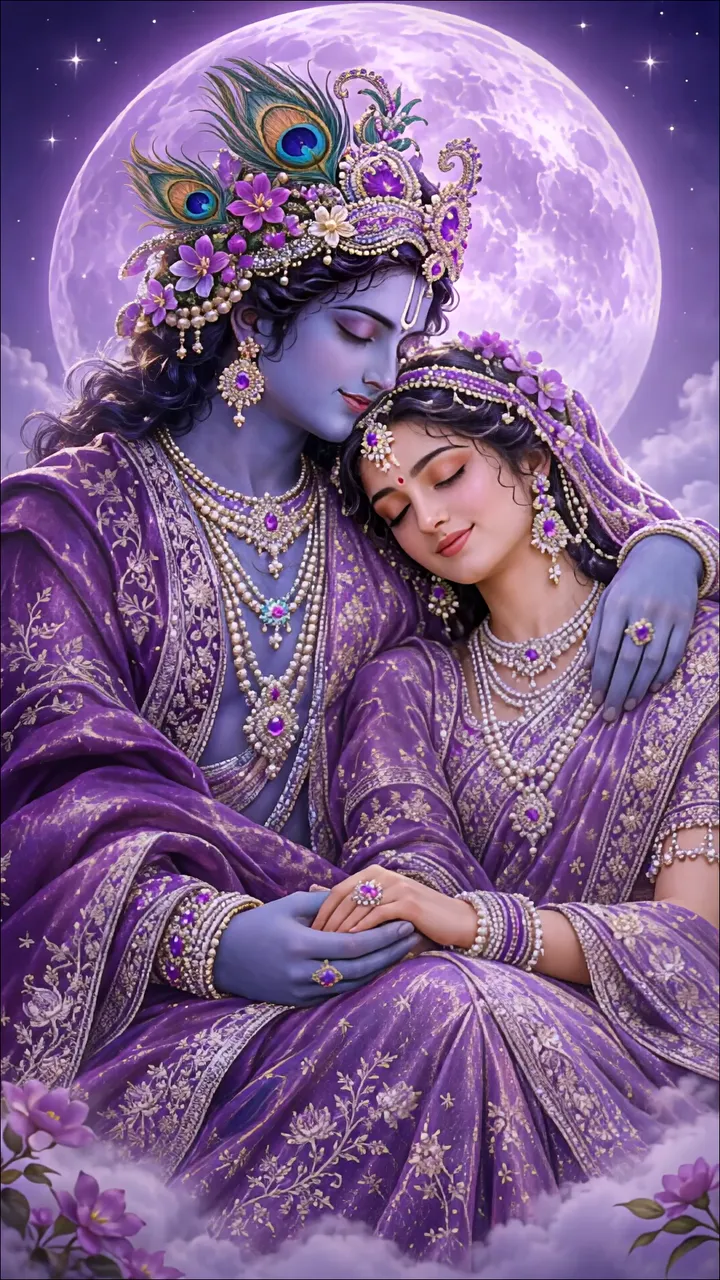
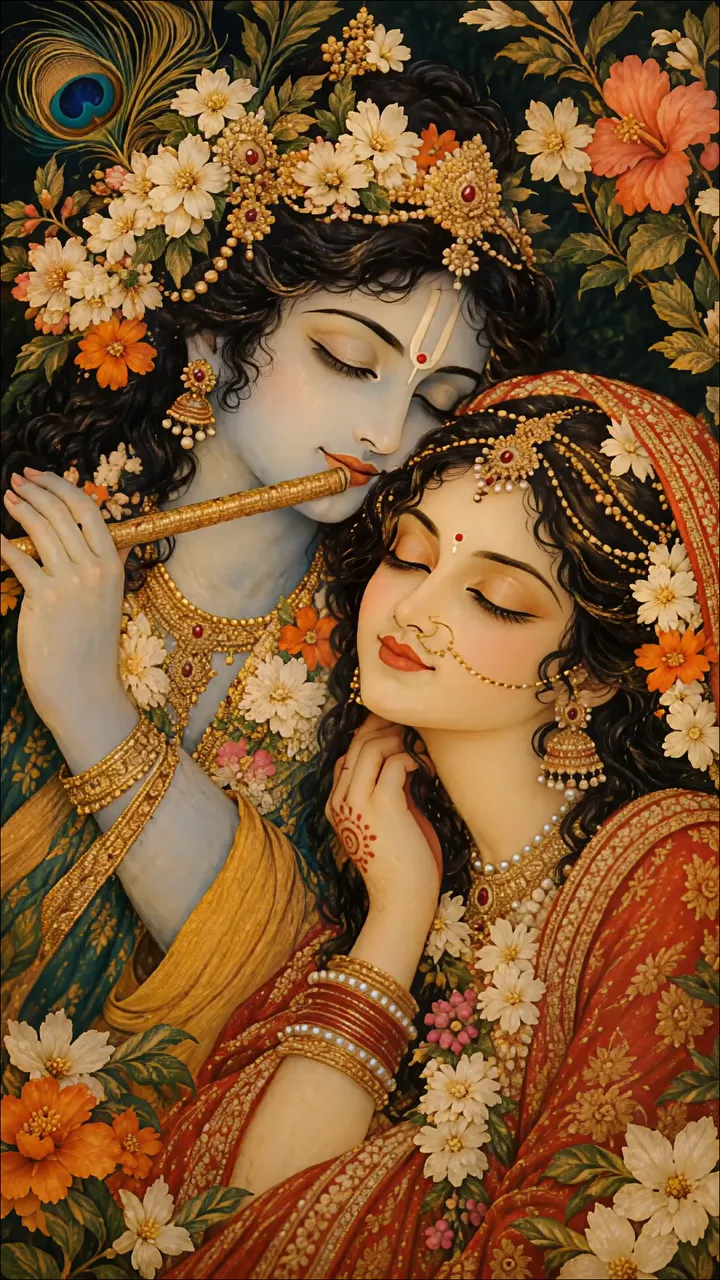
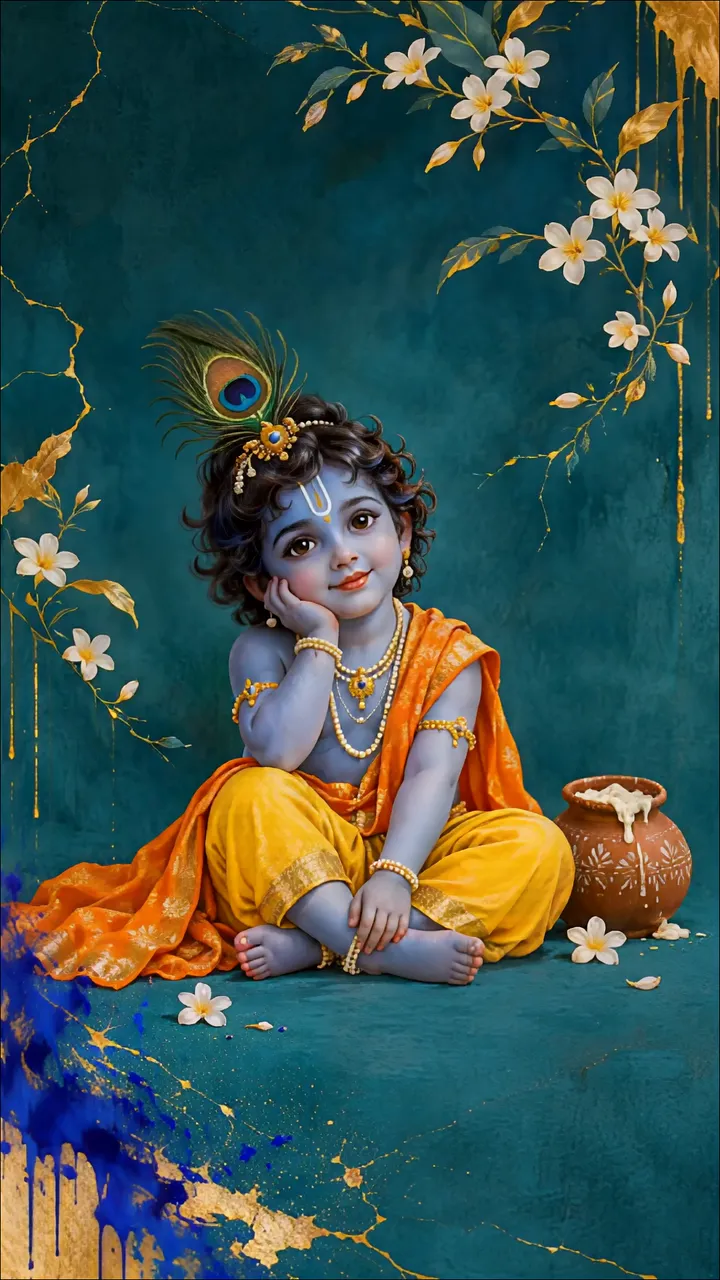
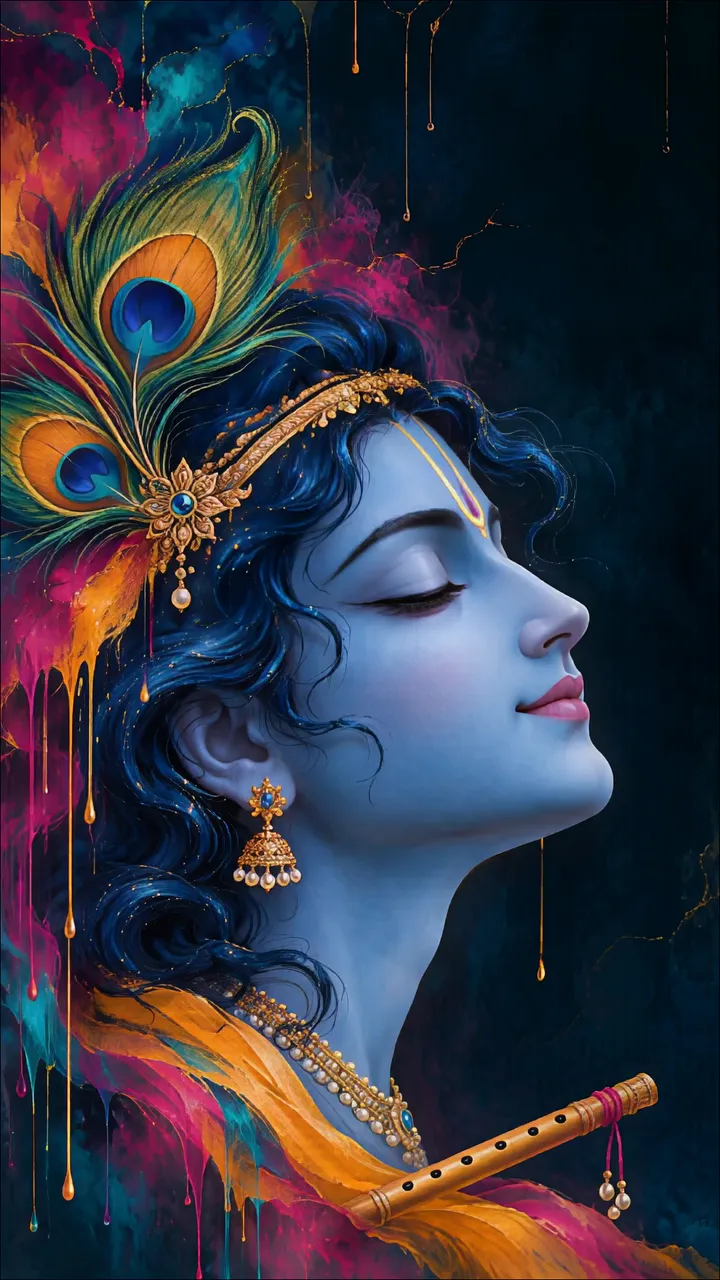
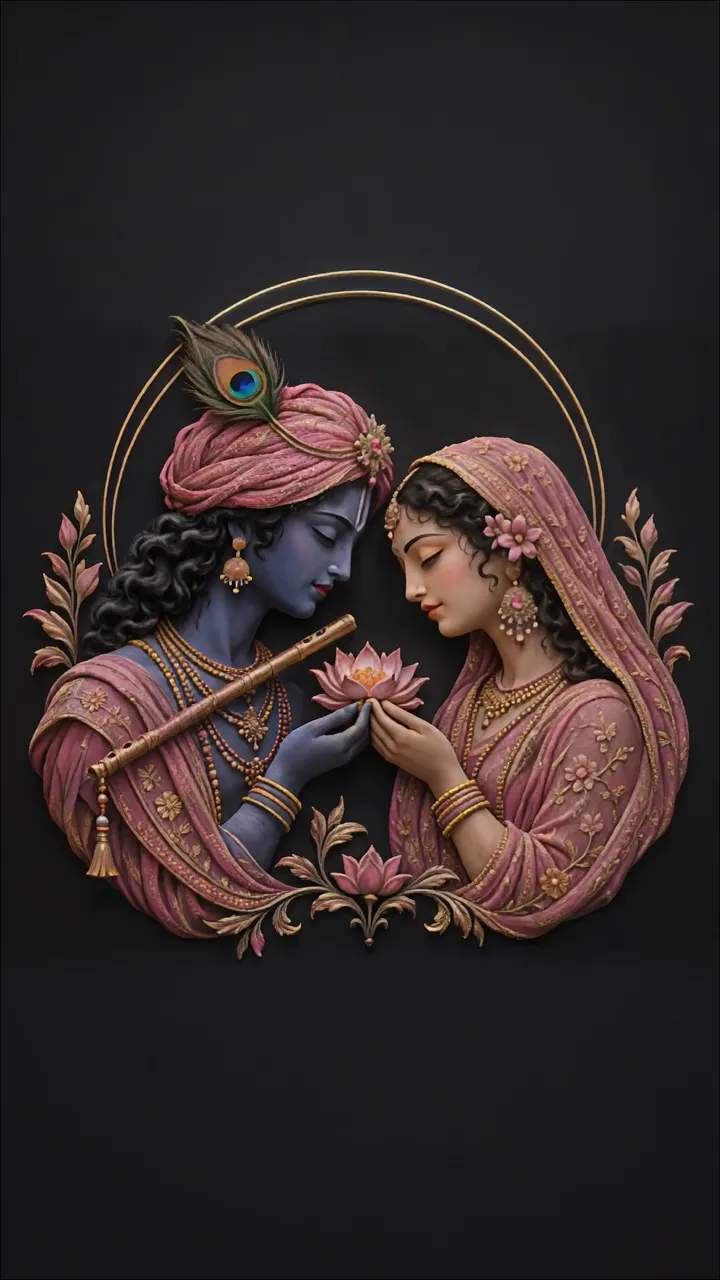
Krishna is depicted in a serene, devotional pose, playing a golden flute while adorned in rich purple attire. His dark hair is crowned with intricate jewelry and vibrant purple peacock feathers, with glowing particles and floral motifs enhancing the mystical atmosphere. Soft, warm lighting illuminates his face as he closes his eyes, suggesting deep spiritual connection. The composition emphasizes divine grace and tranquility, with the flute and peacock feathers symbolizing his divine presence. The rich purple and gold color palette creates a luminous, ethereal scene, capturing a moment of sacred music and inner peace.
- Format
- MP4 live wallpaper
- Resolution
- 720P, 1080P
- Duration
- 00:07
- File size
- 12.7 MB
- Category
- Krishna, Flute, Purple Peacock Feathers