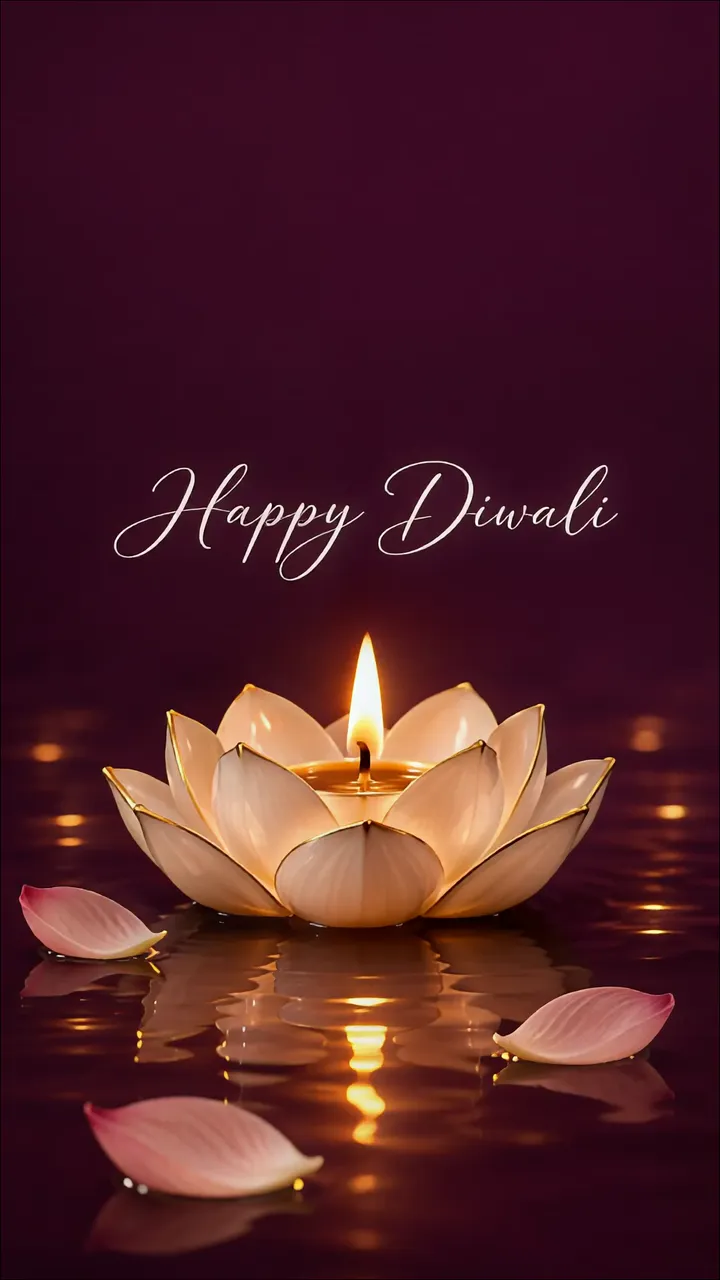
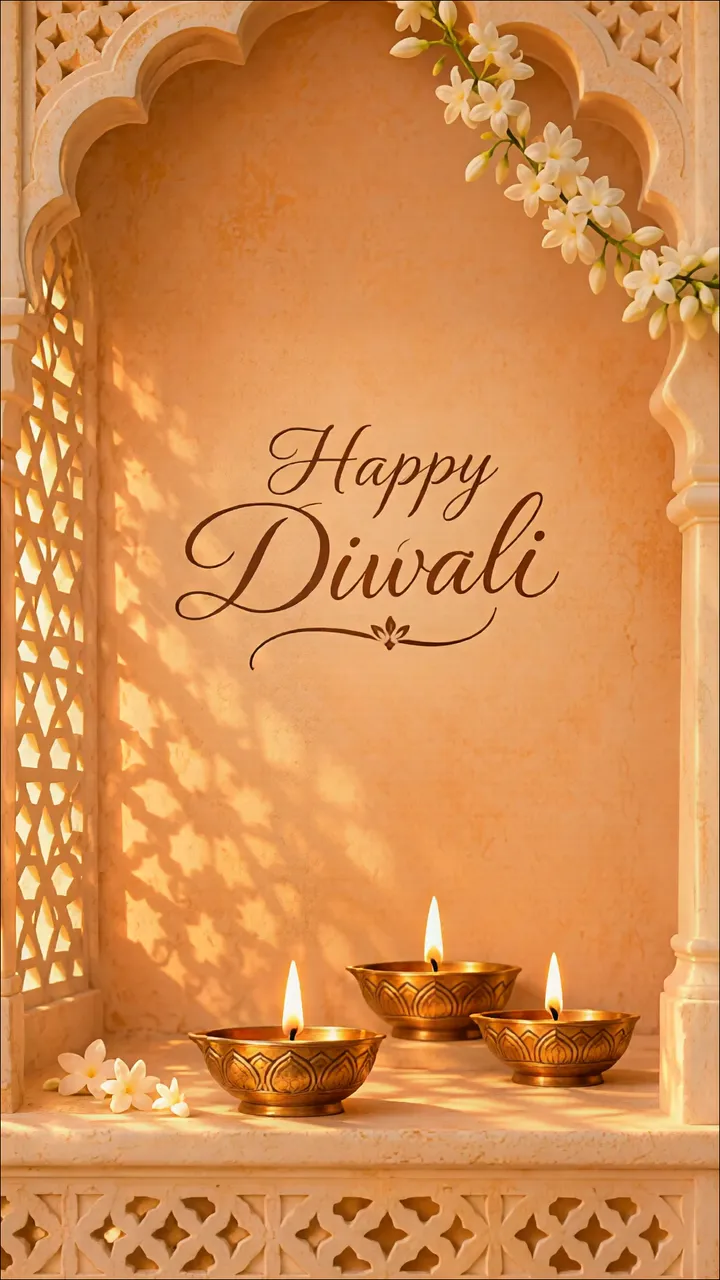
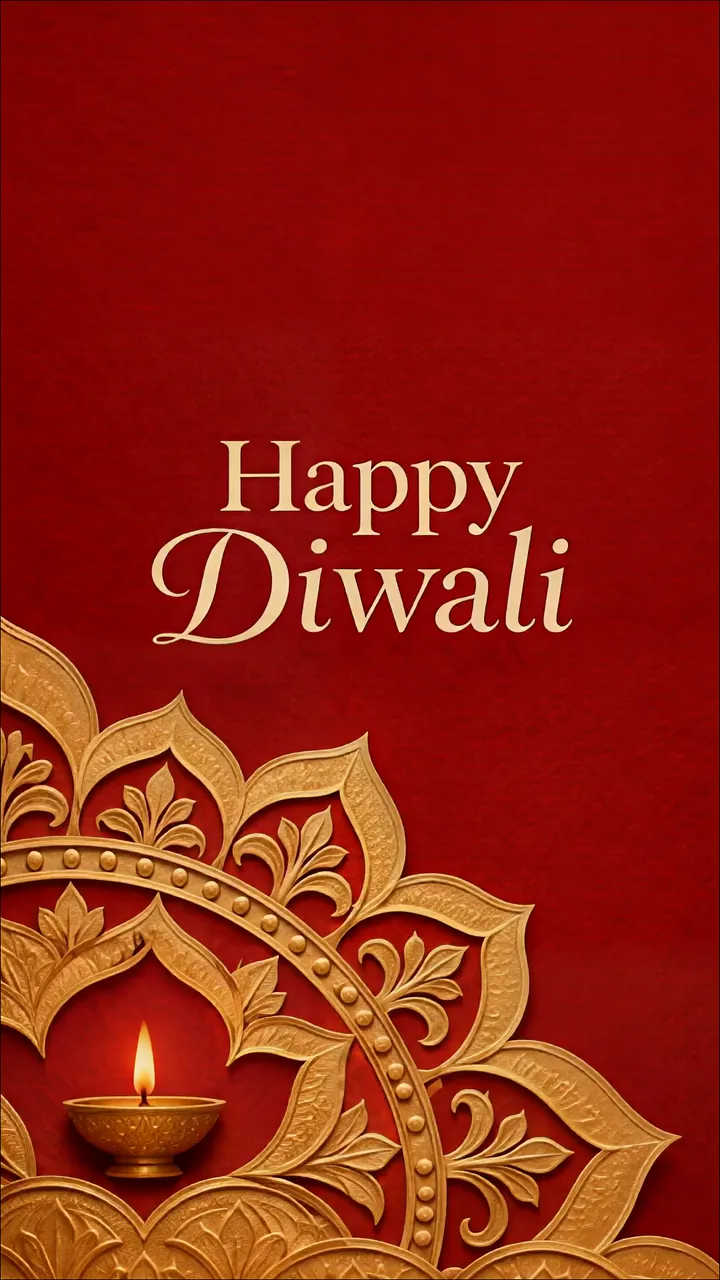
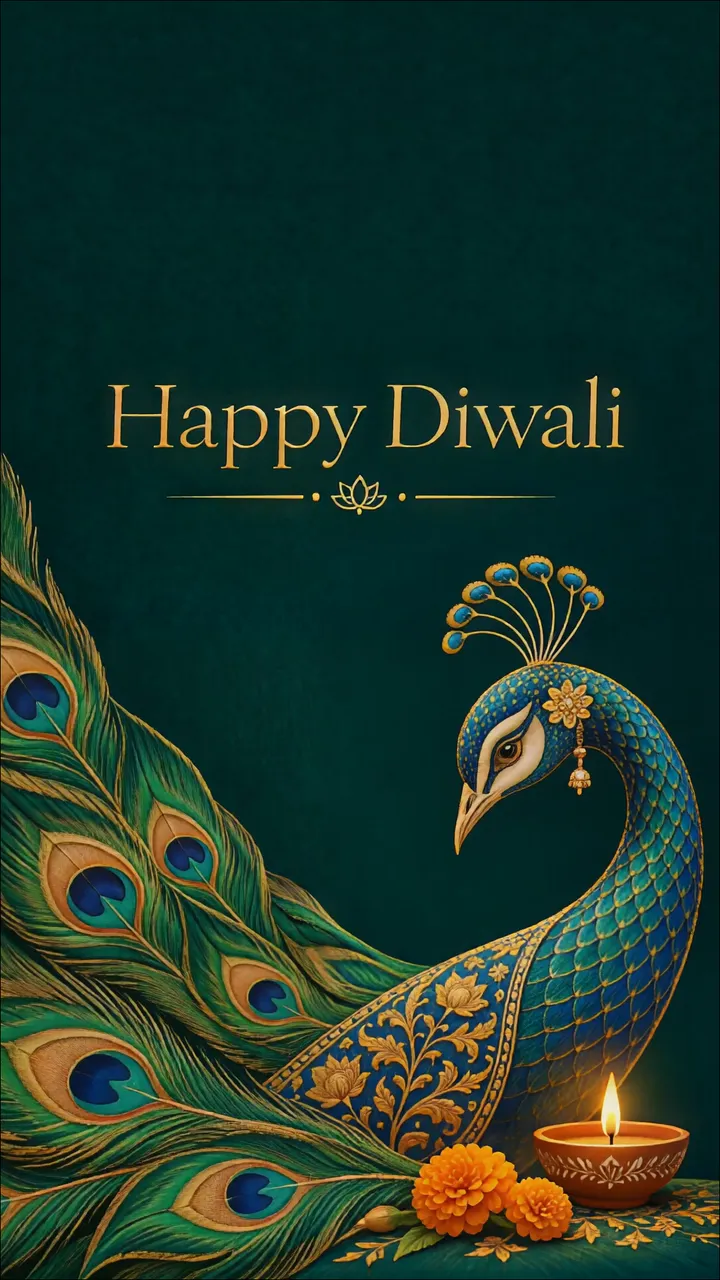
Download "Diwali Diya Candle Illuminating A Black Background" live wallpaper

Verify that you are human to download high quality live wallpapes.

How to set live wallpaper on your phone Setup tutorial

On Android Phones

  1. Save the downloaded MP4 file to your phone.
  2. Open your phone's Gallery, Files, or Wallpaper app.
  3. Choose the video, tap Set as wallpaper, then apply it to your home screen or lock screen.

On iPhone

  1. Save the MP4 file to Photos.
  2. iPhone requires a Live Photo, convert the video with a live wallpaper app first.
  3. Open Settings > Wallpaper, select the saved Live Photo, then apply it.

You may also like:

Happy Diwali Fireworks Celebration With Golden And Blue Lights Happy Diwali Fireworks Celebration With Golden And Blue Lights Lotus Diya Candle Floating On Water For Diwali Lotus Diya Candle Floating On Water For Diwali Diwali Festival With Golden Oil Lamps And Floral Arch Diwali Festival With Golden Oil Lamps And Floral Arch Diwali Diya Candle With Marigold Flowers On Blue Silk Diwali Diya Candle With Marigold Flowers On Blue Silk Happy Diwali With Golden Diya And Ornate Floral Design Happy Diwali With Golden Diya And Ornate Floral Design Peacock Celebrating Diwali With A Diya And Marigold Flowers Peacock Celebrating Diwali With A Diya And Marigold Flowers Anime Boy With Closed Eyes And Red Glow Effect Anime Boy With Closed Eyes And Red Glow Effect Gojo Satoru Heart-Shaped Blue Aura Jujutsu Kaisen Gojo Satoru Heart-Shaped Blue Aura Jujutsu Kaisen Anime Girl With Electric Blue Eyes And Neon Hair Anime Girl With Electric Blue Eyes And Neon Hair

Best matches for this wallpaper:

Report wallpaper

Select the reason that best describes the issue.