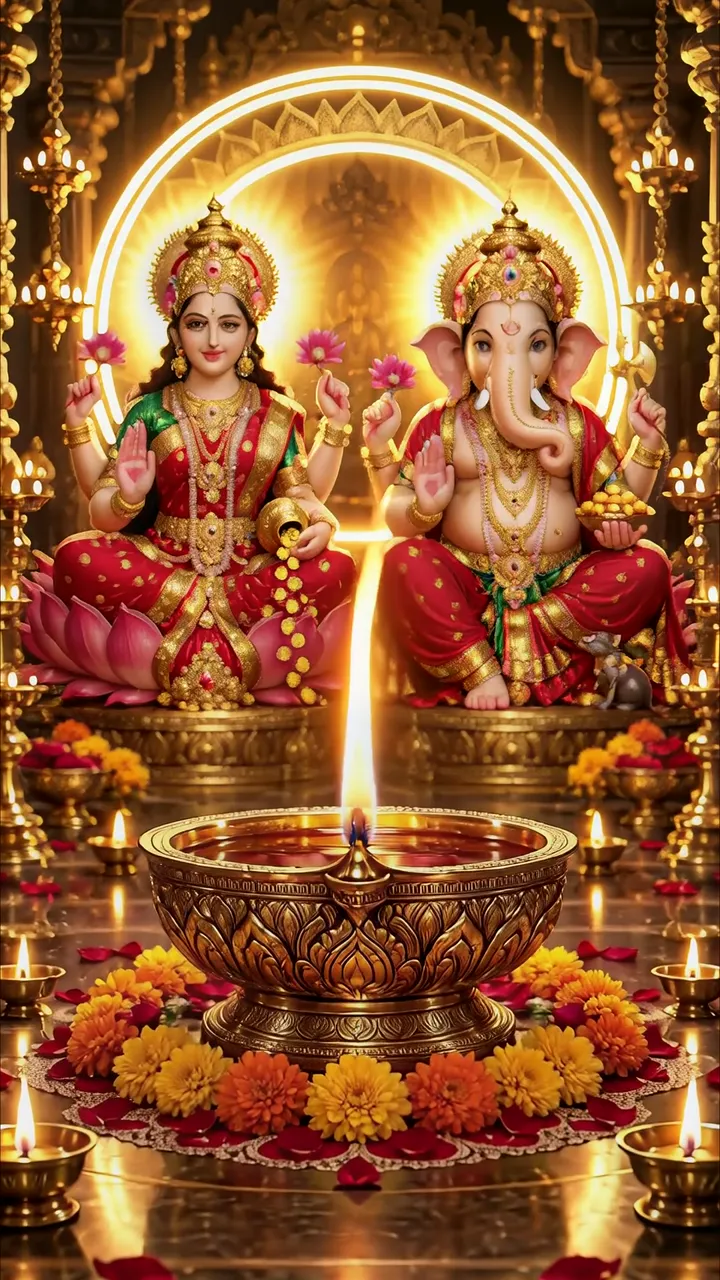
Diwali Diya Candle With Marigold Flowers On Blue Silk live wallpaper
How to set it as wallpaper
iPhone
For a still wallpaper, save the cropped JPG to Photos and choose it in Settings → Wallpaper. For an animated Lock Screen on supported models, convert the MP4 to a Live Photo with a compatible app and select it in the wallpaper picker.
Android
For a still wallpaper, open the JPG in your gallery and choose Set as wallpaper. For the MP4, look for a video wallpaper option in your gallery or wallpaper settings. A compatible live wallpaper app can help if your phone has no built-in option.
After saving the converted Live Photo to Photos, open Settings, then Wallpaper, then Add New Wallpaper. Tap Photos, choose Live Photo, select the saved image, turn on the Live Photo effect, and tap Add to apply it to your Lock Screen.
A traditional Diwali diya with intricate blue and gold patterns glows warmly against a rich blue silk backdrop. Beside it, vibrant orange marigold flowers and delicate white blossoms add festive color contrast. The soft flicker of the candle flame illuminates the scene, casting gentle light on the textured fabric. The composition is balanced and serene, emphasizing the symbolic glow of the diya and the natural beauty of the flowers. The deep blue background enhances the warmth of the flame and the vivid colors of the blooms, creating a visually rich and culturally resonant Diwali-themed still life.
- Format
- MP4 live wallpaper
- Resolution
- 720P, 1080P
- Duration
- 00:07
- File size
- 3.2 MB
- Category
- Happy Diwali, Diya, Marigold Flower