Happy Diwali With Golden Diya And Ornate Floral Design live wallpaper
How to set it as wallpaper
iPhone
For a still wallpaper, save the cropped JPG to Photos and choose it in Settings → Wallpaper. For an animated Lock Screen on supported models, convert the MP4 to a Live Photo with a compatible app and select it in the wallpaper picker.
Android
For a still wallpaper, open the JPG in your gallery and choose Set as wallpaper. For the MP4, look for a video wallpaper option in your gallery or wallpaper settings. A compatible live wallpaper app can help if your phone has no built-in option.
After saving the converted Live Photo to Photos, open Settings, then Wallpaper, then Add New Wallpaper. Tap Photos, choose Live Photo, select the saved image, turn on the Live Photo effect, and tap Add to apply it to your Lock Screen.
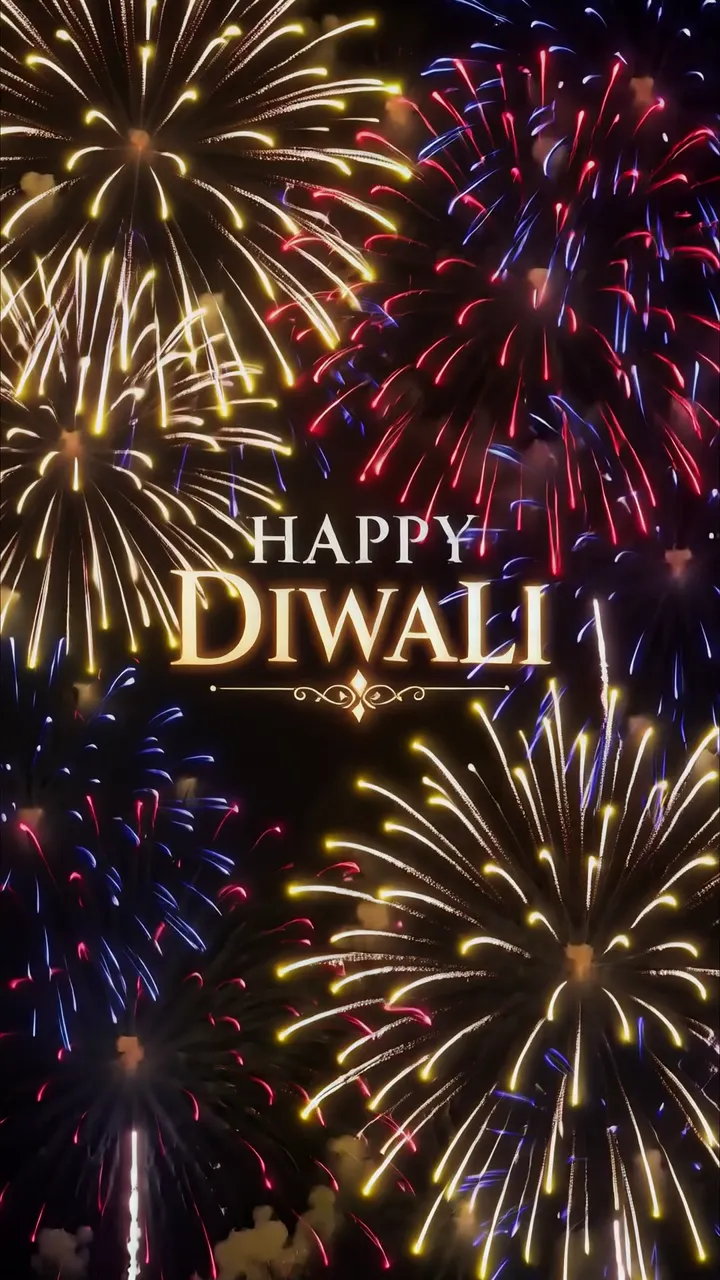
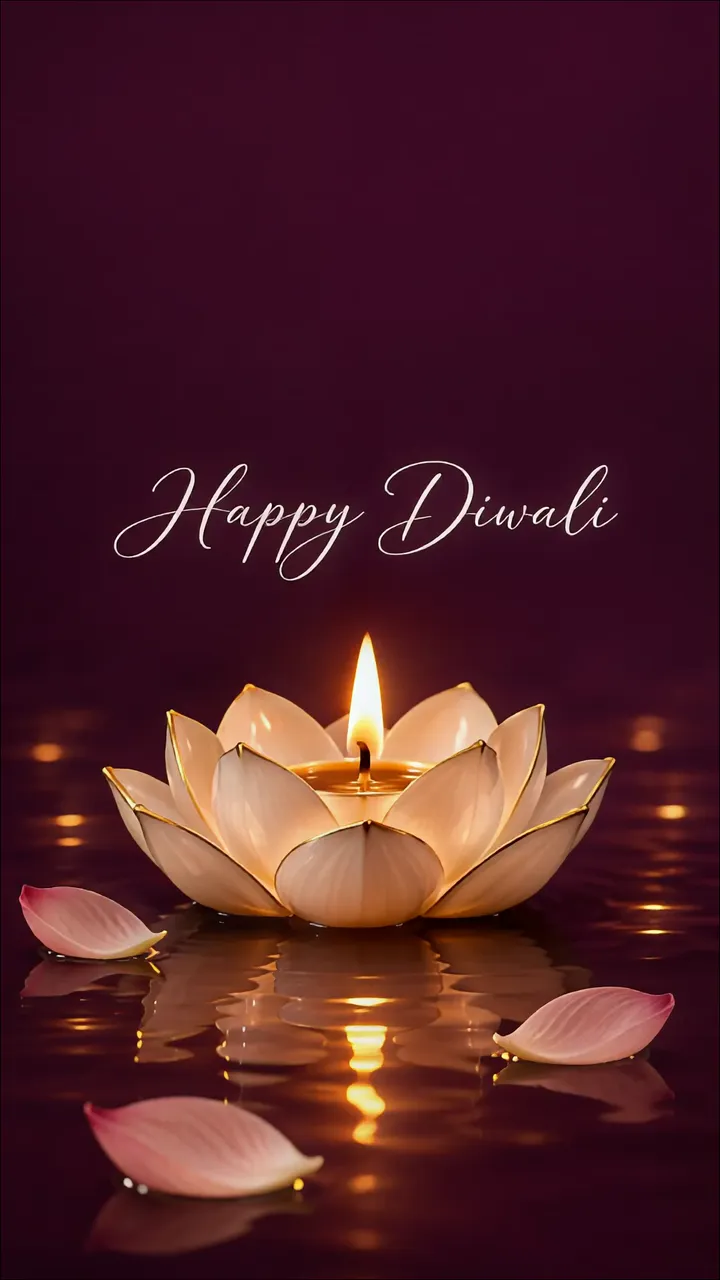
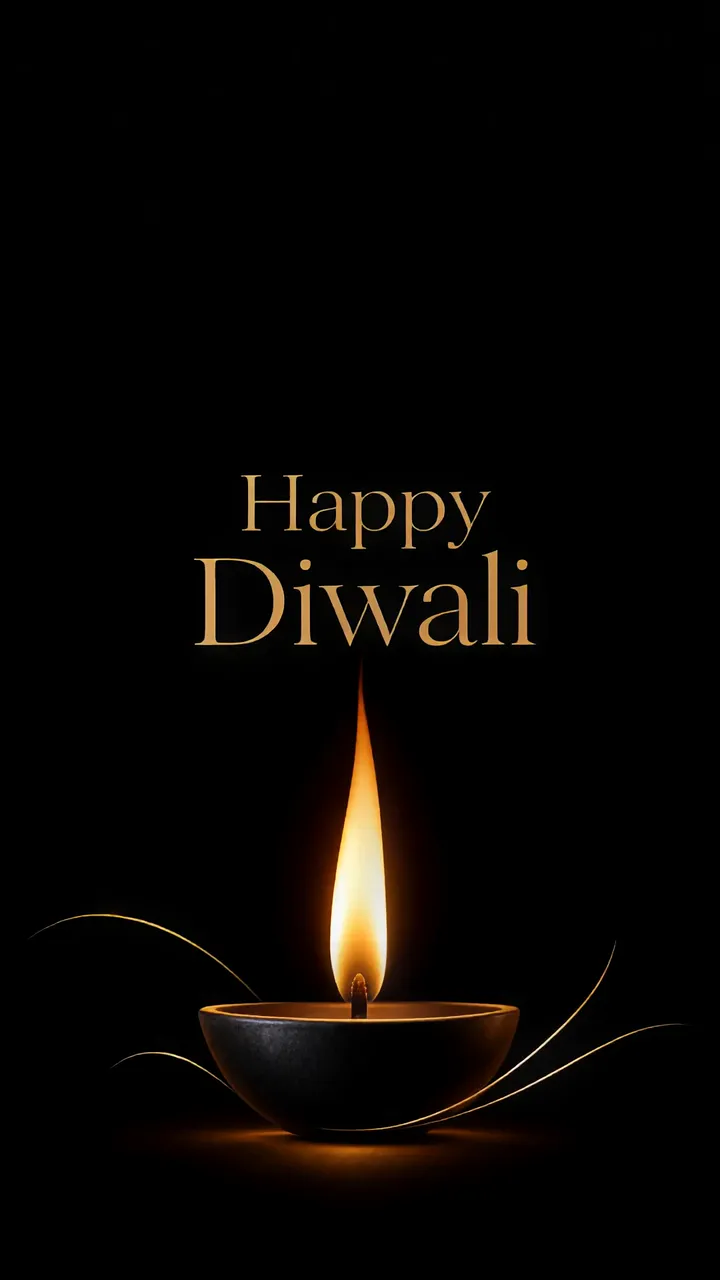
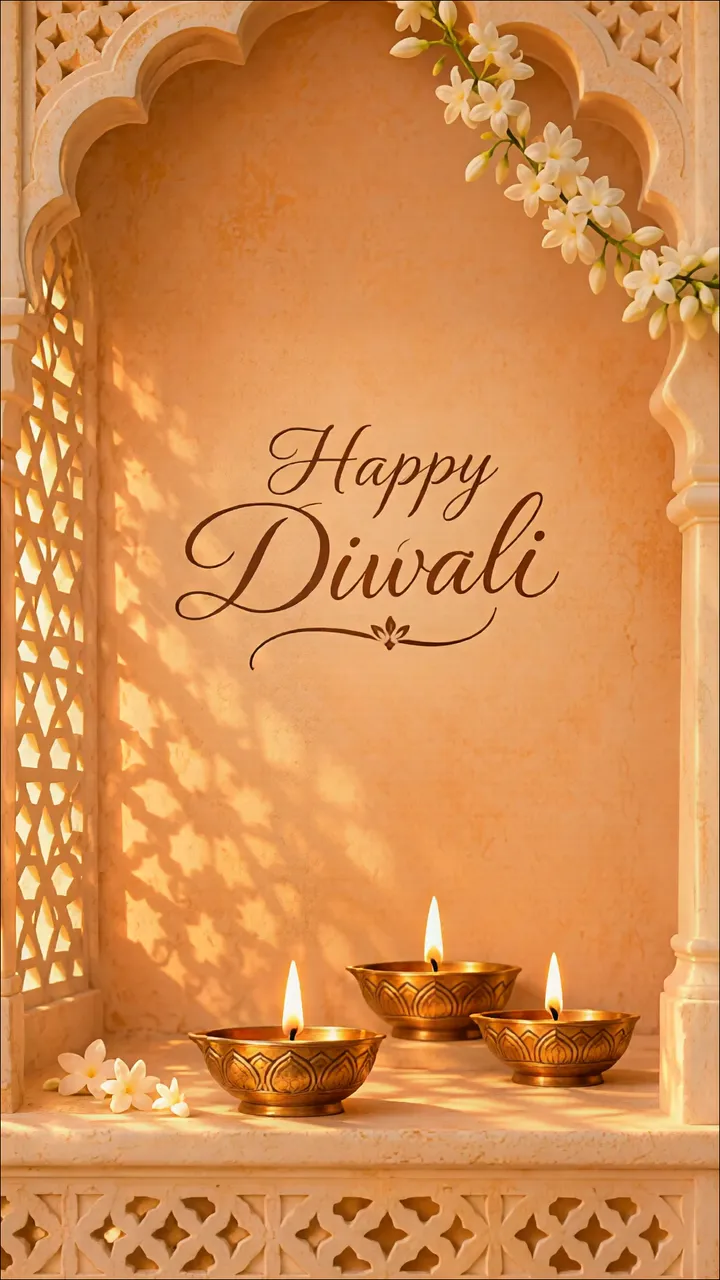
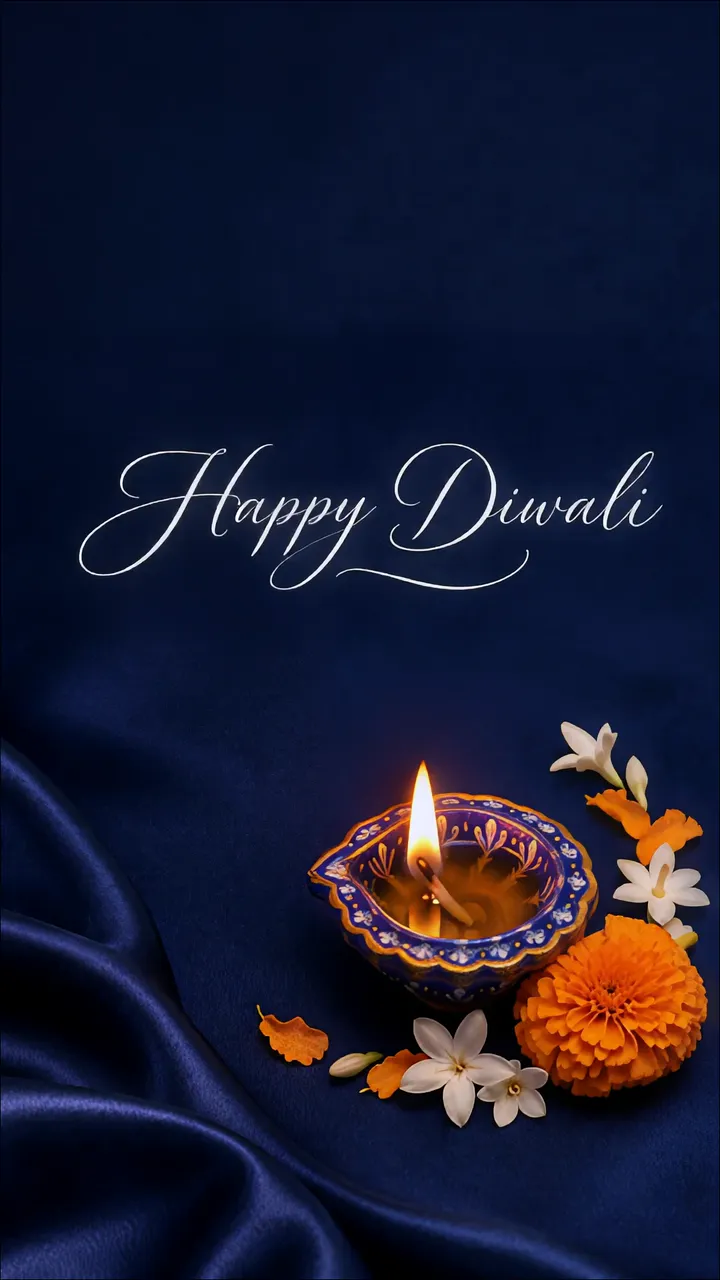
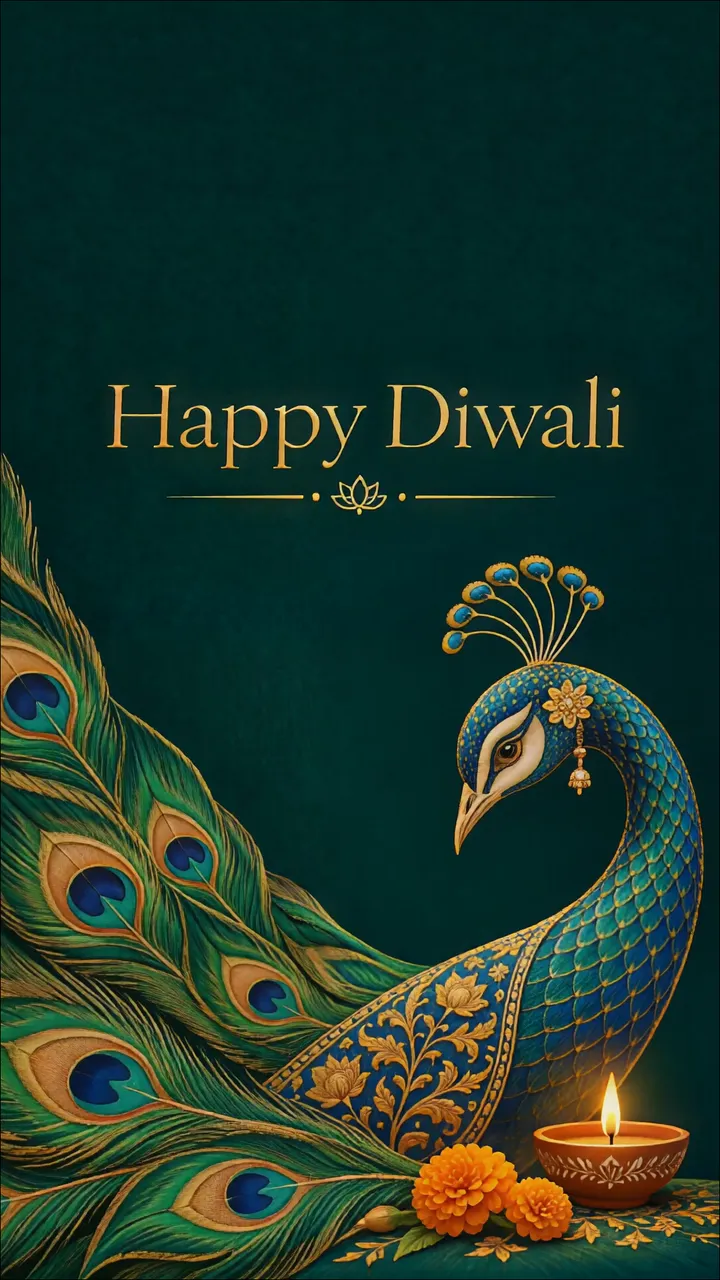
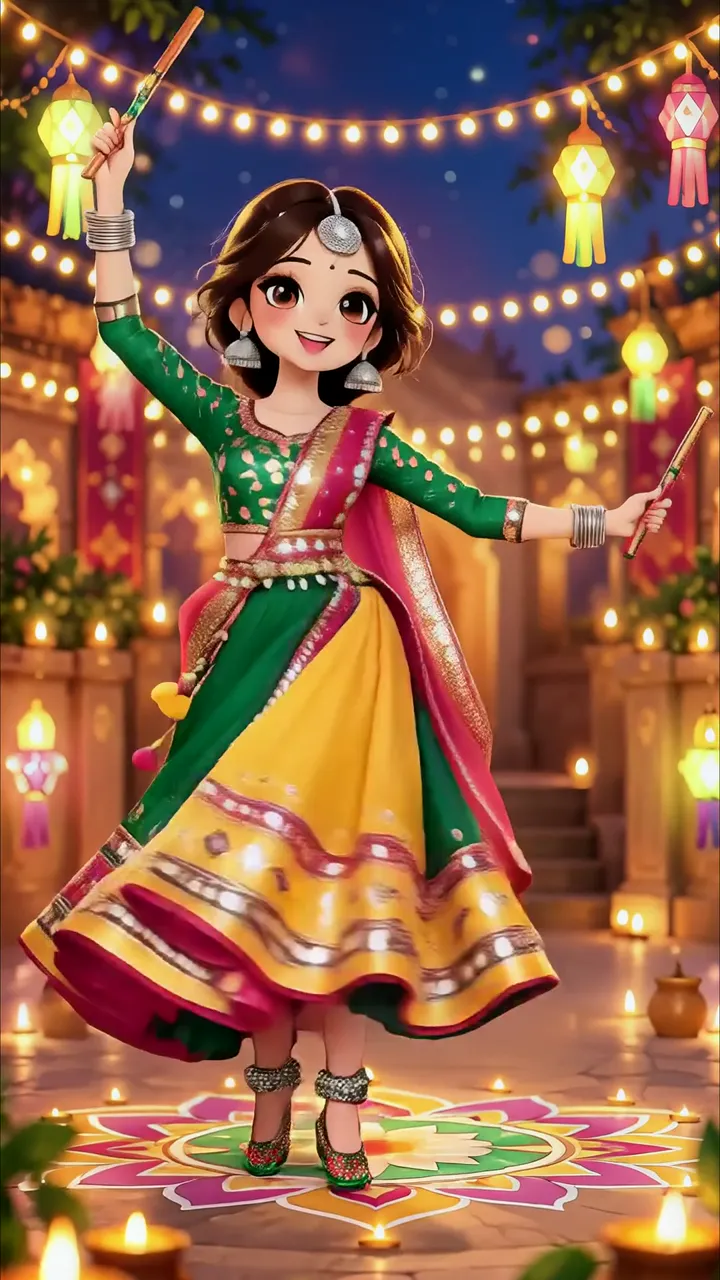
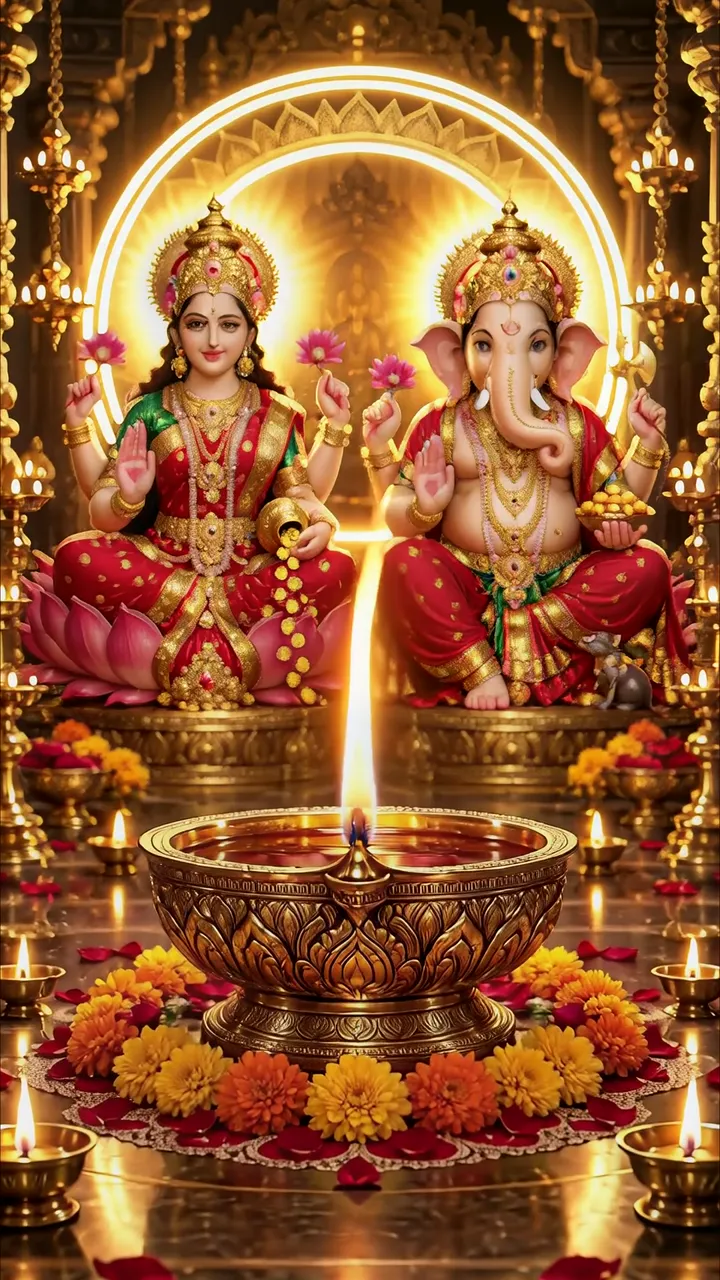
A festive Diwali greeting features a glowing golden diya centered within an intricate, ornate floral mandala design. The warm light of the flame contrasts beautifully against a rich red textured background, enhancing the celebratory mood. The phrase 'Happy Diwali' is elegantly scripted in gold above the design, reinforcing the holiday theme. The composition balances traditional Indian decorative elements with a modern aesthetic, creating a visually rich and culturally resonant image perfect for Diwali celebrations. The detailed craftsmanship of the golden patterns adds depth and luxury to the overall design.
- Format
- MP4 live wallpaper
- Resolution
- 720P, 1080P
- Duration
- 00:07
- File size
- 5.2 MB
- Category
- Happy Diwali, Diwali, Diya