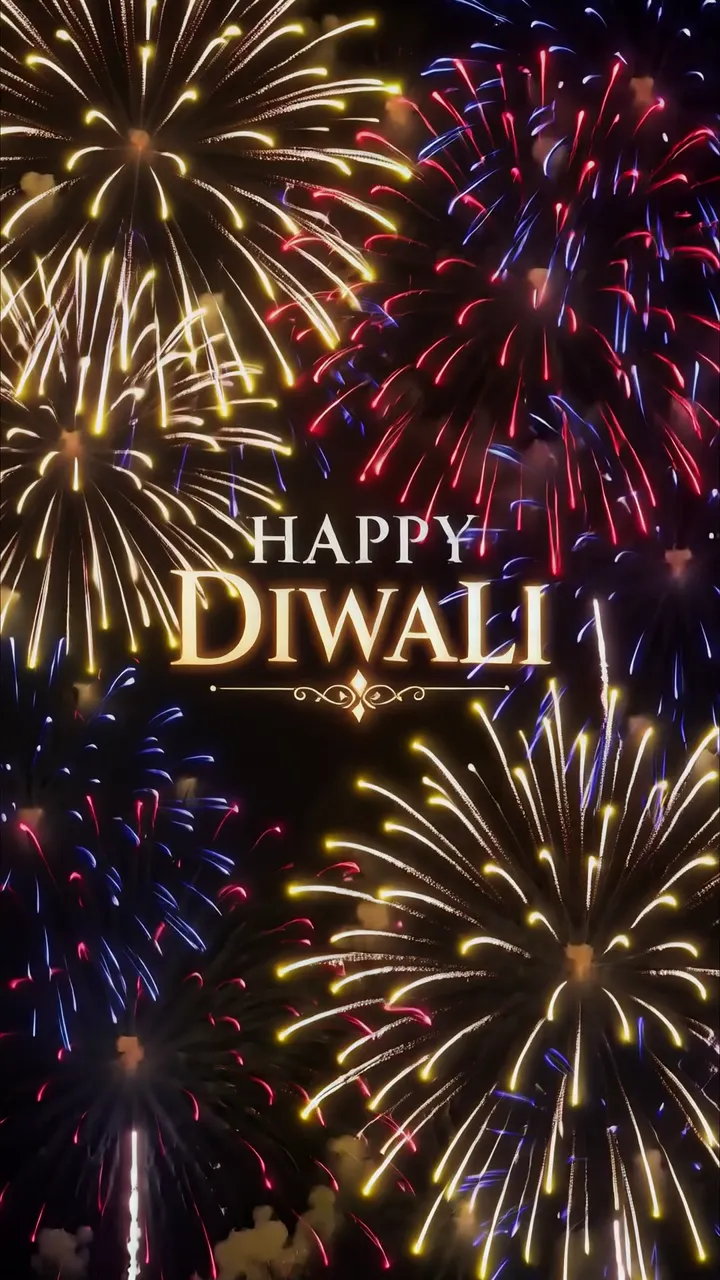
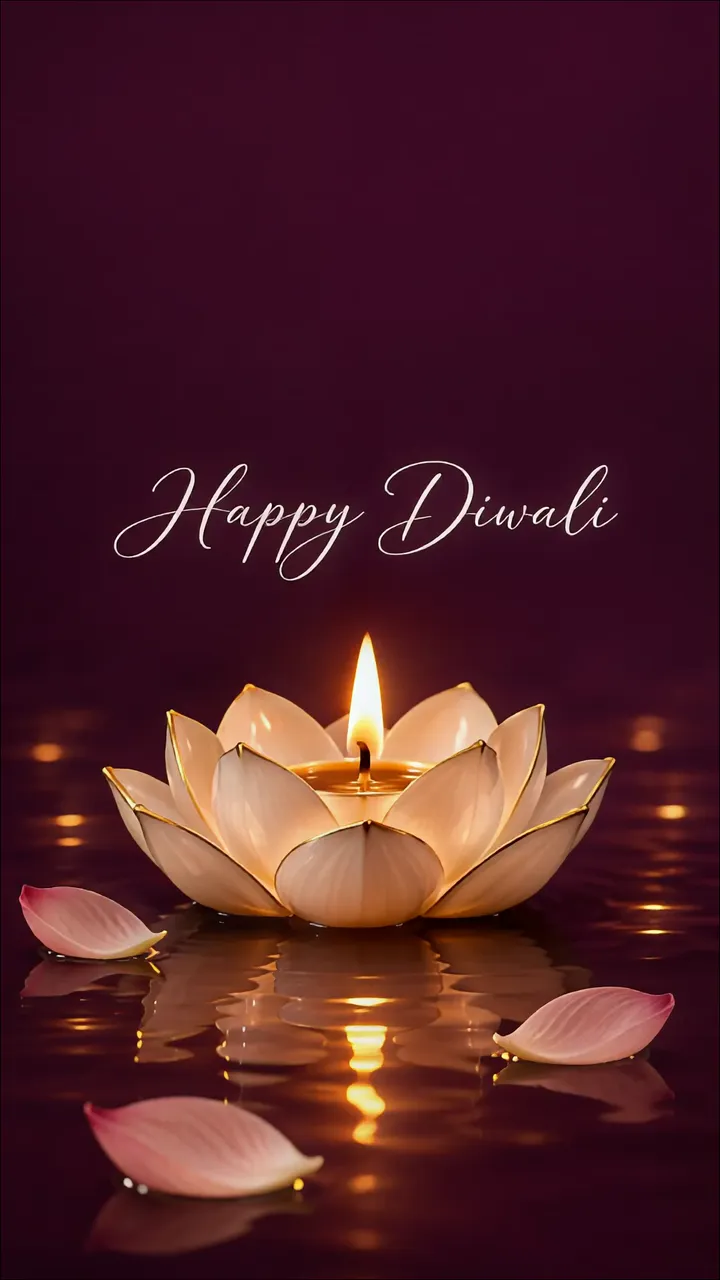
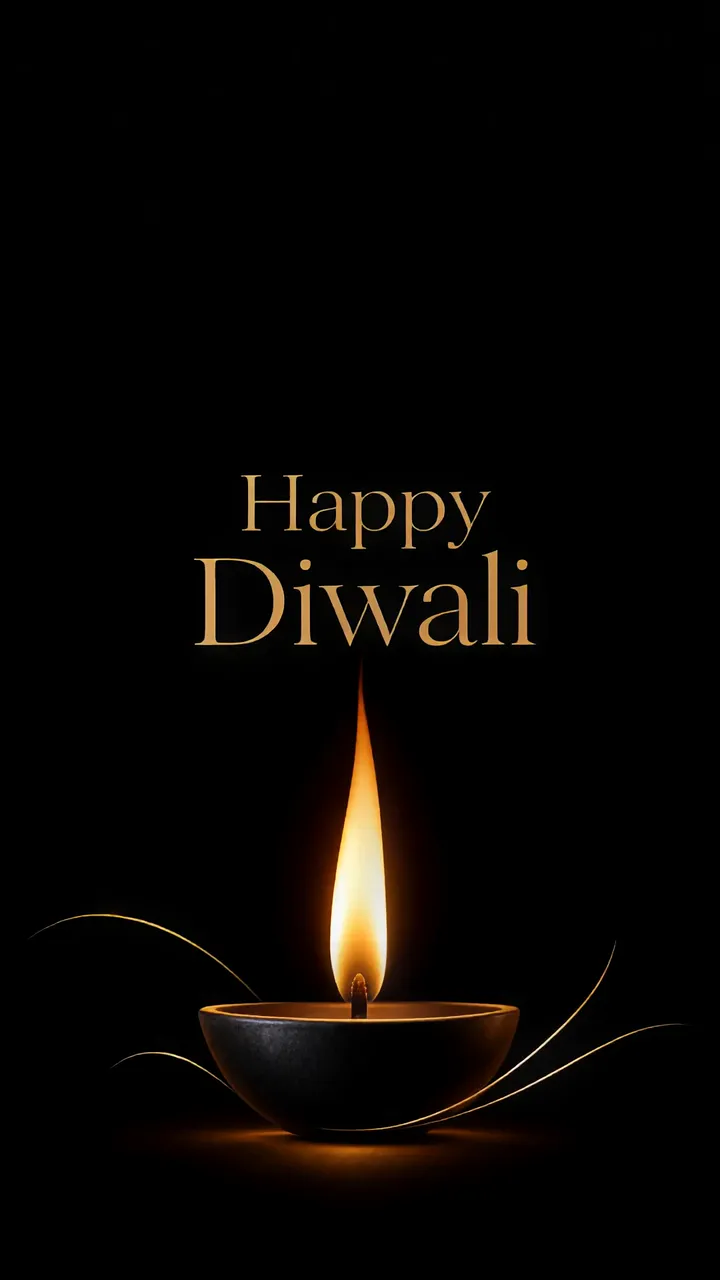
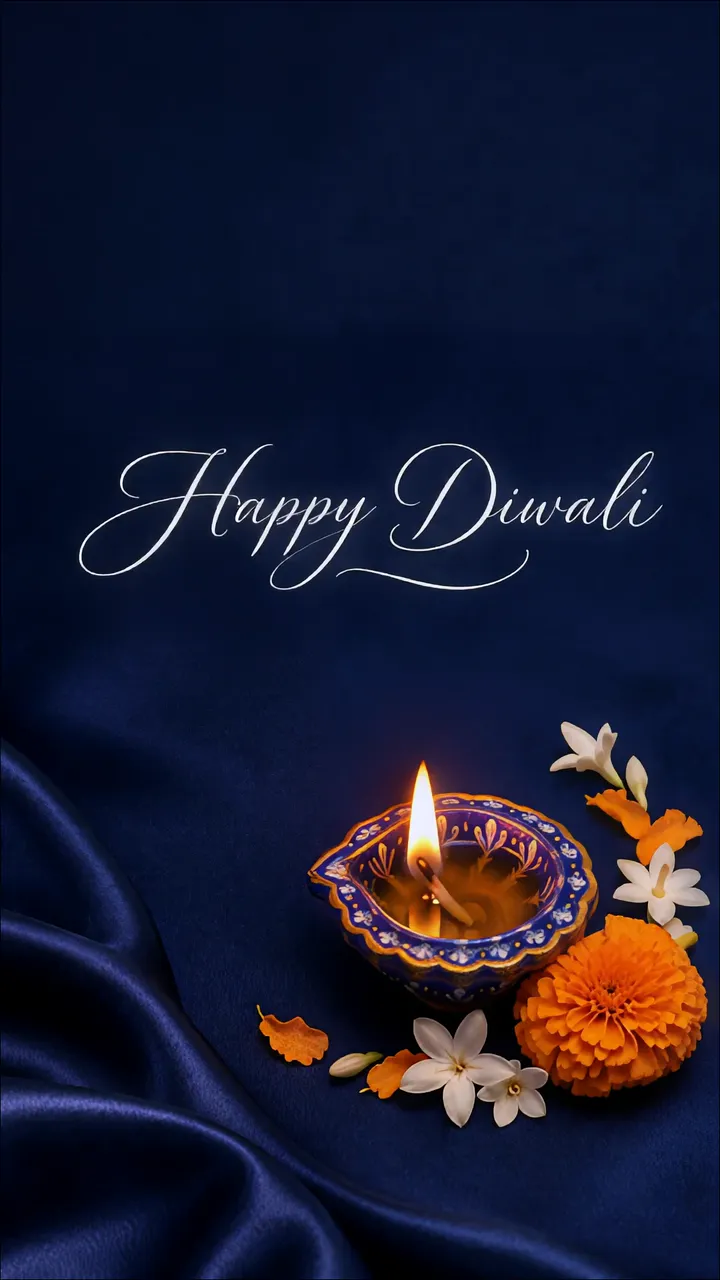
Diwali Festival With Golden Oil Lamps And Floral Arch live wallpaper
How to set it as wallpaper
iPhone
For a still wallpaper, save the cropped JPG to Photos and choose it in Settings → Wallpaper. For an animated Lock Screen on supported models, convert the MP4 to a Live Photo with a compatible app and select it in the wallpaper picker.
Android
For a still wallpaper, open the JPG in your gallery and choose Set as wallpaper. For the MP4, look for a video wallpaper option in your gallery or wallpaper settings. A compatible live wallpaper app can help if your phone has no built-in option.
After saving the converted Live Photo to Photos, open Settings, then Wallpaper, then Add New Wallpaper. Tap Photos, choose Live Photo, select the saved image, turn on the Live Photo effect, and tap Add to apply it to your Lock Screen.
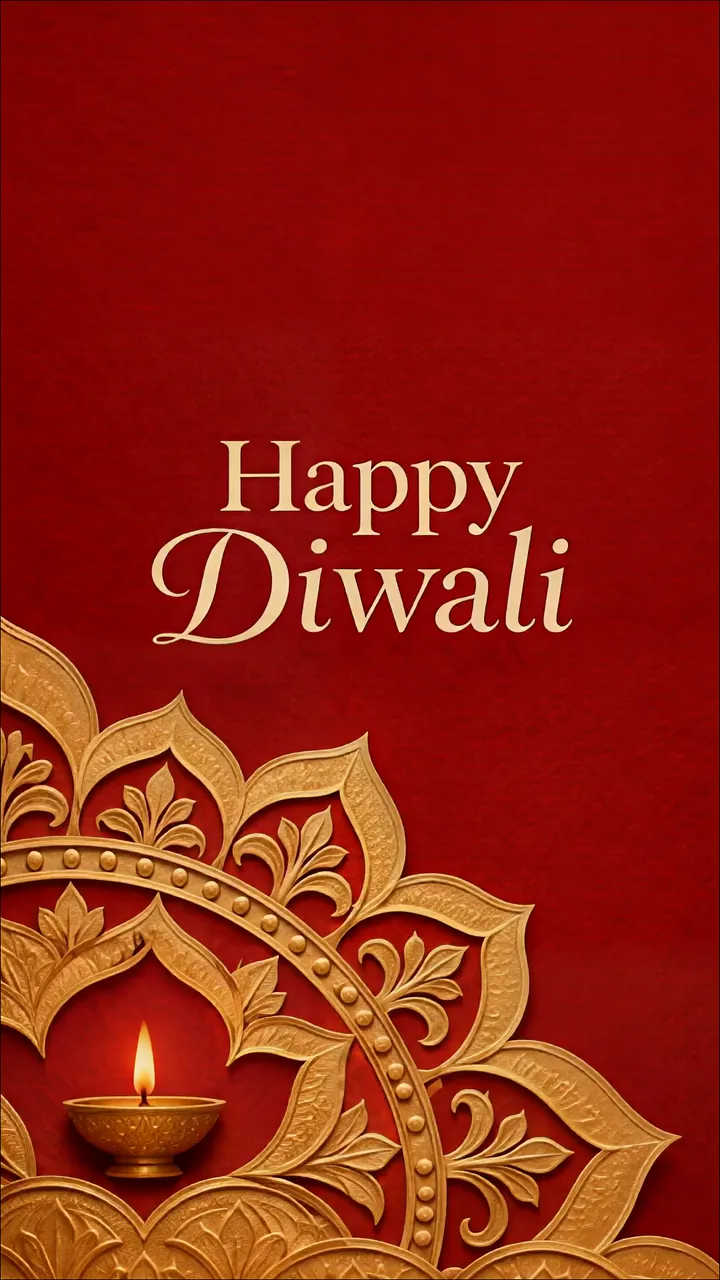
A serene Diwali celebration is depicted with three lit golden oil lamps placed on an intricately carved stone ledge beneath a decorative floral arch. Warm, golden light from the lamps and sunlight filtering through latticework casts soft patterns on the textured wall. White jasmine flowers adorn the arch and ledge, enhancing the festive and spiritual ambiance. The scene is framed by traditional Indian architectural elements, creating a peaceful, culturally rich composition that evokes the warmth and joy of the festival. The visible text 'Happy Diwali' reinforces the celebratory theme.
- Format
- MP4 live wallpaper
- Resolution
- 720P, 1080P
- Duration
- 00:07
- File size
- 2.4 MB
- Category
- Happy Diwali, Diwali Festival, Oil Lamps