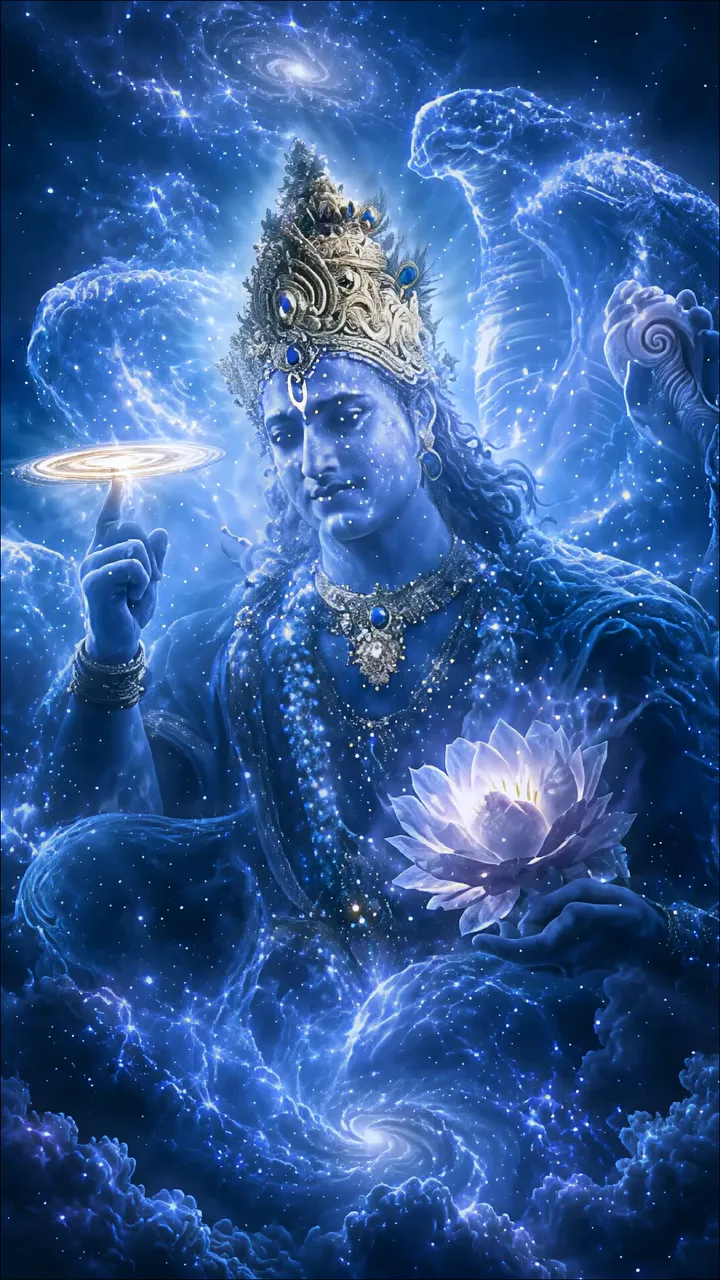
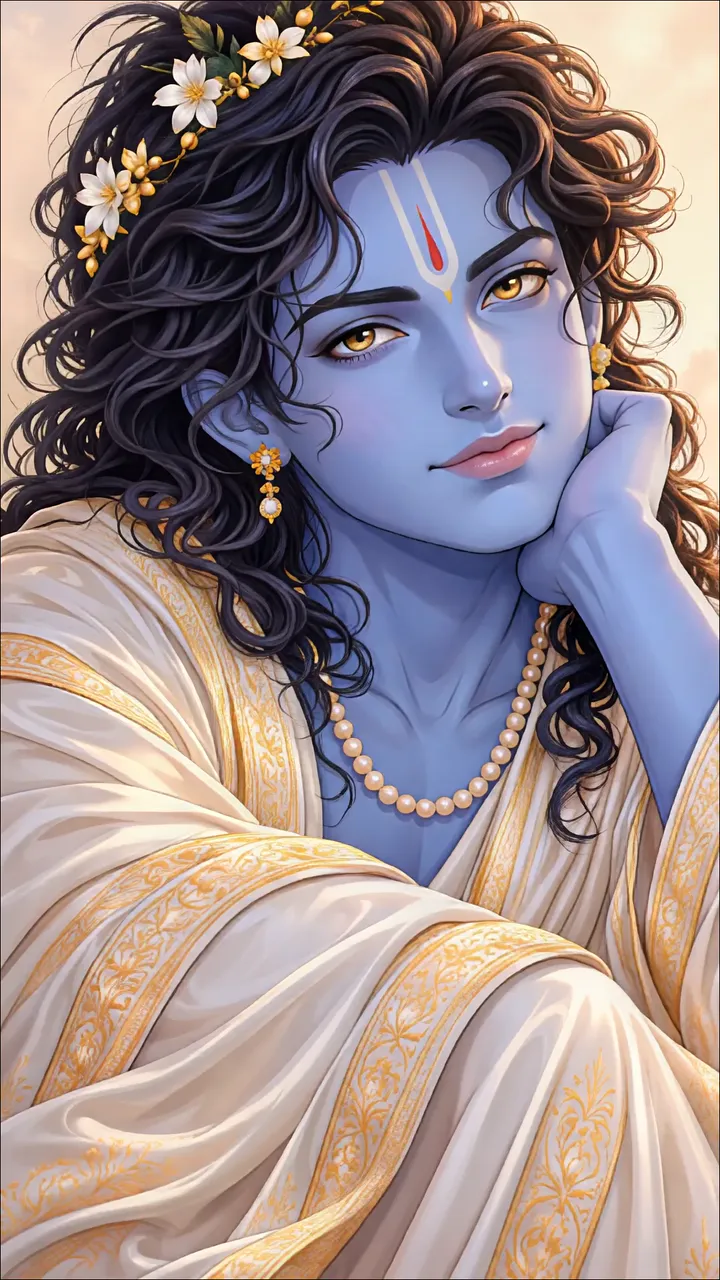
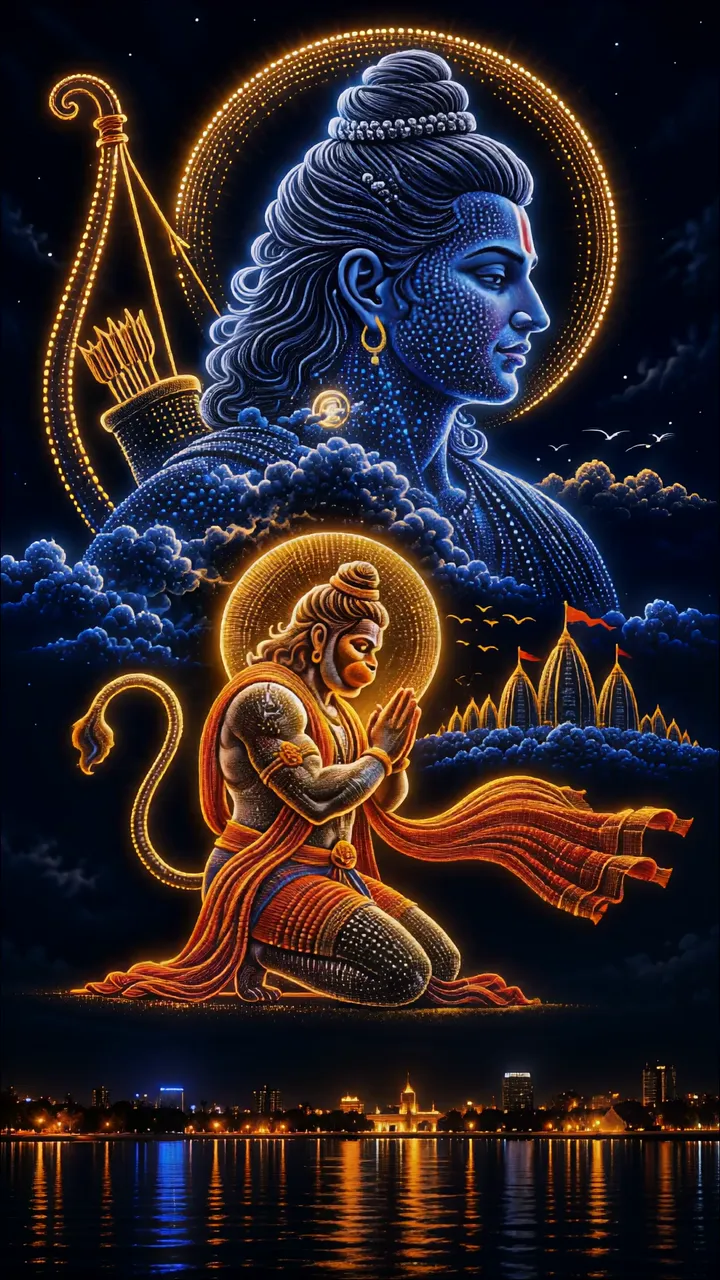
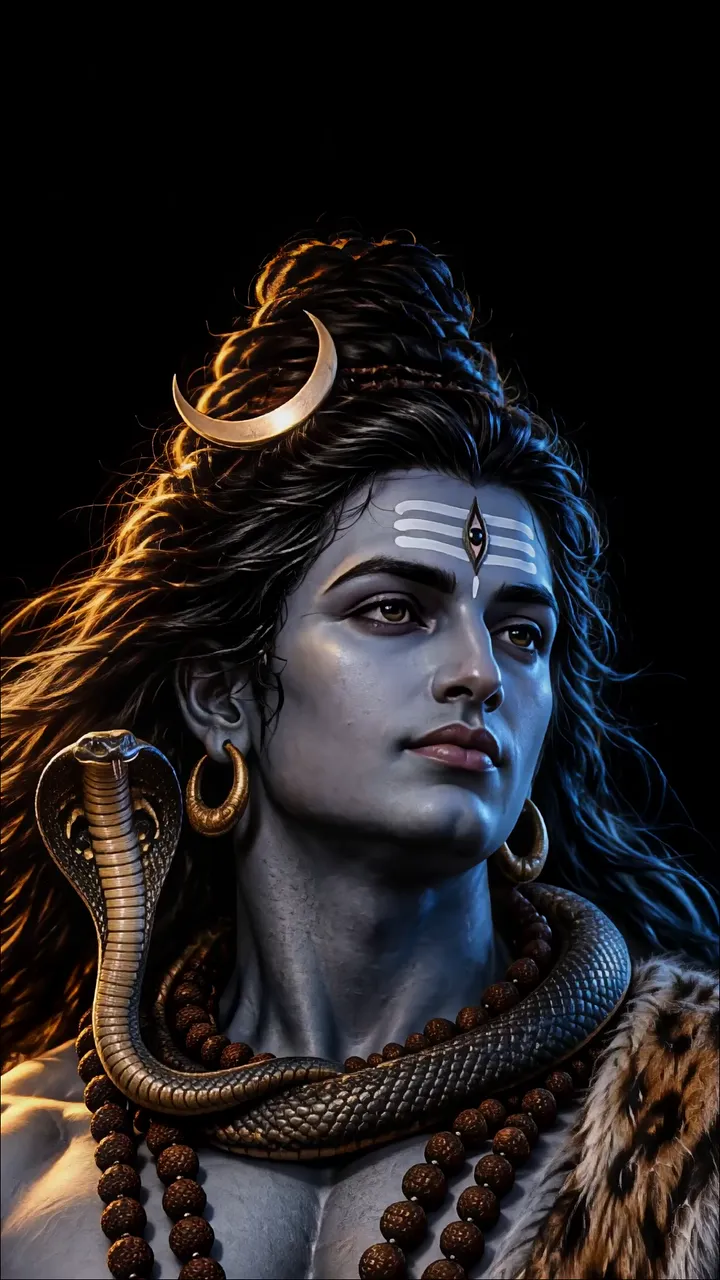
Shiva with Peacock Feather and Golden Moon live wallpaper
How to set it as wallpaper
iPhone
For a still wallpaper, save the cropped JPG to Photos and choose it in Settings → Wallpaper. For an animated Lock Screen on supported models, convert the MP4 to a Live Photo with a compatible app and select it in the wallpaper picker.
Android
For a still wallpaper, open the JPG in your gallery and choose Set as wallpaper. For the MP4, look for a video wallpaper option in your gallery or wallpaper settings. A compatible live wallpaper app can help if your phone has no built-in option.
After saving the converted Live Photo to Photos, open Settings, then Wallpaper, then Add New Wallpaper. Tap Photos, choose Live Photo, select the saved image, turn on the Live Photo effect, and tap Add to apply it to your Lock Screen.
A divine depiction of Shiva, identifiable by his blue skin, third eye, and peacock feather in his hair, stands gracefully against a cracked golden moon backdrop. He wears ornate golden jewelry and a flowing orange-yellow drape with blue paint drips, surrounded by white and blue blossoms. The composition blends spiritual iconography with painterly textures, using rich golds, deep blues, and soft lighting to create a serene, reverent atmosphere. The image captures a static, contemplative pose, emphasizing the deity’s calm presence and the symbolic elements of nature and divinity.
- Format
- MP4 live wallpaper
- Resolution
- 720P, 1080P
- Duration
- 00:08
- File size
- 9.4 MB
- Category
- Shiva, Hindu God, Peacock Feather