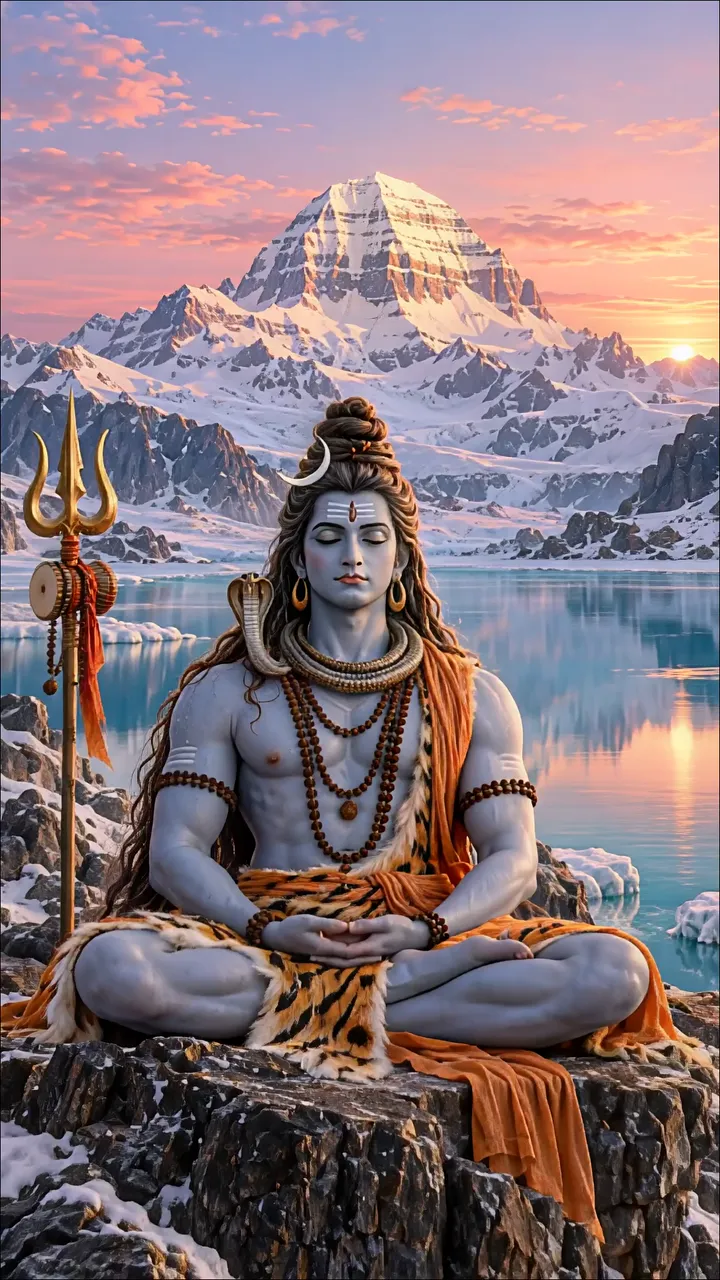
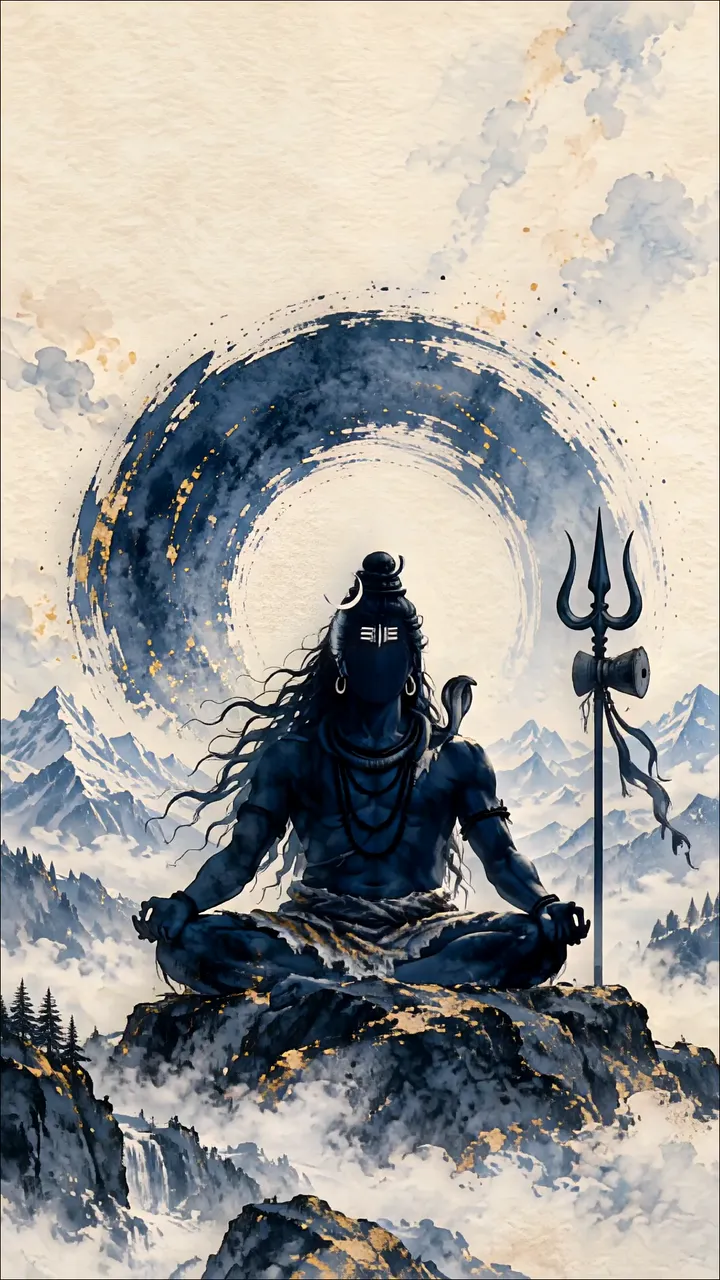
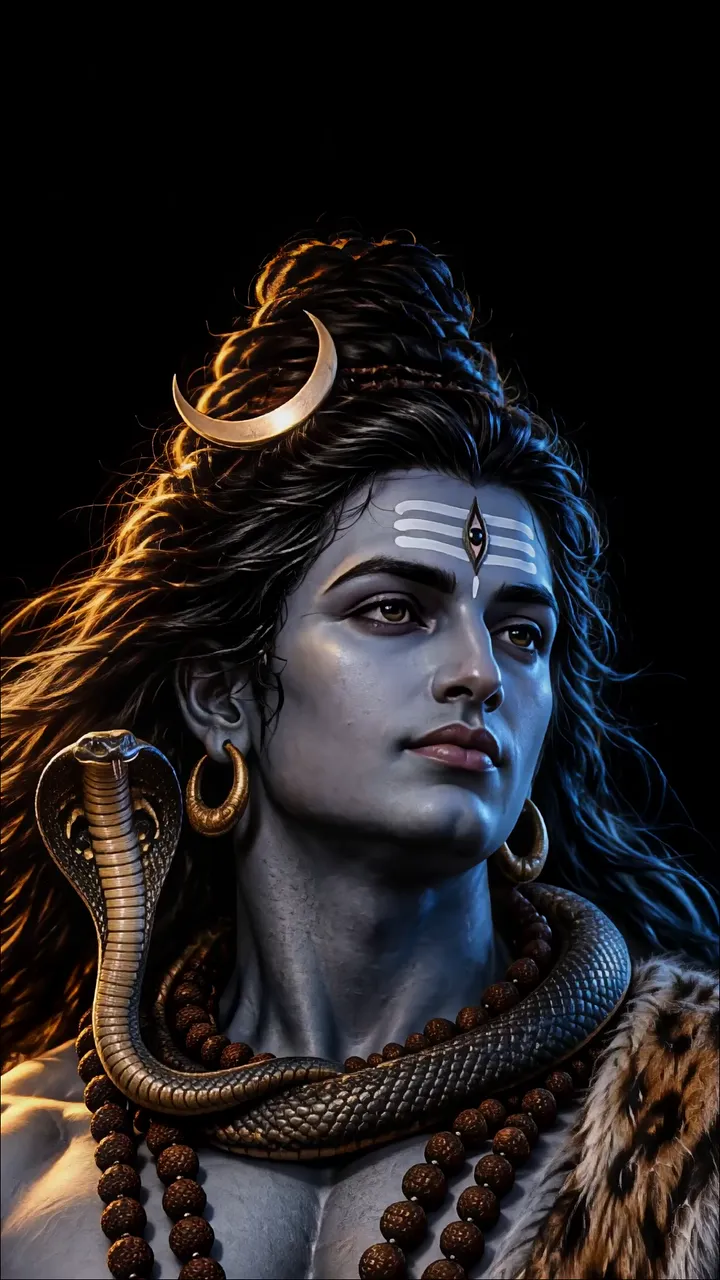
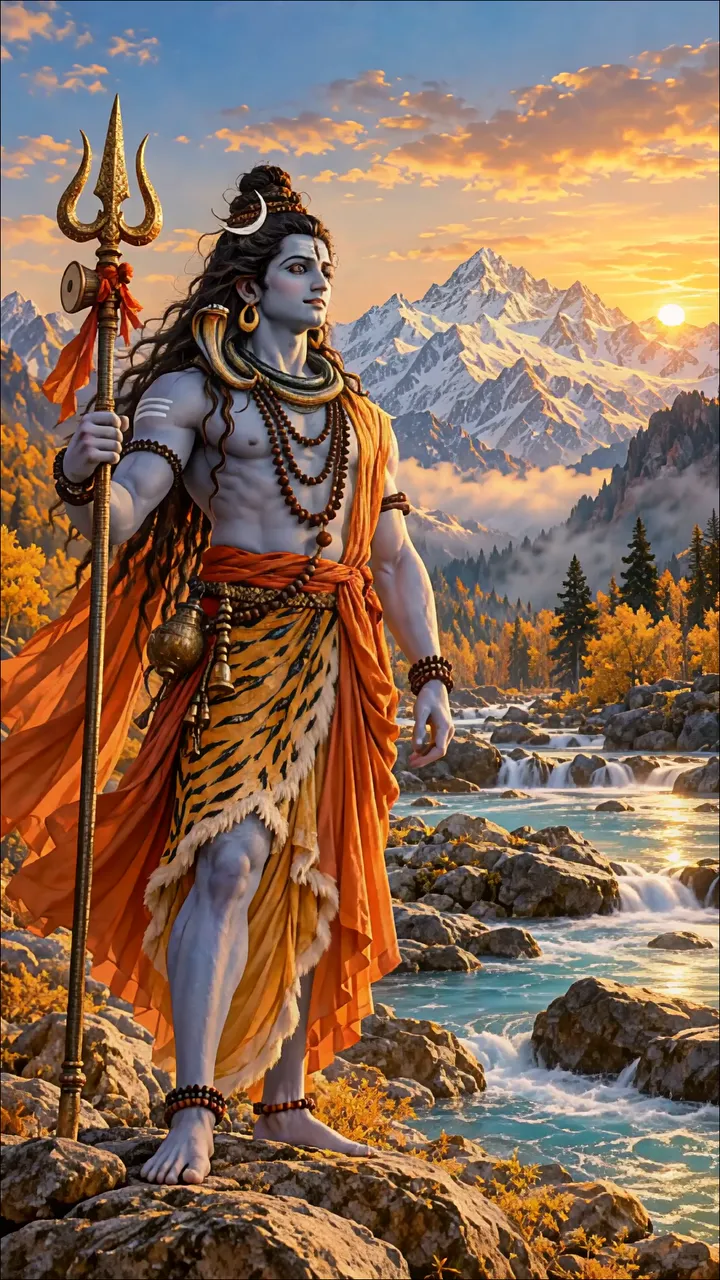
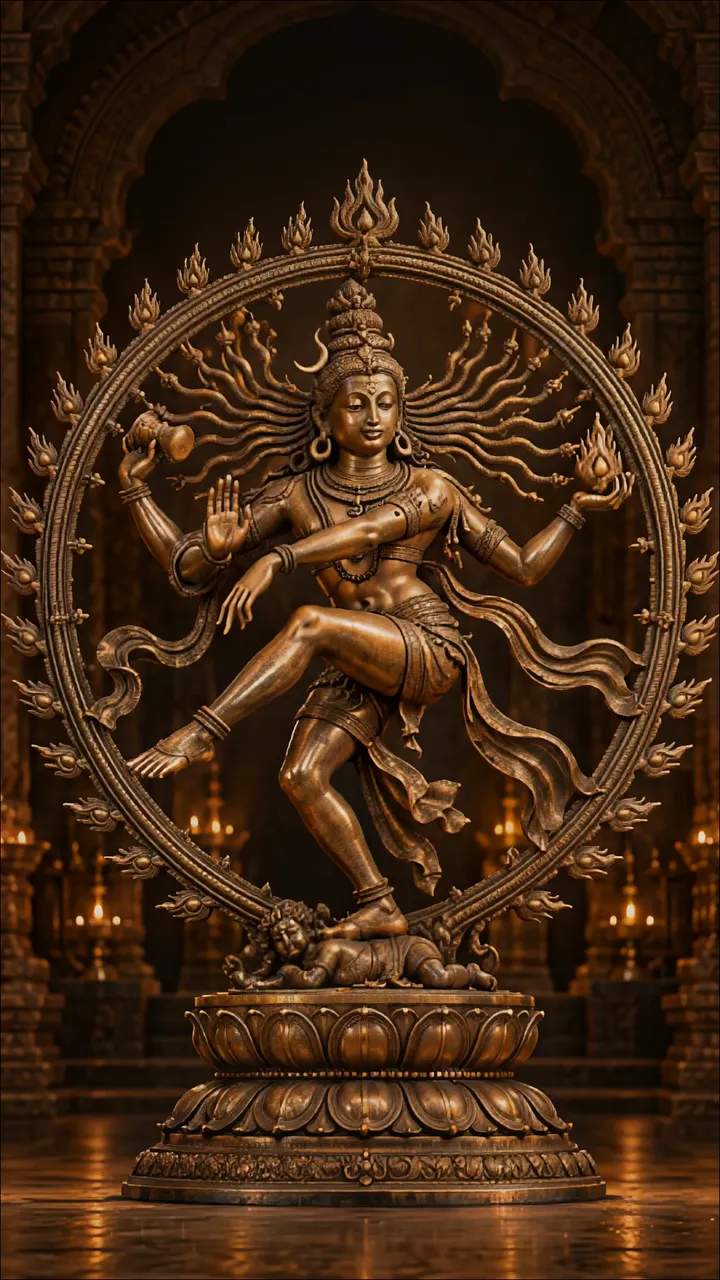
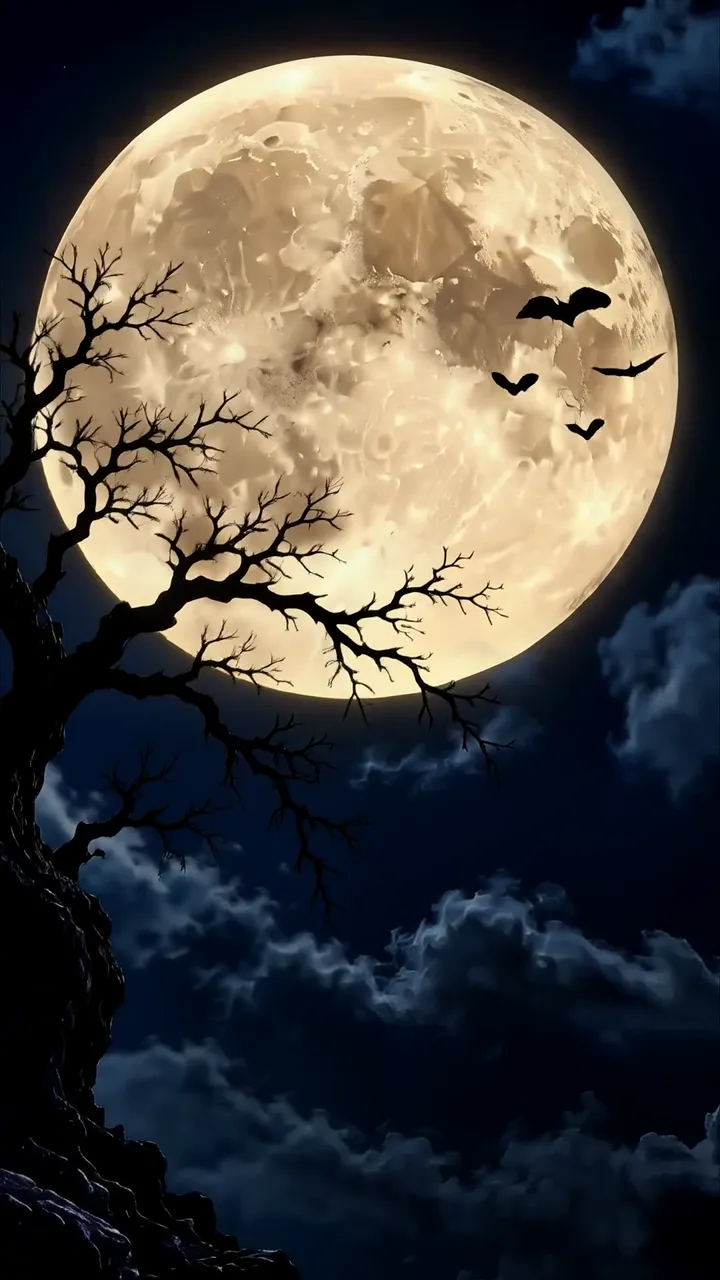
Shiva Adiyogi Meditating Under A Full Moon In Snowy Mountains live wallpaper
How to set it as wallpaper
iPhone
For a still wallpaper, save the cropped JPG to Photos and choose it in Settings → Wallpaper. For an animated Lock Screen on supported models, convert the MP4 to a Live Photo with a compatible app and select it in the wallpaper picker.
Android
For a still wallpaper, open the JPG in your gallery and choose Set as wallpaper. For the MP4, look for a video wallpaper option in your gallery or wallpaper settings. A compatible live wallpaper app can help if your phone has no built-in option.
After saving the converted Live Photo to Photos, open Settings, then Wallpaper, then Add New Wallpaper. Tap Photos, choose Live Photo, select the saved image, turn on the Live Photo effect, and tap Add to apply it to your Lock Screen.
A colossal statue of Shiva, the Adiyogi, meditates peacefully atop a rocky outcrop under a full moon and starry night sky. His serene face, adorned with a crescent moon and third eye, gazes upward as snow-capped mountains and a reflective lake form a majestic backdrop. The scene blends divine stillness with natural grandeur, emphasizing the spiritual atmosphere through cool blue tones and soft moonlight. The composition highlights Shiva’s meditative posture and the tranquil mountain environment, creating a powerful visual of cosmic harmony and inner peace.
- Format
- MP4 live wallpaper
- Resolution
- 720P, 1080P
- Duration
- 00:10
- File size
- 6.6 MB
- Category
- Shiv Ji, Adiyogi, Shiva