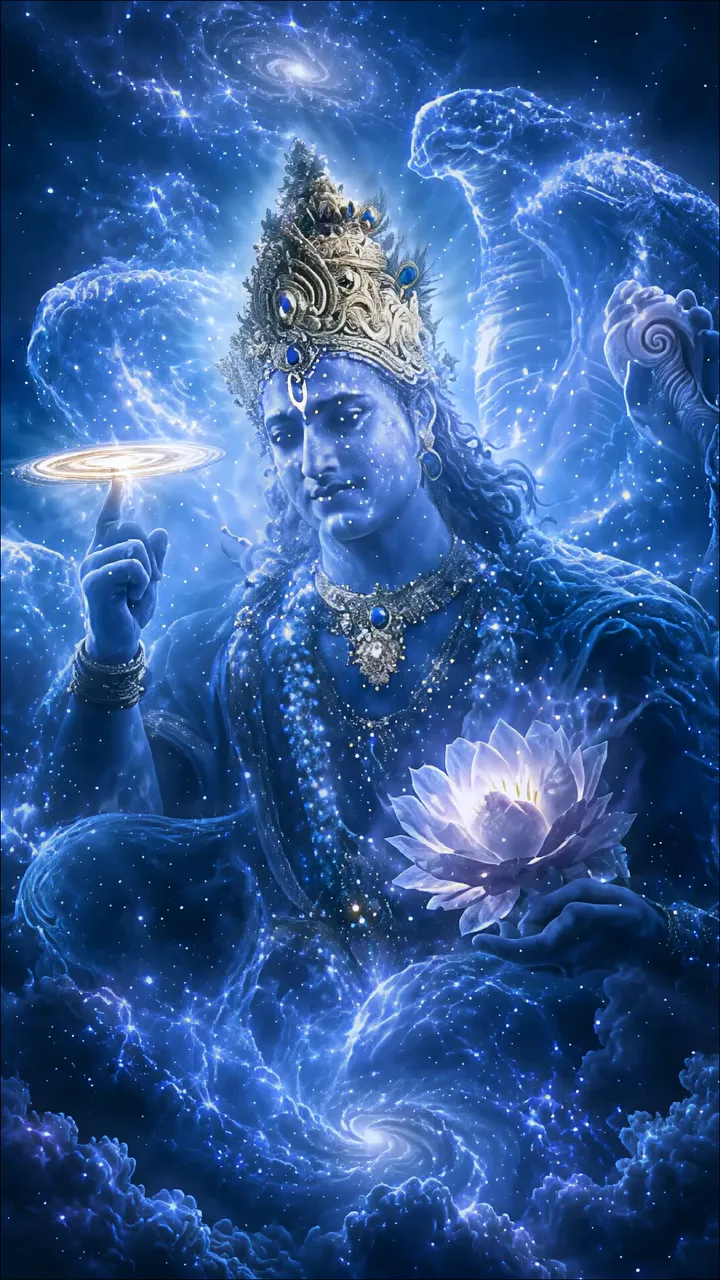
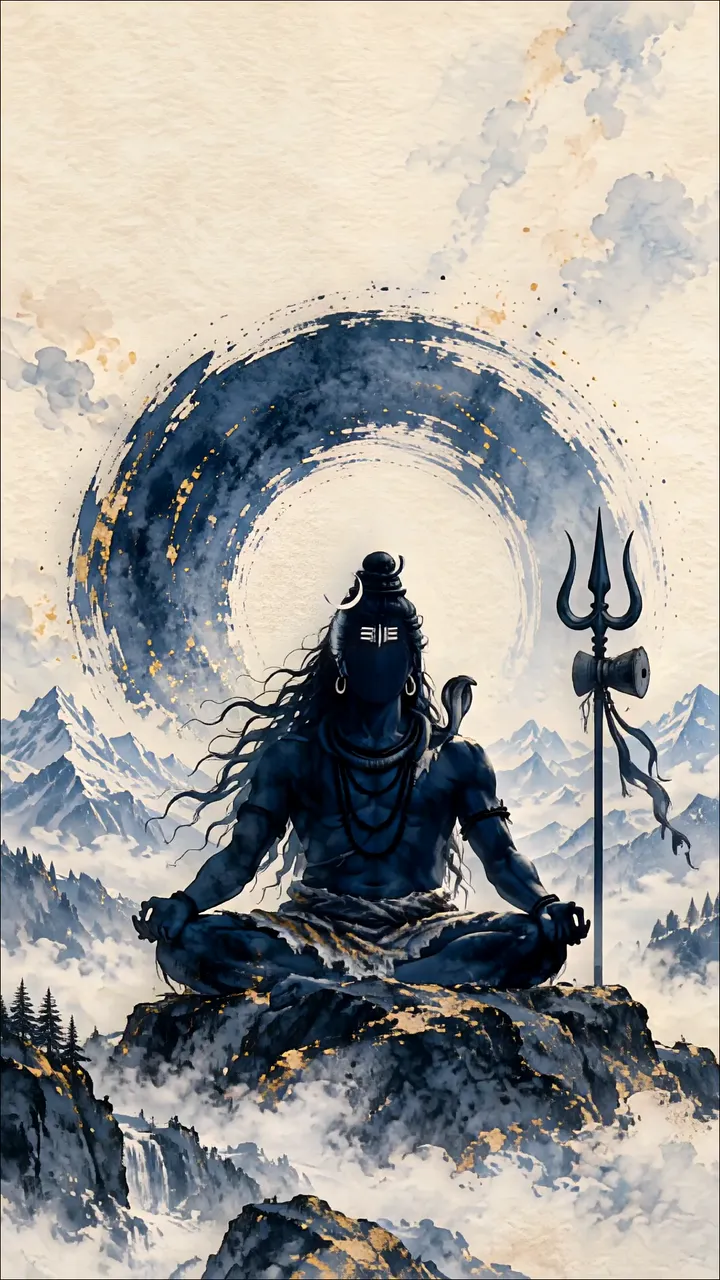
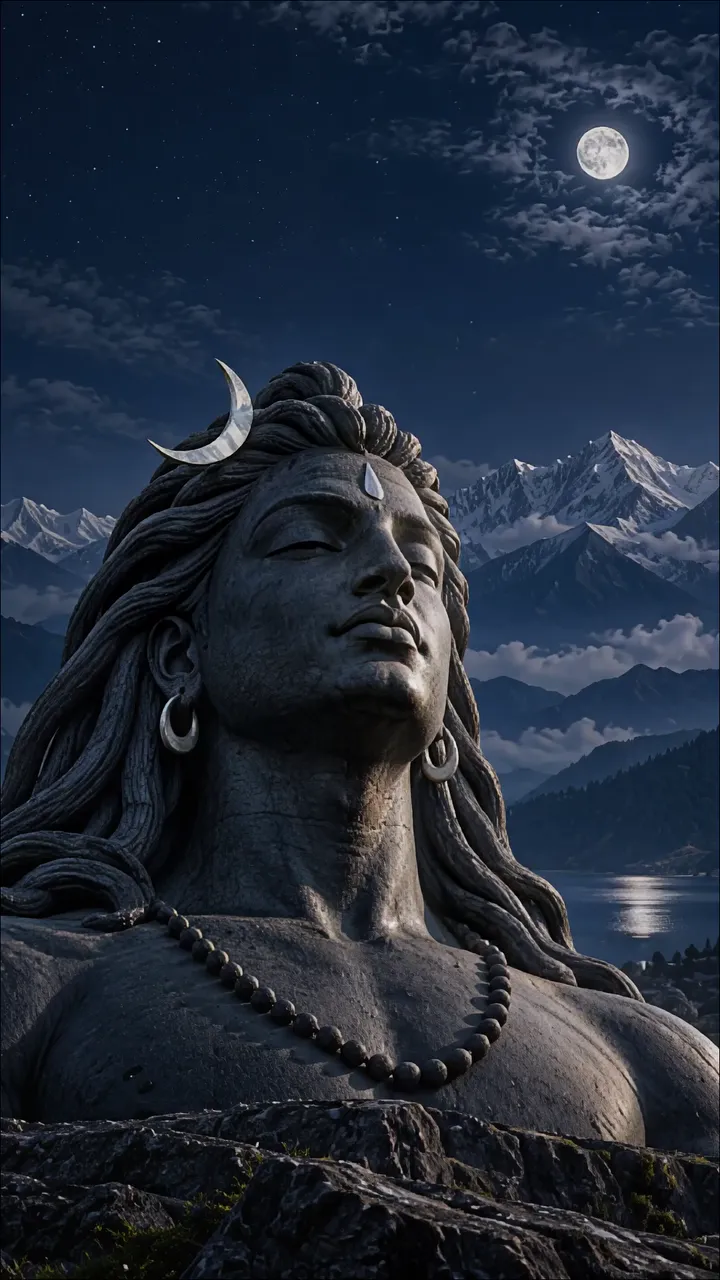
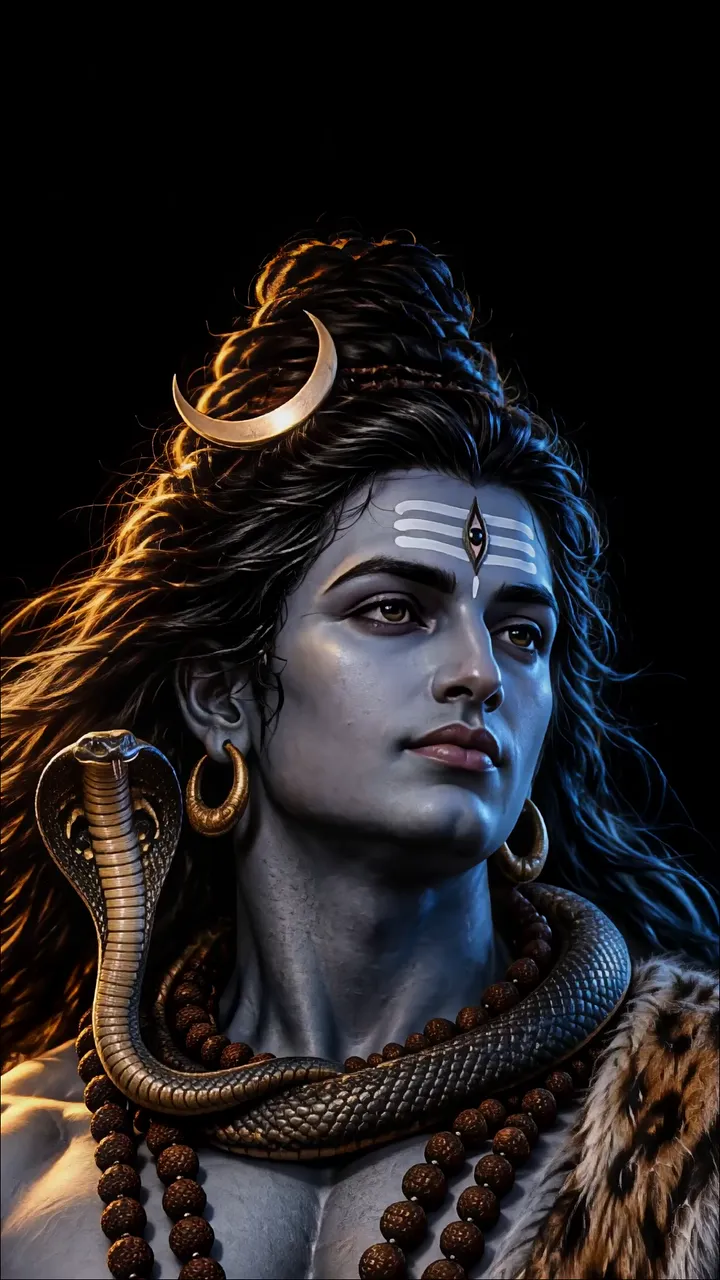
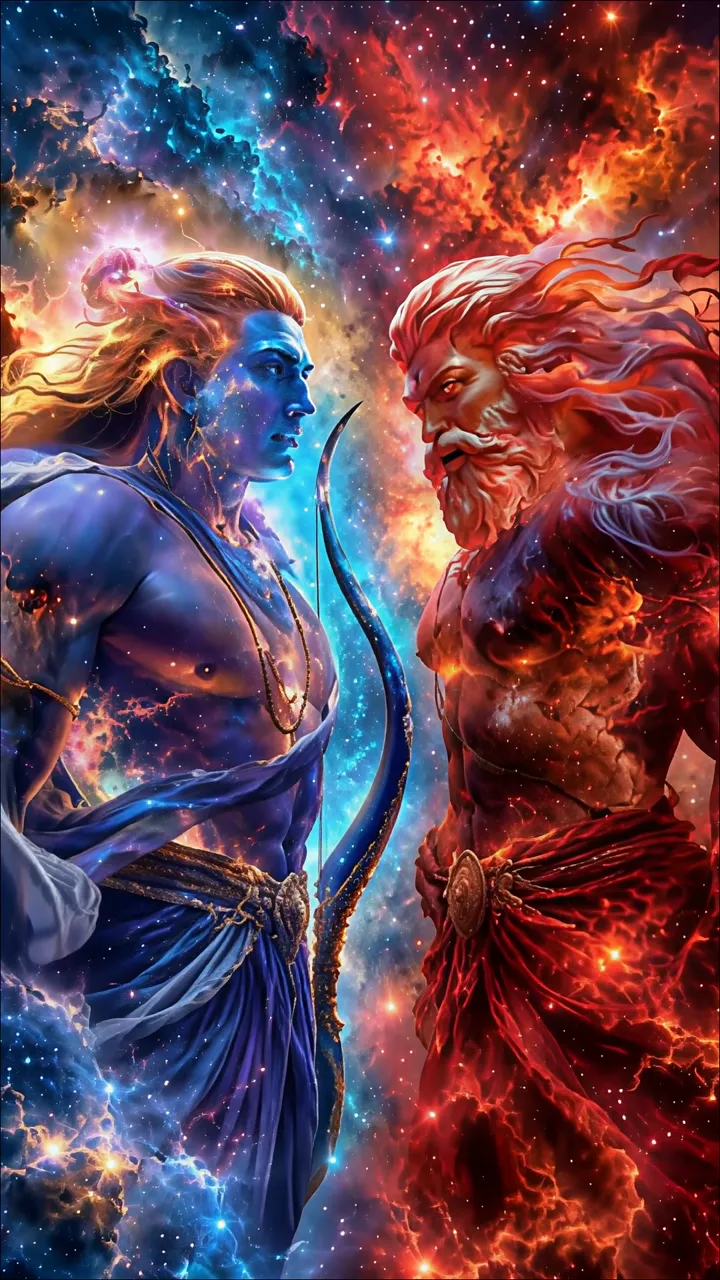
Shiva With Trishul And Nandi In A Cosmic Night Scene live wallpaper
How to set it as wallpaper
iPhone
For a still wallpaper, save the cropped JPG to Photos and choose it in Settings → Wallpaper. For an animated Lock Screen on supported models, convert the MP4 to a Live Photo with a compatible app and select it in the wallpaper picker.
Android
For a still wallpaper, open the JPG in your gallery and choose Set as wallpaper. For the MP4, look for a video wallpaper option in your gallery or wallpaper settings. A compatible live wallpaper app can help if your phone has no built-in option.
After saving the converted Live Photo to Photos, open Settings, then Wallpaper, then Add New Wallpaper. Tap Photos, choose Live Photo, select the saved image, turn on the Live Photo effect, and tap Add to apply it to your Lock Screen.
A divine cosmic night scene features Shiva in profile with blue skin, adorned with a golden halo and holding a Trishul, while Nandi kneels in prayer below. Both figures are rendered with glowing golden outlines against a dark sky filled with stars and clouds. In the background, a city skyline reflects on a calm water surface, blending urban lights with the spiritual atmosphere. The composition combines celestial grandeur with earthly elements, highlighted by the warm golden glow surrounding the deities and the cool blue tones of the night sky and Shiva’s skin, creating a powerful and balanced visual narrative.
- Format
- MP4 live wallpaper
- Resolution
- 720P, 1080P
- Duration
- 00:10
- File size
- 13.9 MB
- Category
- Shiva, Trishul, Nandi