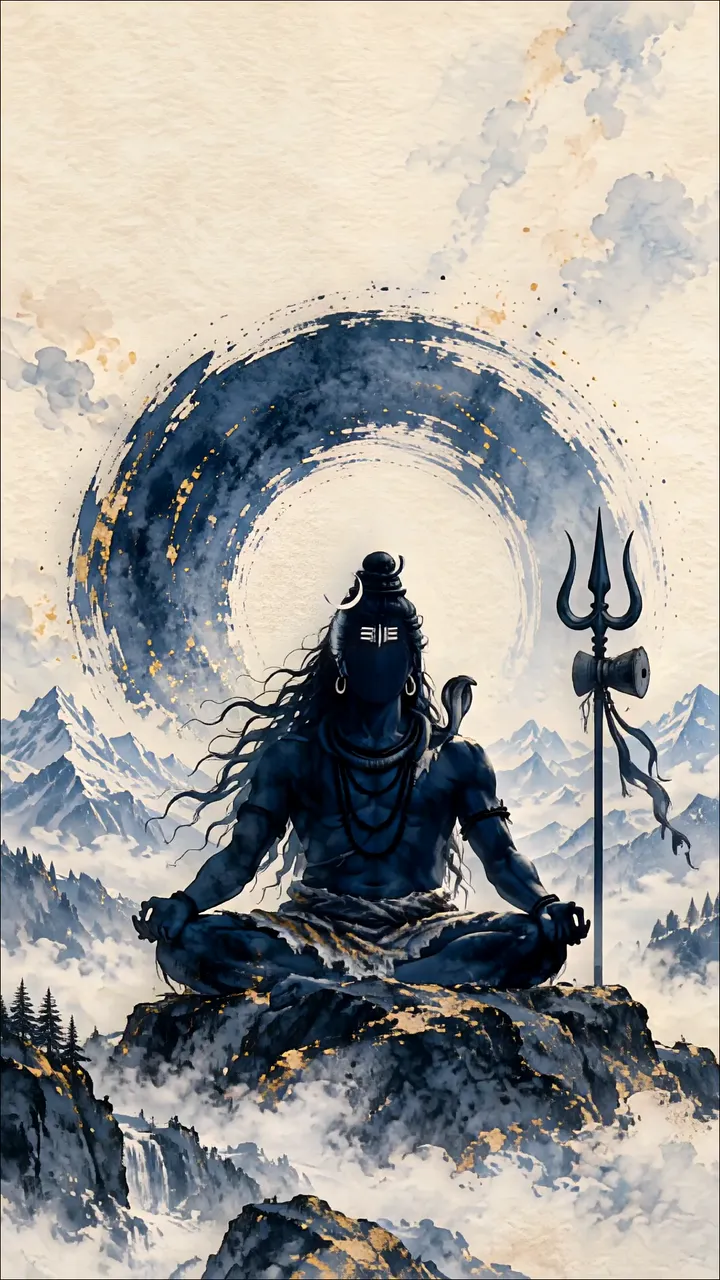
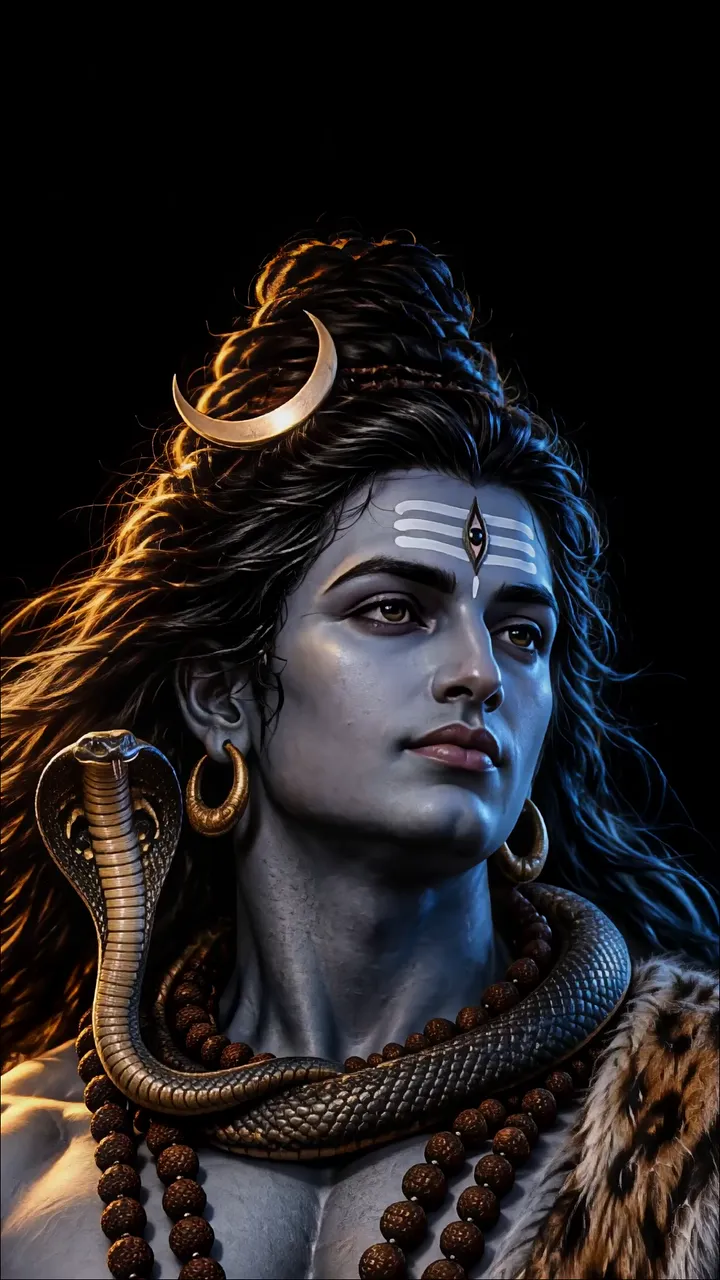
Shiva With Parvati In Meditative Embrace live wallpaper
How to set it as wallpaper
iPhone
For a still wallpaper, save the cropped JPG to Photos and choose it in Settings → Wallpaper. For an animated Lock Screen on supported models, convert the MP4 to a Live Photo with a compatible app and select it in the wallpaper picker.
Android
For a still wallpaper, open the JPG in your gallery and choose Set as wallpaper. For the MP4, look for a video wallpaper option in your gallery or wallpaper settings. A compatible live wallpaper app can help if your phone has no built-in option.
After saving the converted Live Photo to Photos, open Settings, then Wallpaper, then Add New Wallpaper. Tap Photos, choose Live Photo, select the saved image, turn on the Live Photo effect, and tap Add to apply it to your Lock Screen.
Shiva, depicted with blue skin and adorned with a cobra and beads, sits in deep meditation while Parvati rests her head gently on his shoulder, clad in a rich red sari with gold embroidery. A golden trishul stands beside them, framed by an ornate leafy arch. The scene is set against a dark background, emphasizing the divine figures and their sacred symbolism. The composition conveys profound serenity and spiritual union, with soft lighting highlighting their peaceful expressions and intricate attire. The image captures a moment of quiet devotion and eternal companionship between the Hindu deity and his consort.
- Format
- MP4 live wallpaper
- Resolution
- 720P, 1080P
- Duration
- 00:07
- File size
- 2.9 MB
- Category
- Shiva, Parvati, Hindu God