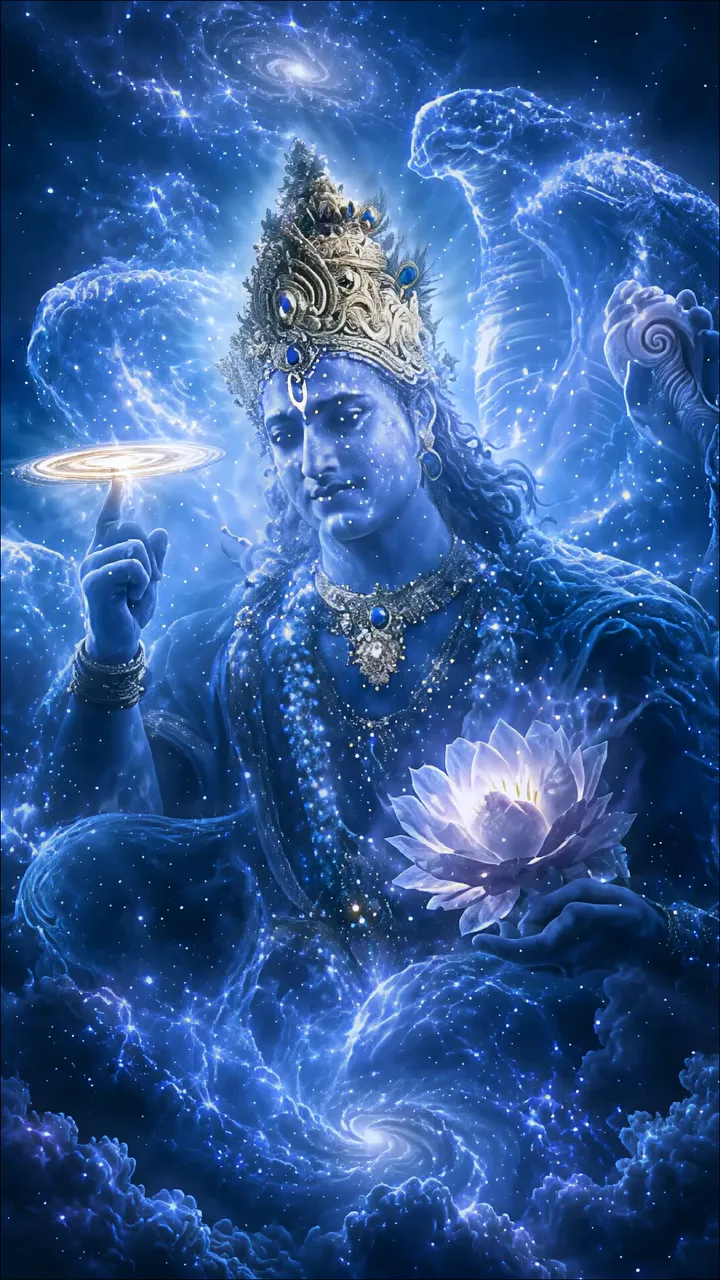
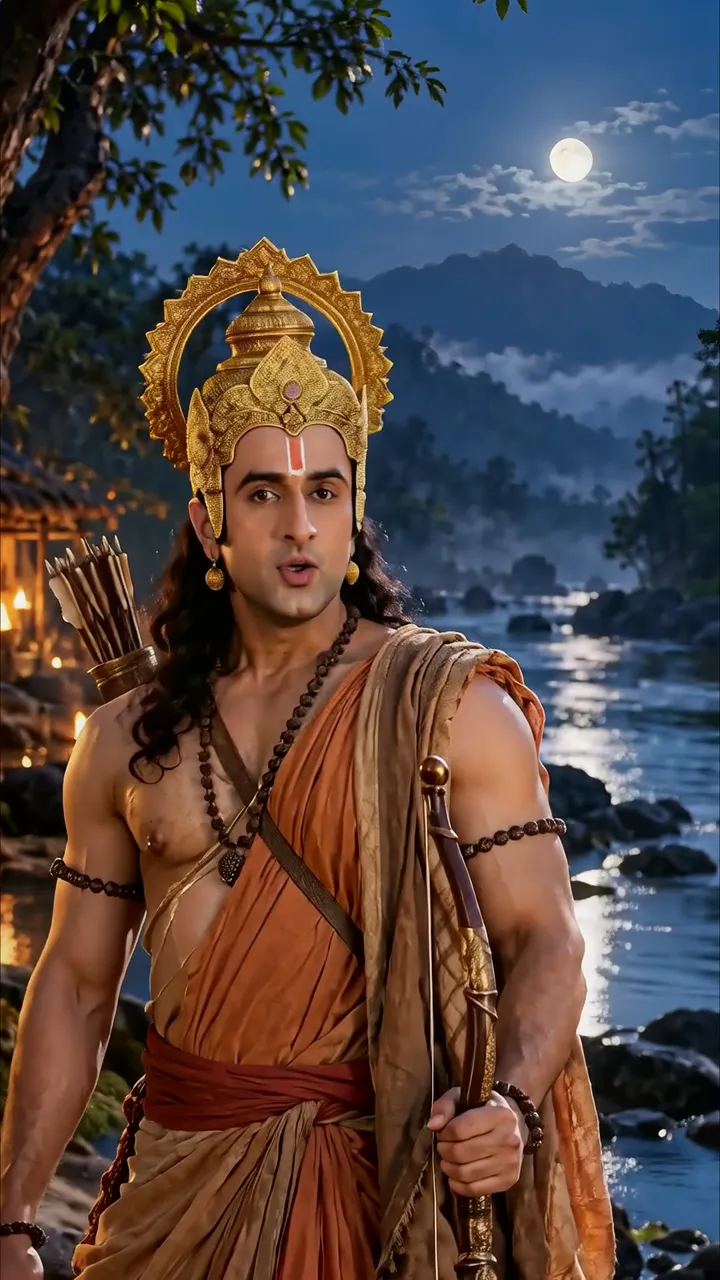
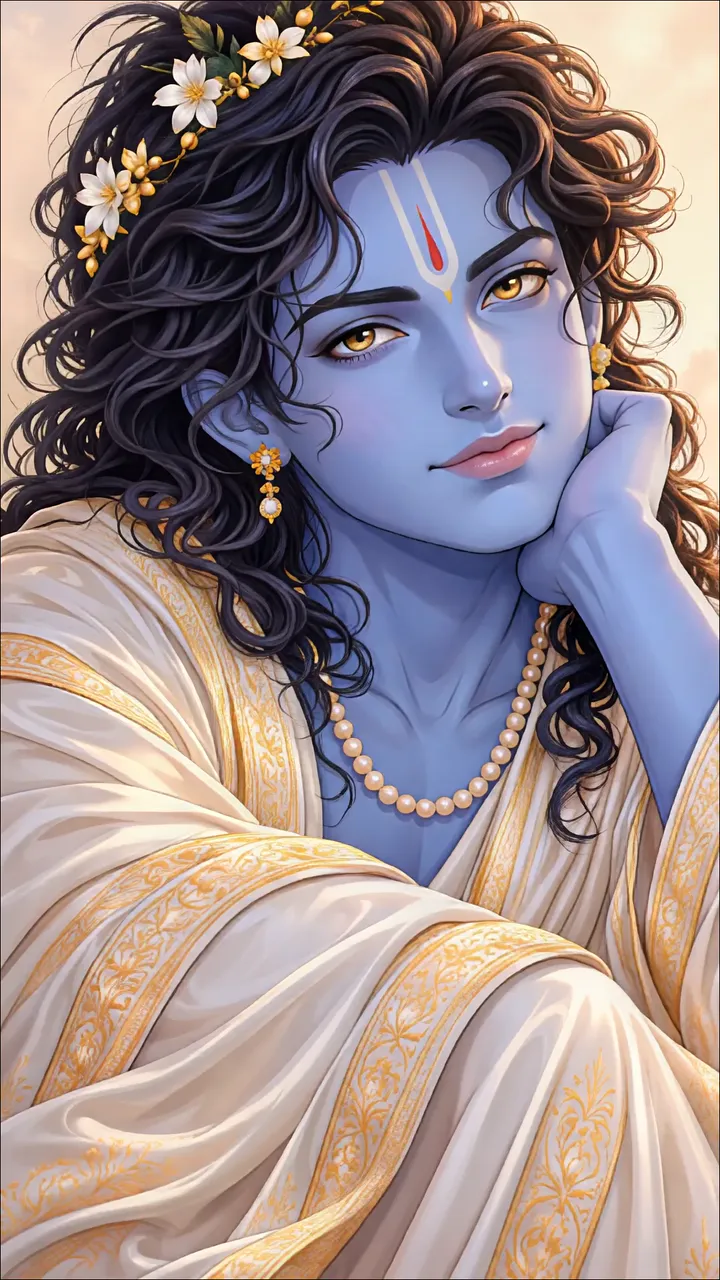
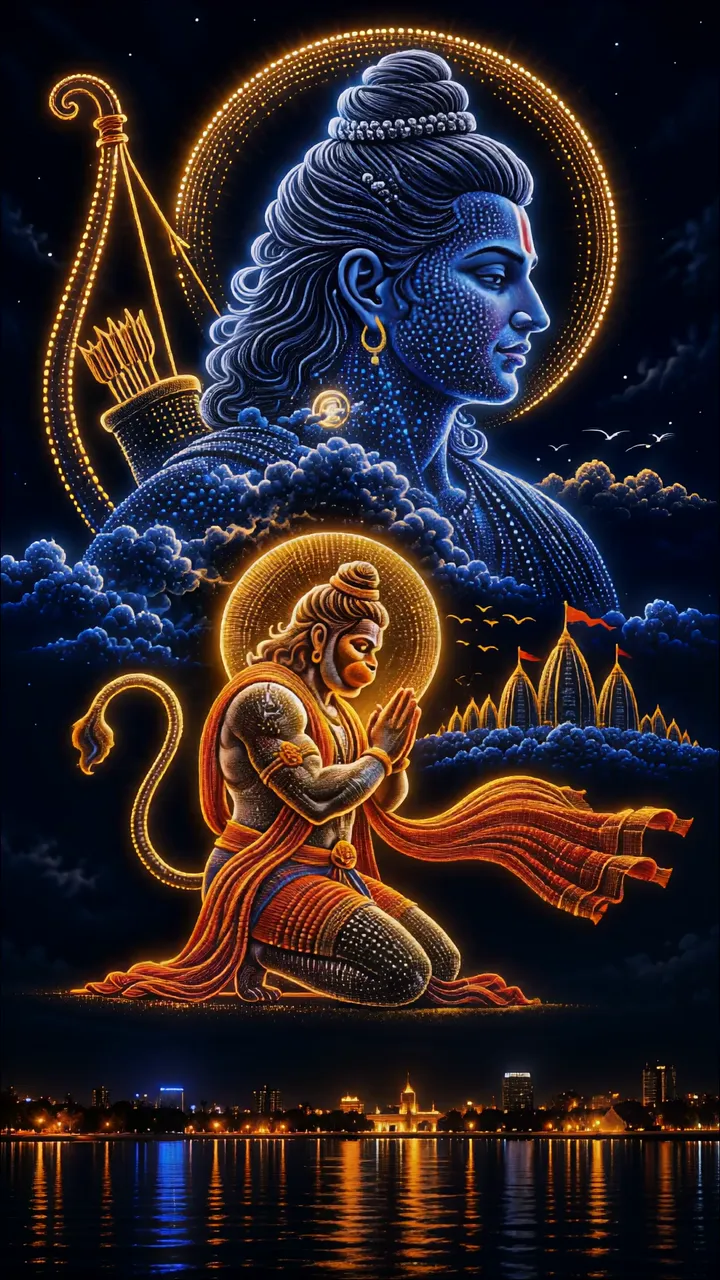
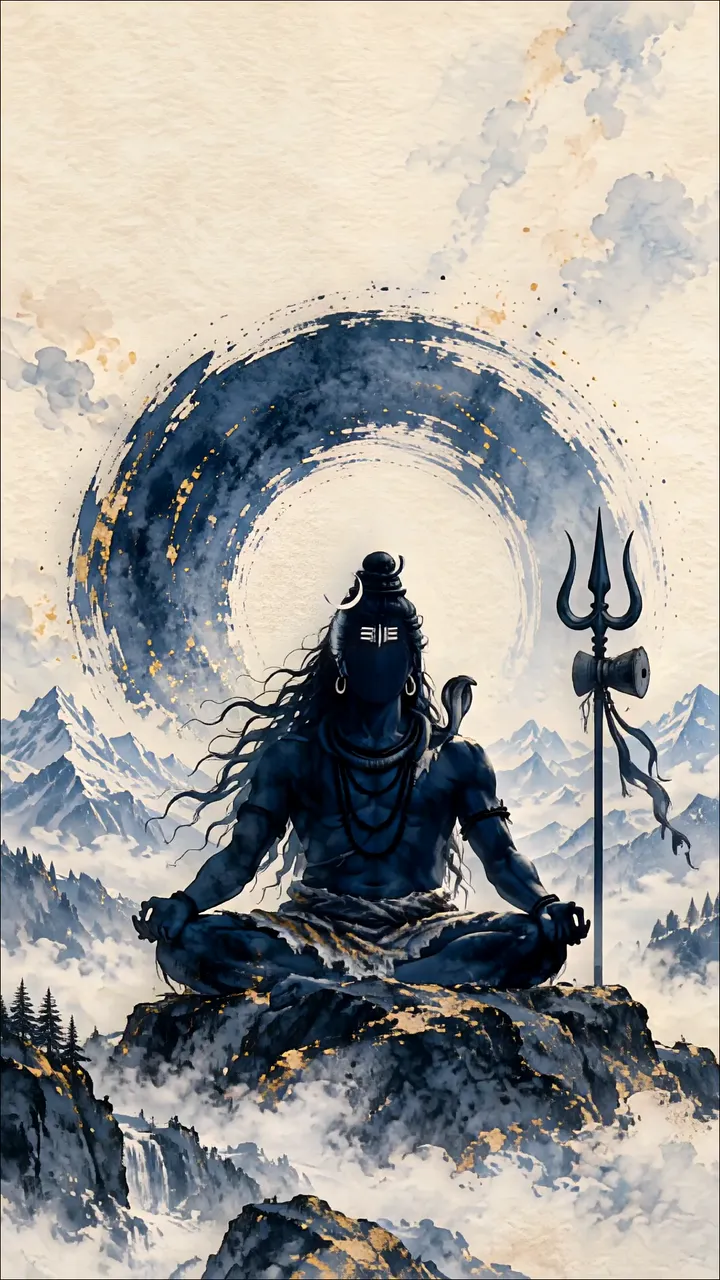
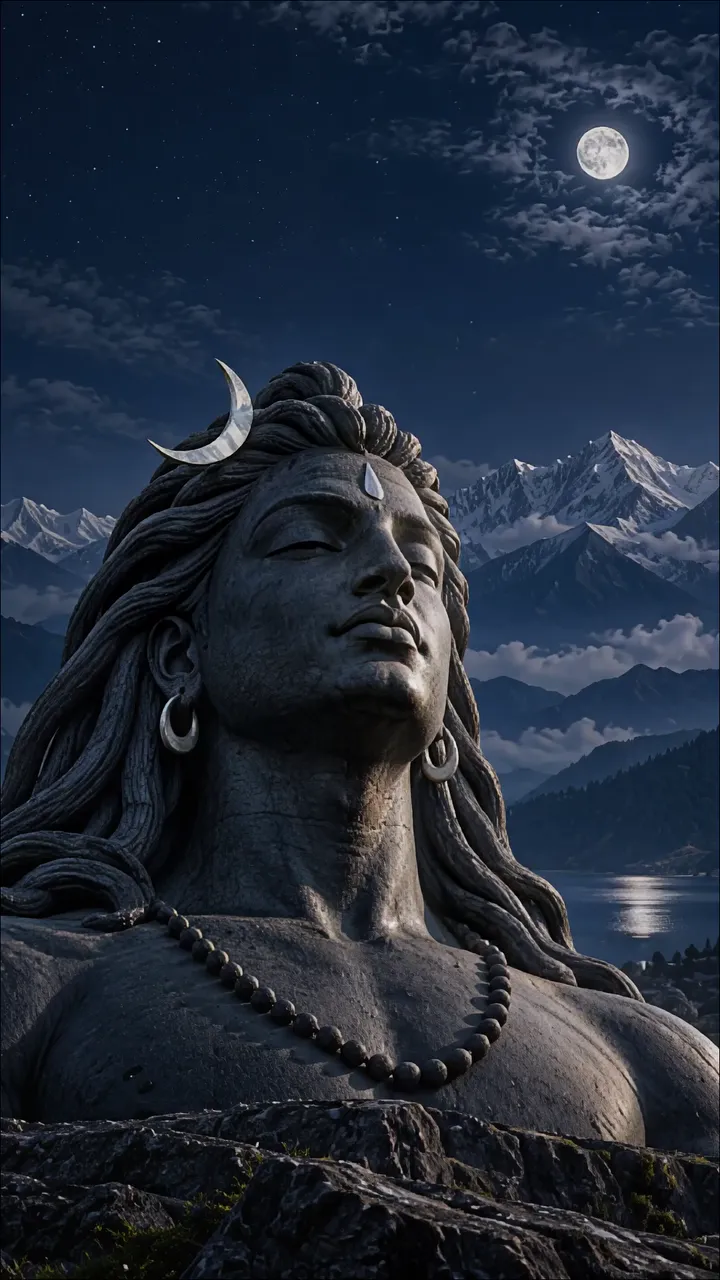
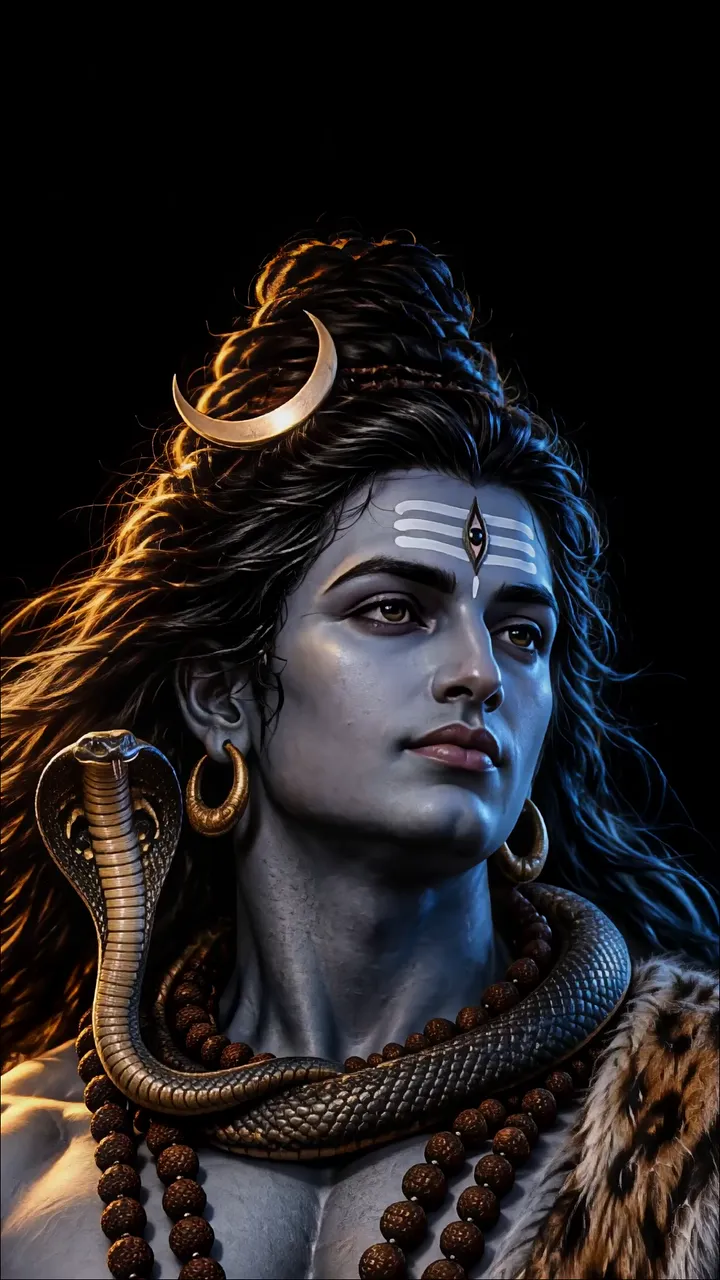
Shiva Meditation With Trishul And Blue Aura live wallpaper
How to set it as wallpaper
iPhone
For a still wallpaper, save the cropped JPG to Photos and choose it in Settings → Wallpaper. For an animated Lock Screen on supported models, convert the MP4 to a Live Photo with a compatible app and select it in the wallpaper picker.
Android
For a still wallpaper, open the JPG in your gallery and choose Set as wallpaper. For the MP4, look for a video wallpaper option in your gallery or wallpaper settings. A compatible live wallpaper app can help if your phone has no built-in option.
After saving the converted Live Photo to Photos, open Settings, then Wallpaper, then Add New Wallpaper. Tap Photos, choose Live Photo, select the saved image, turn on the Live Photo effect, and tap Add to apply it to your Lock Screen.
A serene depiction of Shiva in deep meditation, his blue-skinned face calm and eyes closed, adorned with a crescent moon and a trishul. Water-like blue energy flows from his hair and shoulders, blending with swirling purple smoke and golden accents. The divine aura radiates tranquility, enhanced by the cool color palette and mystical atmosphere. The composition emphasizes spiritual stillness, with the deity’s serene expression and flowing elements creating a powerful sense of divine peace and cosmic balance.
- Format
- MP4 live wallpaper
- Resolution
- 720P, 1080P
- Duration
- 00:08
- File size
- 3.3 MB
- Category
- Shiva, Moon, Trishul