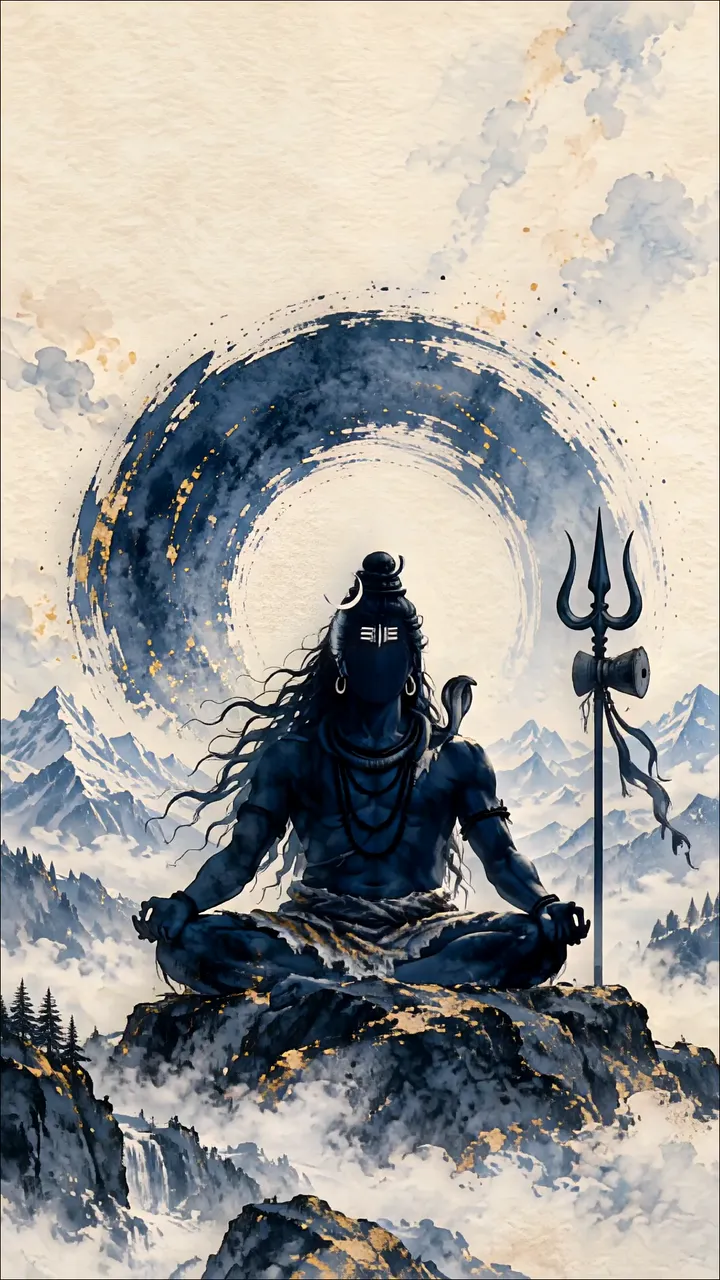
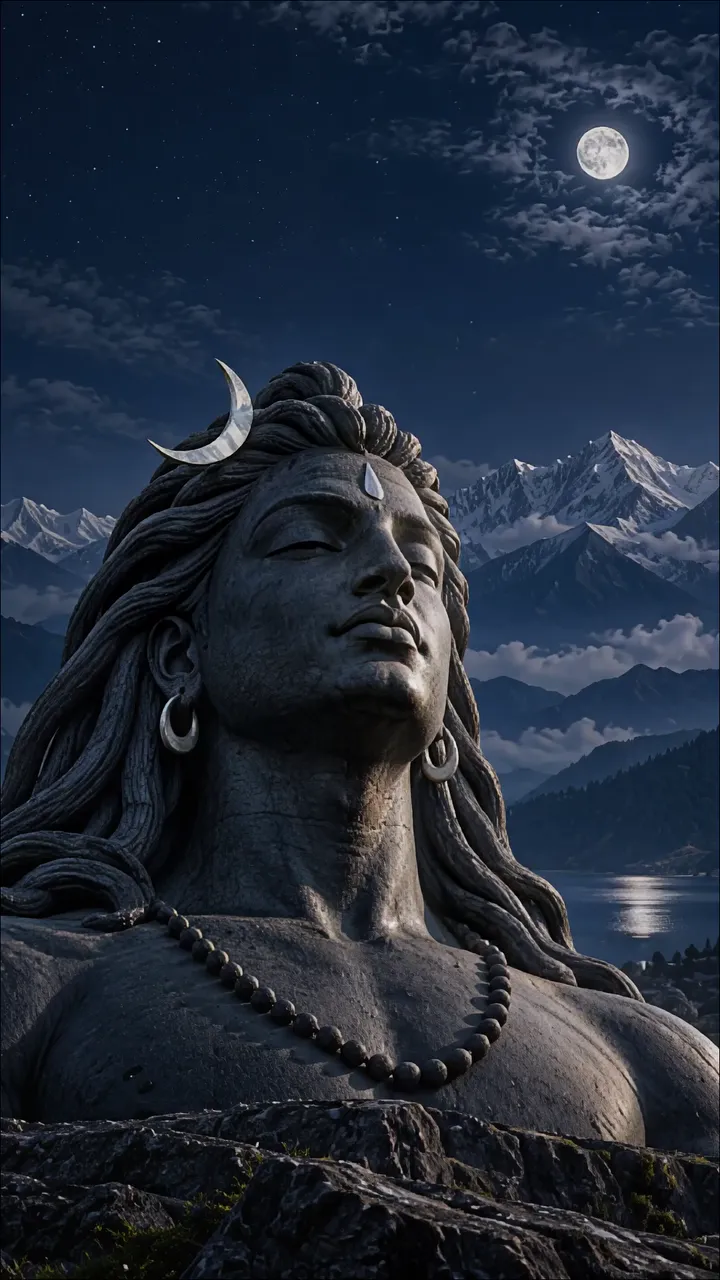
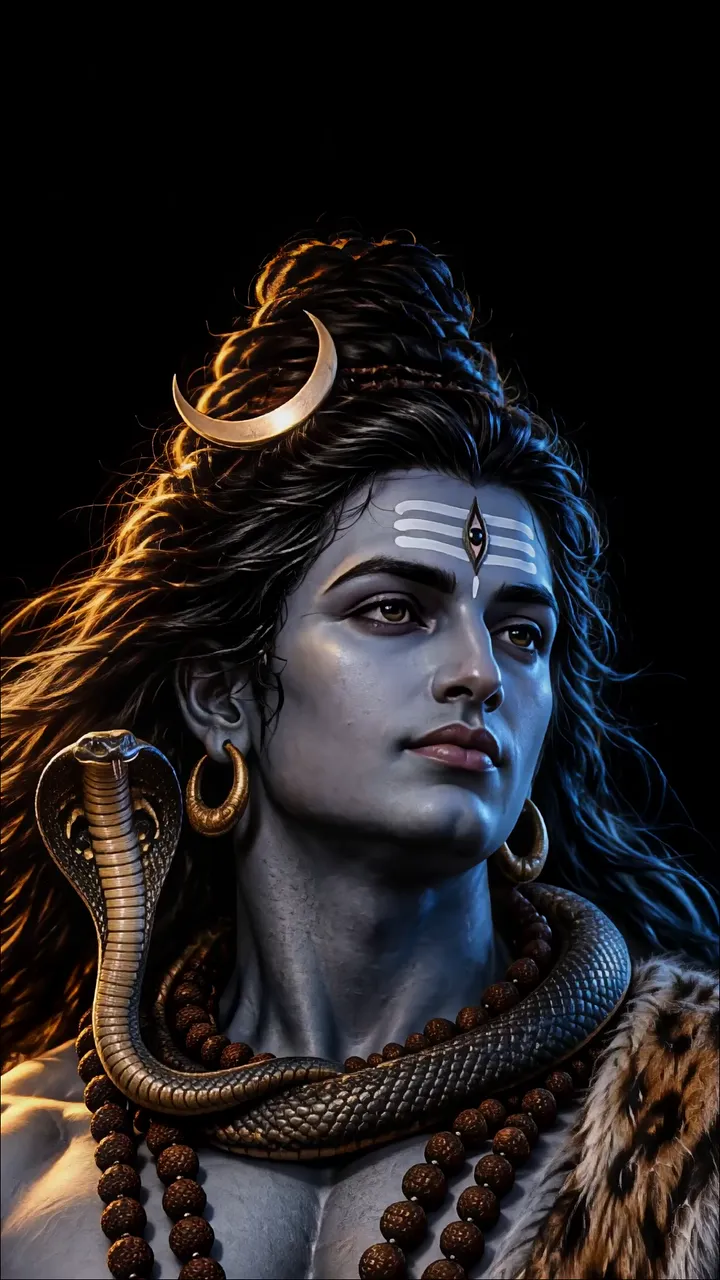
Shiva Meditating Near Majestic Waterfall With Trishul live wallpaper
How to set it as wallpaper
iPhone
For a still wallpaper, save the cropped JPG to Photos and choose it in Settings → Wallpaper. For an animated Lock Screen on supported models, convert the MP4 to a Live Photo with a compatible app and select it in the wallpaper picker.
Android
For a still wallpaper, open the JPG in your gallery and choose Set as wallpaper. For the MP4, look for a video wallpaper option in your gallery or wallpaper settings. A compatible live wallpaper app can help if your phone has no built-in option.
After saving the converted Live Photo to Photos, open Settings, then Wallpaper, then Add New Wallpaper. Tap Photos, choose Live Photo, select the saved image, turn on the Live Photo effect, and tap Add to apply it to your Lock Screen.
This high-definition animated background features Shiva in a serene meditation pose, standing on a mossy cliff beside a powerful, cascading waterfall. He is dressed in an orange robe, with his trishul visible on his back, embodying a tranquil yet powerful spiritual presence. The scene is set in a lush, verdant mountain environment, with sunlight filtering through the trees and mist rising from the crashing water below. The composition blends natural beauty with sacred symbolism, creating a deeply calming and visually stunning screen style. This ultra-clear live wallpaper is available for free download and can transform your phone, lock screen, home screen, or PC into a peaceful, distinctive, and spiritually resonant display.
- Format
- MP4 live wallpaper
- Resolution
- 720P, 1080P
- Duration
- 00:10
- File size
- 16.3 MB
- Category
- Shiva, Trishul, Waterfall