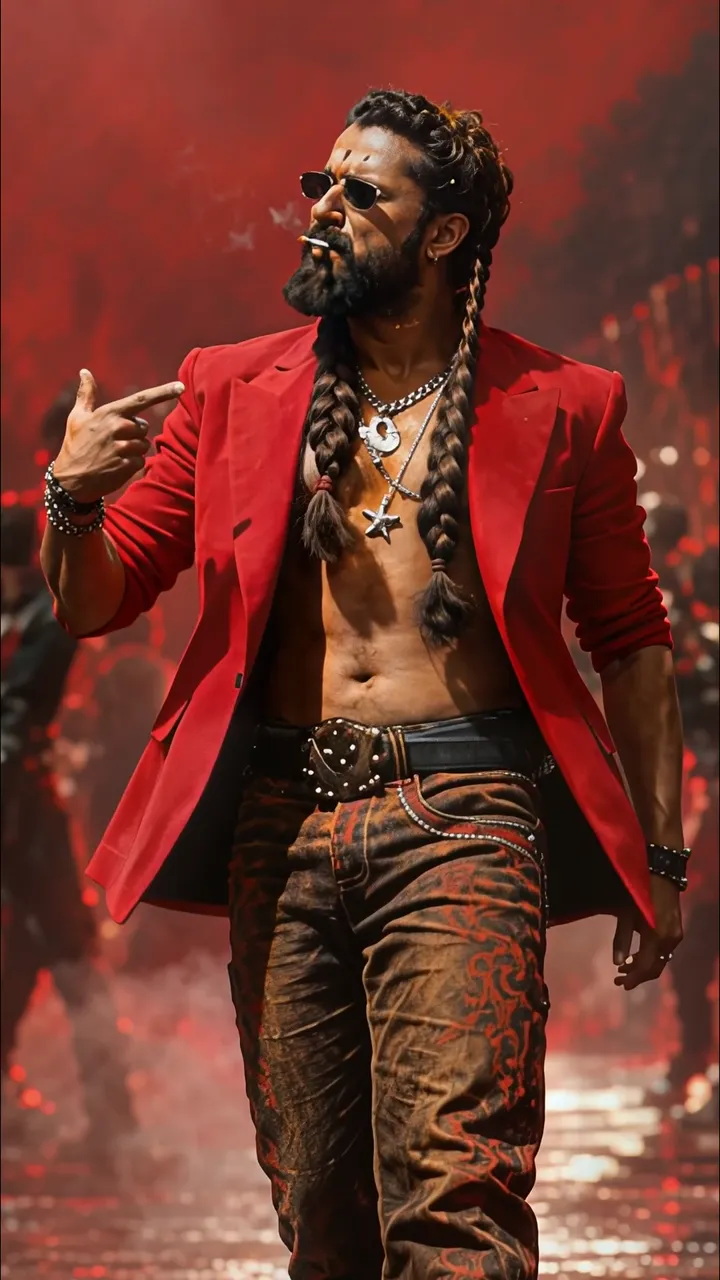
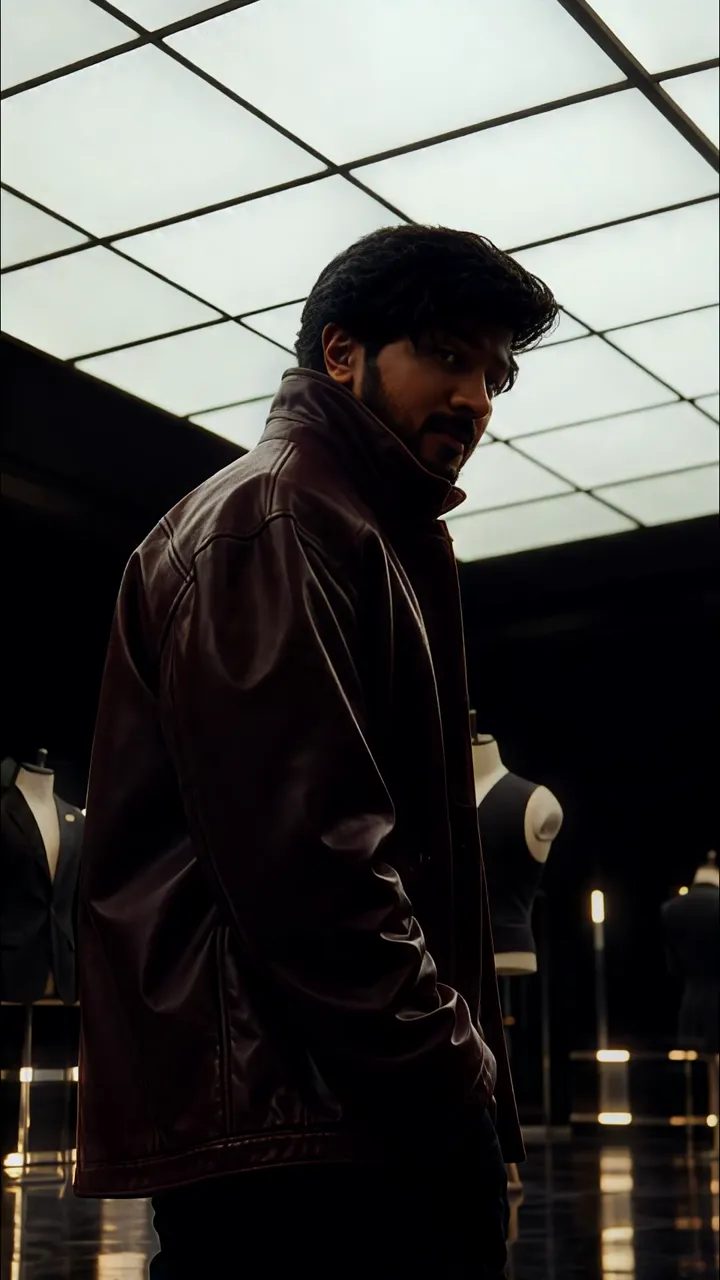
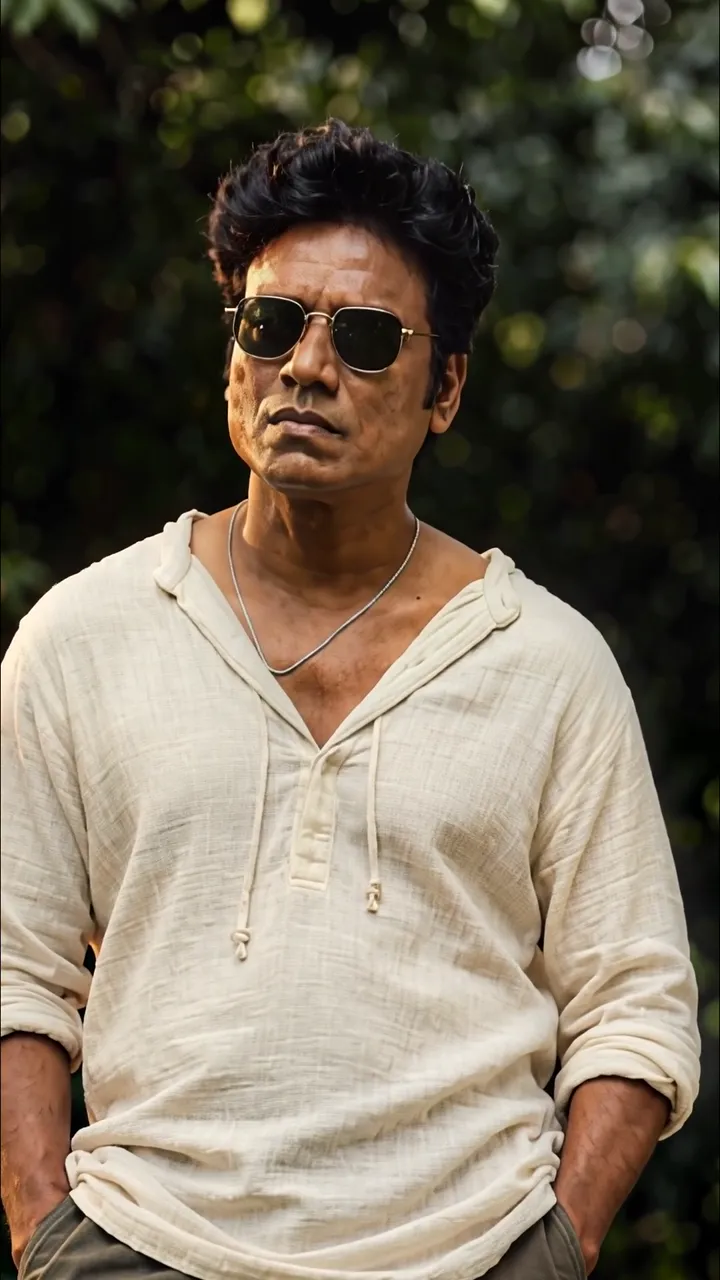
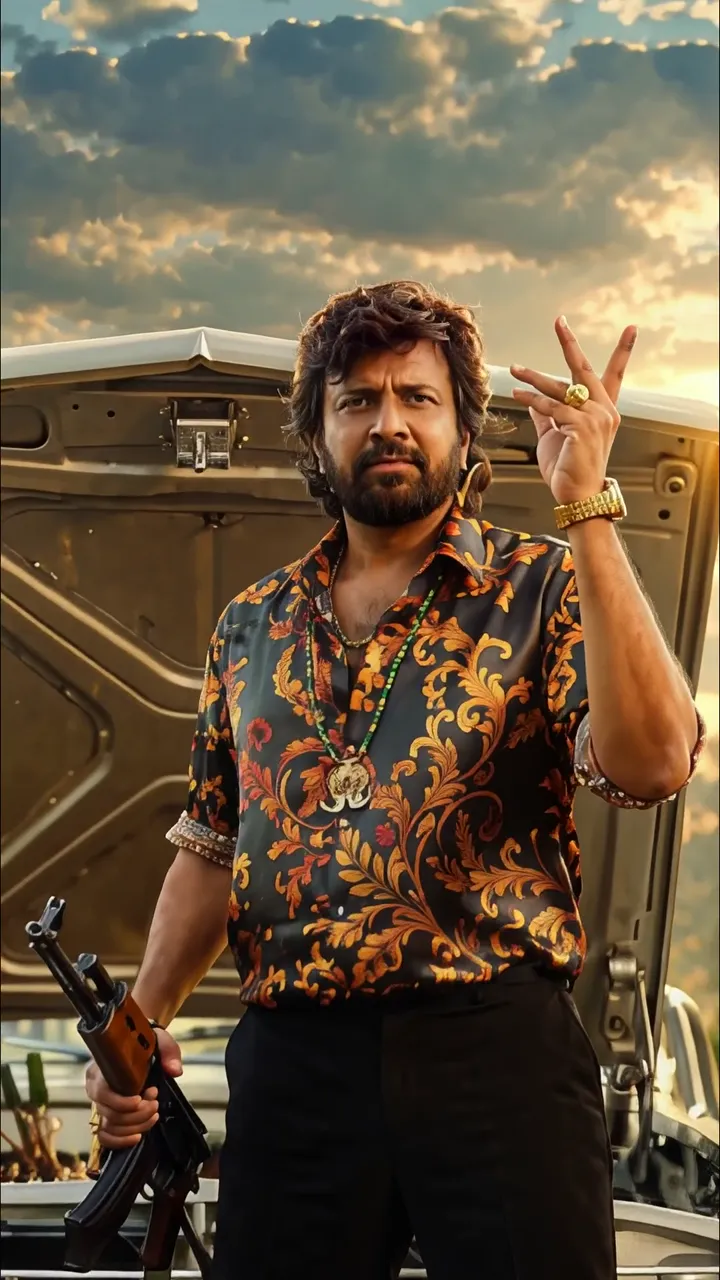
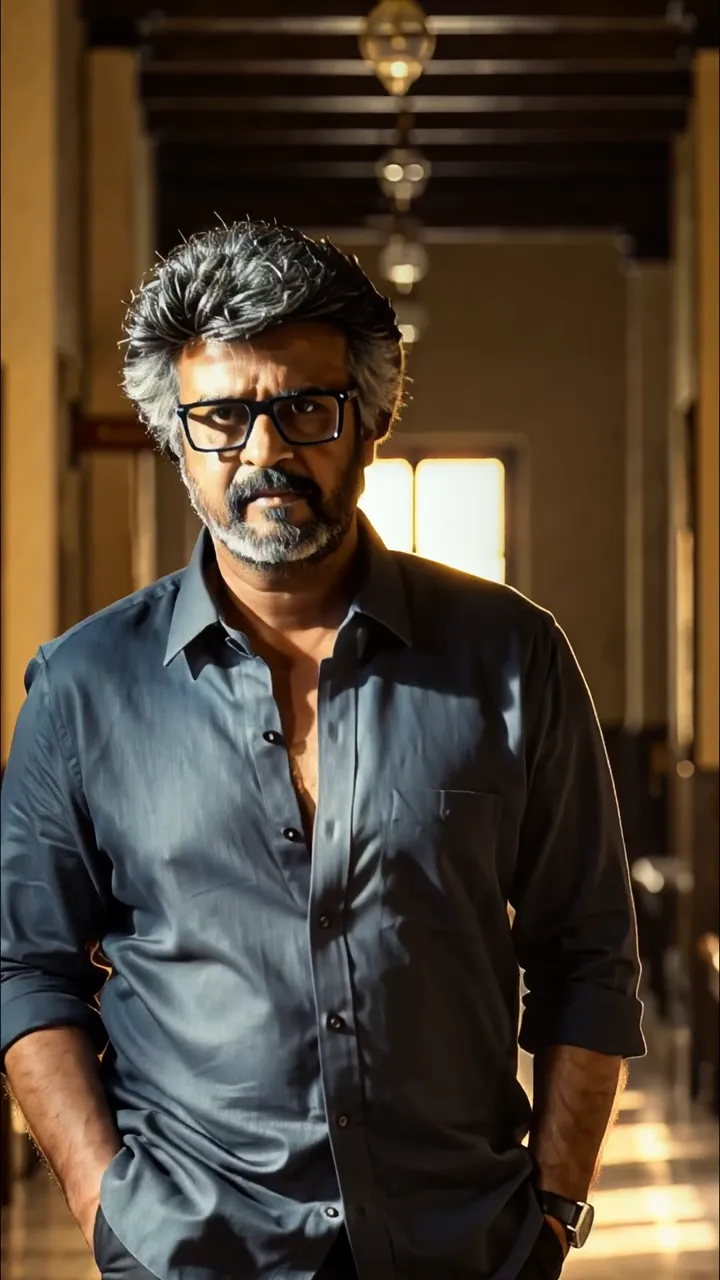
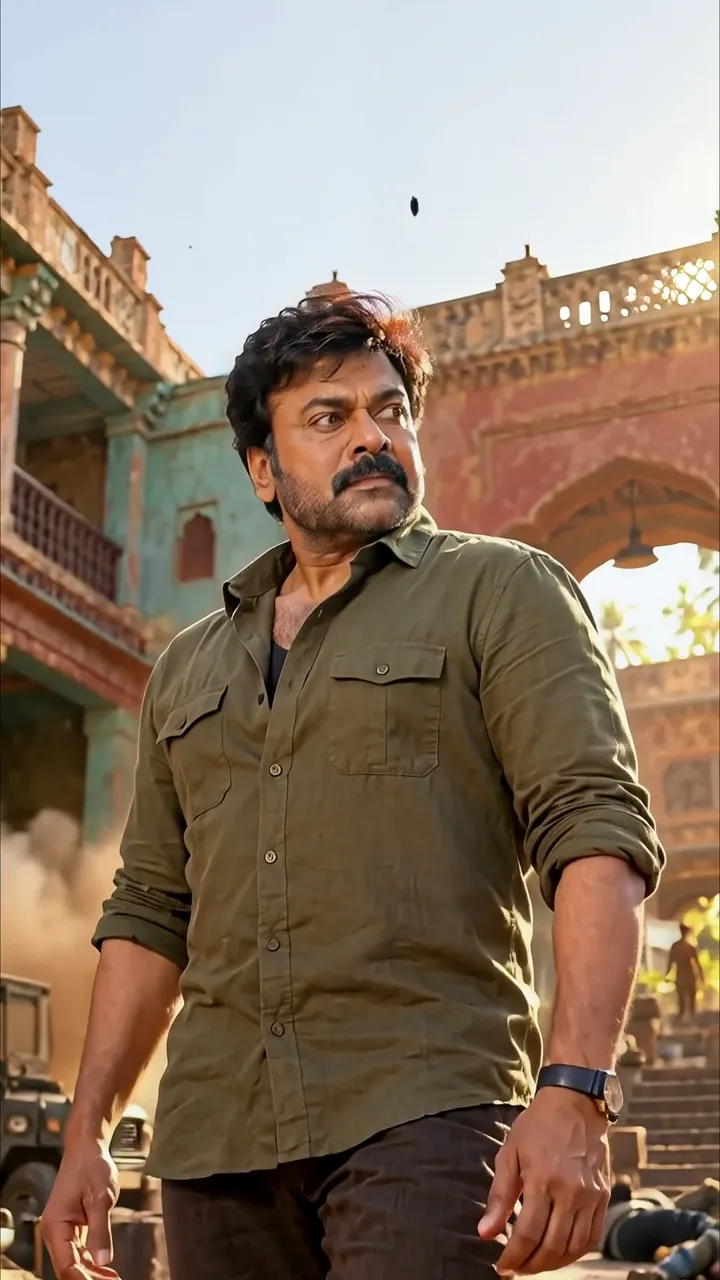
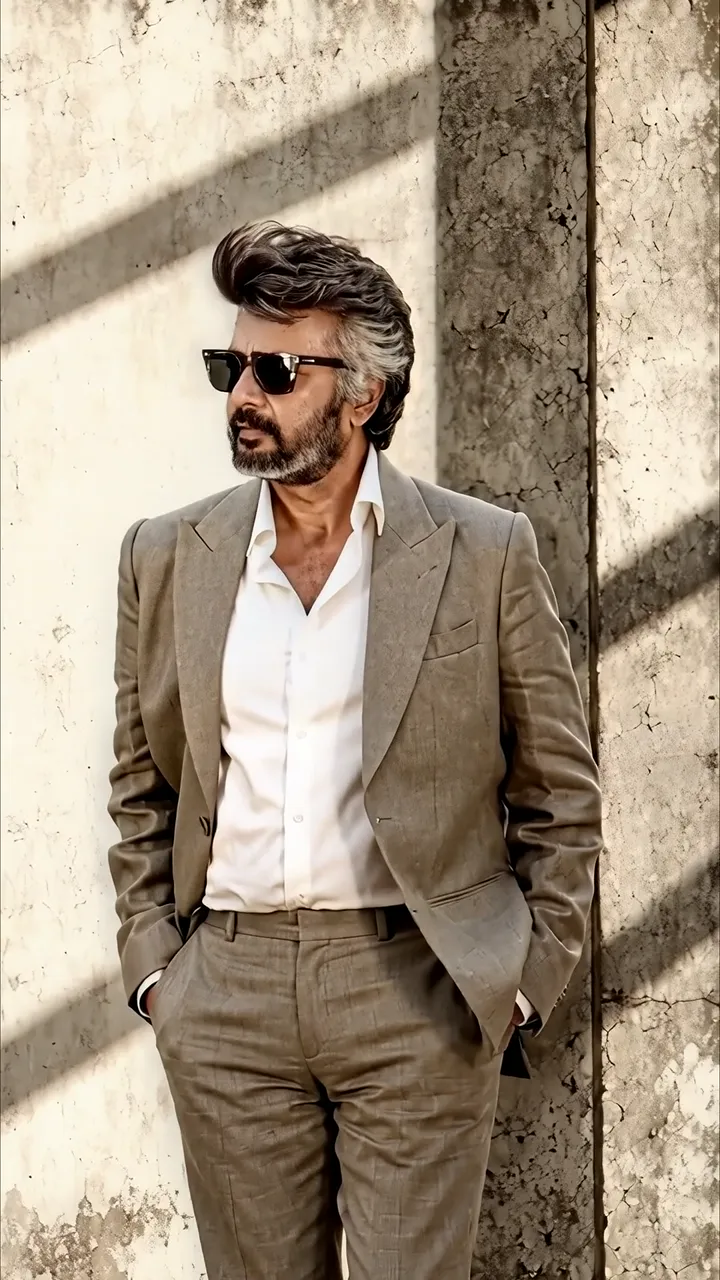
Rajinikanth Smiling With Golden Lighting And Diamond Earring live wallpaper
How to set it as wallpaper
iPhone
For a still wallpaper, save the cropped JPG to Photos and choose it in Settings → Wallpaper. For an animated Lock Screen on supported models, convert the MP4 to a Live Photo with a compatible app and select it in the wallpaper picker.
Android
For a still wallpaper, open the JPG in your gallery and choose Set as wallpaper. For the MP4, look for a video wallpaper option in your gallery or wallpaper settings. A compatible live wallpaper app can help if your phone has no built-in option.
After saving the converted Live Photo to Photos, open Settings, then Wallpaper, then Add New Wallpaper. Tap Photos, choose Live Photo, select the saved image, turn on the Live Photo effect, and tap Add to apply it to your Lock Screen.
This high-definition animated background features the legendary actor Rajinikanth in a radiant, joyful moment. He is captured in a close-up profile, smiling warmly with a golden backlight that highlights his hair and beard, creating a soft, cinematic glow. He wears a stylish dark jacket over a white shirt and a diamond stud earring, adding a touch of elegance. The background is softly blurred with warm orange bokeh lights, enhancing the intimate and charismatic mood. The ultra-clear, high-quality animation makes this screen style perfect for personalizing your phone, lock screen, home screen, or PC. Download this free live wallpaper to add a touch of iconic charm and positive energy to your display.
- Format
- MP4 live wallpaper
- Resolution
- 720P, 1080P
- Duration
- 00:10
- File size
- 11 MB
- Category
- Rajinikanth, Golden Lighting, Diamond Earring