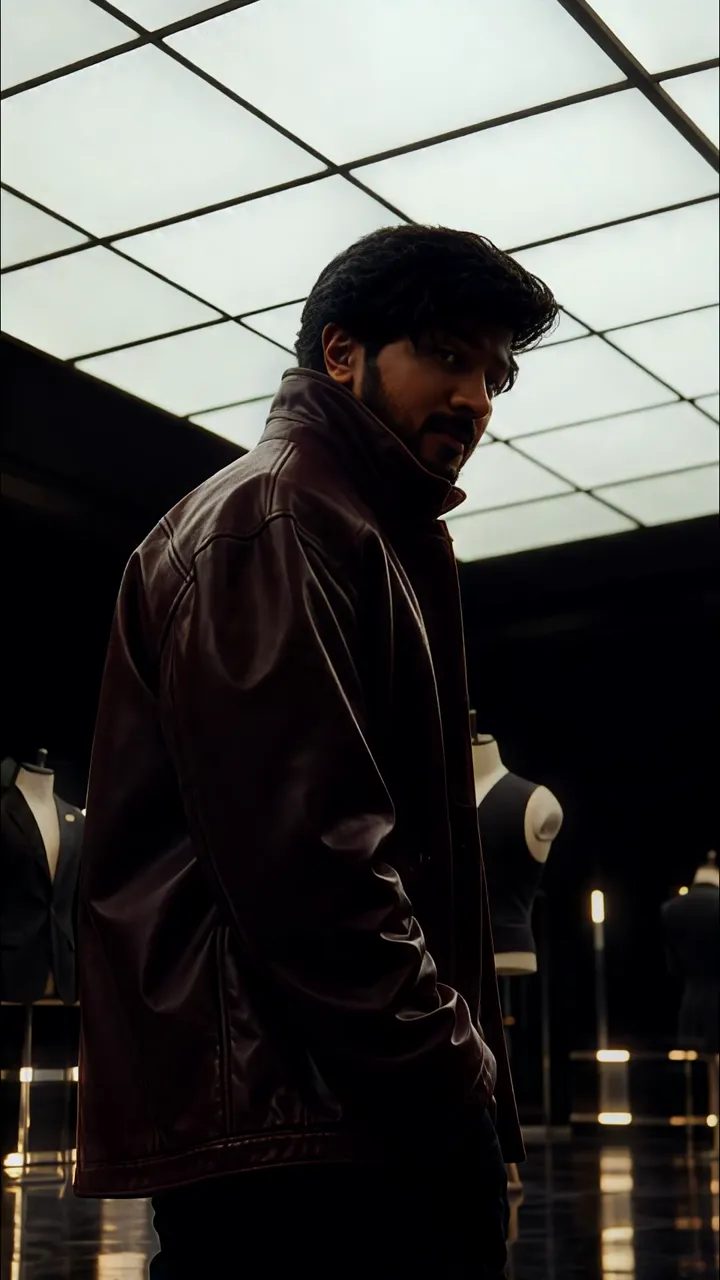
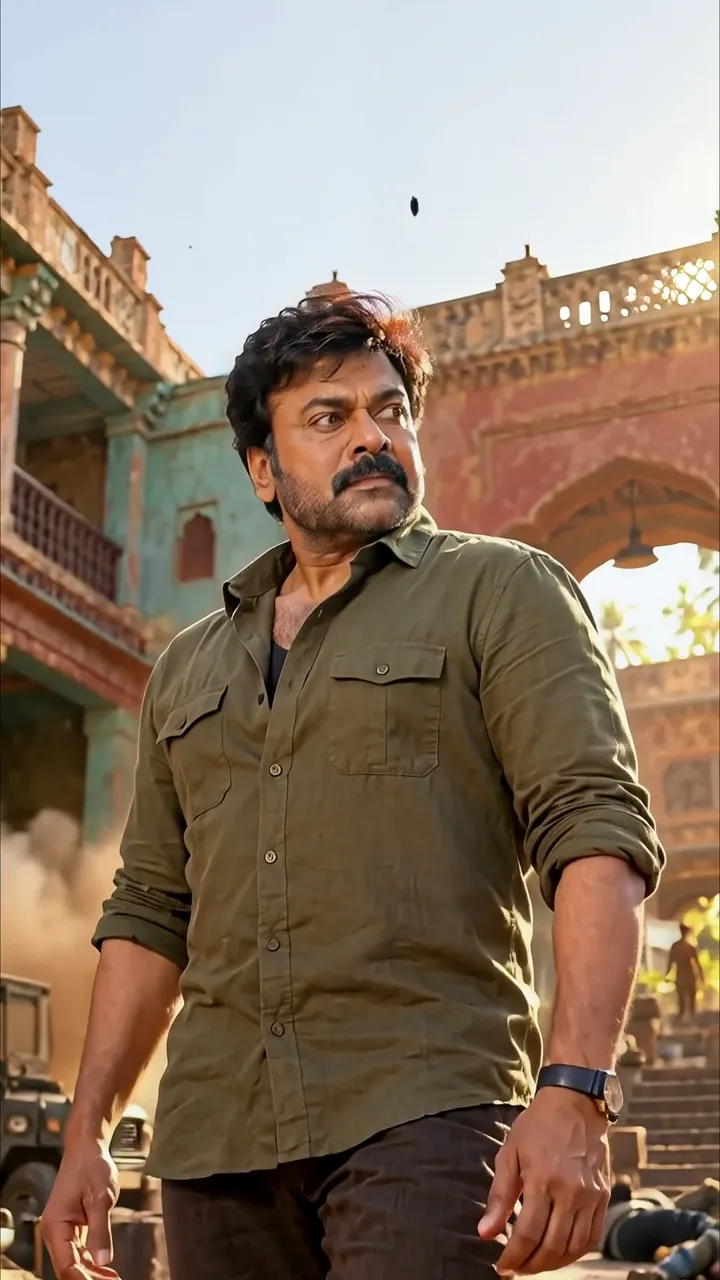
Rajinikanth Rockstar Red Suit Stage Performance live wallpaper
How to set it as wallpaper
iPhone
For a still wallpaper, save the cropped JPG to Photos and choose it in Settings → Wallpaper. For an animated Lock Screen on supported models, convert the MP4 to a Live Photo with a compatible app and select it in the wallpaper picker.
Android
For a still wallpaper, open the JPG in your gallery and choose Set as wallpaper. For the MP4, look for a video wallpaper option in your gallery or wallpaper settings. A compatible live wallpaper app can help if your phone has no built-in option.
After saving the converted Live Photo to Photos, open Settings, then Wallpaper, then Add New Wallpaper. Tap Photos, choose Live Photo, select the saved image, turn on the Live Photo effect, and tap Add to apply it to your Lock Screen.
This high-definition animated background features Rajinikanth in a powerful stage performance, dressed in a striking red suit and patterned pants, exuding a rockstar energy. He wears sunglasses, a star pendant, and multiple chains, with his signature braided hair flowing as he points confidently. The scene is bathed in dramatic red lighting and smoke, creating an intense, high-energy atmosphere perfect for a dynamic screen display. The ultra-clear, cinematic quality makes this visual ideal for personalizing your phone, lock screen, home screen, or PC. Download this free live wallpaper to add a bold, iconic presence to your device and make your display feel unique and unforgettable.
- Format
- MP4 live wallpaper
- Resolution
- 720P, 1080P
- Duration
- 00:05
- File size
- 3.9 MB
- Category
- Rajinikanth, Nani, Red Suit