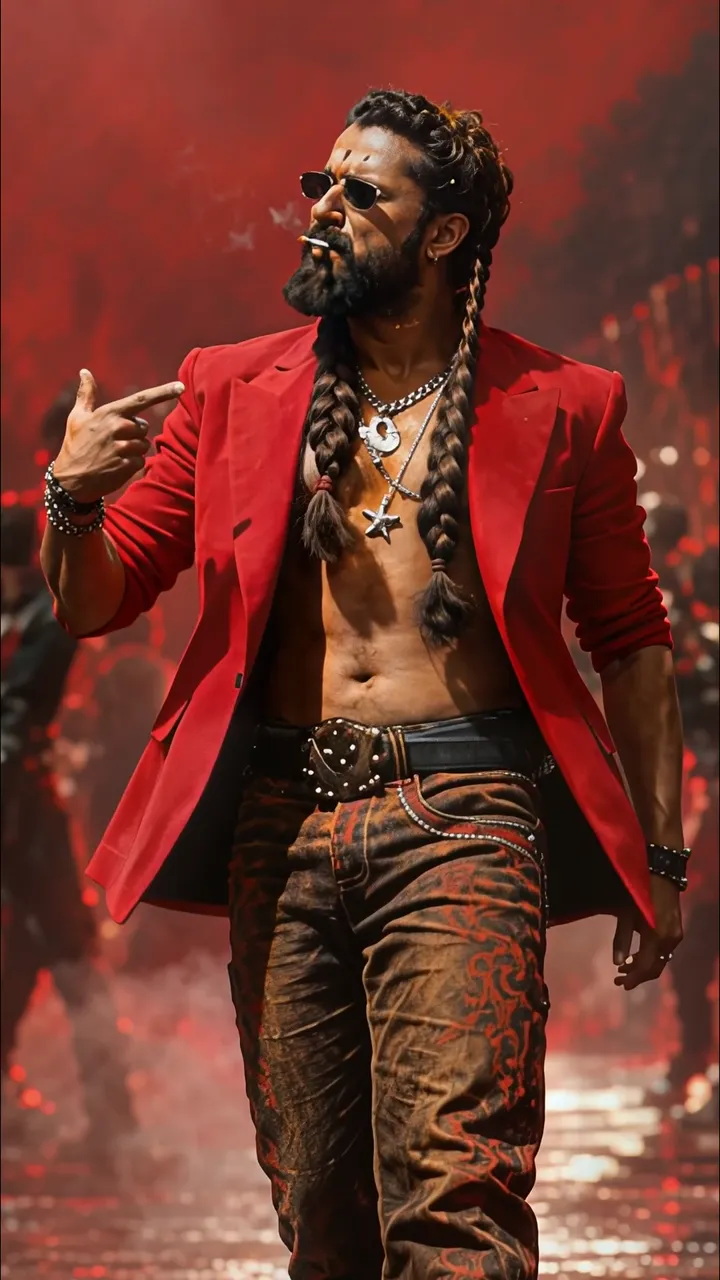
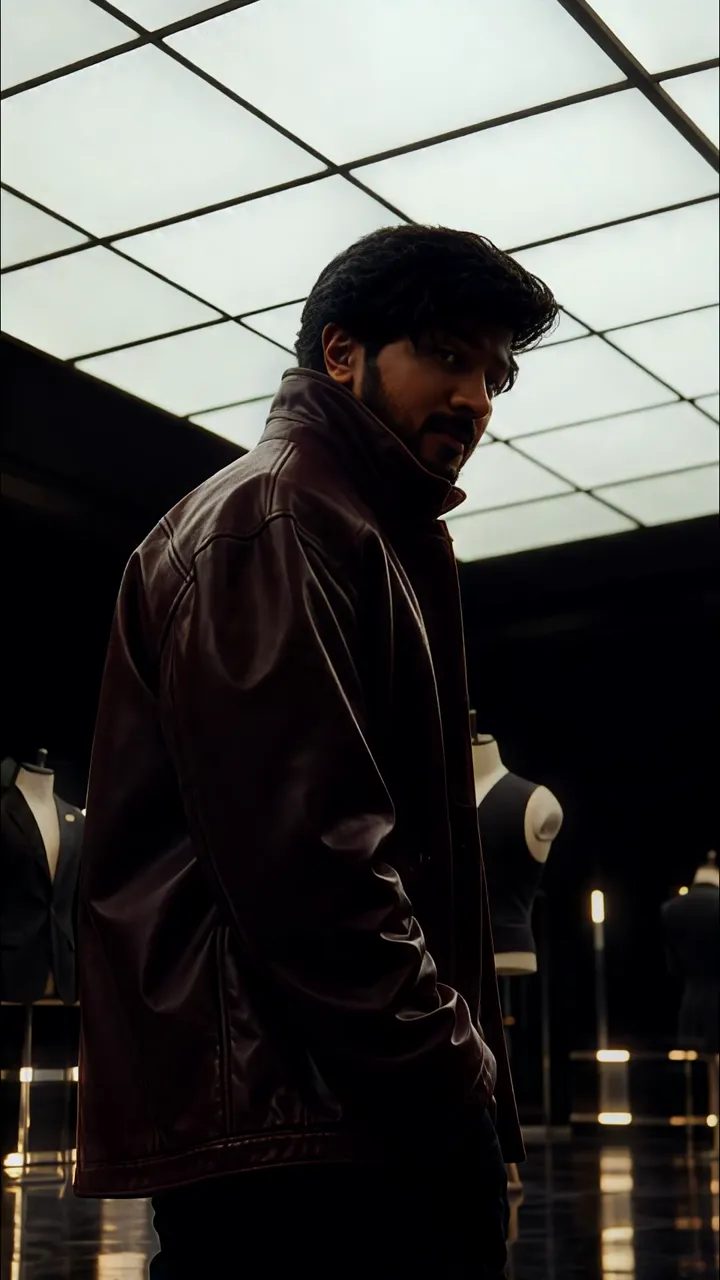
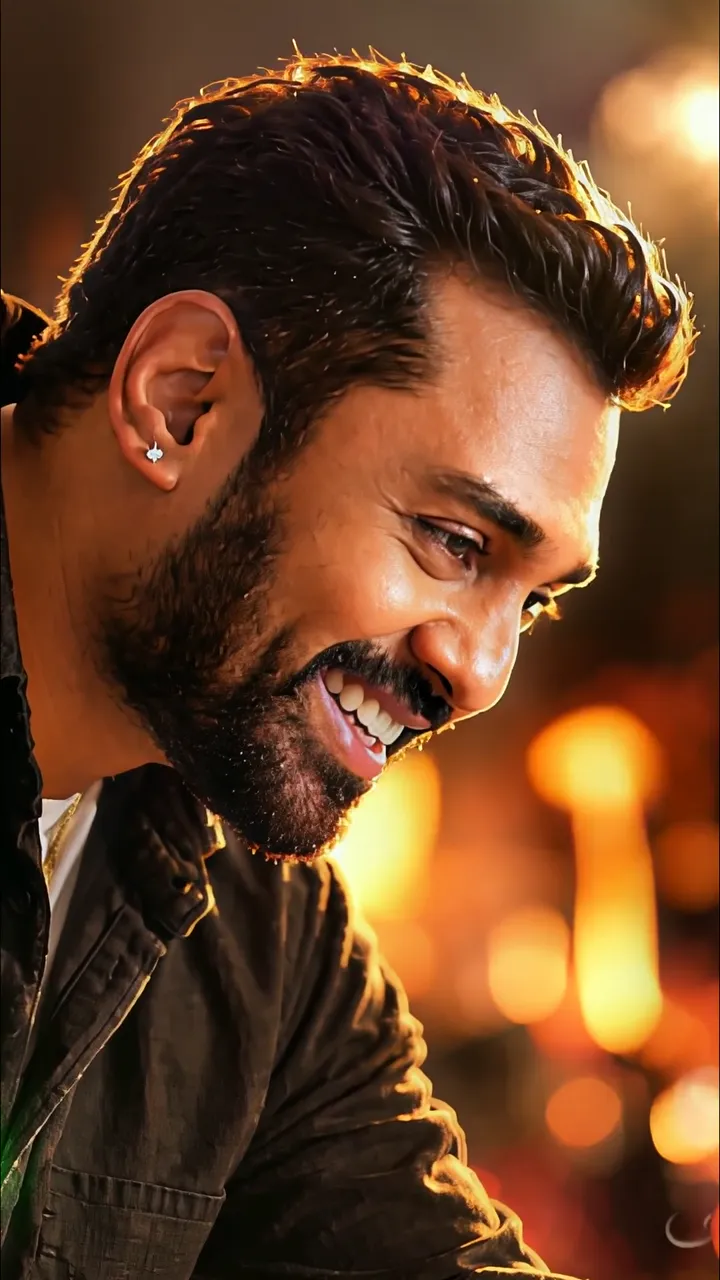
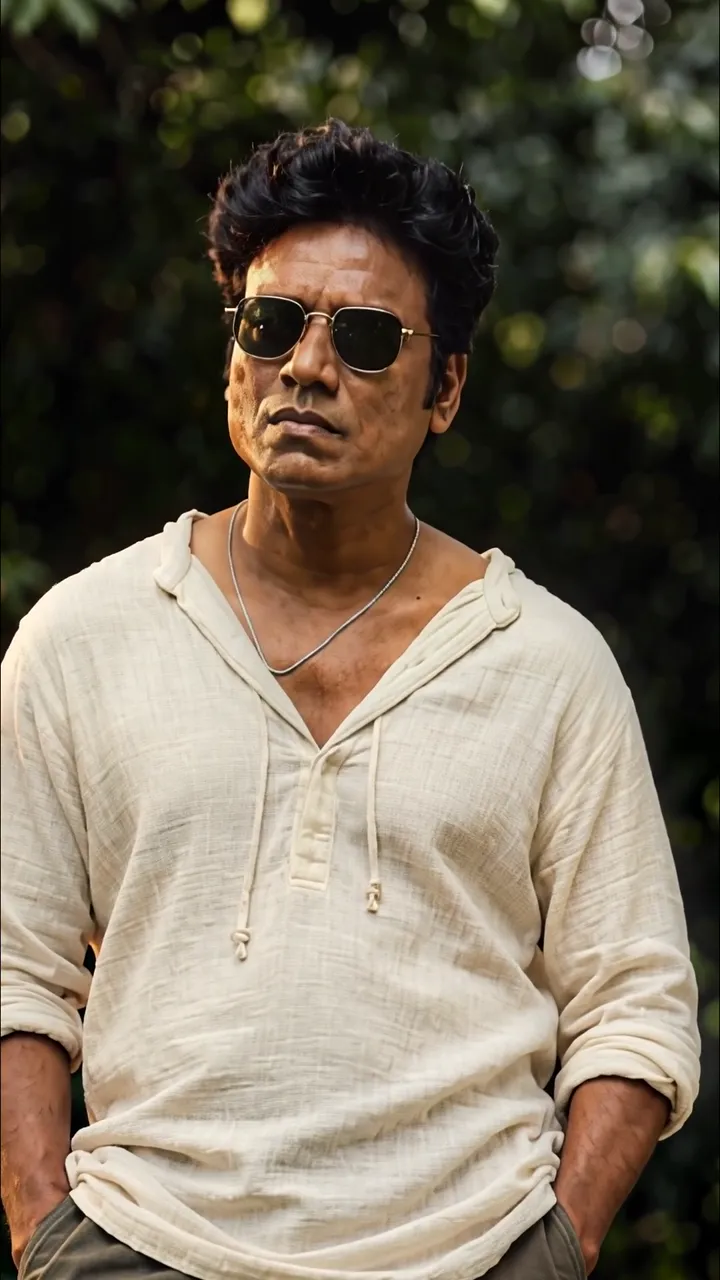
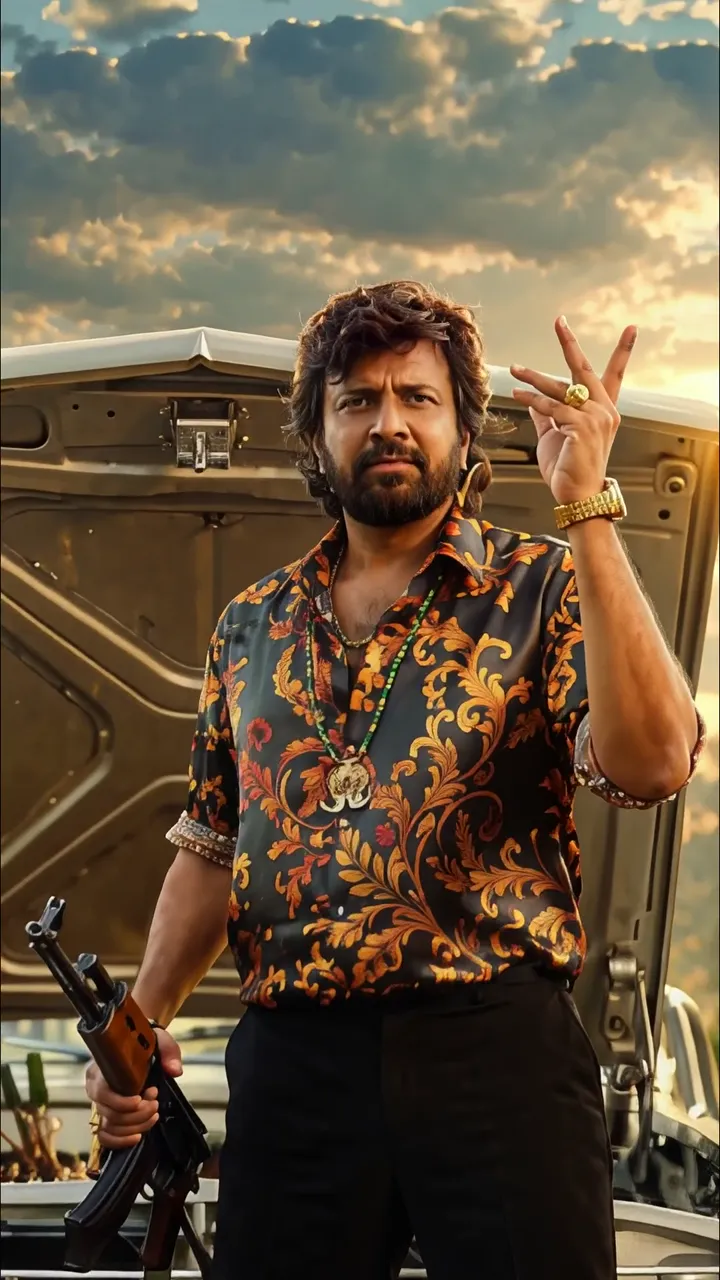
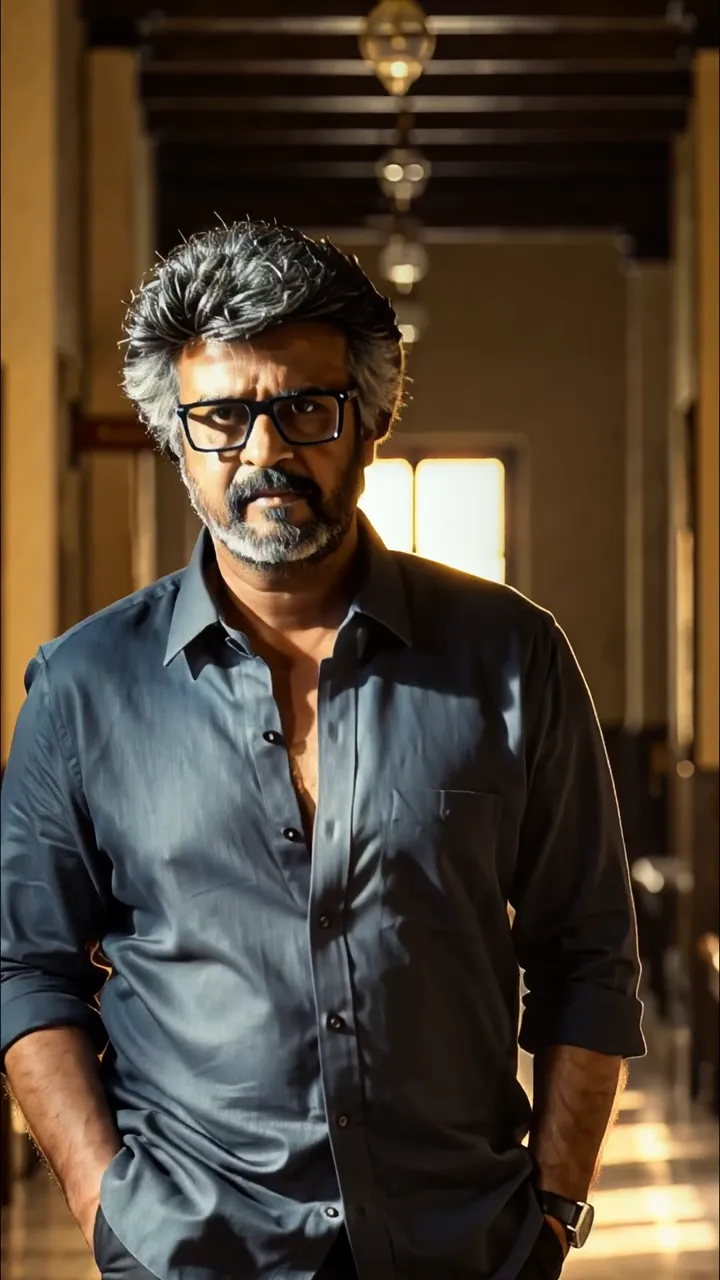
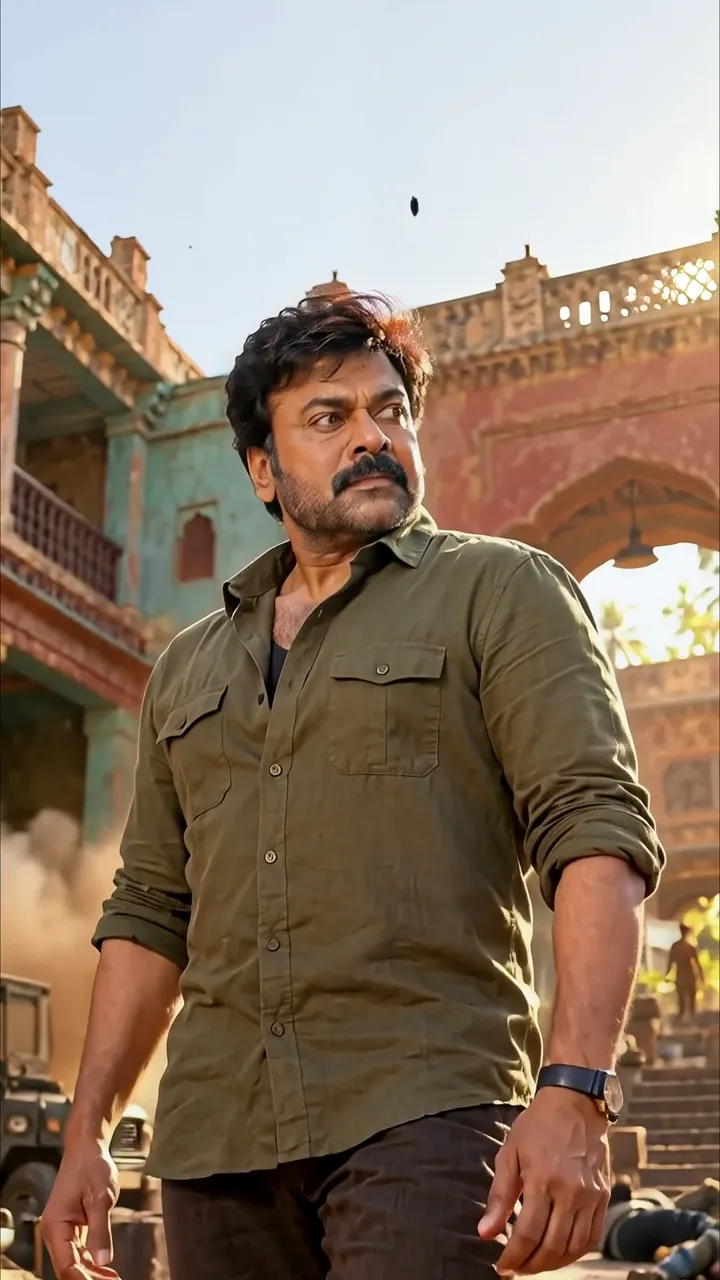
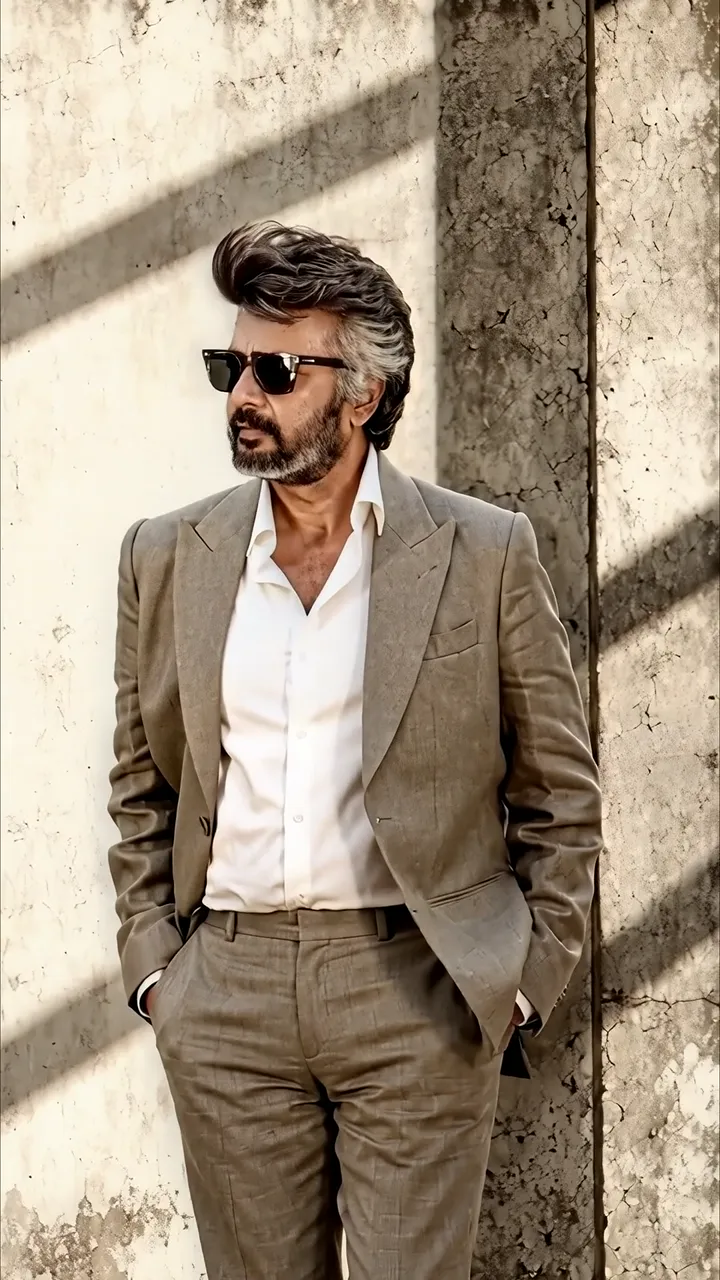
Rajinikanth Power Pose With Flames And Sunglasses live wallpaper
How to set it as wallpaper
iPhone
For a still wallpaper, save the cropped JPG to Photos and choose it in Settings → Wallpaper. For an animated Lock Screen on supported models, convert the MP4 to a Live Photo with a compatible app and select it in the wallpaper picker.
Android
For a still wallpaper, open the JPG in your gallery and choose Set as wallpaper. For the MP4, look for a video wallpaper option in your gallery or wallpaper settings. A compatible live wallpaper app can help if your phone has no built-in option.
After saving the converted Live Photo to Photos, open Settings, then Wallpaper, then Add New Wallpaper. Tap Photos, choose Live Photo, select the saved image, turn on the Live Photo effect, and tap Add to apply it to your Lock Screen.
This high-definition animated background features Rajinikanth in a powerful, commanding pose, with his hands extended forward and a fiery red aura surrounding him. He wears a black cap, sunglasses, and a dark velvet jacket over a white tee, exuding an intense and authoritative presence. The background is dark, with dramatic red-orange flames and a faint silhouette of his face, enhancing the cinematic and bold mood. The ultra-clear, high-quality animation makes this screen style perfect for users who want to add a strong, iconic, and distinctive visual to their phone, lock screen, home screen, or PC. It’s available for free download and instantly transforms your display into something unforgettable and uniquely Rajinikanth.
- Format
- MP4 live wallpaper
- Resolution
- 720P, 1080P
- Duration
- 00:05
- File size
- 3.3 MB
- Category
- Rajinikanth, Power Pose, Flames