Man Placing Gold Anklet On Woman's Foot In Garden live wallpaper
How to set it as wallpaper
iPhone
For a still wallpaper, save the cropped JPG to Photos and choose it in Settings → Wallpaper. For an animated Lock Screen on supported models, convert the MP4 to a Live Photo with a compatible app and select it in the wallpaper picker.
Android
For a still wallpaper, open the JPG in your gallery and choose Set as wallpaper. For the MP4, look for a video wallpaper option in your gallery or wallpaper settings. A compatible live wallpaper app can help if your phone has no built-in option.
After saving the converted Live Photo to Photos, open Settings, then Wallpaper, then Add New Wallpaper. Tap Photos, choose Live Photo, select the saved image, turn on the Live Photo effect, and tap Add to apply it to your Lock Screen.
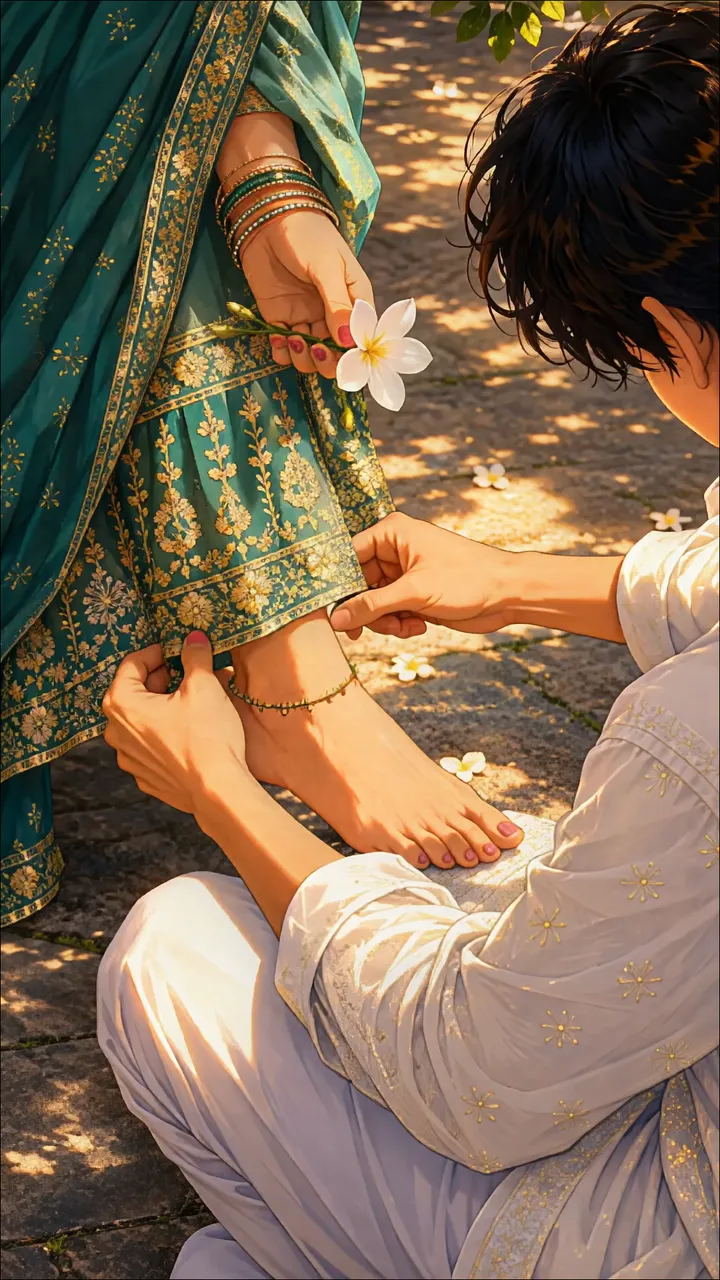
A man in a blue suit kneels to place a traditional gold anklet on a woman’s foot, who wears an ornate green embroidered sari. The scene unfolds in a sun-dappled garden scattered with white plumeria flowers, suggesting a cultural or wedding ceremony. The woman’s hand gently holds a plumeria blossom, while the man’s focused gesture conveys intimacy and reverence. The composition highlights the intricate jewelry and fabric details against the natural backdrop, creating a tender, culturally rich moment with warm, golden lighting and soft shadows.
- Format
- MP4 live wallpaper
- Resolution
- 720P, 1080P
- Duration
- 00:08
- File size
- 5.9 MB
- Category
- Love, Man, Woman