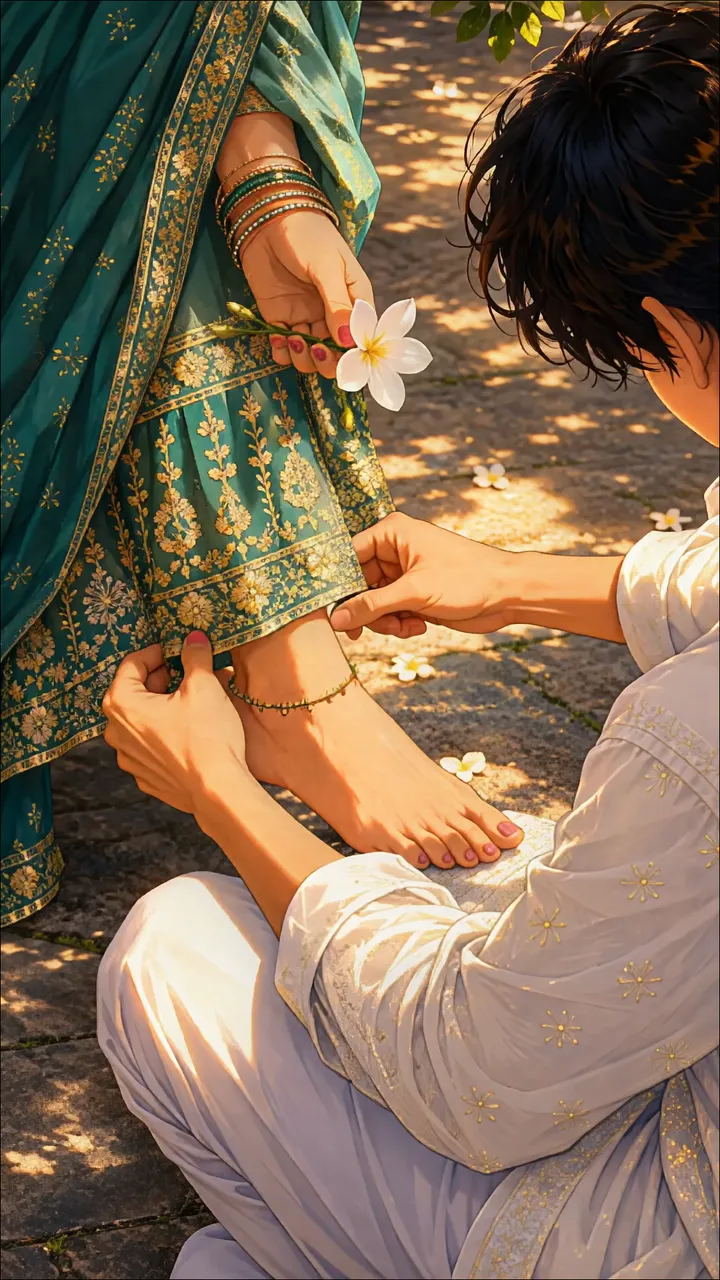
Indian Couple On A String-Lit Balcony At Night live wallpaper
How to set it as wallpaper
iPhone
For a still wallpaper, save the cropped JPG to Photos and choose it in Settings → Wallpaper. For an animated Lock Screen on supported models, convert the MP4 to a Live Photo with a compatible app and select it in the wallpaper picker.
Android
For a still wallpaper, open the JPG in your gallery and choose Set as wallpaper. For the MP4, look for a video wallpaper option in your gallery or wallpaper settings. A compatible live wallpaper app can help if your phone has no built-in option.
After saving the converted Live Photo to Photos, open Settings, then Wallpaper, then Add New Wallpaper. Tap Photos, choose Live Photo, select the saved image, turn on the Live Photo effect, and tap Add to apply it to your Lock Screen.
An Indian couple shares an intimate moment on a balcony adorned with warm string lights against the night sky. The woman, dressed in a vibrant green saree with golden embroidery, stands gracefully while the man in a white kurta kneels beside her, gently adjusting her garment. The reflective floor and soft ambient lighting enhance the romantic atmosphere, while the railing and potted plant frame the scene. The composition captures a tender, quiet interaction, emphasizing the couple’s connection in a beautifully lit, culturally rich setting.
- Format
- MP4 live wallpaper
- Resolution
- 720P, 1080P
- Duration
- 00:08
- File size
- 7.4 MB
- Category
- India couple, Love, Indian Couple