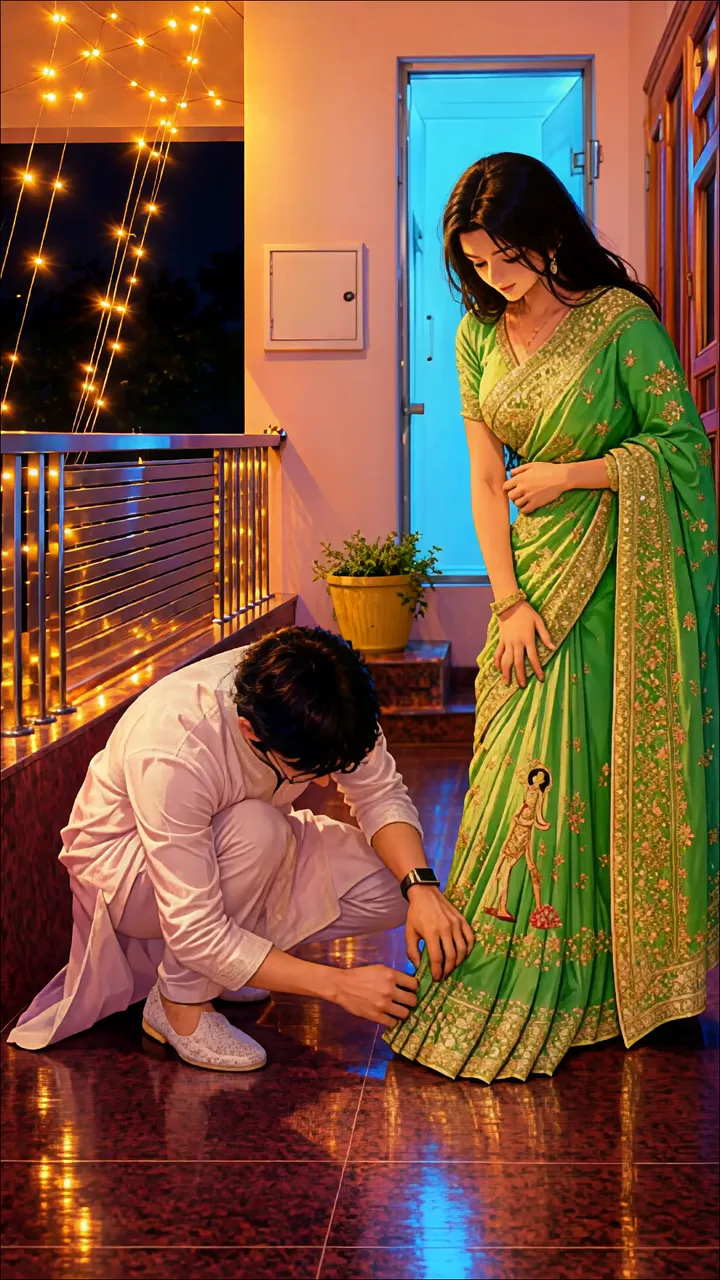
Indian Couple Sharing A Tender Moment Under Sunlight live wallpaper
How to set it as wallpaper
iPhone
For a still wallpaper, save the cropped JPG to Photos and choose it in Settings → Wallpaper. For an animated Lock Screen on supported models, convert the MP4 to a Live Photo with a compatible app and select it in the wallpaper picker.
Android
For a still wallpaper, open the JPG in your gallery and choose Set as wallpaper. For the MP4, look for a video wallpaper option in your gallery or wallpaper settings. A compatible live wallpaper app can help if your phone has no built-in option.
After saving the converted Live Photo to Photos, open Settings, then Wallpaper, then Add New Wallpaper. Tap Photos, choose Live Photo, select the saved image, turn on the Live Photo effect, and tap Add to apply it to your Lock Screen.
An Indian couple shares a tender moment outdoors, with the man kneeling to gently place a white flower on the woman’s foot. She wears a teal sari with gold floral embroidery and bangles, while he is dressed in a light-colored traditional outfit with matching embroidery. Sunlight filters through leaves, casting dappled shadows on the stone path and illuminating the scene with a warm, romantic glow. The gesture of offering the flower and the intimate posture convey deep affection and cultural grace, set against a serene garden backdrop.
- Format
- MP4 live wallpaper
- Resolution
- 720P, 1080P
- Duration
- 00:08
- File size
- 9.5 MB
- Category
- India couple, Love, Indian Couple