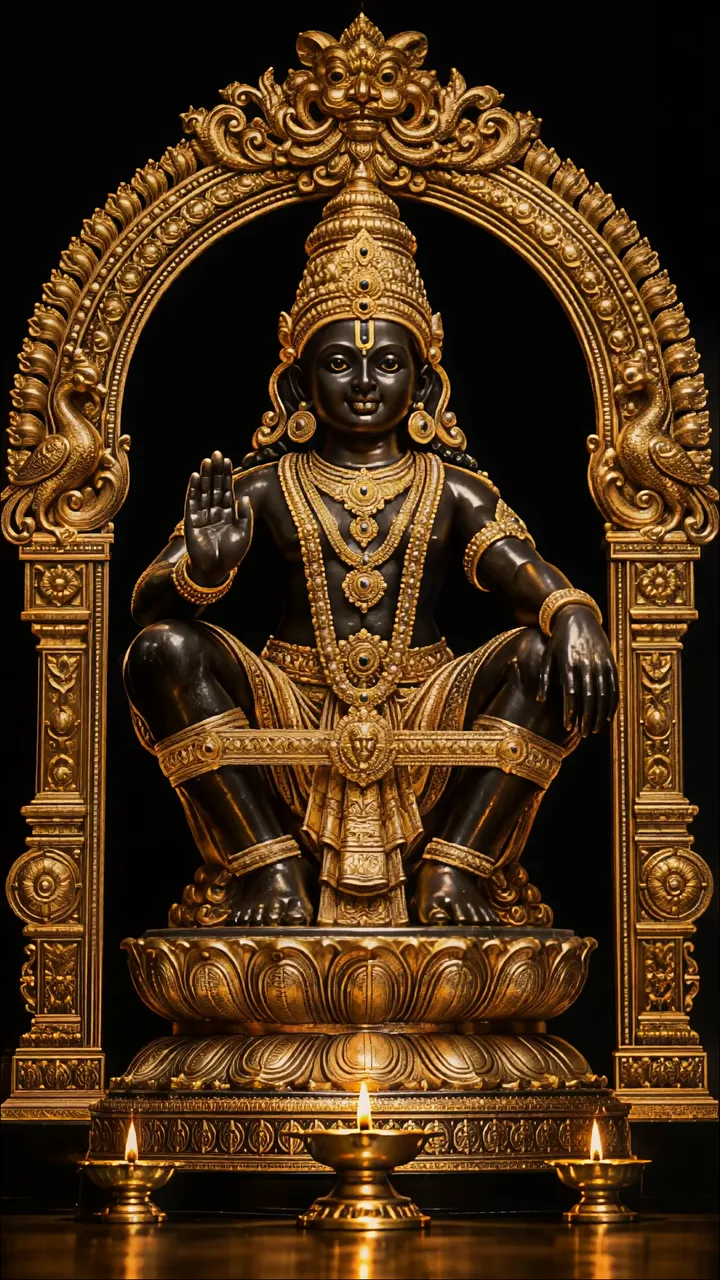
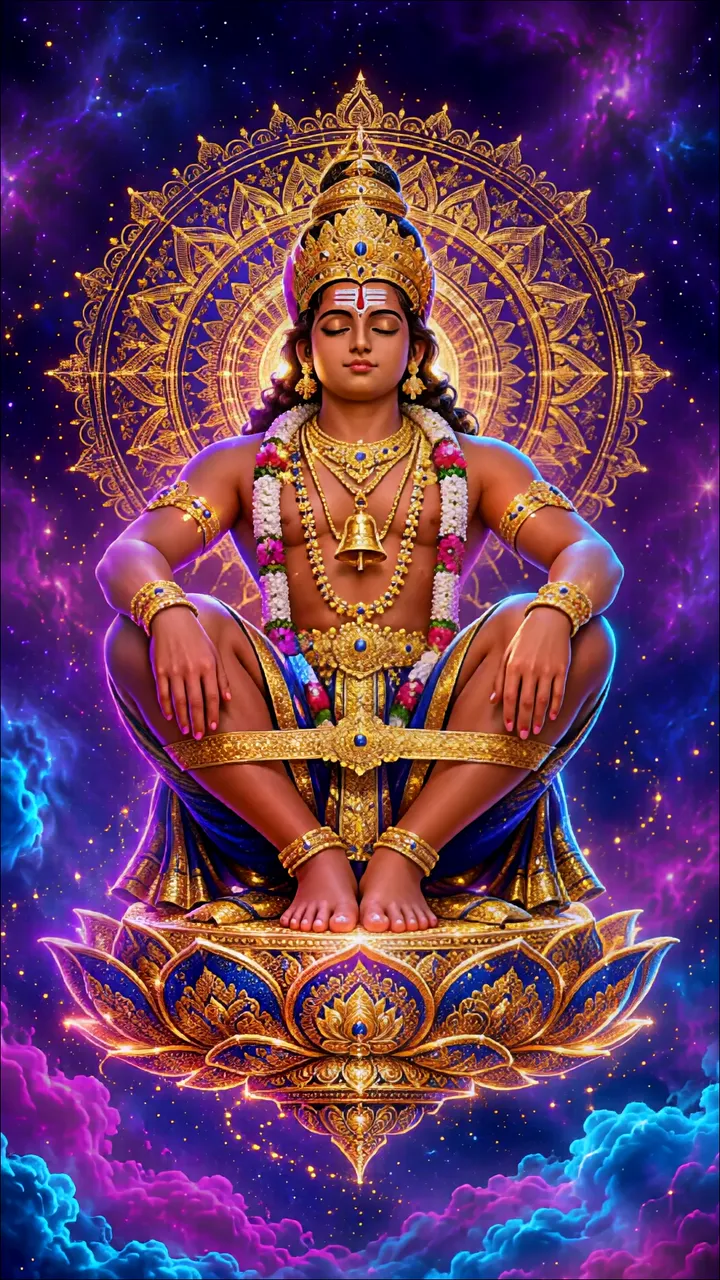
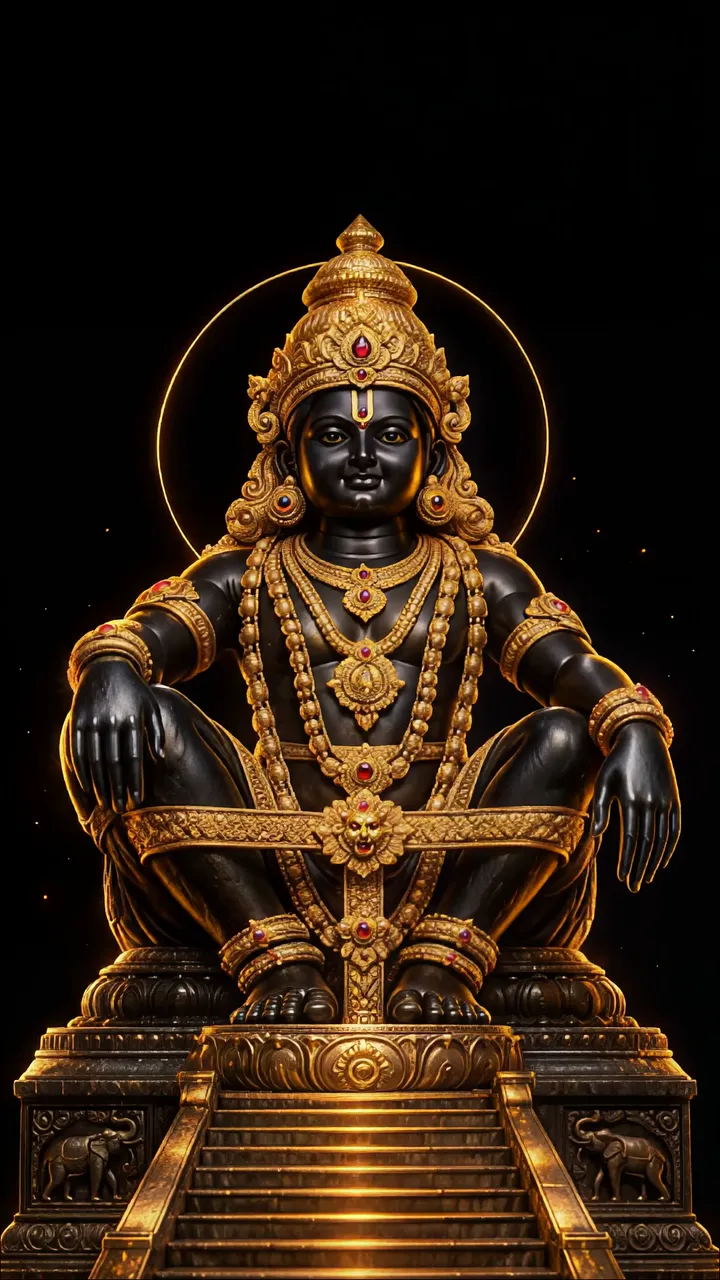
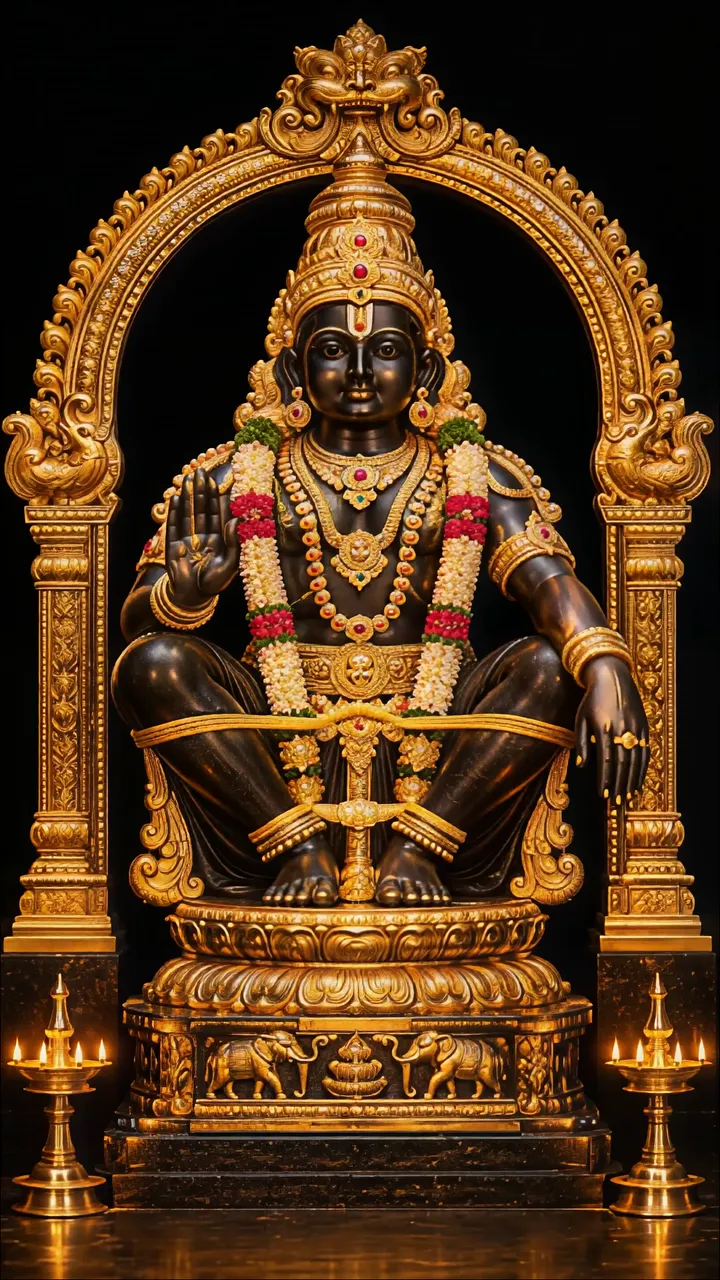
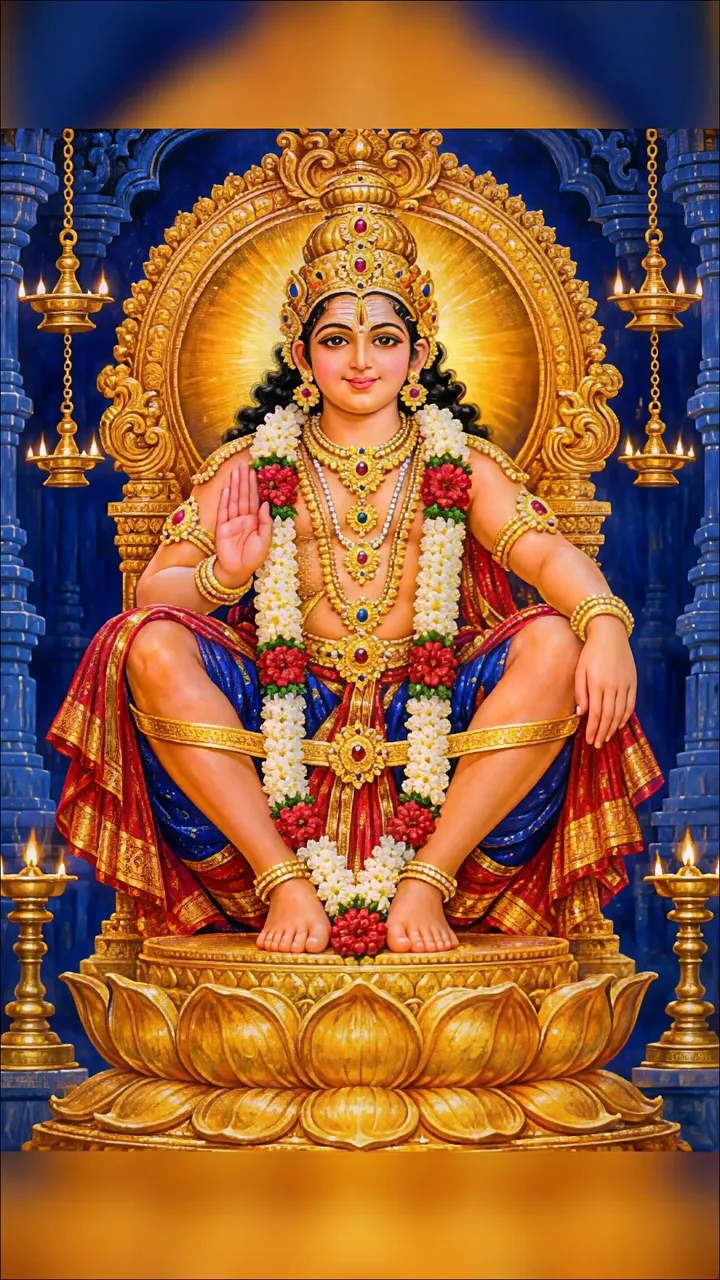
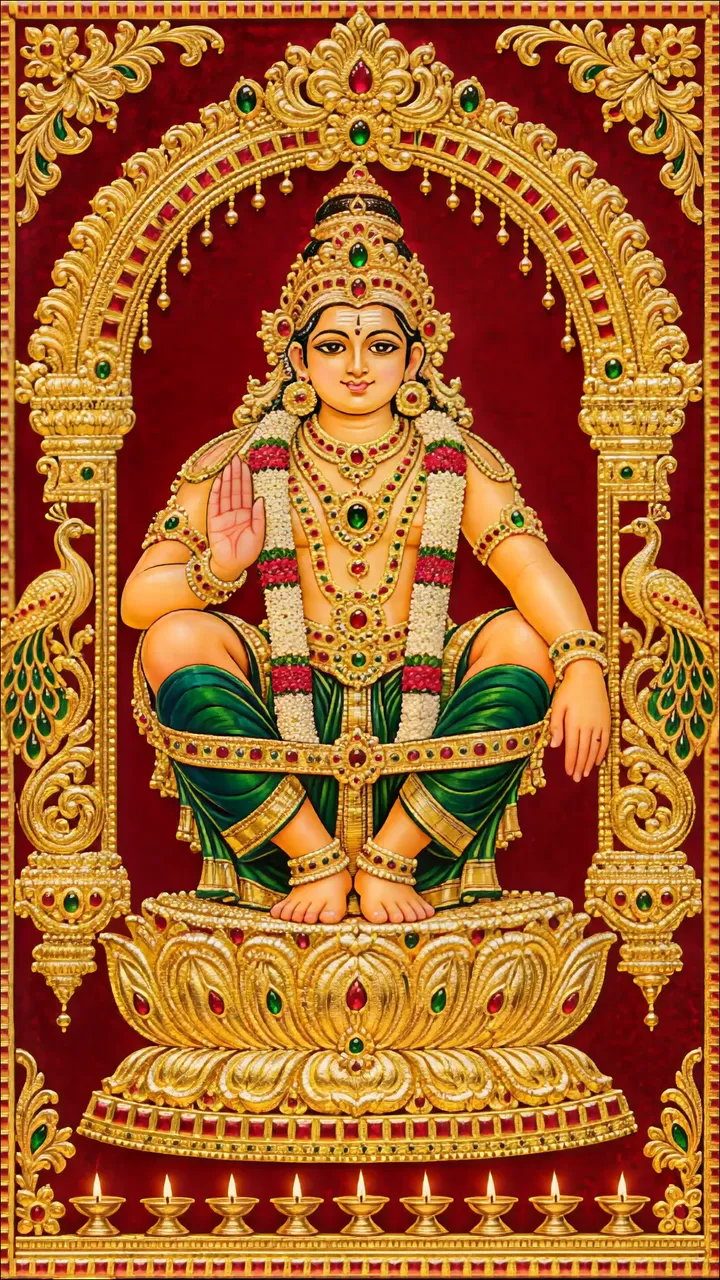
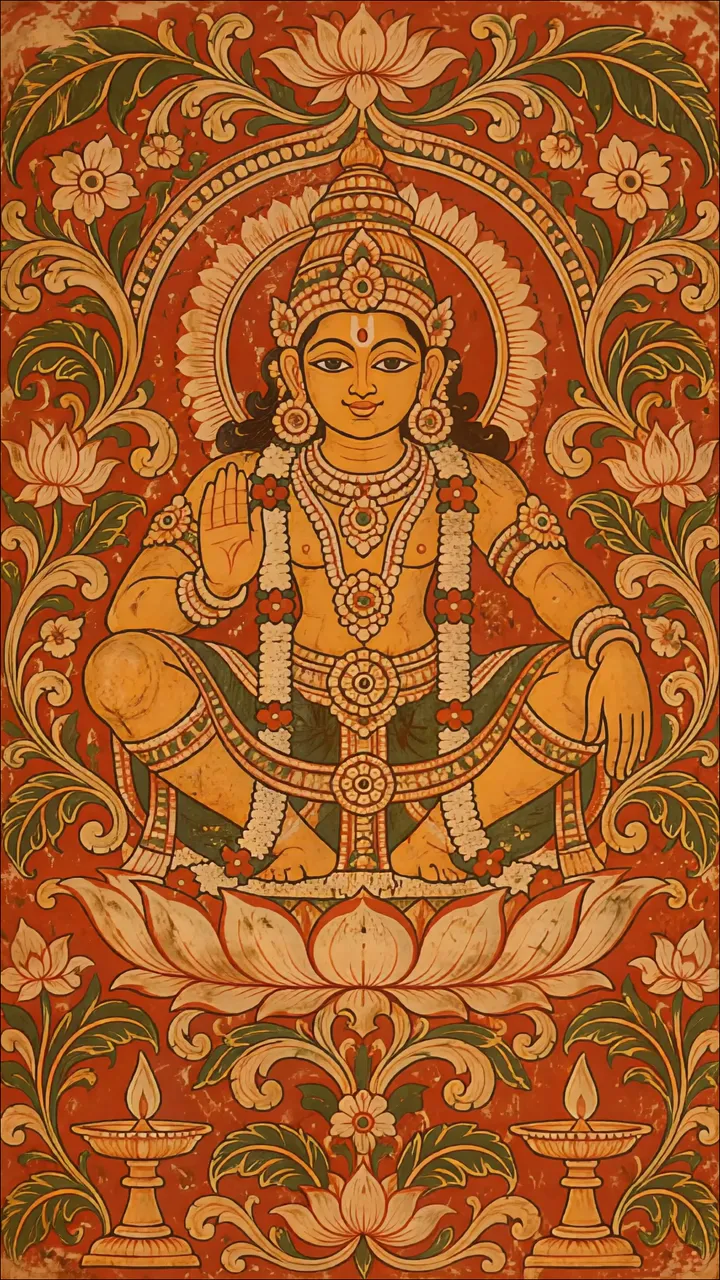
Lord Ayyappa Holding Golden Bow Amid Blue Lightning live wallpaper
How to set it as wallpaper
iPhone
For a still wallpaper, save the cropped JPG to Photos and choose it in Settings → Wallpaper. For an animated Lock Screen on supported models, convert the MP4 to a Live Photo with a compatible app and select it in the wallpaper picker.
Android
For a still wallpaper, open the JPG in your gallery and choose Set as wallpaper. For the MP4, look for a video wallpaper option in your gallery or wallpaper settings. A compatible live wallpaper app can help if your phone has no built-in option.
After saving the converted Live Photo to Photos, open Settings, then Wallpaper, then Add New Wallpaper. Tap Photos, choose Live Photo, select the saved image, turn on the Live Photo effect, and tap Add to apply it to your Lock Screen.
Lord Ayyappa is depicted as a divine warrior, holding a golden bow adorned with red gems, against a dramatic backdrop of swirling blue lightning. He wears an ornate golden crown, a blue and orange dhoti with gold embroidery, and multiple sacred necklaces and armlets. His forehead bears the sacred Shri symbol, and his expression is calm yet powerful. The scene is illuminated by warm golden light contrasting with the cool blue energy, creating a majestic and spiritually charged atmosphere. The composition emphasizes his divine presence and martial grace, with intricate details in his attire and the glowing effects surrounding him.
- Format
- MP4 live wallpaper
- Resolution
- 720P, 1080P
- Duration
- 00:08
- File size
- 9.8 MB
- Category
- Ayyappa, Lord Ayyappa, Golden Bow