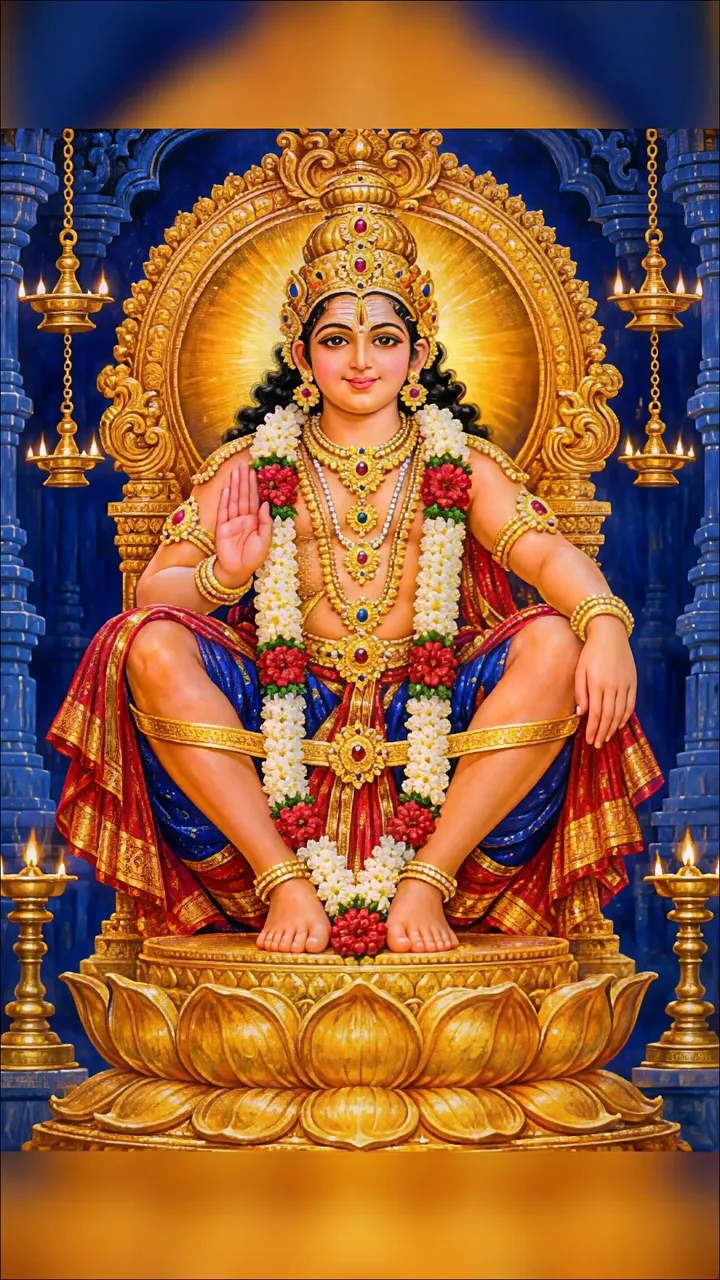
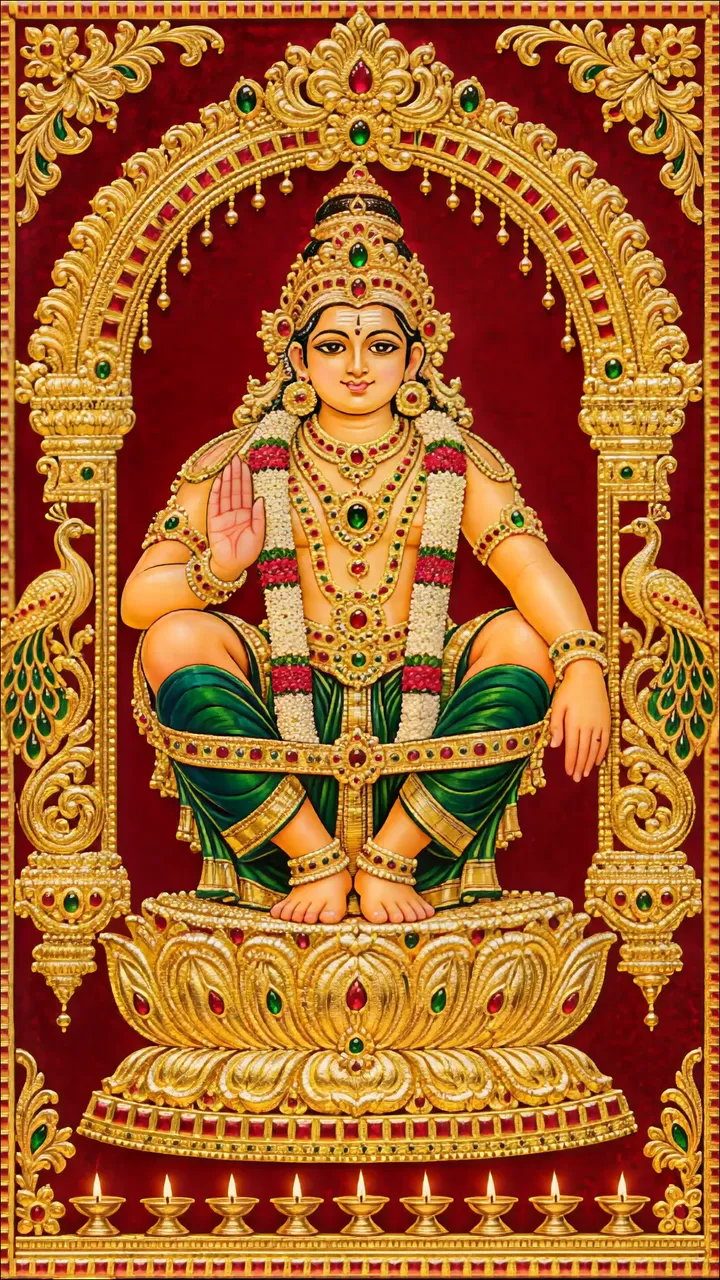
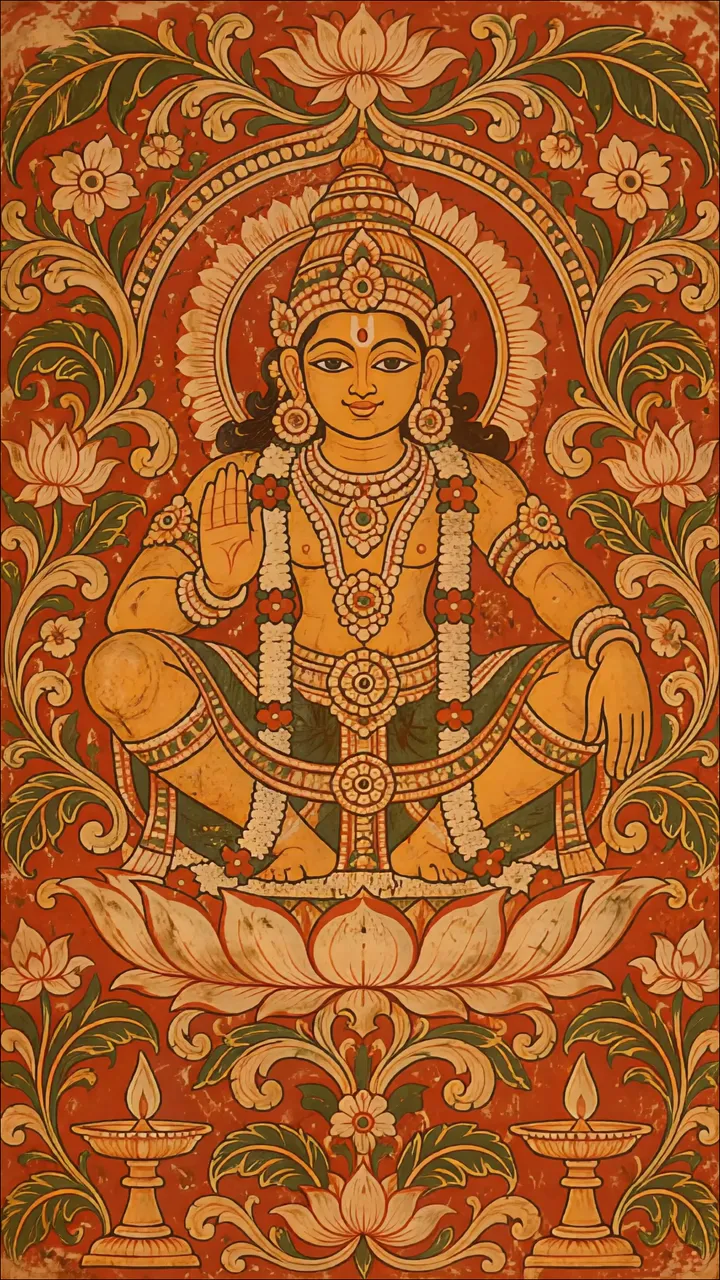
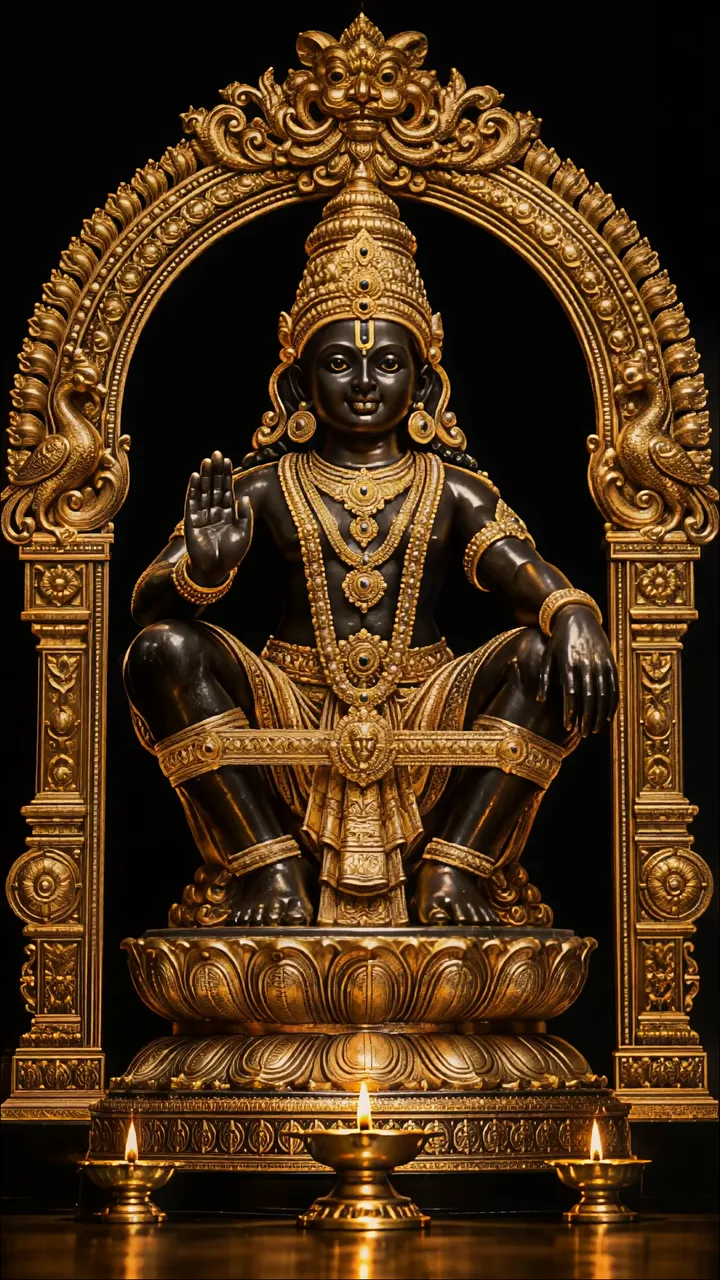
Lord Ayyappa Seated In Ornate Golden Throne live wallpaper
How to set it as wallpaper
iPhone
For a still wallpaper, save the cropped JPG to Photos and choose it in Settings → Wallpaper. For an animated Lock Screen on supported models, convert the MP4 to a Live Photo with a compatible app and select it in the wallpaper picker.
Android
For a still wallpaper, open the JPG in your gallery and choose Set as wallpaper. For the MP4, look for a video wallpaper option in your gallery or wallpaper settings. A compatible live wallpaper app can help if your phone has no built-in option.
After saving the converted Live Photo to Photos, open Settings, then Wallpaper, then Add New Wallpaper. Tap Photos, choose Live Photo, select the saved image, turn on the Live Photo effect, and tap Add to apply it to your Lock Screen.
A majestic black statue of Lord Ayyappa sits serenely in a richly detailed golden throne, framed by an ornate arch. The deity is adorned with a floral garland of red and white blossoms, intricate gold jewelry, and a traditional crown. Two lit brass oil lamps flank the base, casting a warm glow on the polished surface. The statue’s posture, with one hand raised in blessing, conveys divine calm. The dark statue contrasts beautifully with the golden embellishments and the deep black background, creating a reverent and visually striking devotional scene.
- Format
- MP4 live wallpaper
- Resolution
- 720P, 1080P
- Duration
- 00:08
- File size
- 12.5 MB
- Category
- Ayyappa, Lord Ayyappa, Devotional Statue