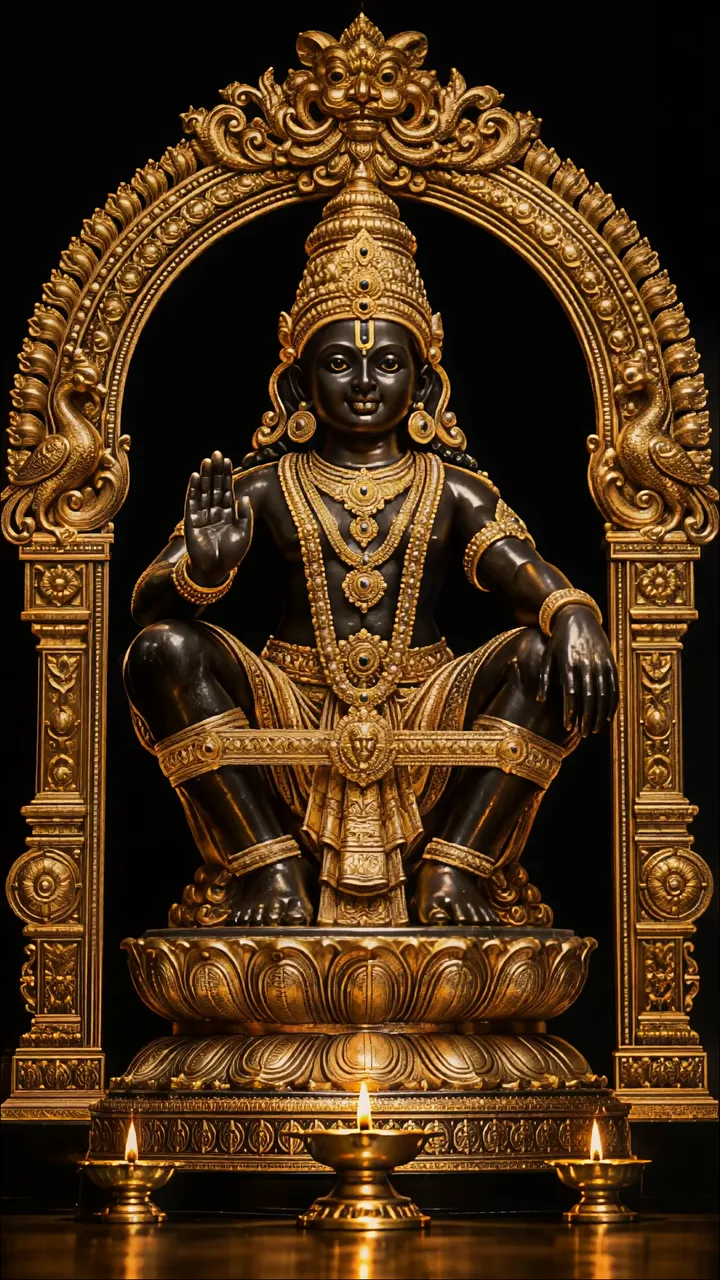
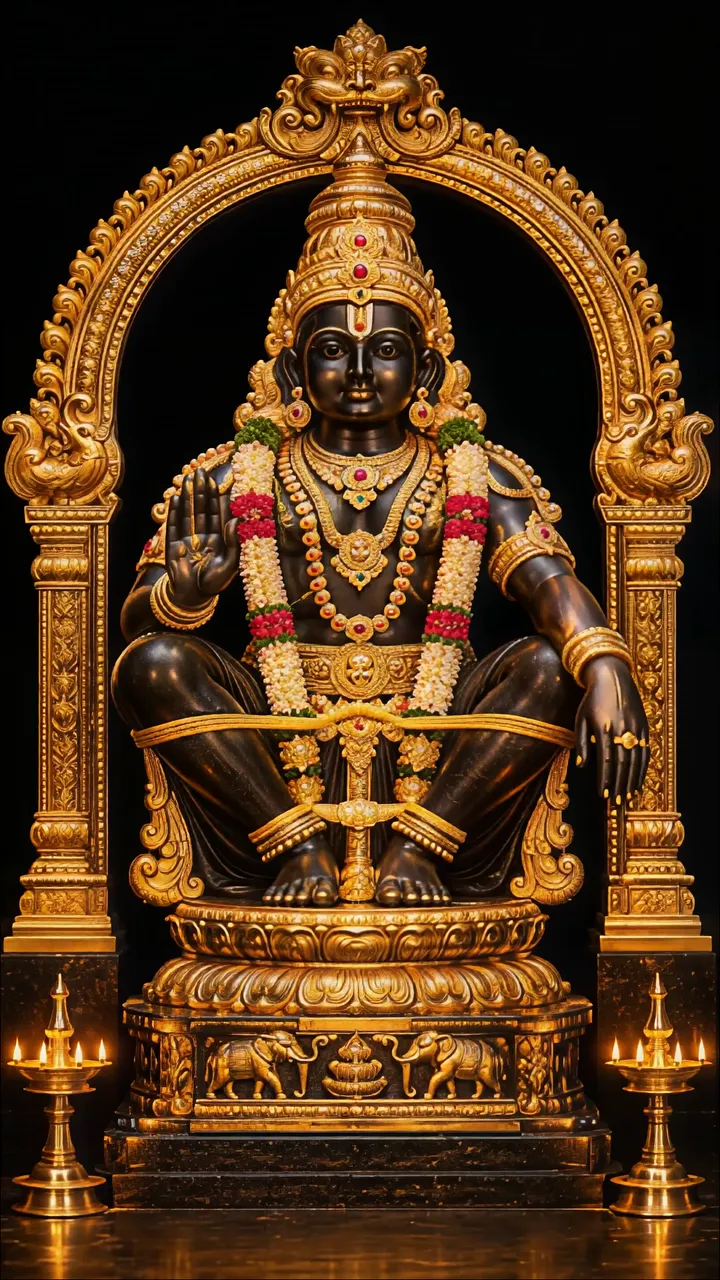
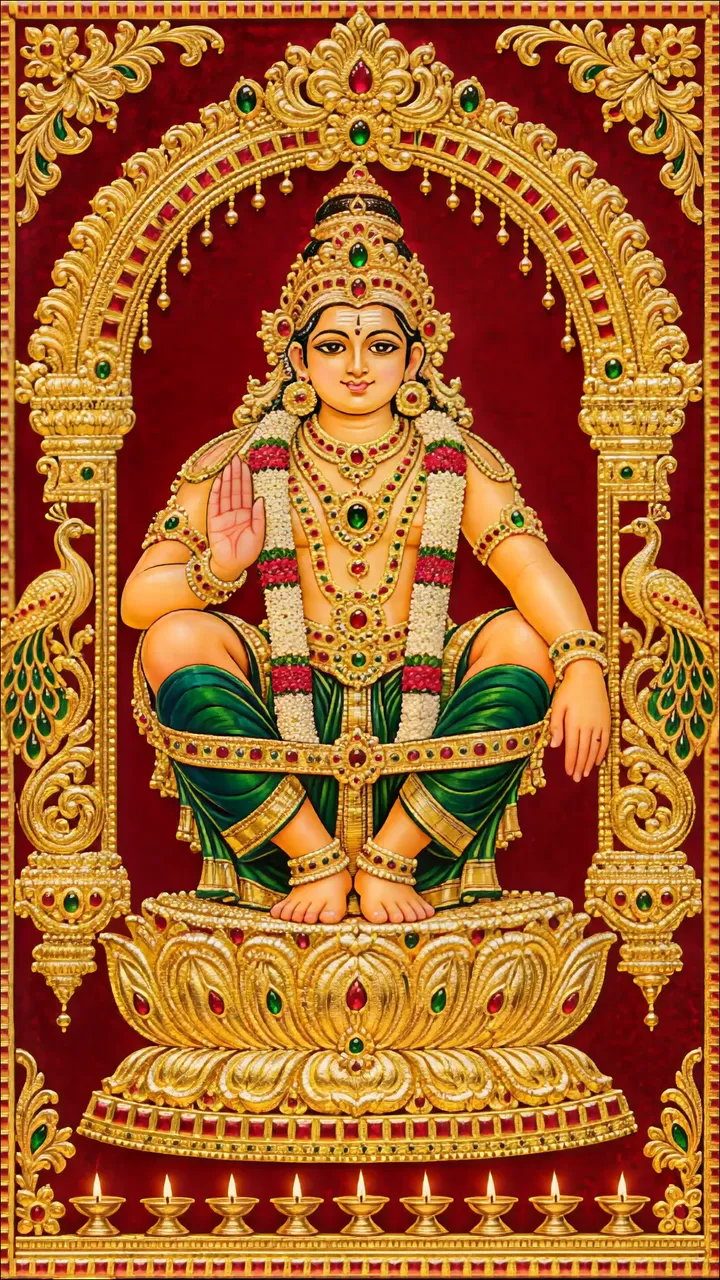
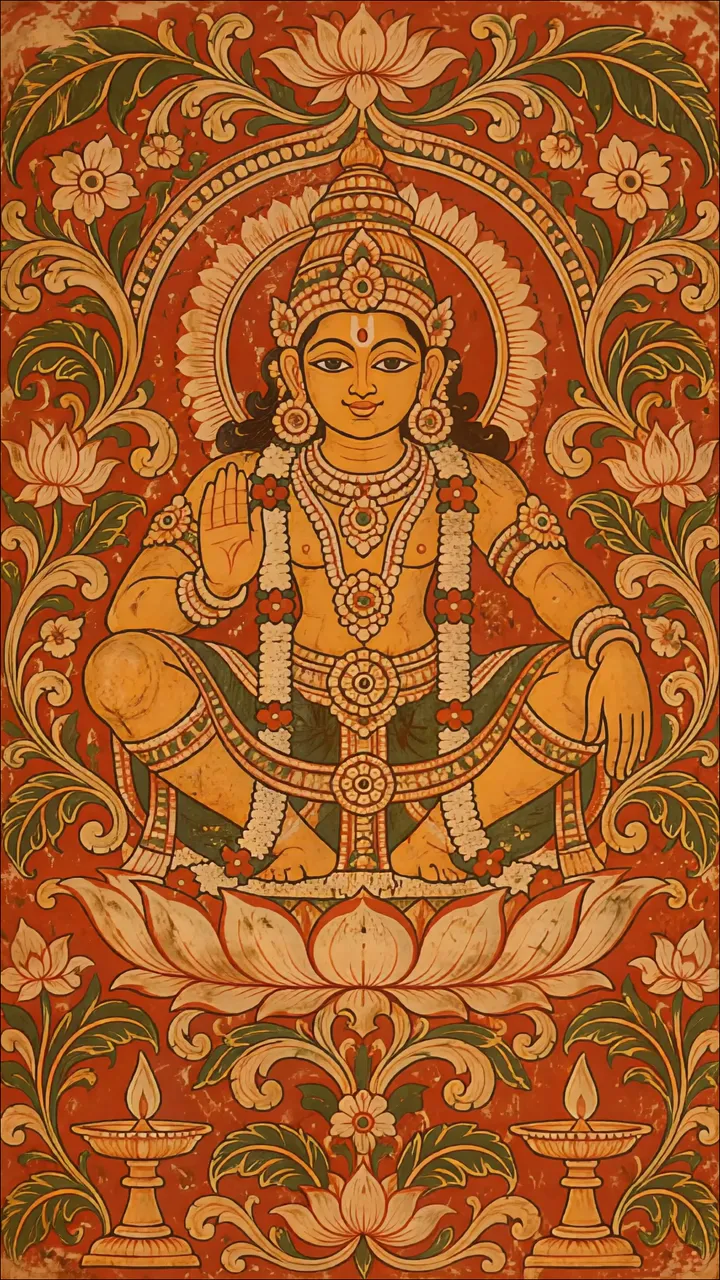
Baby Ayyappa With A Tiger Cub On Red Background live wallpaper
How to set it as wallpaper
iPhone
For a still wallpaper, save the cropped JPG to Photos and choose it in Settings → Wallpaper. For an animated Lock Screen on supported models, convert the MP4 to a Live Photo with a compatible app and select it in the wallpaper picker.
Android
For a still wallpaper, open the JPG in your gallery and choose Set as wallpaper. For the MP4, look for a video wallpaper option in your gallery or wallpaper settings. A compatible live wallpaper app can help if your phone has no built-in option.
After saving the converted Live Photo to Photos, open Settings, then Wallpaper, then Add New Wallpaper. Tap Photos, choose Live Photo, select the saved image, turn on the Live Photo effect, and tap Add to apply it to your Lock Screen.
A youthful depiction of Baby Ayyappa, adorned in traditional red and gold attire with a golden crown and bell necklace, sits serenely on ornate stone steps. Beside him rests a small tiger cub, which he gently pets. The scene is illuminated by a radiant golden halo and set against a rich, glowing red background. The composition blends divine imagery with natural elements, emphasizing innocence and spiritual connection. The warm lighting and detailed textures create a reverent, visually striking atmosphere suitable for devotional contexts.
- Format
- MP4 live wallpaper
- Resolution
- 720P, 1080P
- Duration
- 00:08
- File size
- 4.7 MB
- Category
- Ayyappa, Baby Ayyappa, Tiger Cub