@korifresh

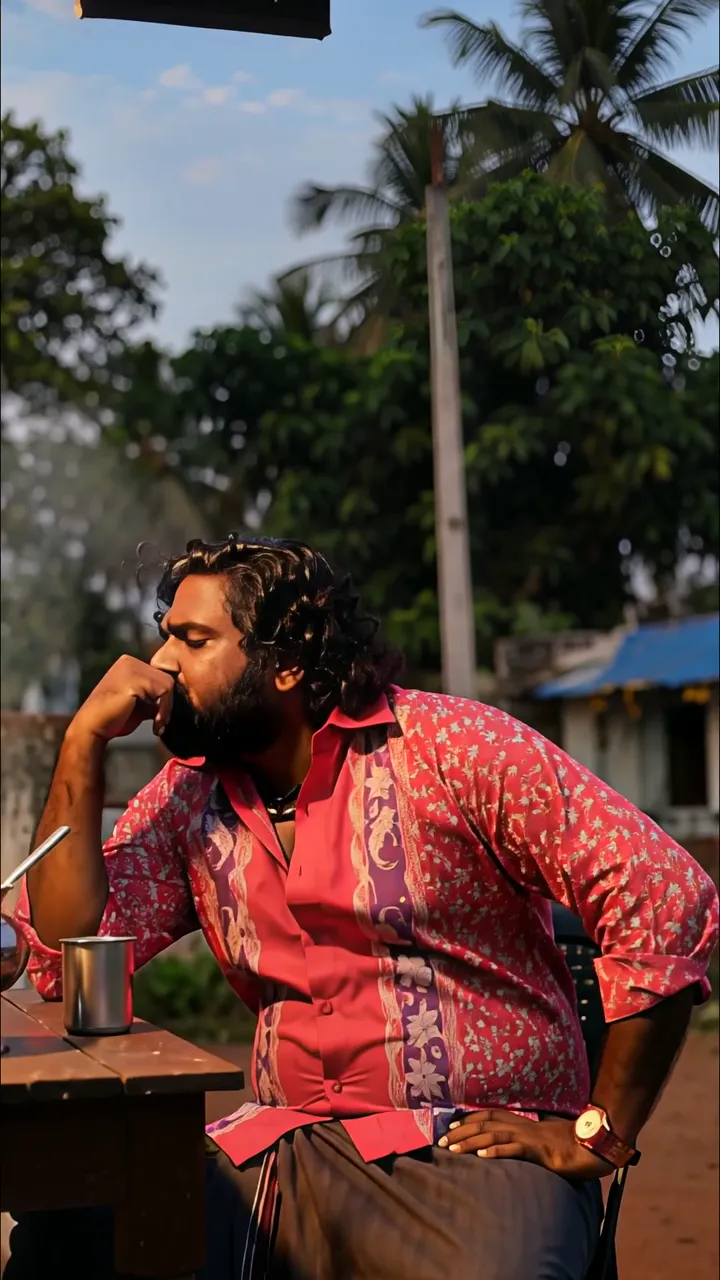
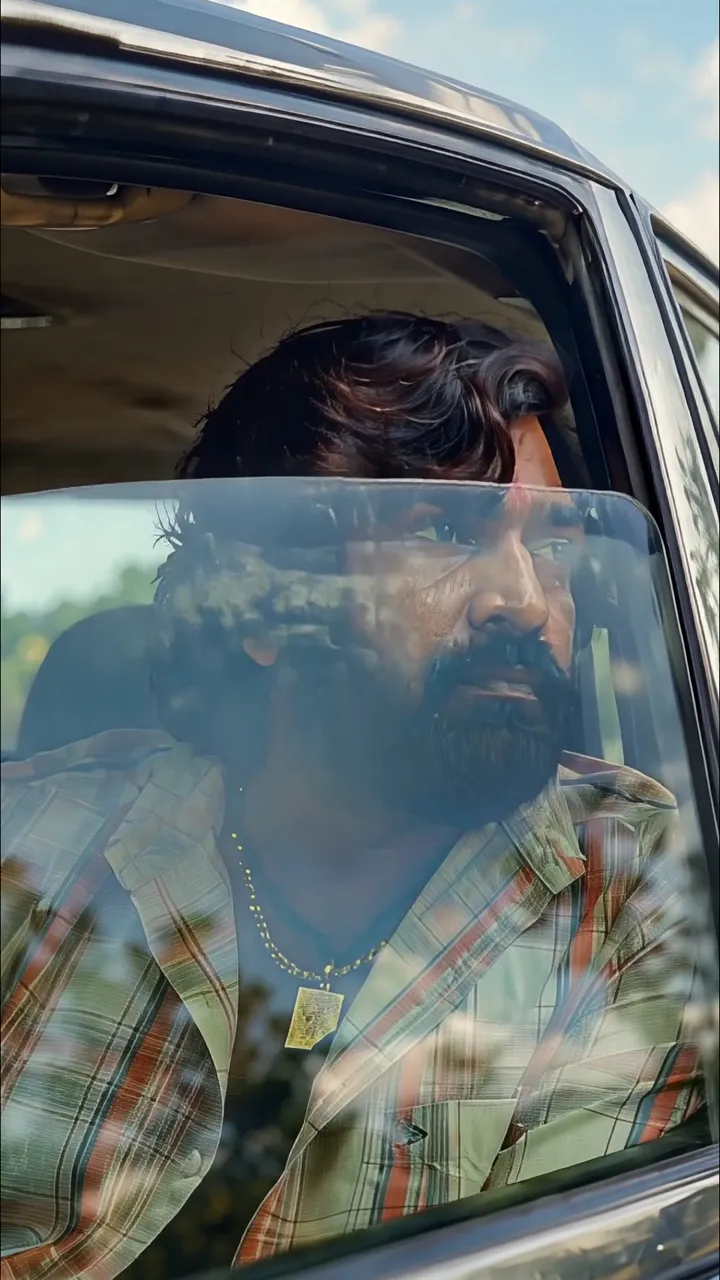
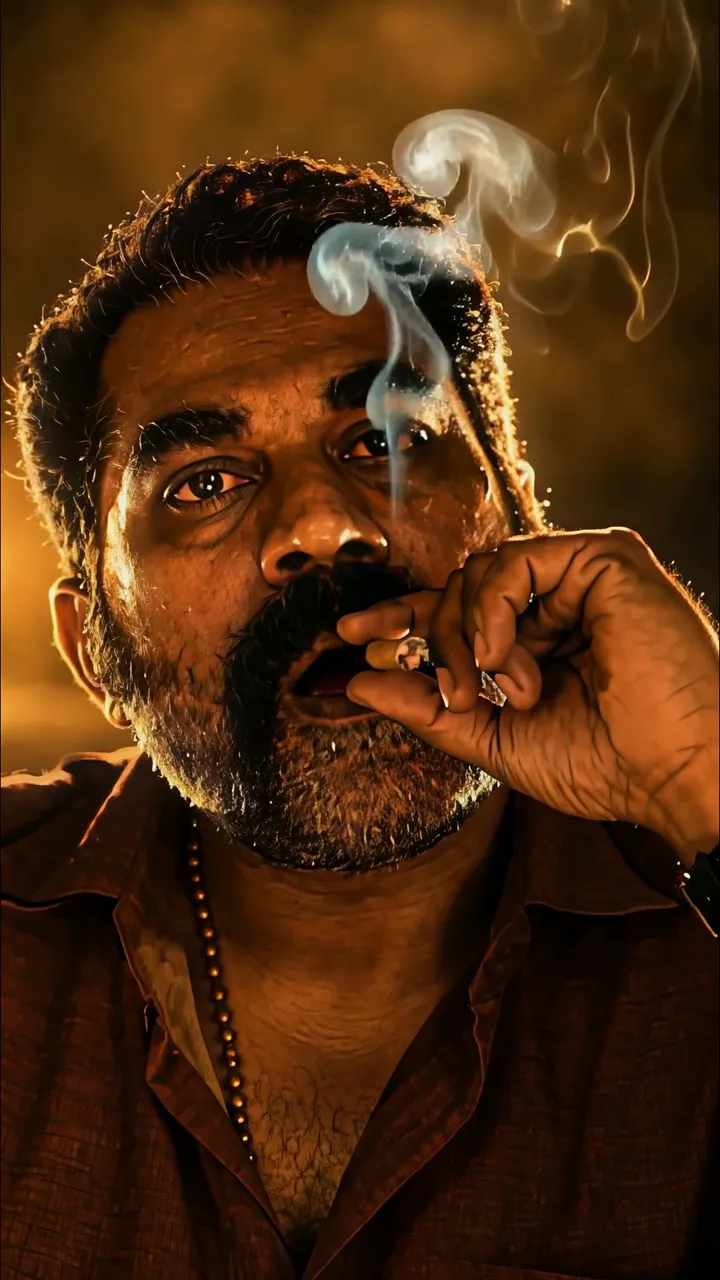
Download "Intense Man Staring Back At Night Riverbank Scene" live wallpaper

Verify that you are human to download high quality live wallpapes.

How to set live wallpaper on your phone Setup tutorial

On Android Phones

  1. Save the downloaded MP4 file to your phone.
  2. Open your phone's Gallery, Files, or Wallpaper app.
  3. Choose the video, tap Set as wallpaper, then apply it to your home screen or lock screen.

On iPhone

  1. Save the MP4 file to Photos.
  2. iPhone requires a Live Photo, convert the video with a live wallpaper app first.
  3. Open Settings > Wallpaper, select the saved Live Photo, then apply it.

You may also like:

Mature Man With Beard Gazing At Rainy Cityscape Through Window LIVE Intense Rainy Night Street Scene With Muscular Man LIVE Two Men Facing Each Other In Dramatic Golden Light LIVE Intense Man In Dark Corridor With Red Security Camera LIVE Man Watching Castle Explosion At Night With Fiery Blast LIVE Mysterious Man In Black Coat Walking Through Gothic Hallway LIVE Full Moon Halloween Night With Bats And Bare Tree LIVE Peaceful Hindu Monk Meditation With Shiva Idol And Temple Candles LIVE White Toyota Supra Drift With Neon Lights And Smoke LIVE

Report wallpaper

Select the reason that best describes the issue.