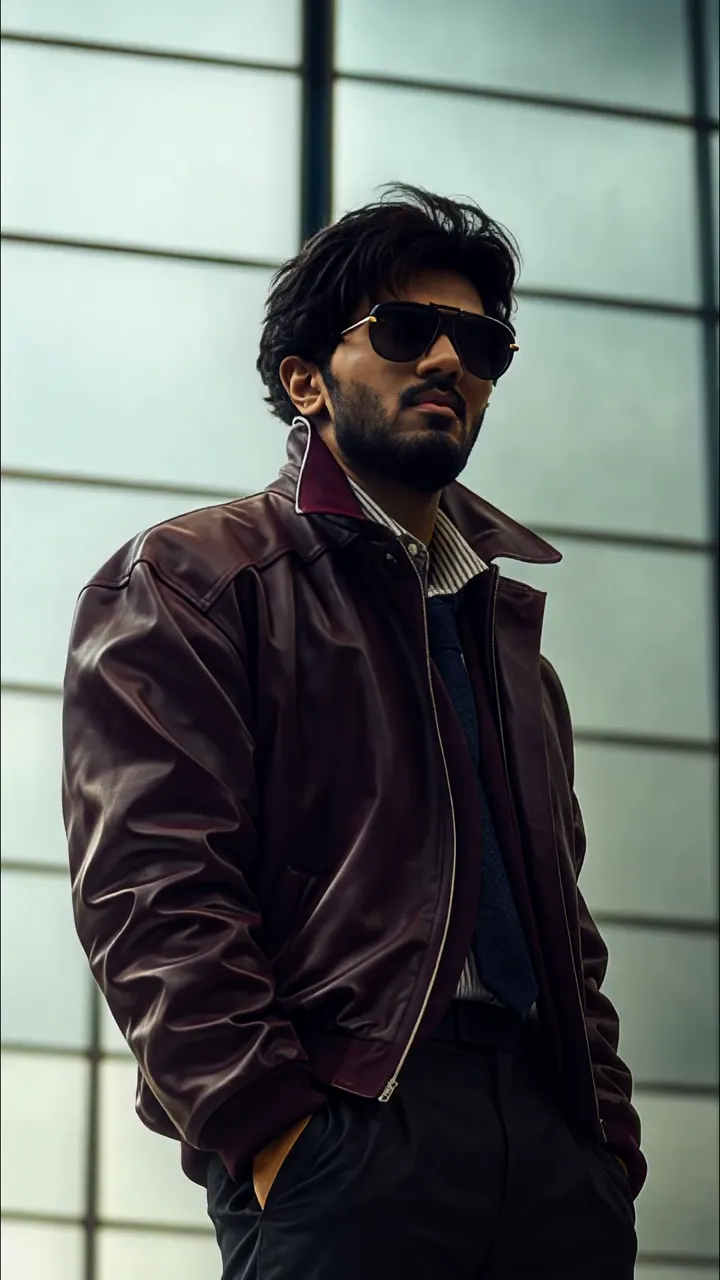
Cool Bald Man In Beige Suit And Sunglasses Urban Scene live wallpaper
How to set it as wallpaper
iPhone
For a still wallpaper, save the cropped JPG to Photos and choose it in Settings → Wallpaper. For an animated Lock Screen on supported models, convert the MP4 to a Live Photo with a compatible app and select it in the wallpaper picker.
Android
For a still wallpaper, open the JPG in your gallery and choose Set as wallpaper. For the MP4, look for a video wallpaper option in your gallery or wallpaper settings. A compatible live wallpaper app can help if your phone has no built-in option.
After saving the converted Live Photo to Photos, open Settings, then Wallpaper, then Add New Wallpaper. Tap Photos, choose Live Photo, select the saved image, turn on the Live Photo effect, and tap Add to apply it to your Lock Screen.
This high-definition animated background features a cool, bald man in a beige suit and stylish sunglasses, captured from a dramatic low angle. The scene is set under a modern, geometric glass ceiling, creating a sharp, urban atmosphere. The lighting is soft yet defined, highlighting the man’s confident expression and the texture of his tailored suit and patterned tie. The composition is sleek and cinematic, perfect for users who want a sophisticated, distinctive screen style. Download this ultra-clear live wallpaper for free and transform your phone, lock screen, home screen, or PC into a bold, stylish display that stands out from the crowd.
- Format
- MP4 live wallpaper
- Resolution
- 720P, 1080P
- Duration
- 00:07
- File size
- 4 MB
- Category
- Man, Sunglasses, Beige Suit