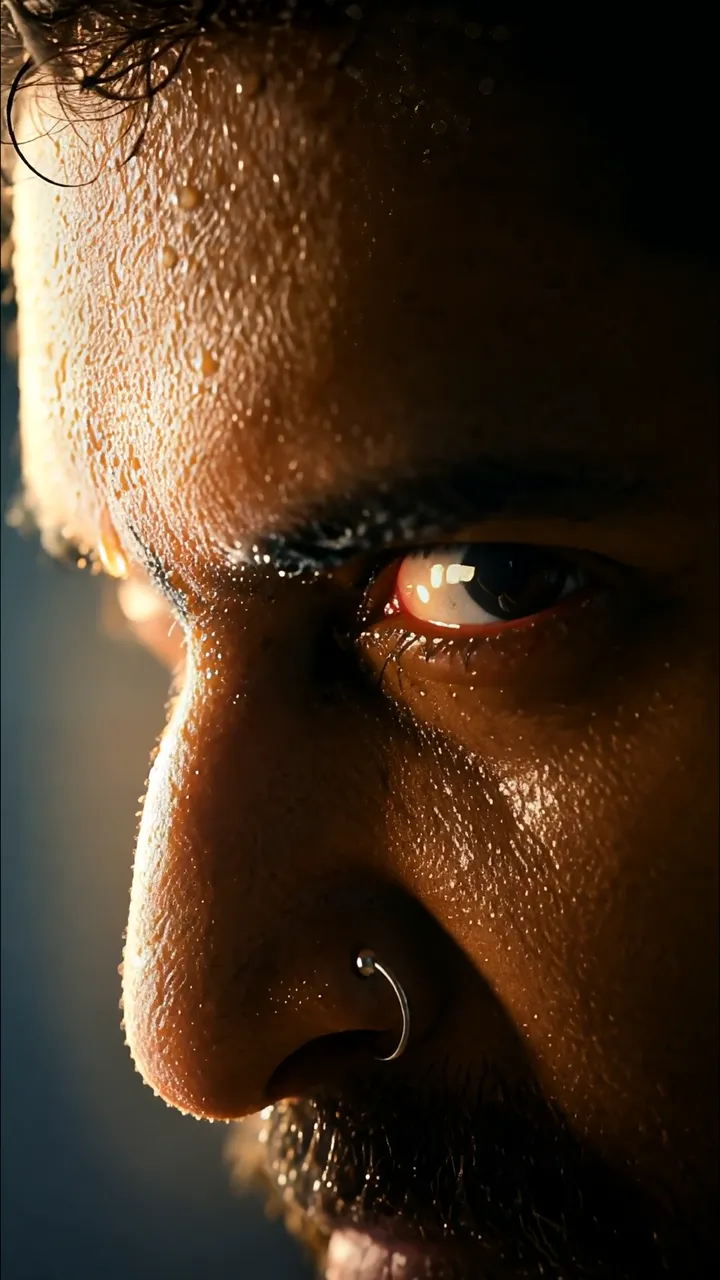
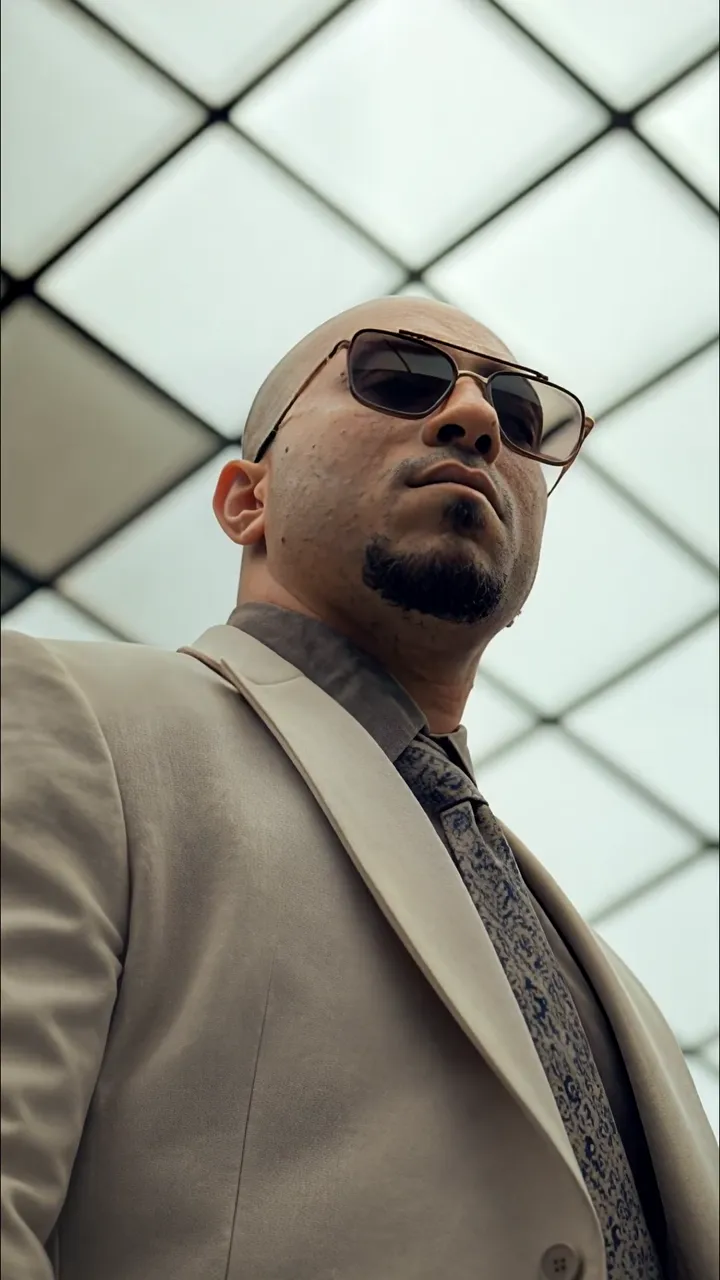
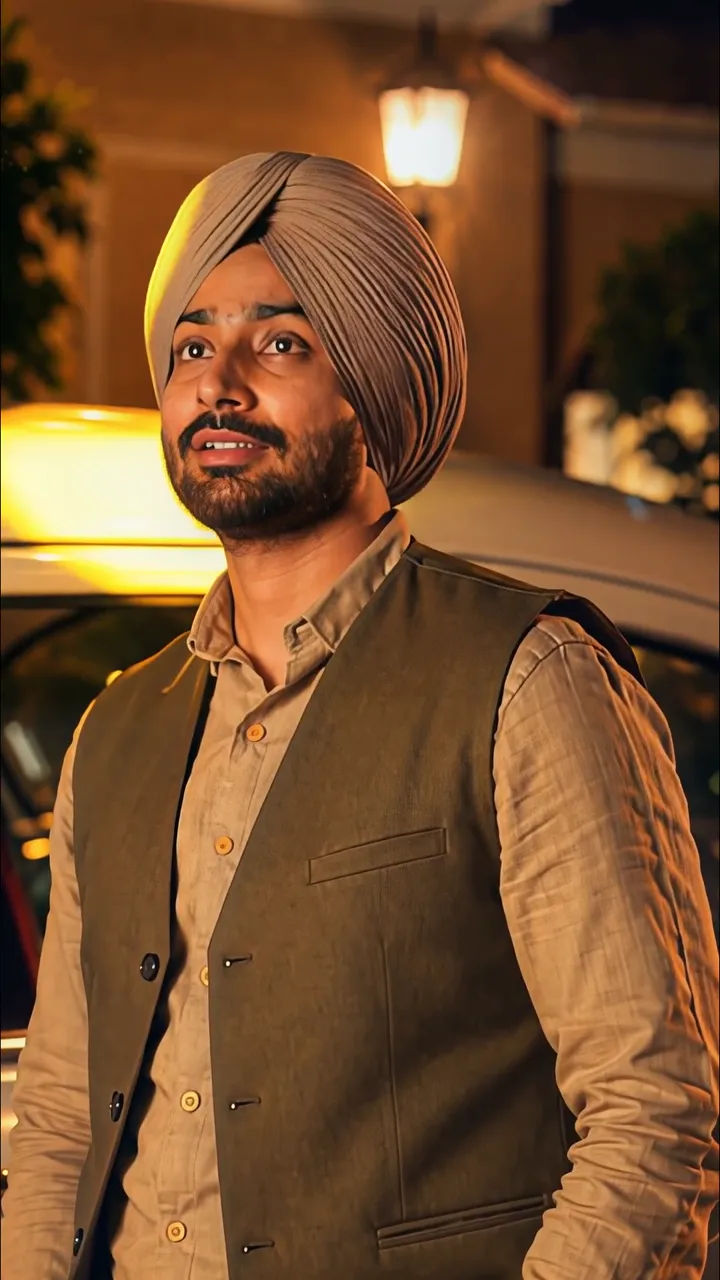
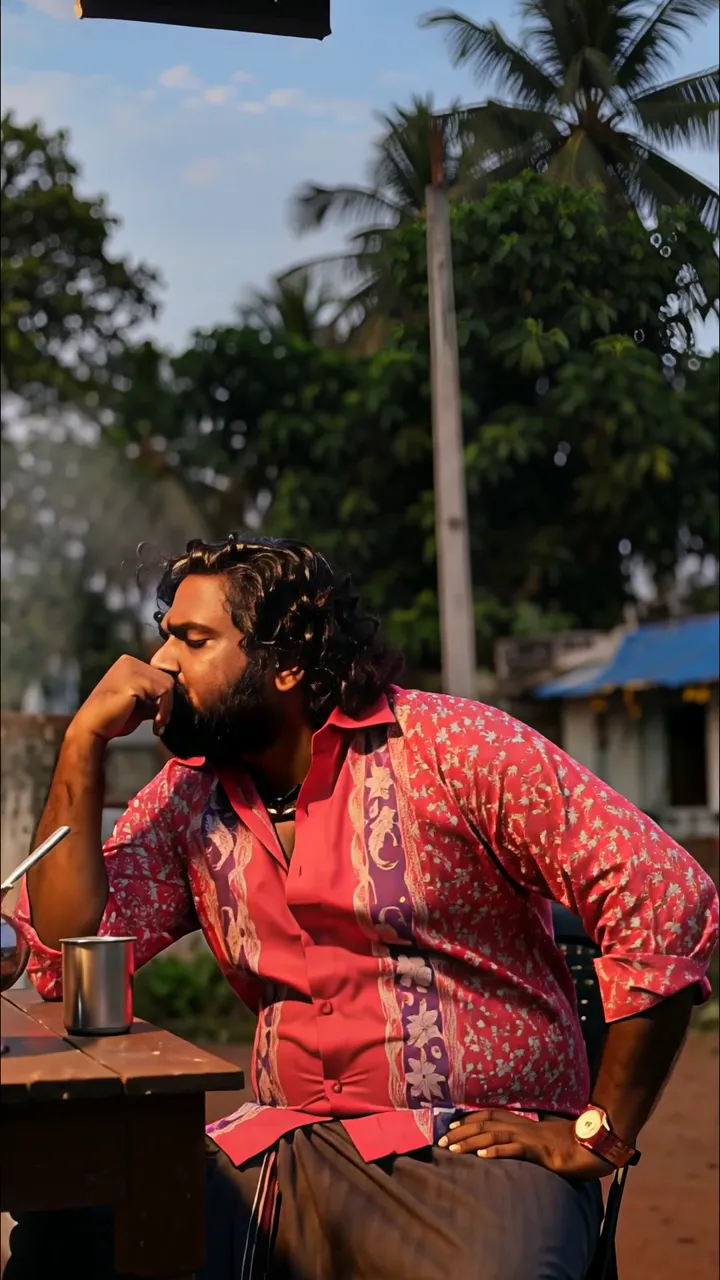
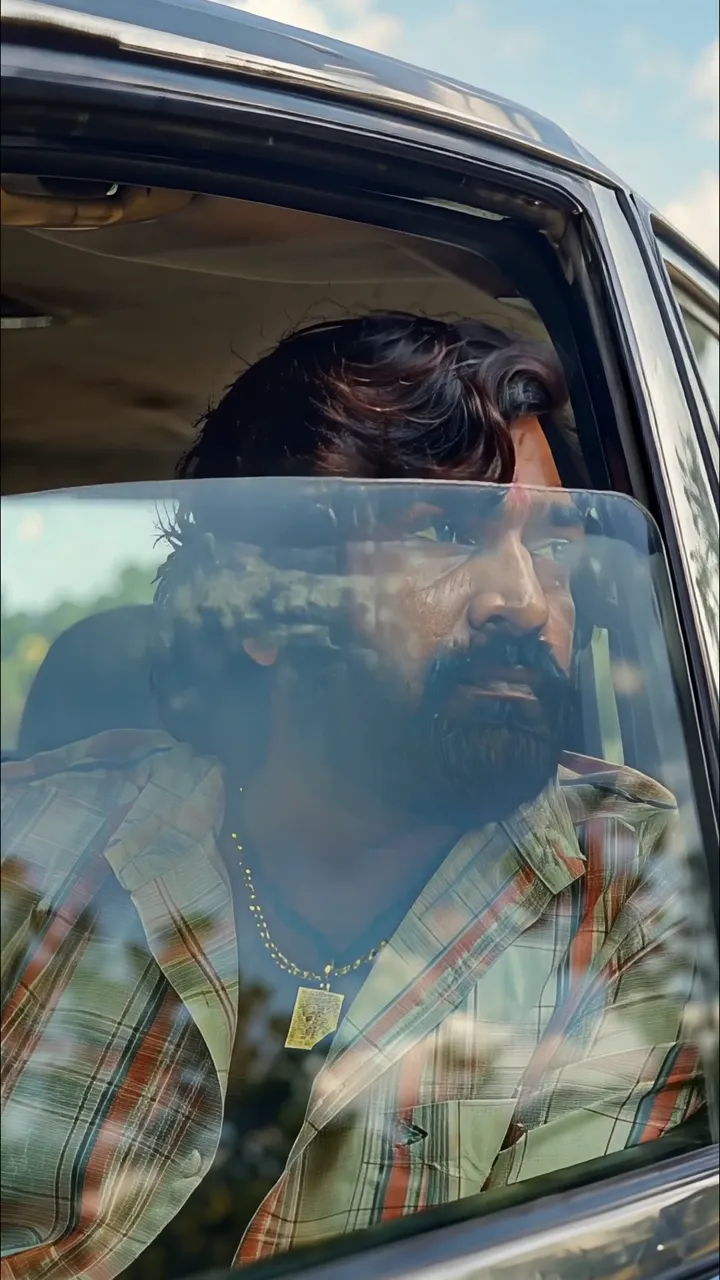
Charming Man In Burgundy Leather Jacket With Sunglasses Urban Style live wallpaper
How to set it as wallpaper
iPhone
For a still wallpaper, save the cropped JPG to Photos and choose it in Settings → Wallpaper. For an animated Lock Screen on supported models, convert the MP4 to a Live Photo with a compatible app and select it in the wallpaper picker.
Android
For a still wallpaper, open the JPG in your gallery and choose Set as wallpaper. For the MP4, look for a video wallpaper option in your gallery or wallpaper settings. A compatible live wallpaper app can help if your phone has no built-in option.
After saving the converted Live Photo to Photos, open Settings, then Wallpaper, then Add New Wallpaper. Tap Photos, choose Live Photo, select the saved image, turn on the Live Photo effect, and tap Add to apply it to your Lock Screen.
A stylish man exudes confidence in a sleek burgundy leather jacket, paired with dark sunglasses and a striped shirt. He stands against a modern glass-paneled building, creating a sharp, urban aesthetic. The composition highlights his relaxed yet fashionable pose, with hands in pockets and a cool, composed expression. The lighting is soft and cinematic, enhancing the rich texture of the leather and the overall sophisticated mood. This high-definition animated background is perfect for personalizing your phone, lock screen, or PC display, adding a touch of modern elegance and individuality to your digital space. Download this free live wallpaper to elevate your screen style with a charismatic, street-smart vibe.
- Format
- MP4 live wallpaper
- Resolution
- 720P, 1080P
- Duration
- 00:07
- File size
- 3.3 MB
- Category
- Man, Leather Jacket, Sunglasses