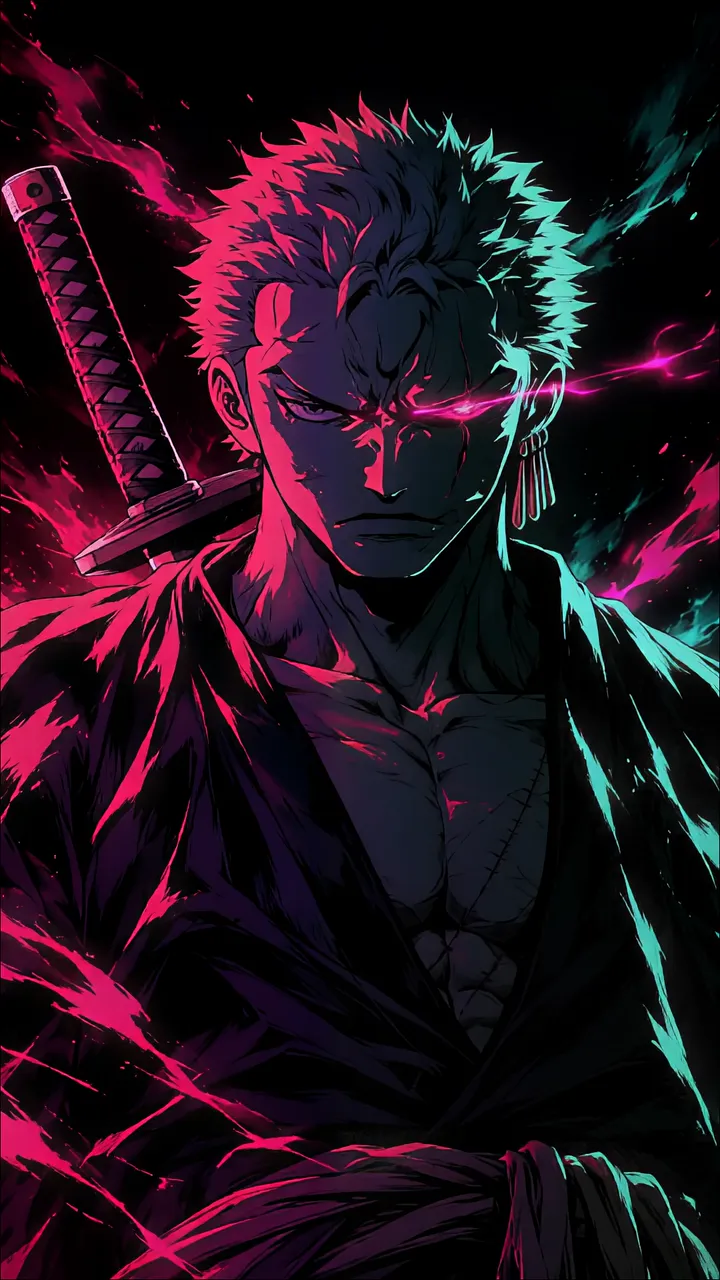
Zoro From One Piece Holding A Sword With Purple Aura live wallpaper
How to set it as wallpaper
iPhone
For a still wallpaper, save the cropped JPG to Photos and choose it in Settings → Wallpaper. For an animated Lock Screen on supported models, convert the MP4 to a Live Photo with a compatible app and select it in the wallpaper picker.
Android
For a still wallpaper, open the JPG in your gallery and choose Set as wallpaper. For the MP4, look for a video wallpaper option in your gallery or wallpaper settings. A compatible live wallpaper app can help if your phone has no built-in option.
After saving the converted Live Photo to Photos, open Settings, then Wallpaper, then Add New Wallpaper. Tap Photos, choose Live Photo, select the saved image, turn on the Live Photo effect, and tap Add to apply it to your Lock Screen.
Zoro from One Piece stands in a battle-ready pose, gripping a sword that emits a glowing purple aura. His signature green spiky hair, facial scars, and golden earrings are clearly visible, along with his purple robe featuring a floral pattern. Behind him, a dark purple sky with floating pink petals and a menacing horned skull adds to the dramatic atmosphere. The composition highlights his intense expression and muscular build, emphasizing his role as a swordsman. The vibrant color contrast between the purple energy and his skin tone enhances the scene’s dynamic and powerful mood.
- Format
- MP4 live wallpaper
- Resolution
- 720P, 1080P
- Duration
- 00:07
- File size
- 5.8 MB
- Category
- One Piece, Zoro, Sword