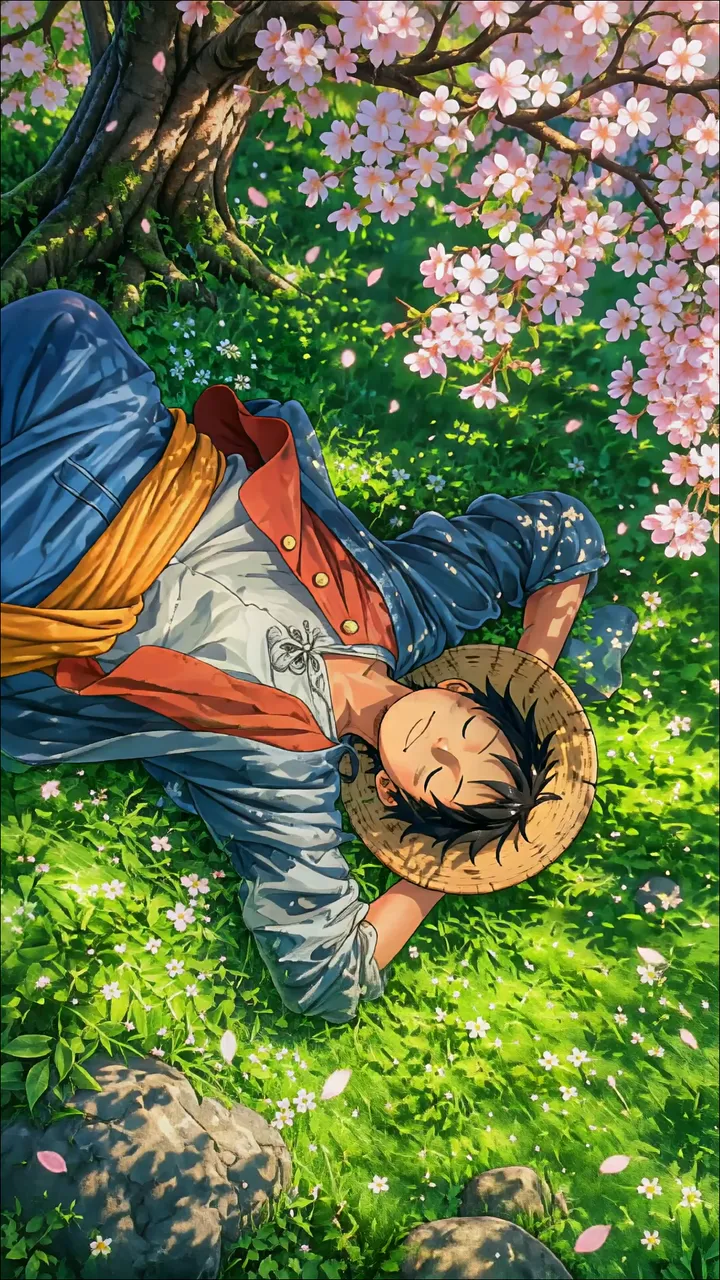
Luffy Laughing Under A Giant Moon In Cherry Blossom Night live wallpaper
How to set it as wallpaper
iPhone
For a still wallpaper, save the cropped JPG to Photos and choose it in Settings → Wallpaper. For an animated Lock Screen on supported models, convert the MP4 to a Live Photo with a compatible app and select it in the wallpaper picker.
Android
For a still wallpaper, open the JPG in your gallery and choose Set as wallpaper. For the MP4, look for a video wallpaper option in your gallery or wallpaper settings. A compatible live wallpaper app can help if your phone has no built-in option.
After saving the converted Live Photo to Photos, open Settings, then Wallpaper, then Add New Wallpaper. Tap Photos, choose Live Photo, select the saved image, turn on the Live Photo effect, and tap Add to apply it to your Lock Screen.
Luffy from One Piece laughs heartily under a massive, glowing yellow moon, his fist raised in a triumphant gesture. His signature white hair flows dramatically around him as cherry blossom petals drift through the air. Behind him, traditional Japanese-style buildings with lanterns glow warmly, set against a purple night sky. A distant mountain with a horned, fiery structure adds a mystical backdrop. The scene combines vibrant anime art with a serene, celebratory atmosphere, emphasizing Luffy’s joyful spirit and the show’s iconic visual style.
- Format
- MP4 live wallpaper
- Resolution
- 720P, 1080P
- Duration
- 00:07
- File size
- 8.3 MB
- Category
- Luffy, One Piece, Cherry Blossom Night