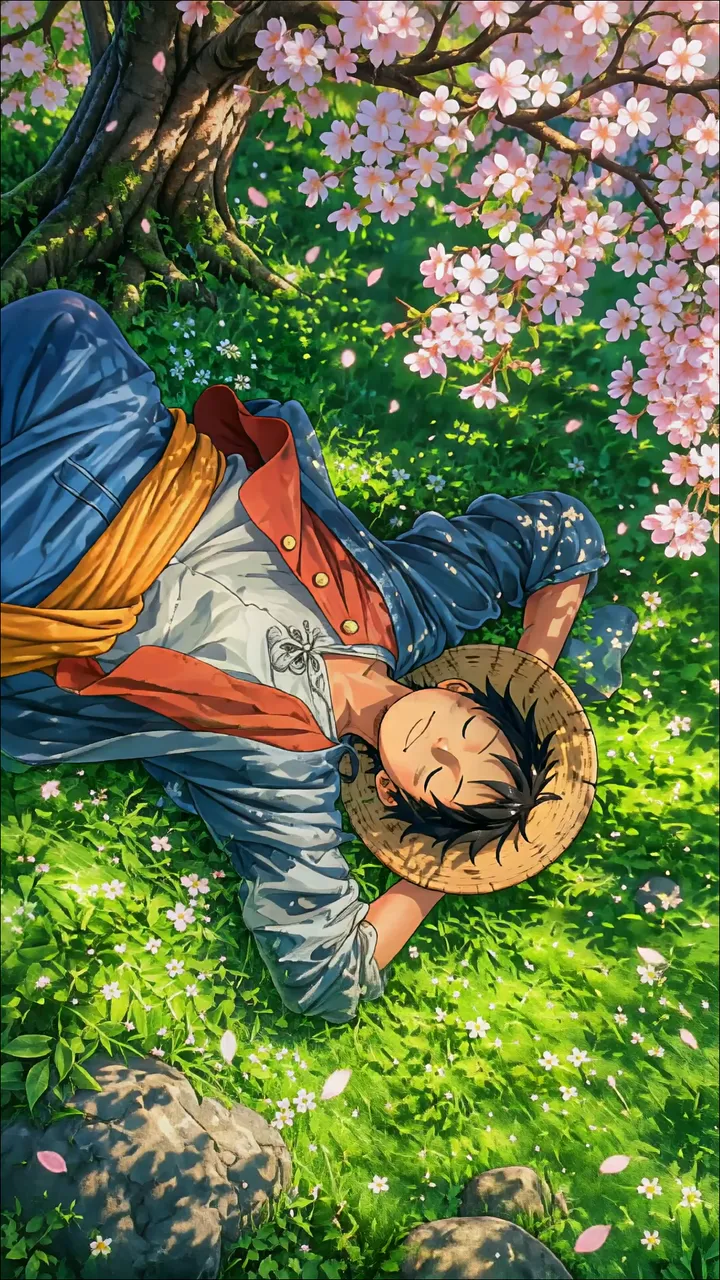
Monkey D. Luffy On A Pirate Ship With Chopper live wallpaper
How to set it as wallpaper
iPhone
For a still wallpaper, save the cropped JPG to Photos and choose it in Settings → Wallpaper. For an animated Lock Screen on supported models, convert the MP4 to a Live Photo with a compatible app and select it in the wallpaper picker.
Android
For a still wallpaper, open the JPG in your gallery and choose Set as wallpaper. For the MP4, look for a video wallpaper option in your gallery or wallpaper settings. A compatible live wallpaper app can help if your phone has no built-in option.
After saving the converted Live Photo to Photos, open Settings, then Wallpaper, then Add New Wallpaper. Tap Photos, choose Live Photo, select the saved image, turn on the Live Photo effect, and tap Add to apply it to your Lock Screen.
Monkey D. Luffy, the cheerful protagonist of One Piece, leans forward on a pirate ship with a wide grin, adjusting his iconic straw hat. Beside him, his loyal companion Chopper, the white reindeer doctor, looks up with a calm expression. The scene unfolds against a vibrant blue ocean and sky with fluffy white clouds, capturing the adventurous spirit of the series. Luffy’s red vest and determined eyes convey his bold personality, while the wooden ship’s rigging and sails frame the composition. The bright, sunny lighting enhances the energetic and optimistic mood of this classic anime moment.
- Format
- MP4 live wallpaper
- Resolution
- 720P, 1080P
- Duration
- 00:07
- File size
- 6.9 MB
- Category
- Luffy, Monkey D. Luffy, One Piece