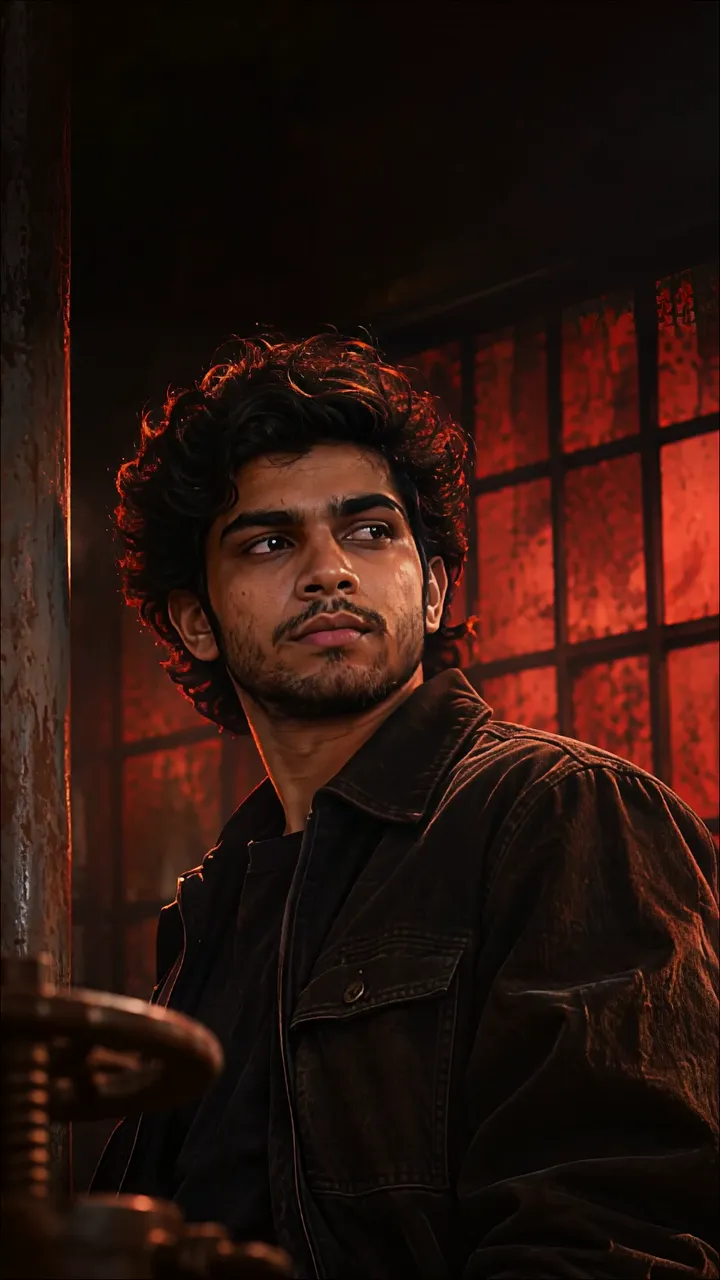
Young Man In Vintage Studio With Retro Microphone And Headphones live wallpaper
How to set it as wallpaper
iPhone
For a still wallpaper, save the cropped JPG to Photos and choose it in Settings → Wallpaper. For an animated Lock Screen on supported models, convert the MP4 to a Live Photo with a compatible app and select it in the wallpaper picker.
Android
For a still wallpaper, open the JPG in your gallery and choose Set as wallpaper. For the MP4, look for a video wallpaper option in your gallery or wallpaper settings. A compatible live wallpaper app can help if your phone has no built-in option.
After saving the converted Live Photo to Photos, open Settings, then Wallpaper, then Add New Wallpaper. Tap Photos, choose Live Photo, select the saved image, turn on the Live Photo effect, and tap Add to apply it to your Lock Screen.
A young man stands confidently in a vintage recording studio, positioned before a classic retro microphone. He wears stylish headphones, glasses, and a patterned tie, exuding a professional and artistic vibe. The scene is set against a striking blue backdrop, with a music stand nearby, suggesting a creative or performance environment. The high-definition, ultra-clear visual captures the details of his attire and the studio equipment, making it a distinctive screen style for any device. This live wallpaper is available for free download and can transform your phone, lock screen, home screen, or PC into a unique and stylish display, perfect for music lovers and fans of retro aesthetics.
- Format
- MP4 live wallpaper
- Resolution
- 720P, 1080P
- Duration
- 00:07
- File size
- 4.6 MB
- Category
- Young Man, Retro Microphone, Vintage Studio