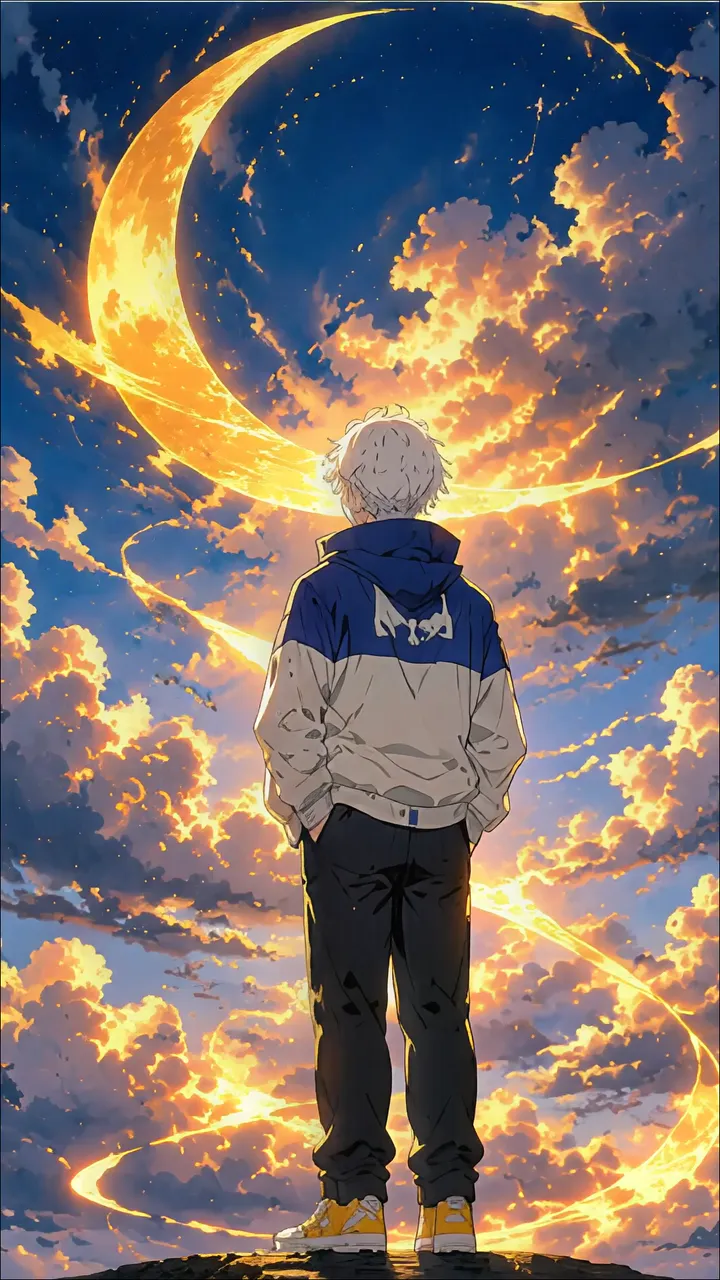
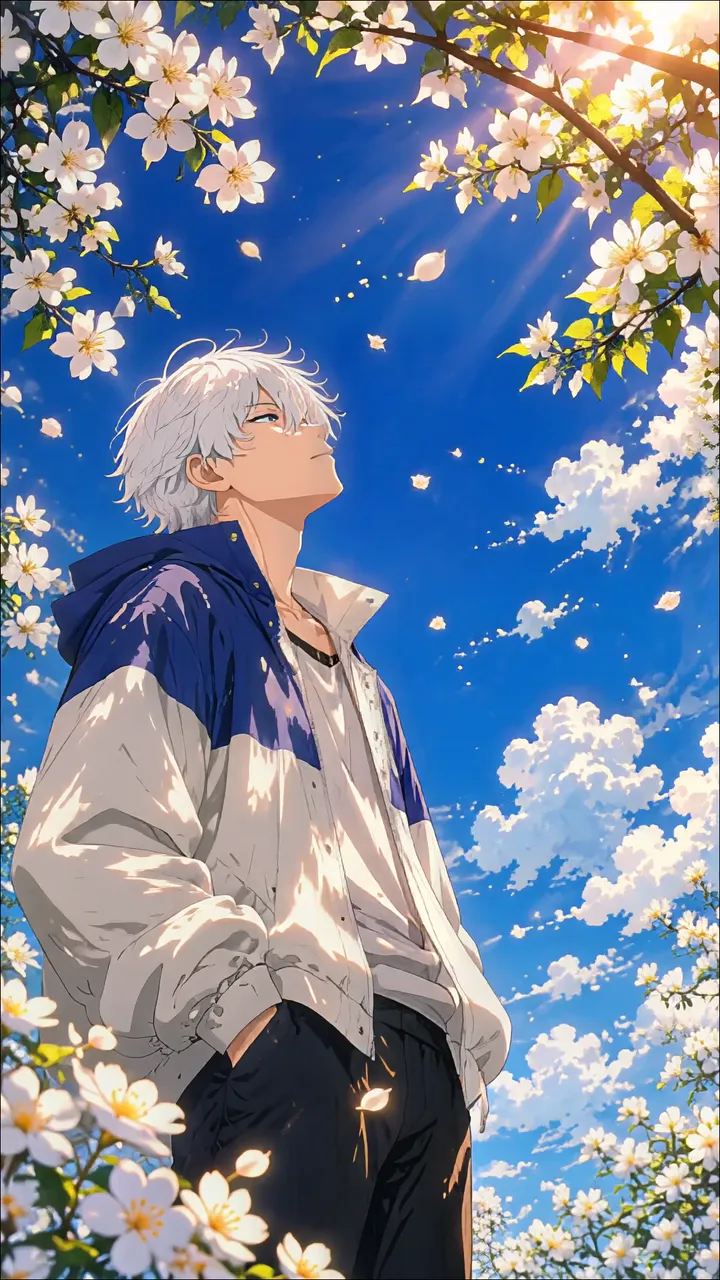
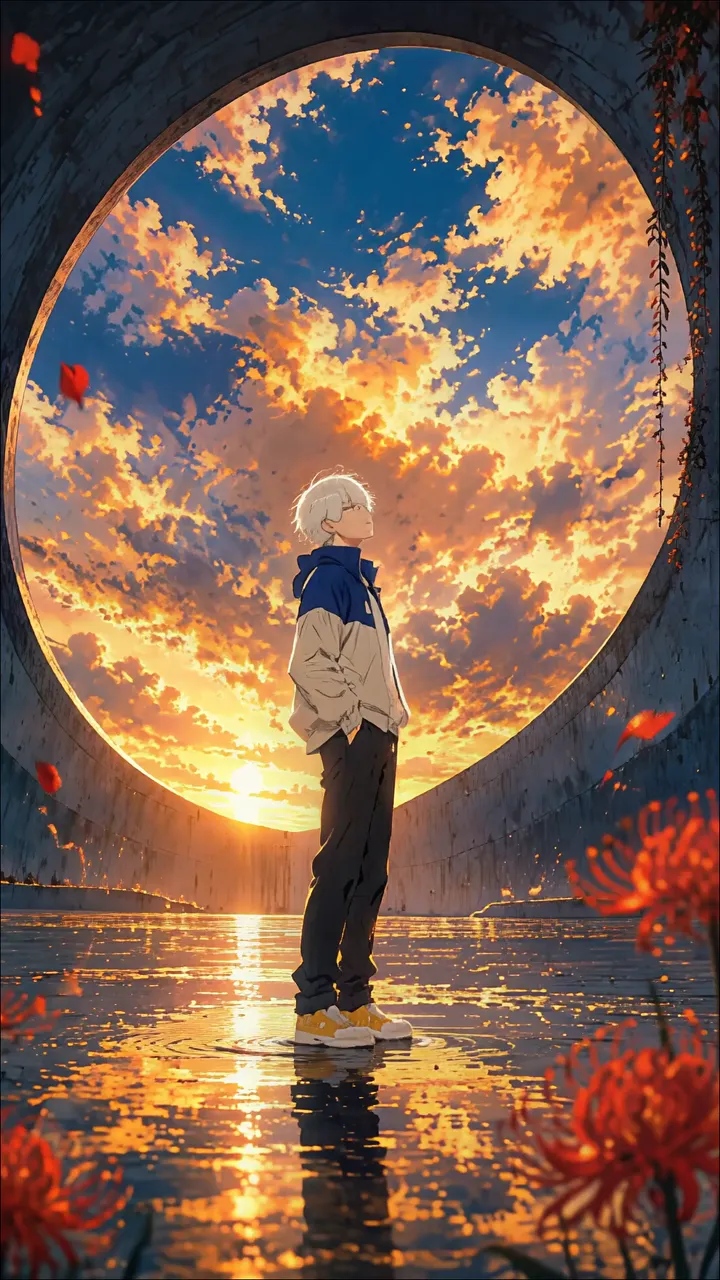
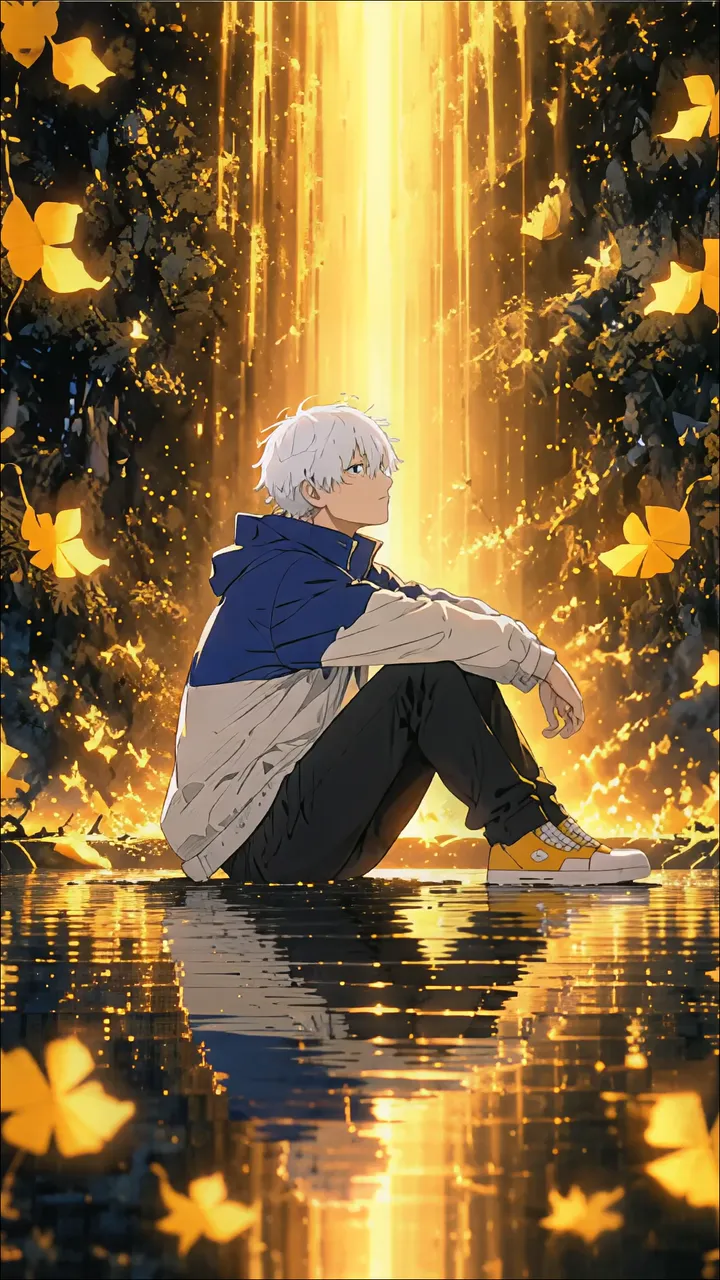
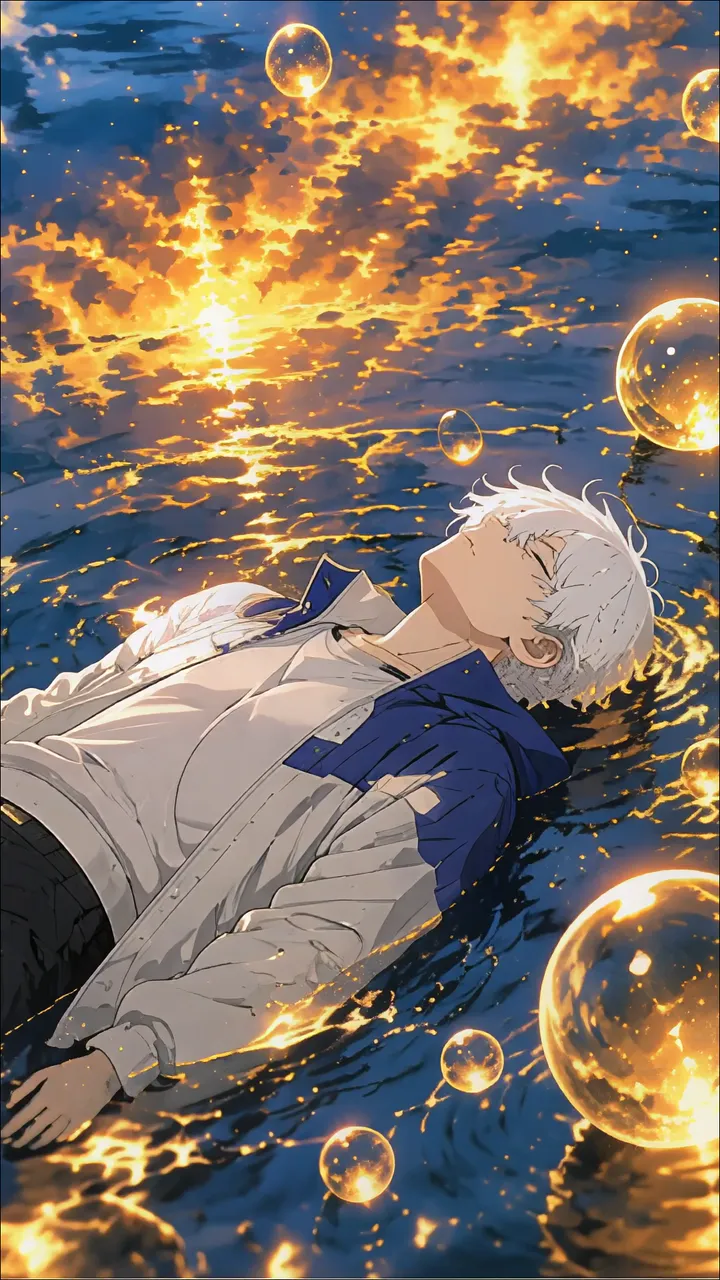
White-Haired Anime Boy Resting Amid Floating Flowers live wallpaper
How to set it as wallpaper
iPhone
For a still wallpaper, save the cropped JPG to Photos and choose it in Settings → Wallpaper. For an animated Lock Screen on supported models, convert the MP4 to a Live Photo with a compatible app and select it in the wallpaper picker.
Android
For a still wallpaper, open the JPG in your gallery and choose Set as wallpaper. For the MP4, look for a video wallpaper option in your gallery or wallpaper settings. A compatible live wallpaper app can help if your phone has no built-in option.
After saving the converted Live Photo to Photos, open Settings, then Wallpaper, then Add New Wallpaper. Tap Photos, choose Live Photo, select the saved image, turn on the Live Photo effect, and tap Add to apply it to your Lock Screen.
An anime boy with white hair lies relaxed on his back in a serene blue water setting, surrounded by floating white flowers with yellow centers. He wears a light gray and blue jacket with black pants, his arms spread wide as golden light glimmers around him. The water reflects the sky and blooms, creating a tranquil, dreamlike atmosphere. The composition centers on the boy’s peaceful expression, framed by the gentle movement of petals and soft sunlight filtering through the scene, enhancing the calm, natural beauty of the moment.
- Format
- MP4 live wallpaper
- Resolution
- 720P, 1080P
- Duration
- 00:08
- File size
- 9.4 MB
- Category
- Fool Night, Anime Boy, Floating Flowers