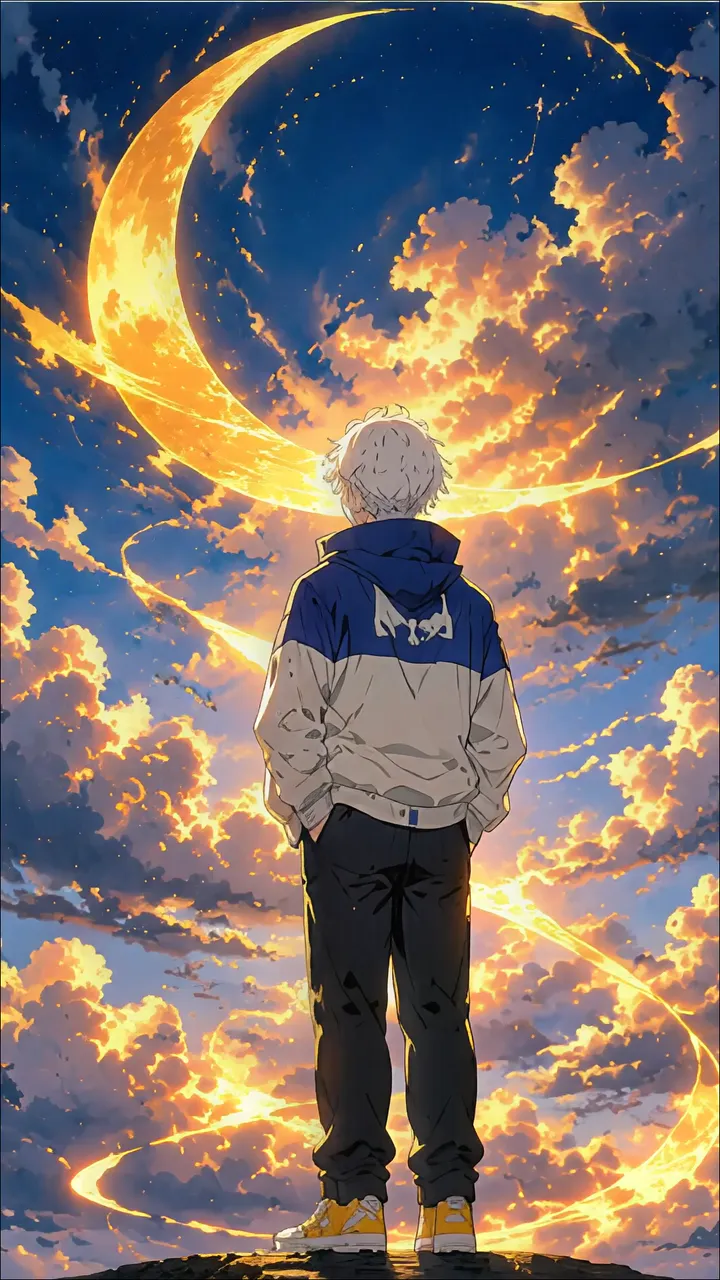
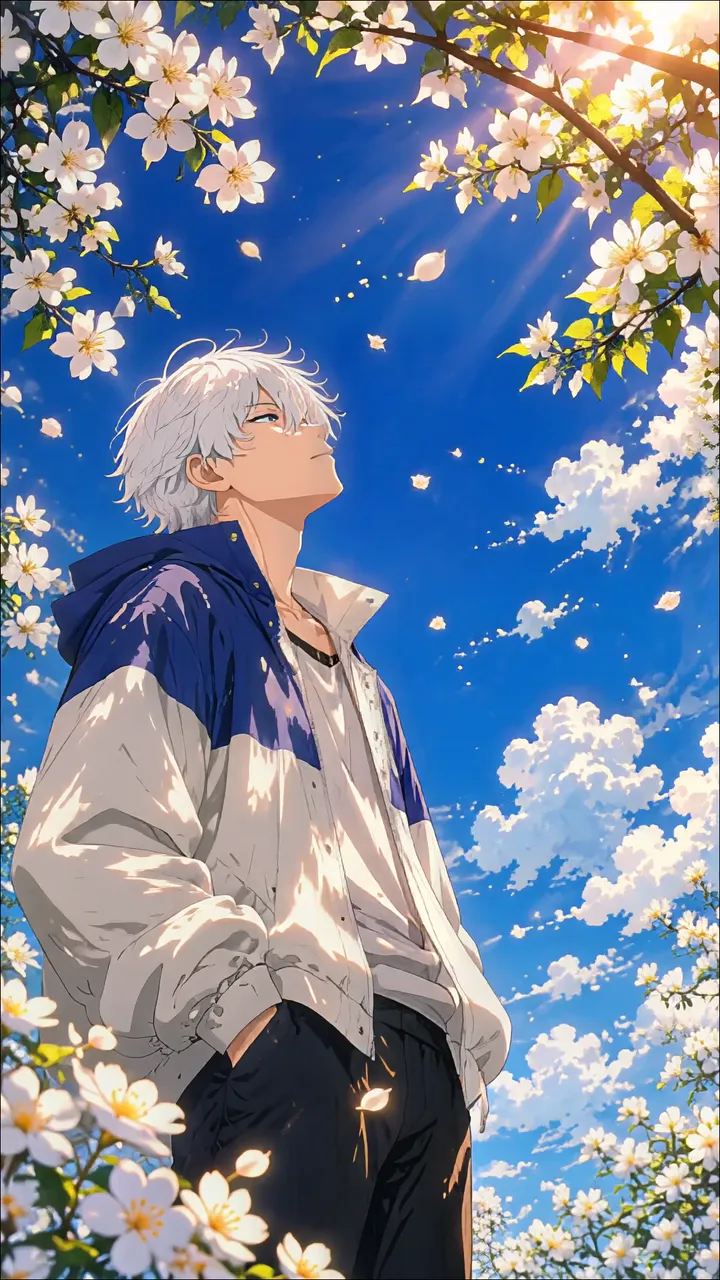
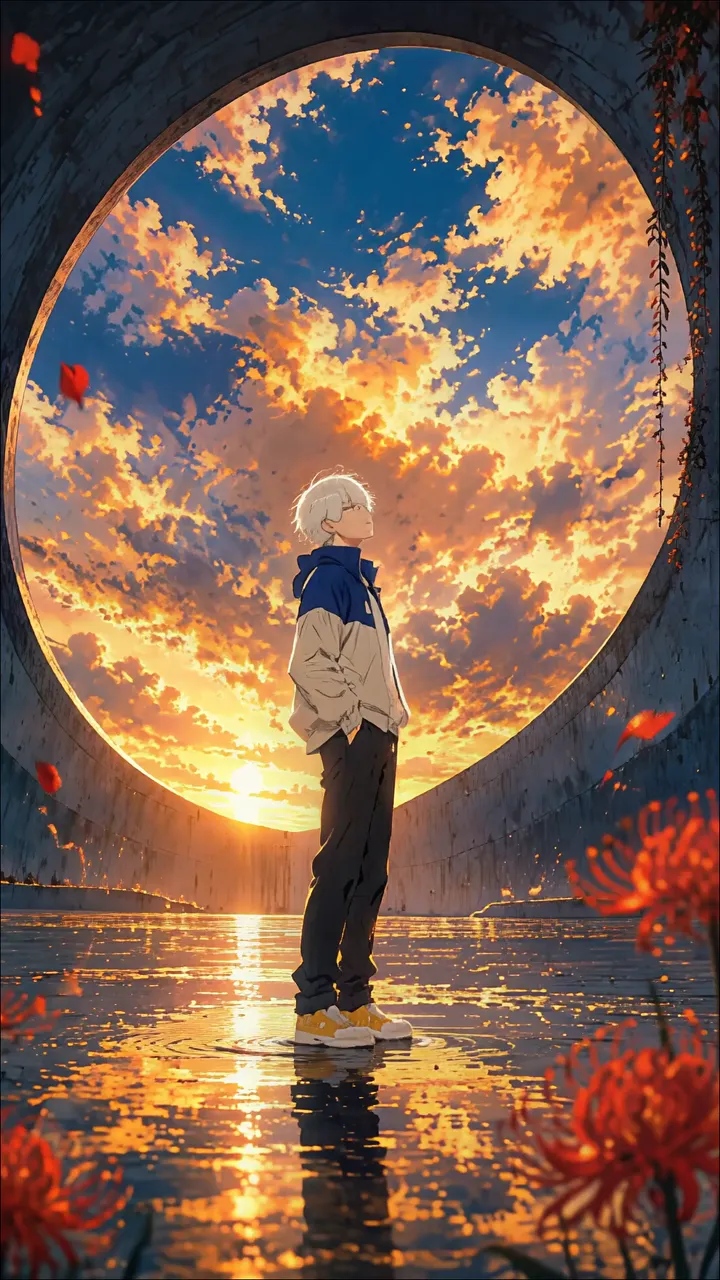
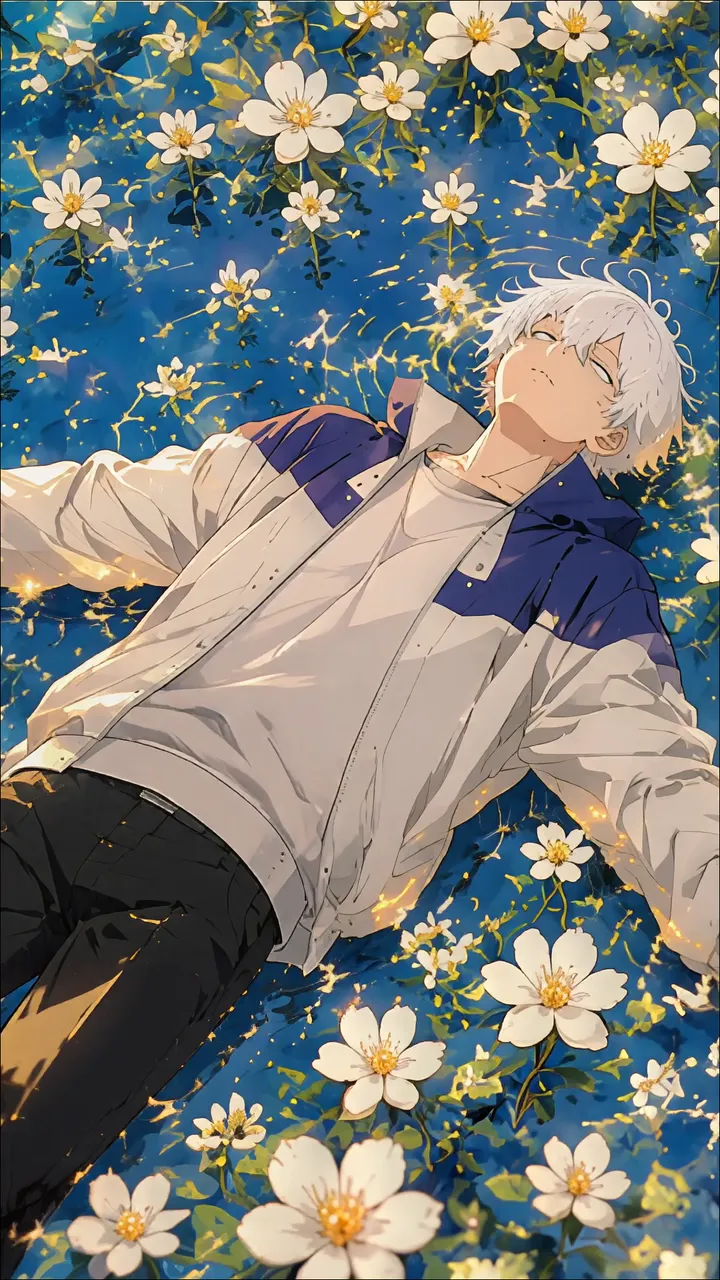
White-Haired Anime Boy Amid Golden Falling Leaves live wallpaper
How to set it as wallpaper
iPhone
For a still wallpaper, save the cropped JPG to Photos and choose it in Settings → Wallpaper. For an animated Lock Screen on supported models, convert the MP4 to a Live Photo with a compatible app and select it in the wallpaper picker.
Android
For a still wallpaper, open the JPG in your gallery and choose Set as wallpaper. For the MP4, look for a video wallpaper option in your gallery or wallpaper settings. A compatible live wallpaper app can help if your phone has no built-in option.
After saving the converted Live Photo to Photos, open Settings, then Wallpaper, then Add New Wallpaper. Tap Photos, choose Live Photo, select the saved image, turn on the Live Photo effect, and tap Add to apply it to your Lock Screen.
A white-haired anime boy sits cross-legged on a reflective, wet surface, surrounded by glowing golden leaves drifting in the air. Behind him, a radiant vertical beam of golden light pierces through a dark, textured background, casting warm reflections on the ground. He wears a blue and white jacket, black pants, and yellow sneakers, his posture calm and contemplative. The scene is bathed in a warm, cinematic glow, with the falling leaves and shimmering water creating a serene, dreamlike atmosphere. The composition emphasizes the contrast between the luminous light and the dark surroundings, focusing on the boy as the central figure in this tranquil, stylized moment.
- Format
- MP4 live wallpaper
- Resolution
- 720P, 1080P
- Duration
- 00:08
- File size
- 8.7 MB
- Category
- Fool Night, Anime Boy, Falling Leaves