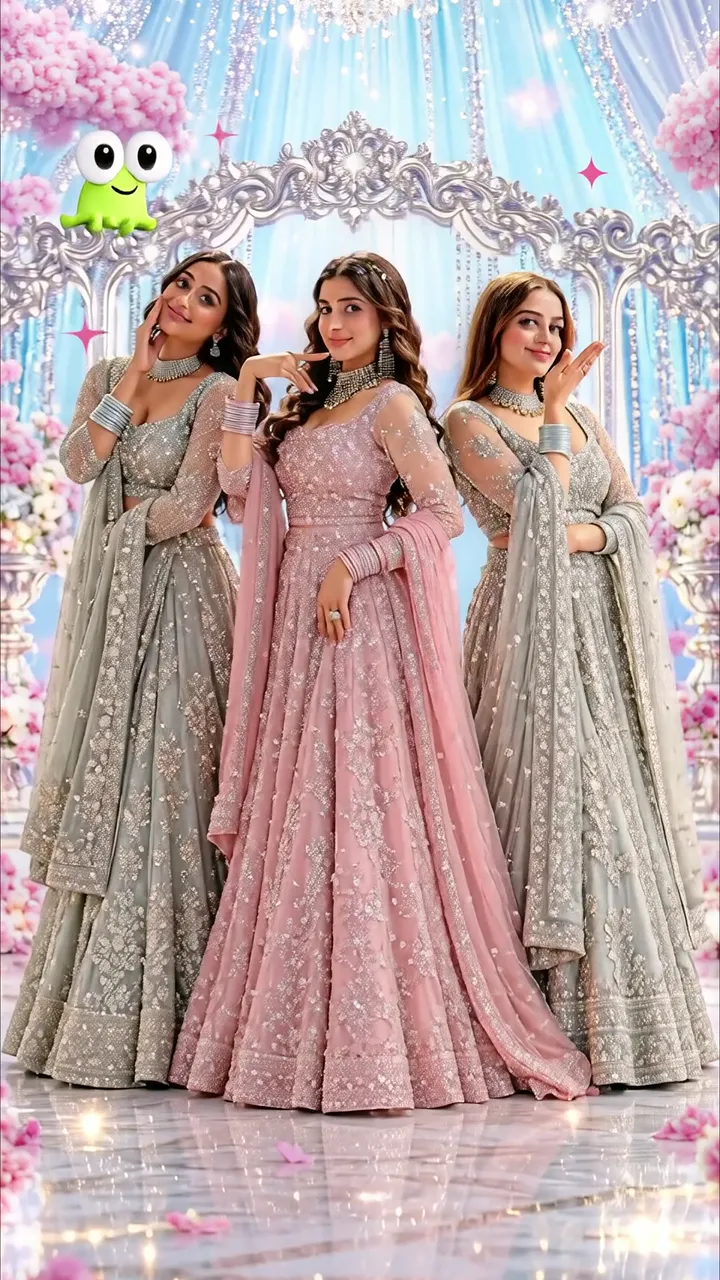
Three Women In Elegant Grey Lehenga With Floral Embroidery live wallpaper
How to set it as wallpaper
iPhone
For a still wallpaper, save the cropped JPG to Photos and choose it in Settings → Wallpaper. For an animated Lock Screen on supported models, convert the MP4 to a Live Photo with a compatible app and select it in the wallpaper picker.
Android
For a still wallpaper, open the JPG in your gallery and choose Set as wallpaper. For the MP4, look for a video wallpaper option in your gallery or wallpaper settings. A compatible live wallpaper app can help if your phone has no built-in option.
After saving the converted Live Photo to Photos, open Settings, then Wallpaper, then Add New Wallpaper. Tap Photos, choose Live Photo, select the saved image, turn on the Live Photo effect, and tap Add to apply it to your Lock Screen.
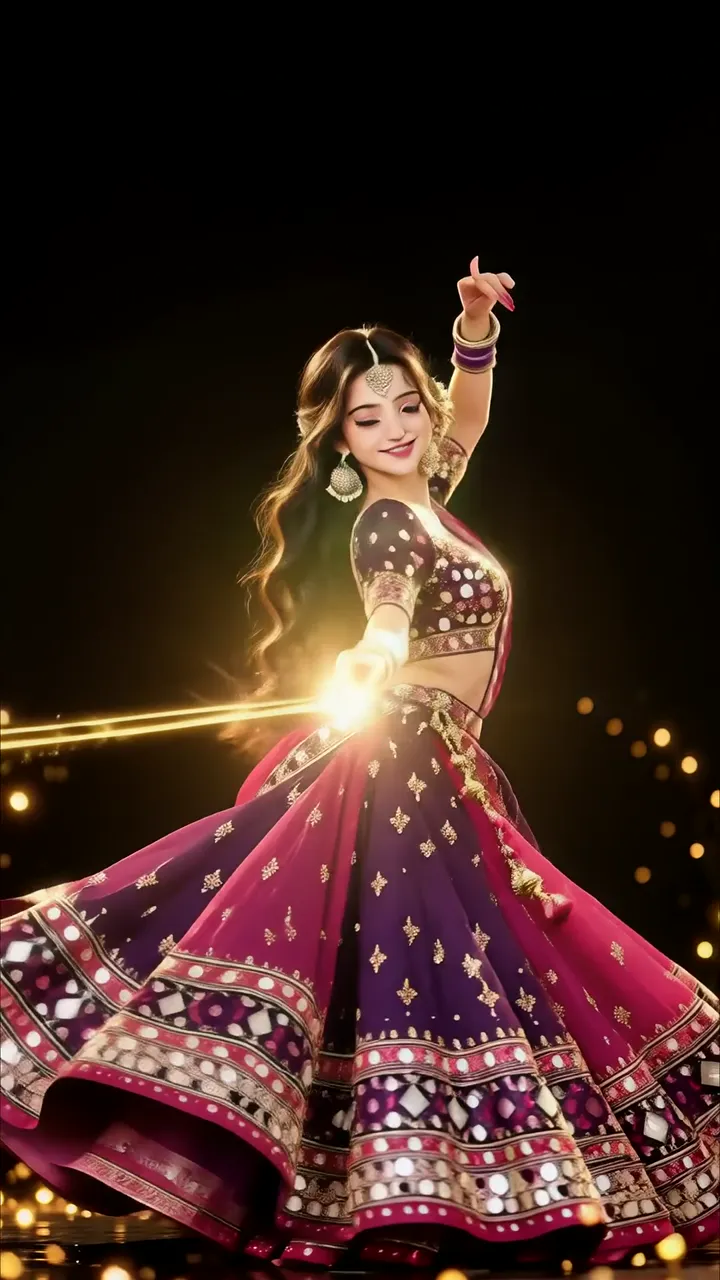
This elegant live wallpaper features three graceful women posing in stunning grey lehengas adorned with intricate floral embroidery. The outfits showcase delicate beadwork and sheer fabric, creating a luxurious and sophisticated look. The scene is set against a backdrop of ornate silver chandeliers and a polished marble floor, enhancing the opulent atmosphere. The lighting is soft and diffused, highlighting the detailed craftsmanship of the garments. This high-definition, ultra-clear visual is perfect for making your phone, lock screen, or PC display feel more personal and distinctive. It’s available for free download and brings a touch of refined beauty to any digital space.
- Format
- MP4 live wallpaper
- Resolution
- 720P, 1080P
- Duration
- 00:10
- File size
- 24.6 MB
- Category
- Women, Lehenga, Floral Embroidery