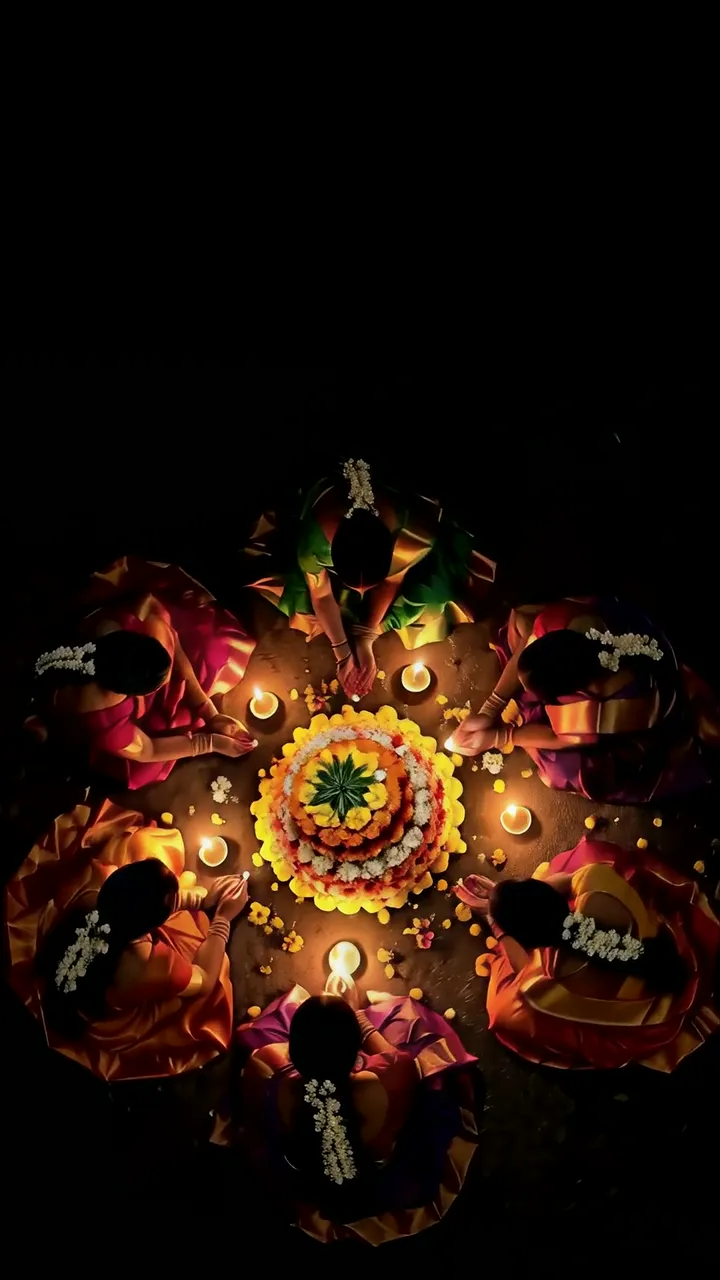
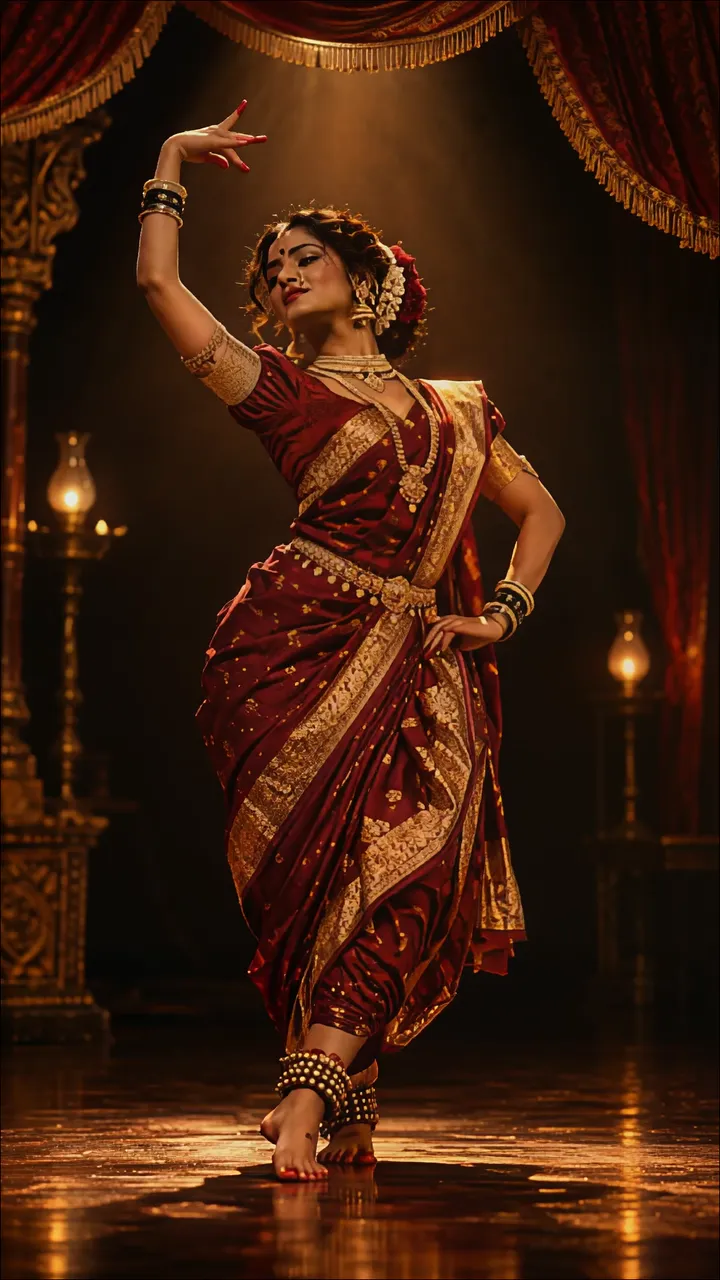
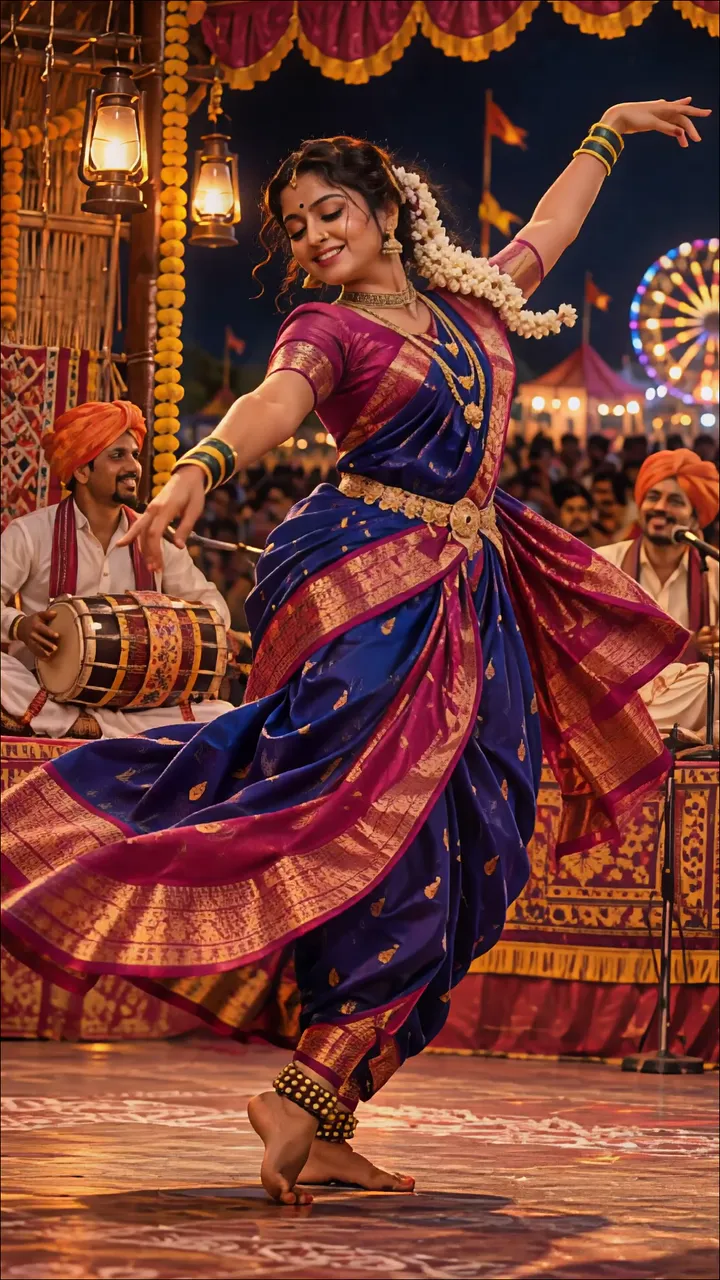
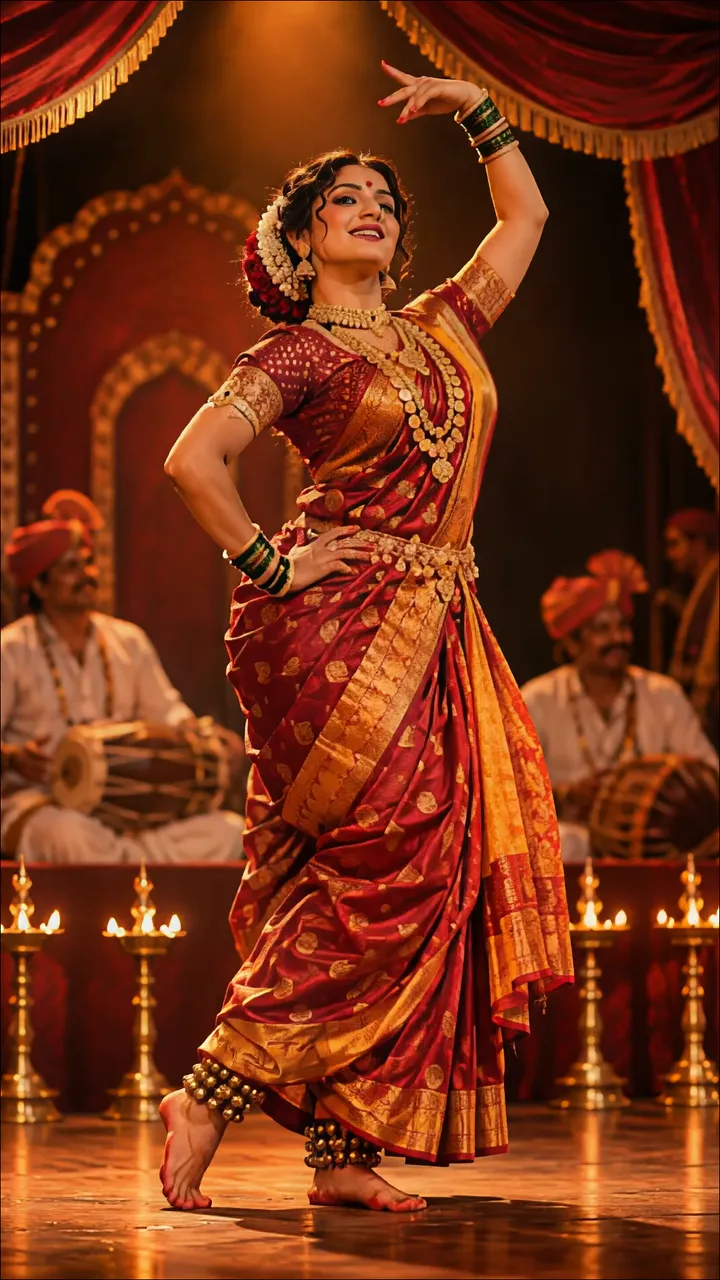
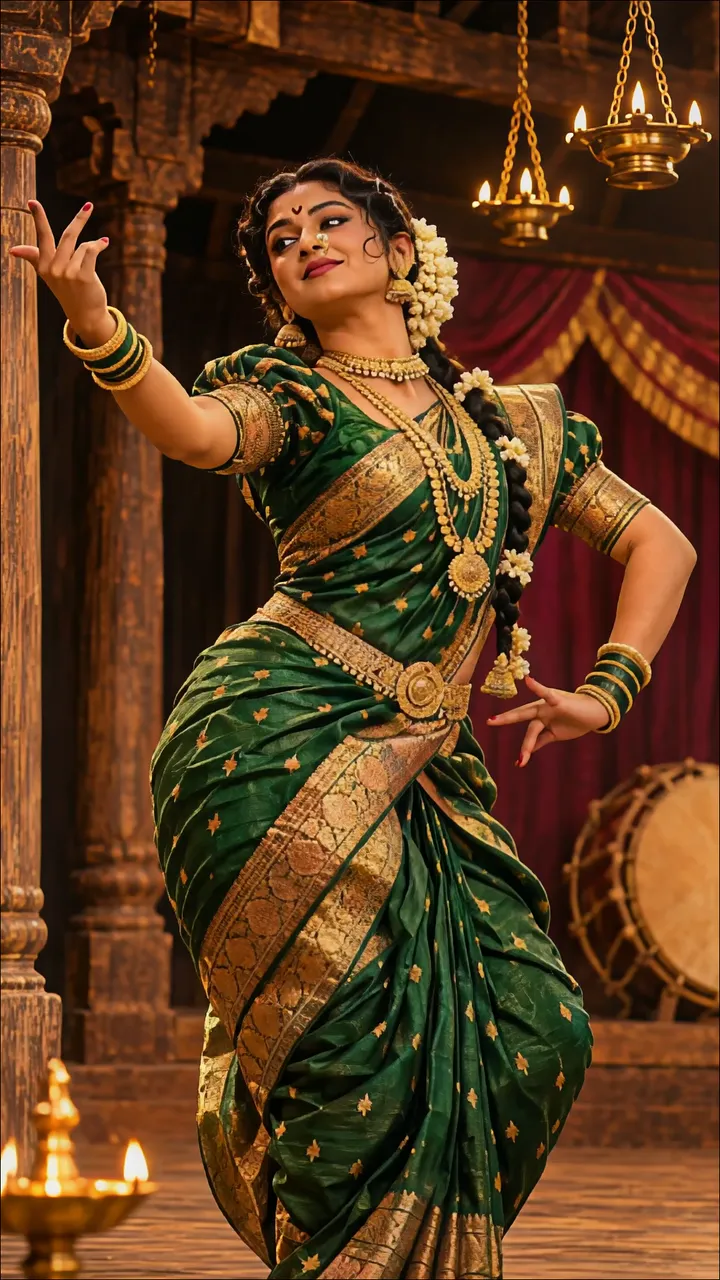
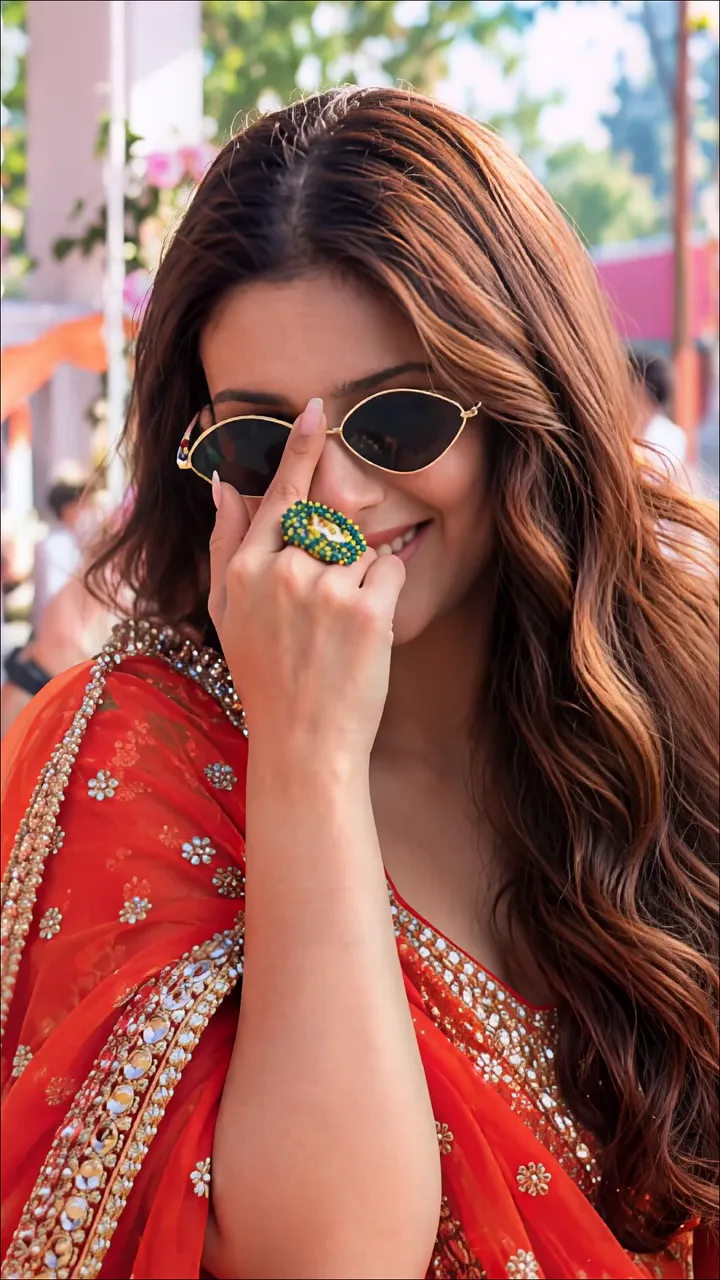
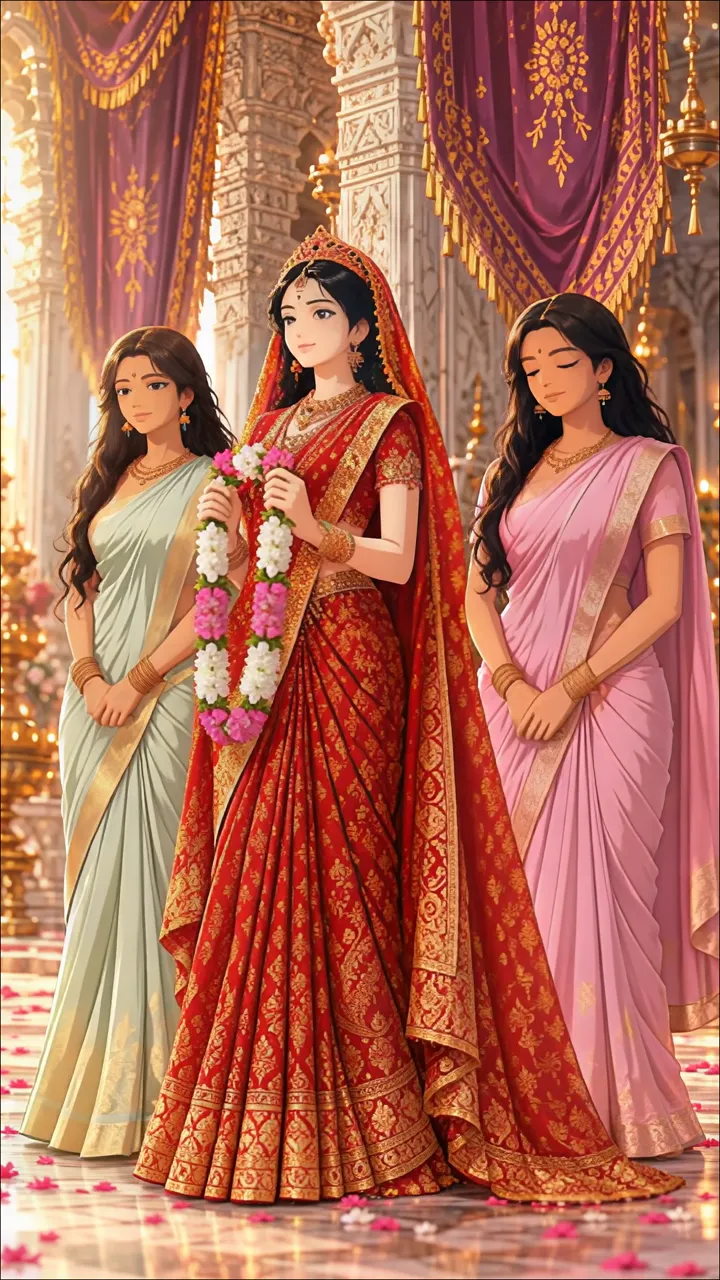
Four Women In Vibrant Lehenga Choli Night Cityscape live wallpaper
How to set it as wallpaper
iPhone
For a still wallpaper, save the cropped JPG to Photos and choose it in Settings → Wallpaper. For an animated Lock Screen on supported models, convert the MP4 to a Live Photo with a compatible app and select it in the wallpaper picker.
Android
For a still wallpaper, open the JPG in your gallery and choose Set as wallpaper. For the MP4, look for a video wallpaper option in your gallery or wallpaper settings. A compatible live wallpaper app can help if your phone has no built-in option.
After saving the converted Live Photo to Photos, open Settings, then Wallpaper, then Add New Wallpaper. Tap Photos, choose Live Photo, select the saved image, turn on the Live Photo effect, and tap Add to apply it to your Lock Screen.
This vibrant live wallpaper features four elegantly dressed women posing in stunning, intricately embroidered lehenga cholis against a breathtaking night cityscape. Each outfit showcases a unique color palette—teal, red, blue, and olive—with golden floral patterns and layered skirts that catch the ambient light. The background reveals a softly blurred urban skyline with glowing city lights reflecting on water, creating a romantic and glamorous atmosphere. The composition is rich in detail, with high-definition clarity and smooth animation that brings the scene to life. Perfect for personalizing your phone, lock screen, or PC, this display adds a touch of cultural elegance and visual sophistication to your device. Download this free live wallpaper to make your screen feel more distinctive and stylish.
- Format
- MP4 live wallpaper
- Resolution
- 720P, 1080P
- Duration
- 00:10
- File size
- 24 MB
- Category
- Women, Lehenga Choli, Night Cityscape