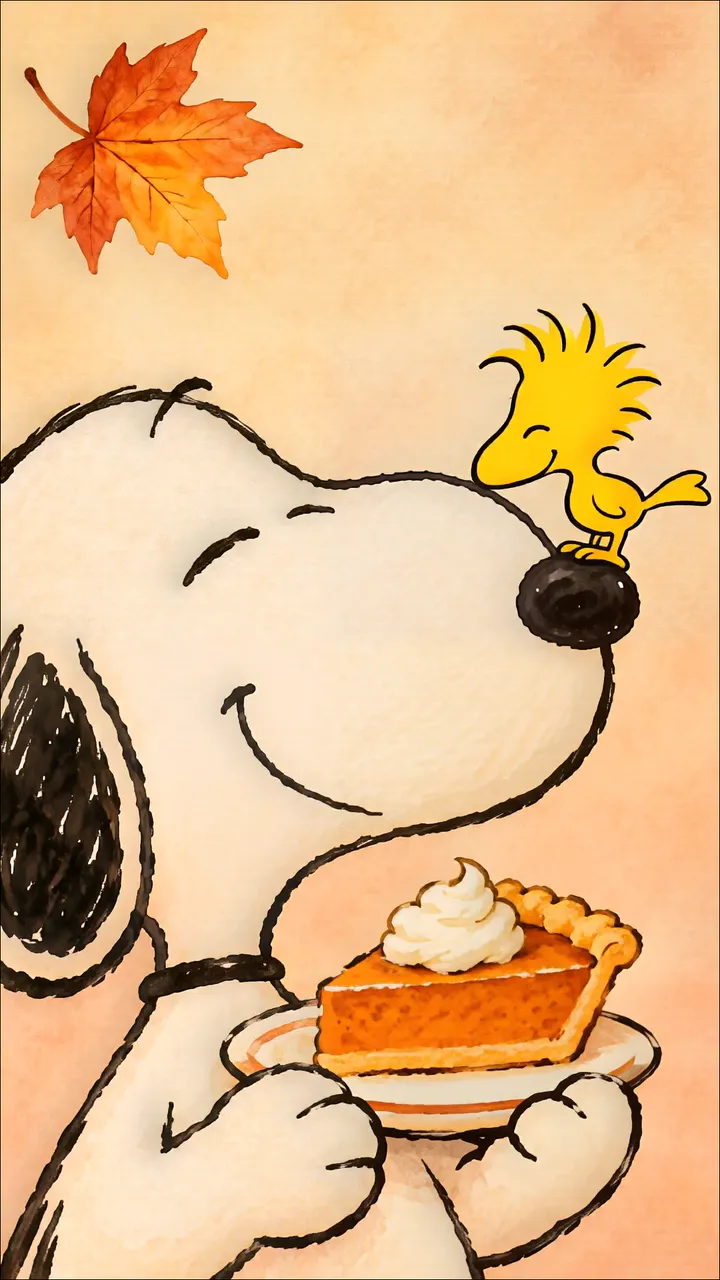
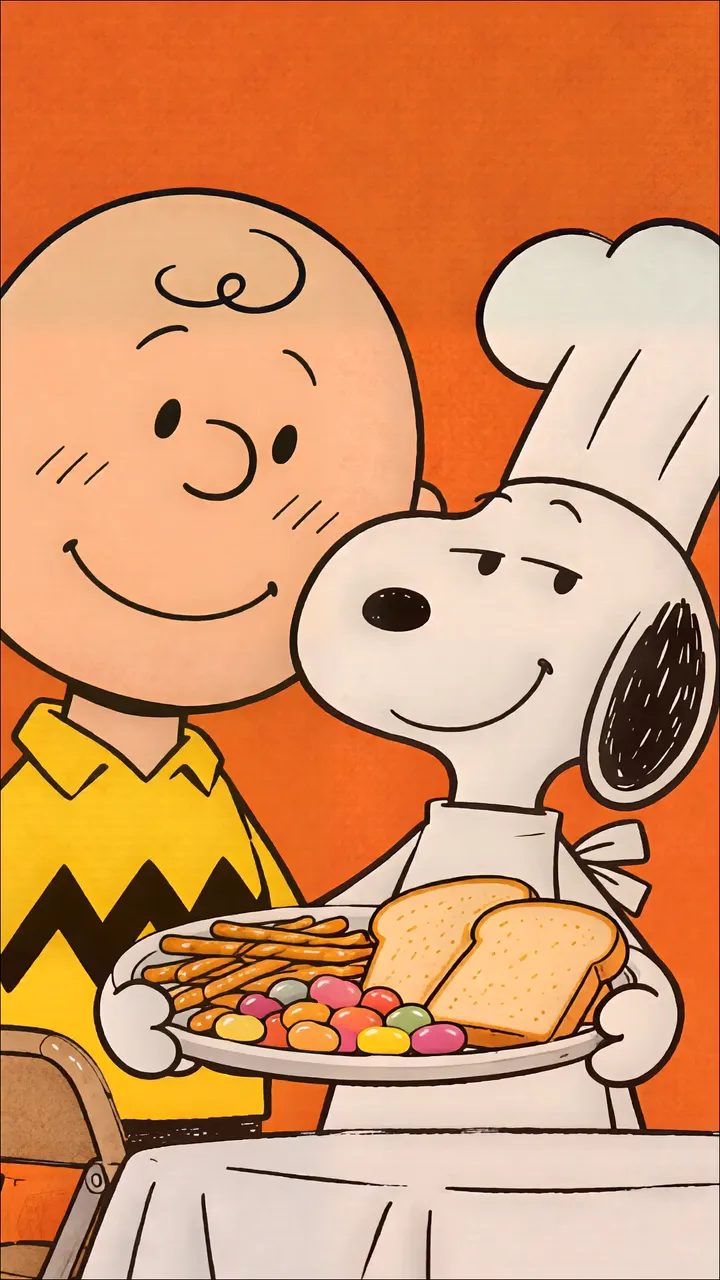
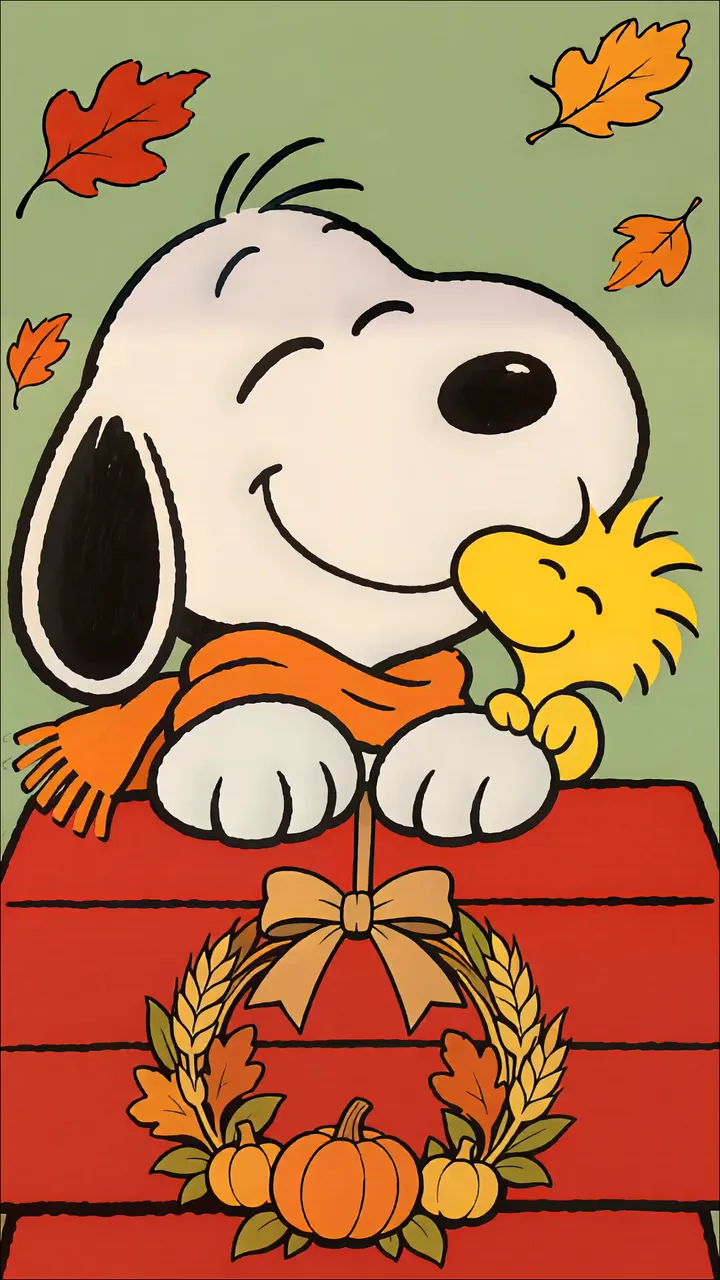
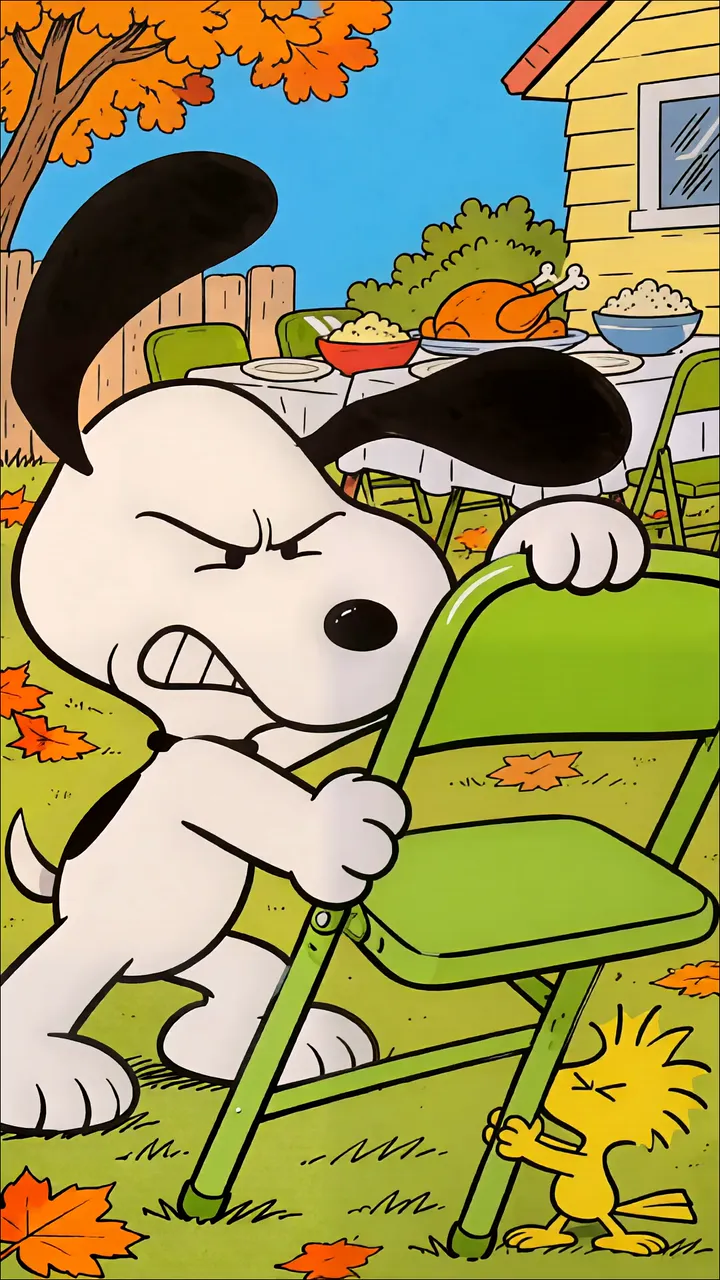
Snoopy As Chef Serving Buttered Toast At Thanksgiving live wallpaper
How to set it as wallpaper
iPhone
For a still wallpaper, save the cropped JPG to Photos and choose it in Settings → Wallpaper. For an animated Lock Screen on supported models, convert the MP4 to a Live Photo with a compatible app and select it in the wallpaper picker.
Android
For a still wallpaper, open the JPG in your gallery and choose Set as wallpaper. For the MP4, look for a video wallpaper option in your gallery or wallpaper settings. A compatible live wallpaper app can help if your phone has no built-in option.
After saving the converted Live Photo to Photos, open Settings, then Wallpaper, then Add New Wallpaper. Tap Photos, choose Live Photo, select the saved image, turn on the Live Photo effect, and tap Add to apply it to your Lock Screen.
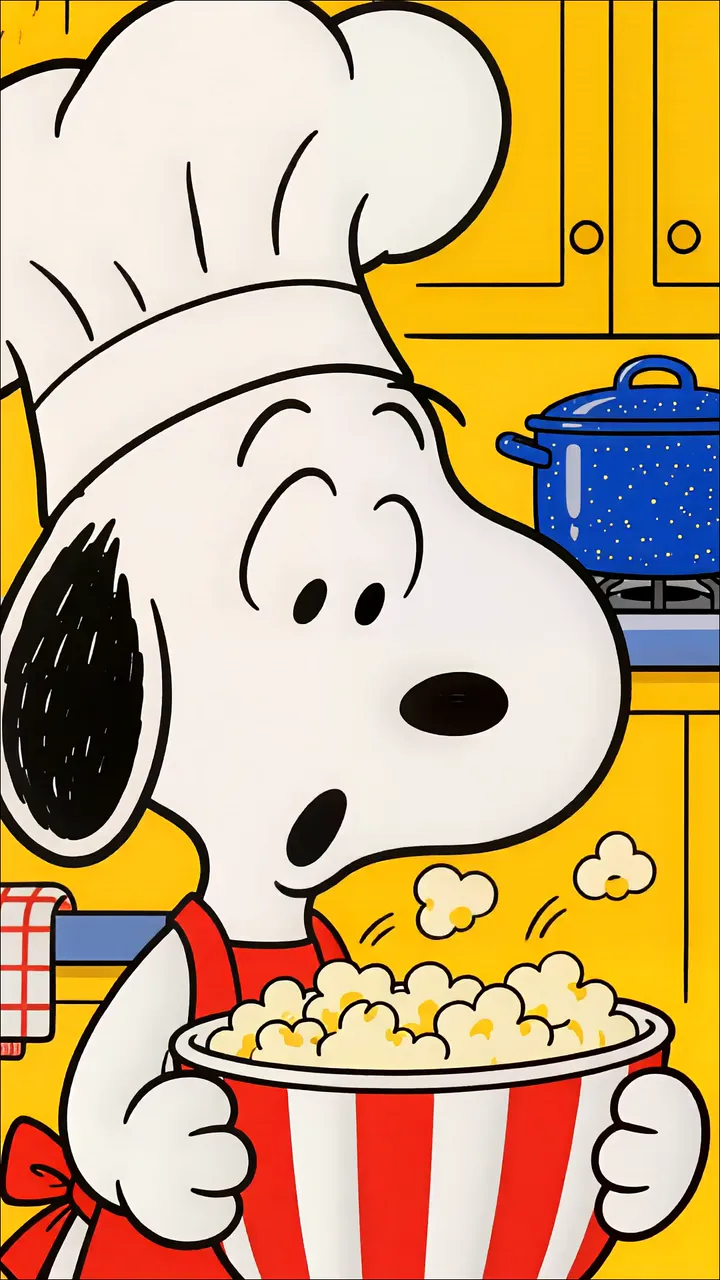
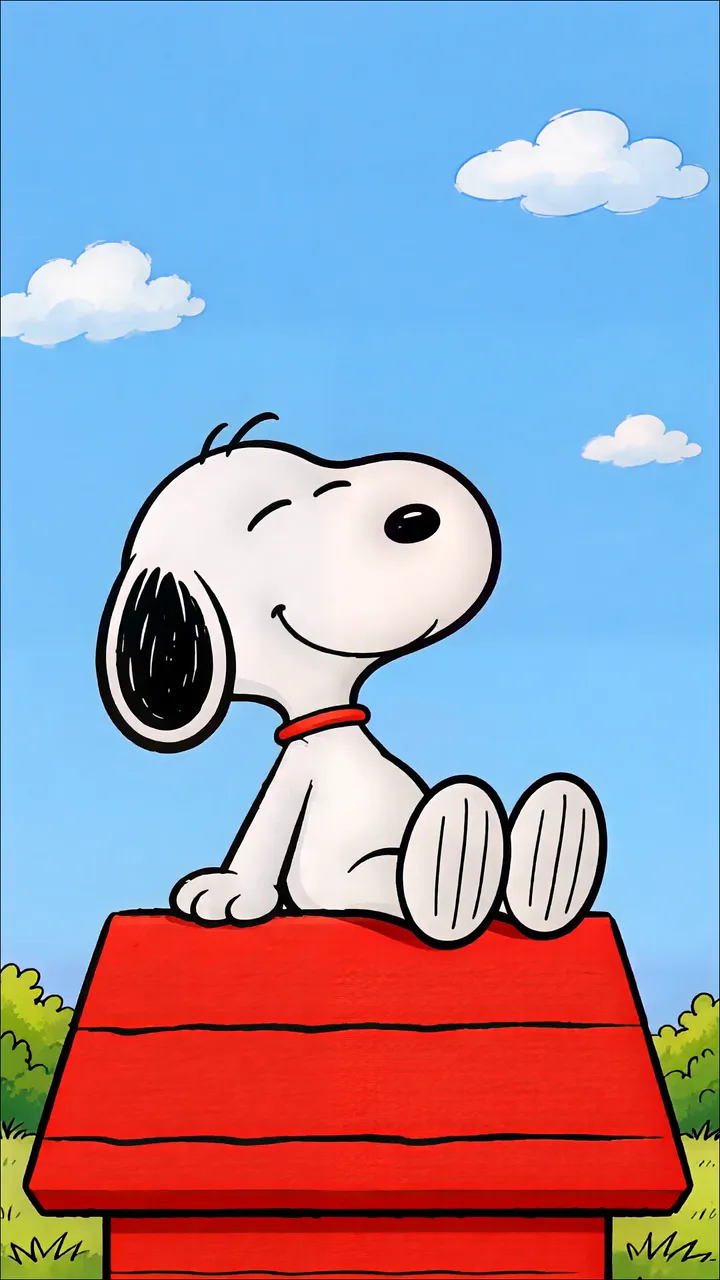
Snoopy, dressed as a chef in a tall white hat and red bandana, proudly presents a plate of buttered toast to Woodpecker, who perches nearby. The scene is set outdoors under a tree with vibrant orange autumn leaves, suggesting a Thanksgiving gathering. A red-clothed table with chairs and a covered dish in the background reinforces the festive meal setting. The warm, cartoon-style illustration captures a cheerful, seasonal moment between the two characters, with Snoopy’s satisfied expression and the golden butter on the toast adding to the cozy, holiday atmosphere.
- Format
- MP4 live wallpaper
- Resolution
- 720P, 1080P
- Duration
- 00:07
- File size
- 3.6 MB
- Category
- Snoopy Thanksgiving, Snoopy, Woodpecker