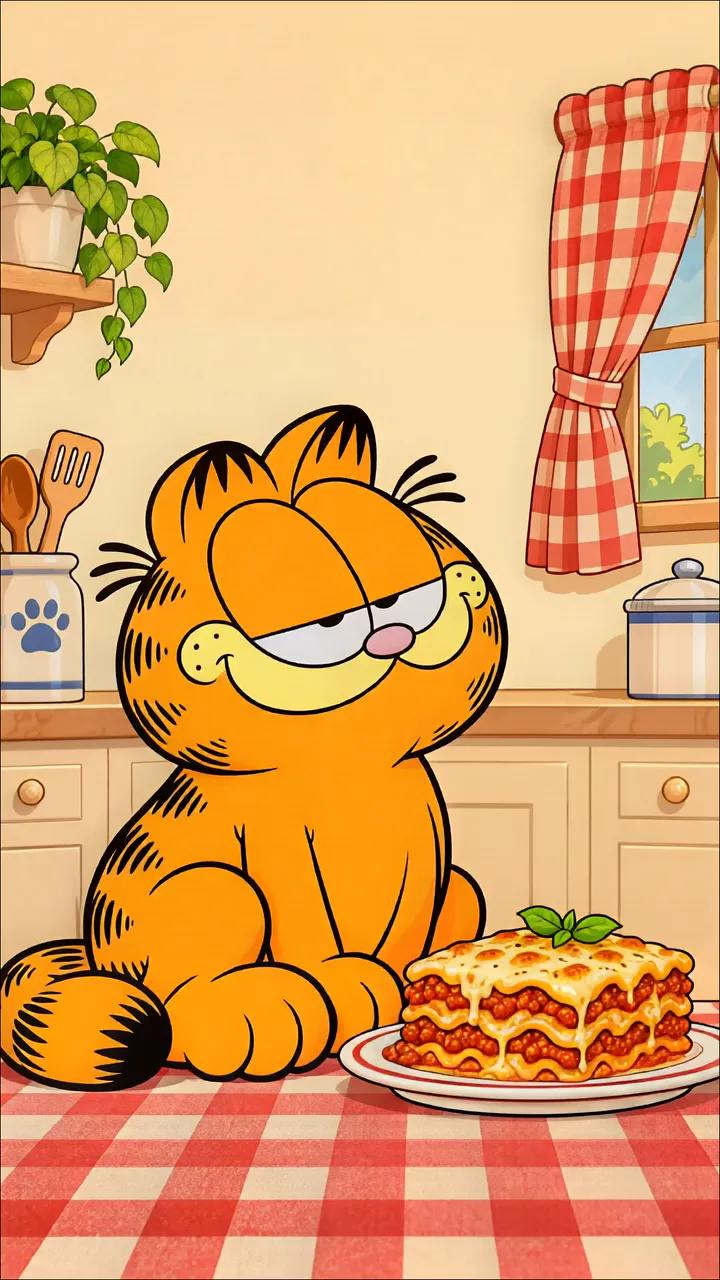
Snoopy As Chef Making Popcorn In A Kitchen live wallpaper
How to set it as wallpaper
iPhone
For a still wallpaper, save the cropped JPG to Photos and choose it in Settings → Wallpaper. For an animated Lock Screen on supported models, convert the MP4 to a Live Photo with a compatible app and select it in the wallpaper picker.
Android
For a still wallpaper, open the JPG in your gallery and choose Set as wallpaper. For the MP4, look for a video wallpaper option in your gallery or wallpaper settings. A compatible live wallpaper app can help if your phone has no built-in option.
After saving the converted Live Photo to Photos, open Settings, then Wallpaper, then Add New Wallpaper. Tap Photos, choose Live Photo, select the saved image, turn on the Live Photo effect, and tap Add to apply it to your Lock Screen.
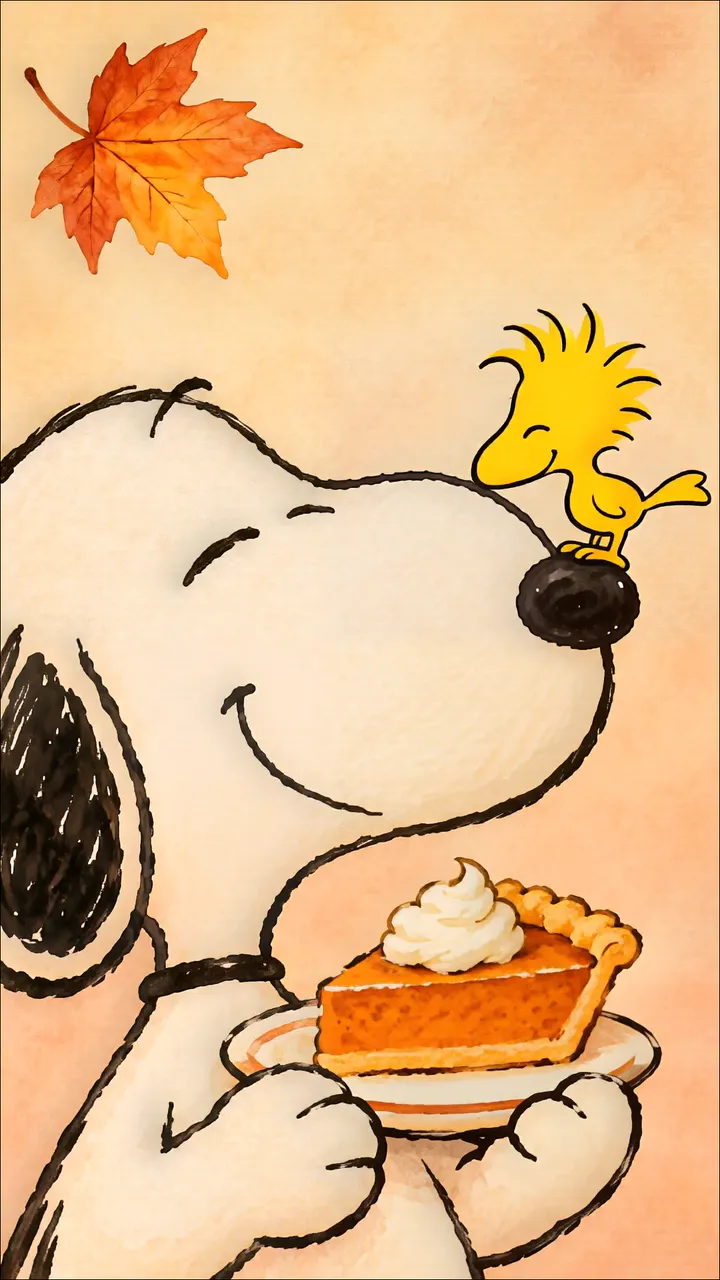
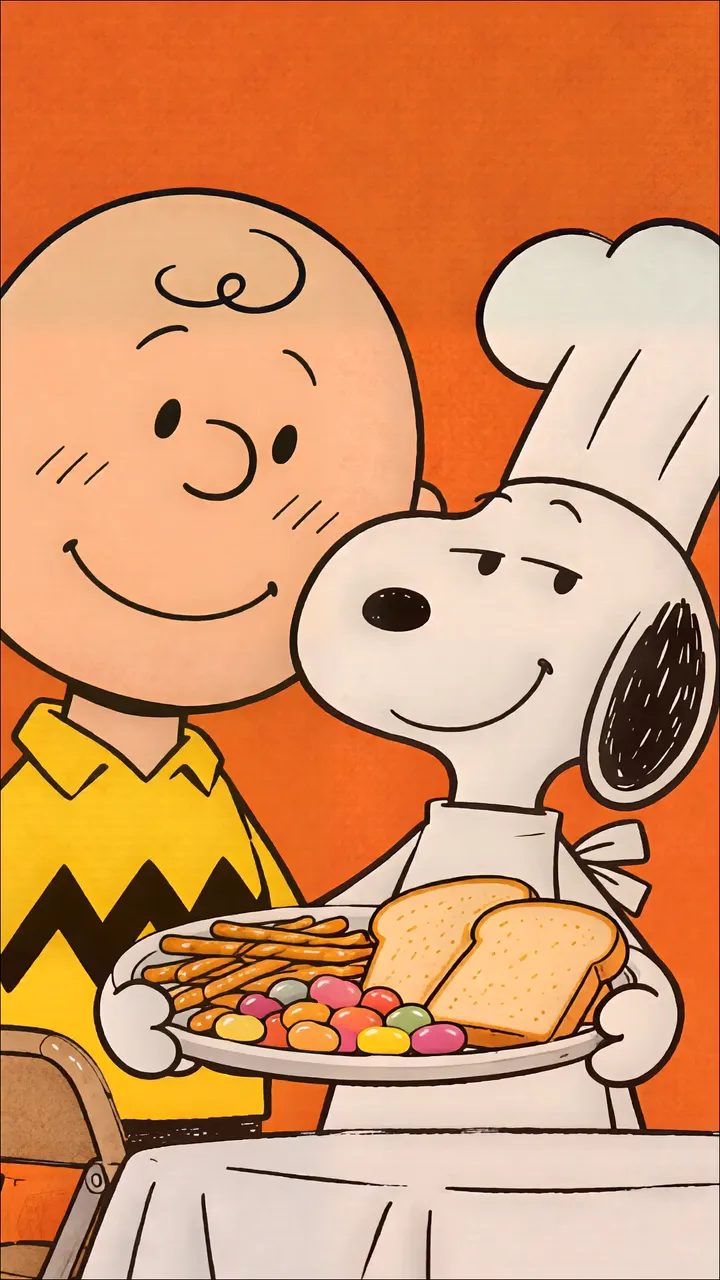
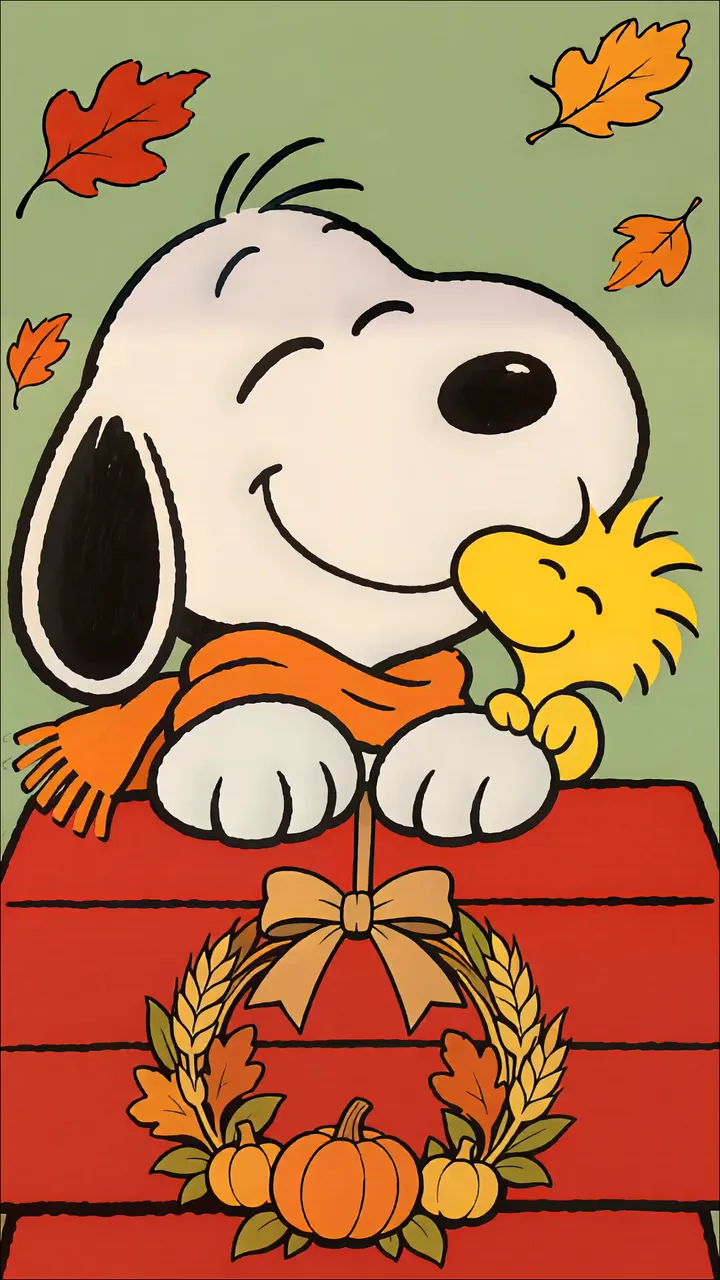
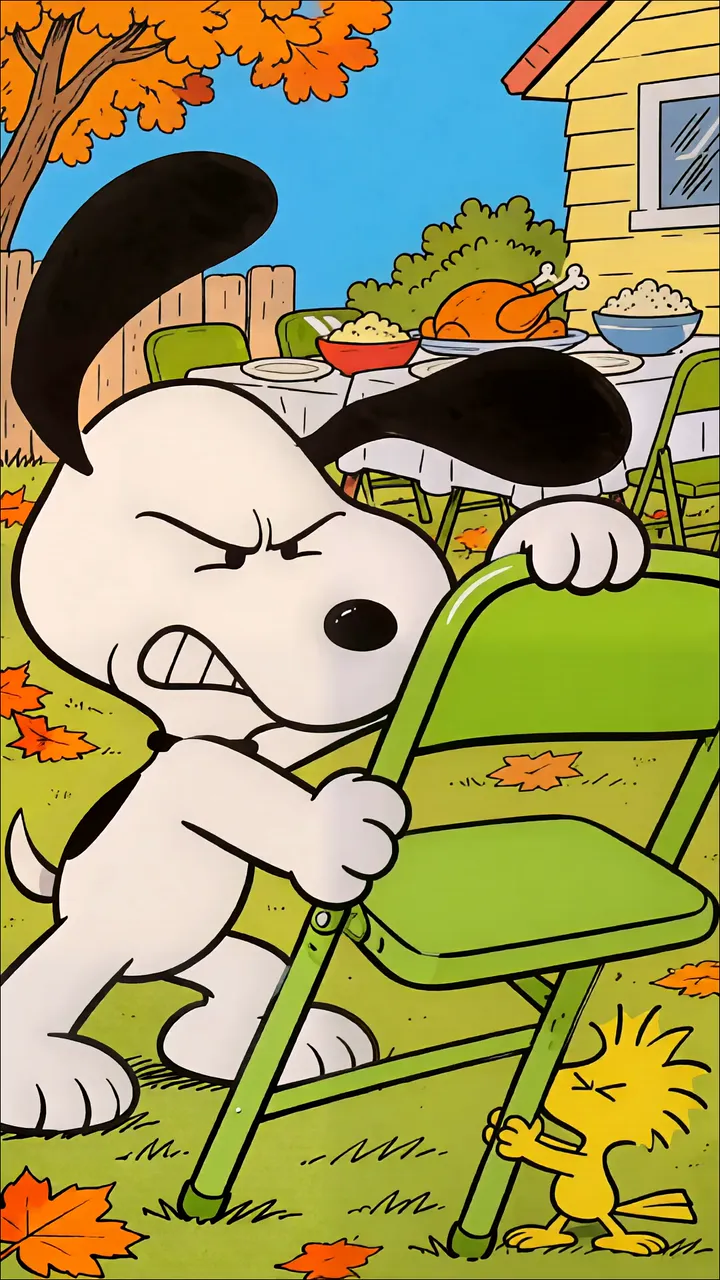
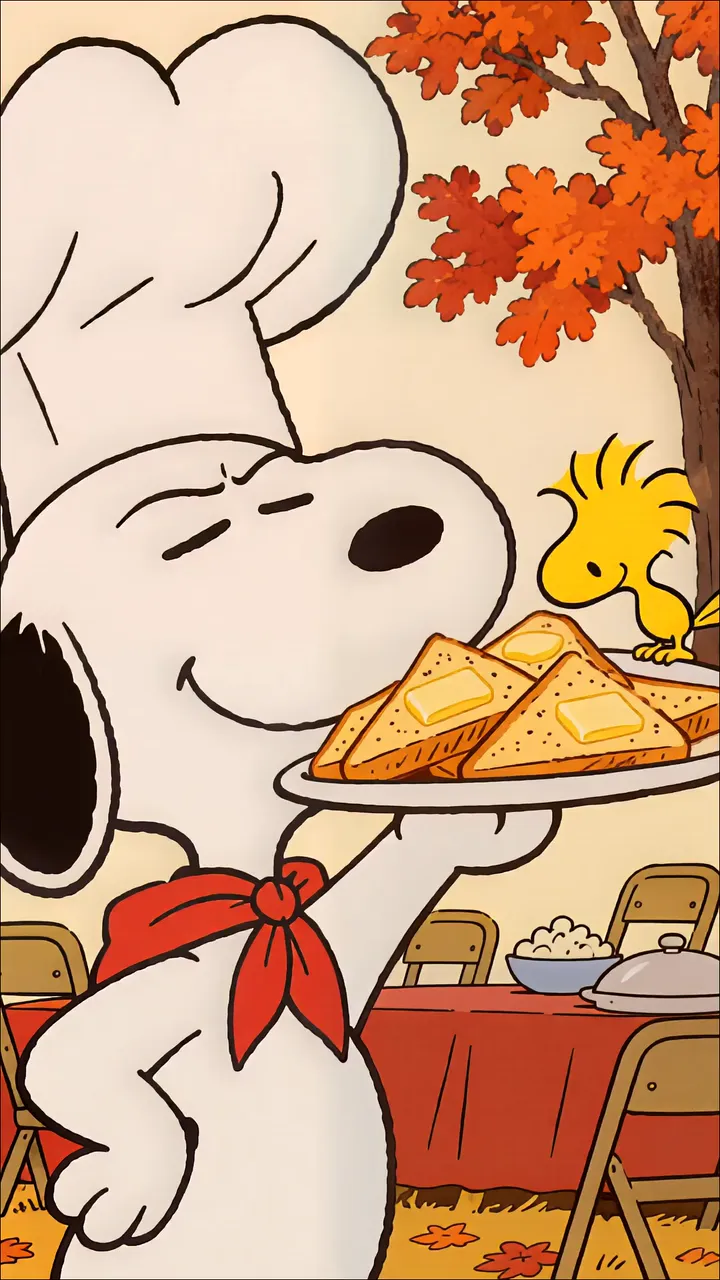
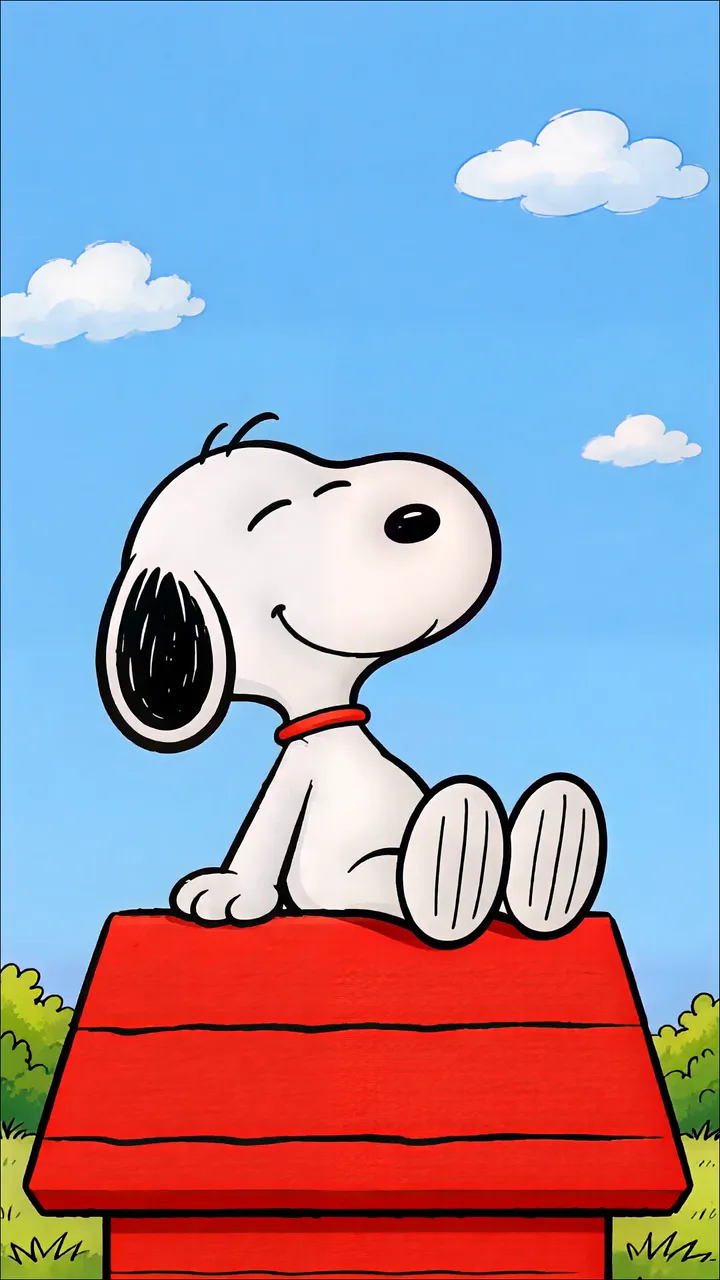
Snoopy, the beloved beagle from Peanuts, is depicted as a cheerful chef in a bright yellow kitchen, holding a large red-and-white striped popcorn bucket. He wears a tall white chef’s hat and a matching red apron with a bow, looking delighted as popcorn pops around him. Behind him, a blue speckled pot sits on a stove, and yellow cabinets frame the scene. The cartoon style uses bold black outlines and vibrant colors to create a playful, warm atmosphere. The image captures Snoopy’s joyful personality in a whimsical cooking moment, making it a fun and recognizable character scene.
- Format
- MP4 live wallpaper
- Resolution
- 720P, 1080P
- Duration
- 00:07
- File size
- 4.2 MB
- Category
- Snoopy Thanksgiving, Snoopy, Popcorn