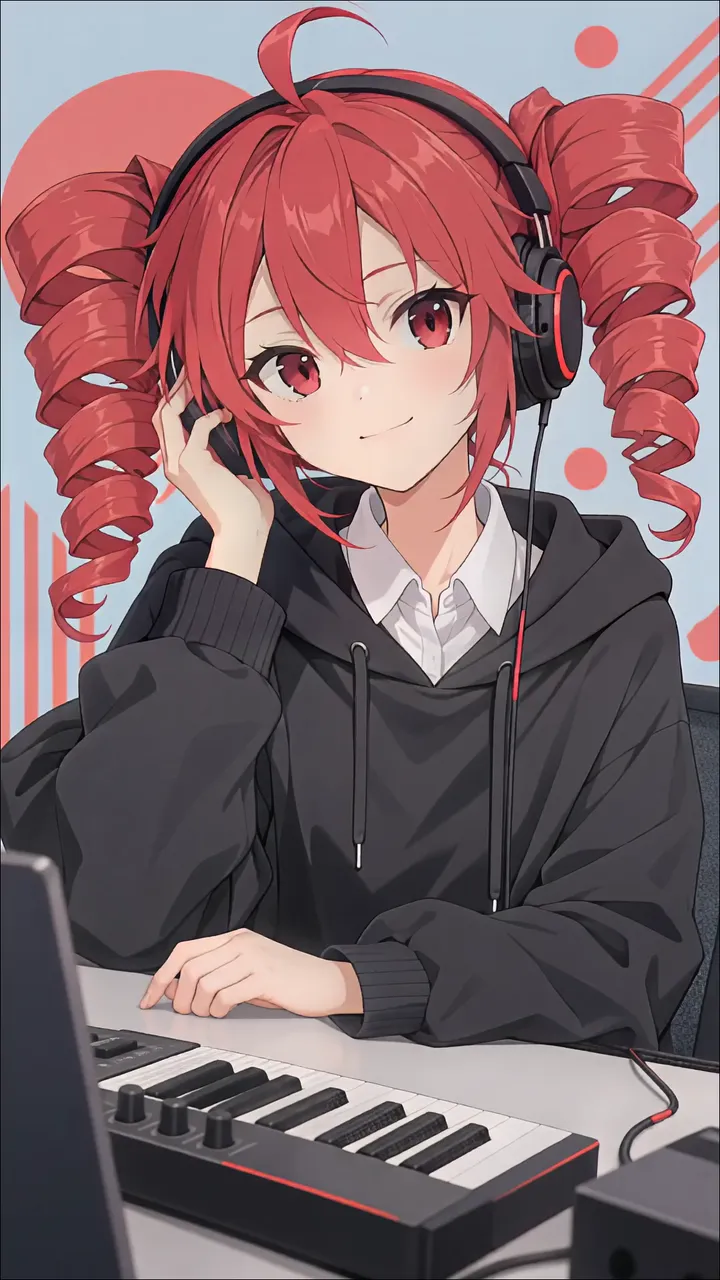
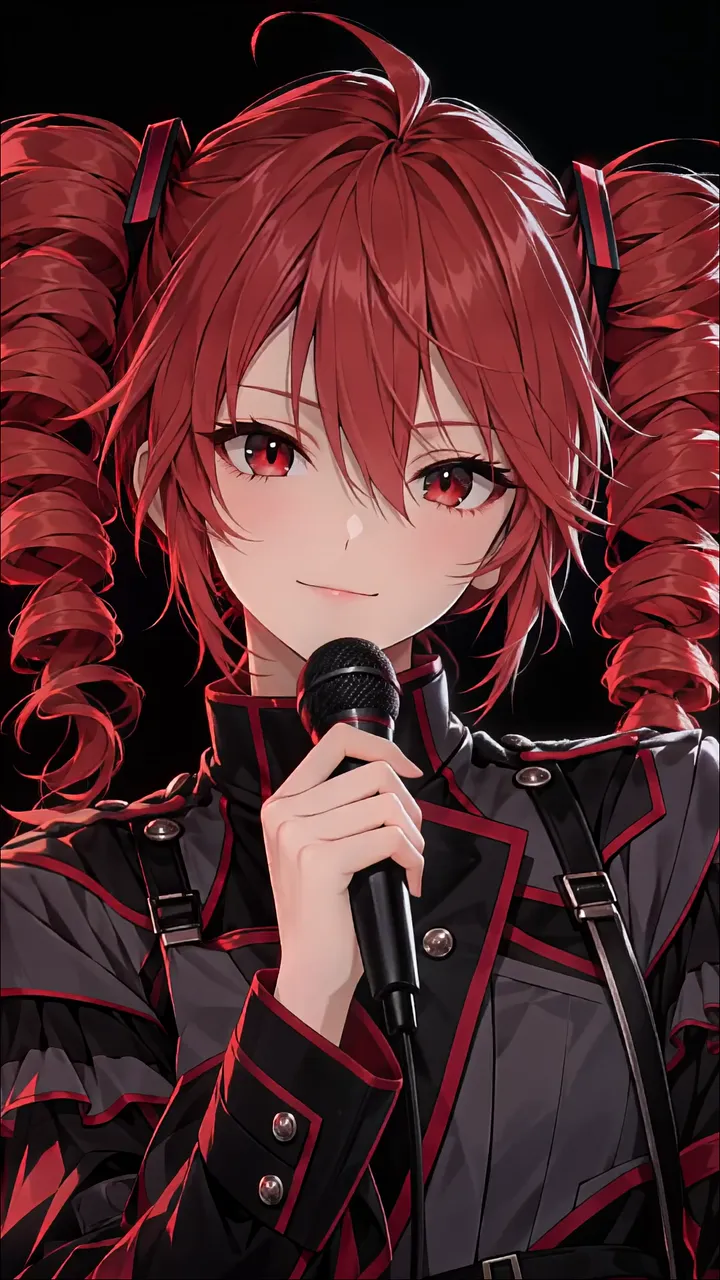
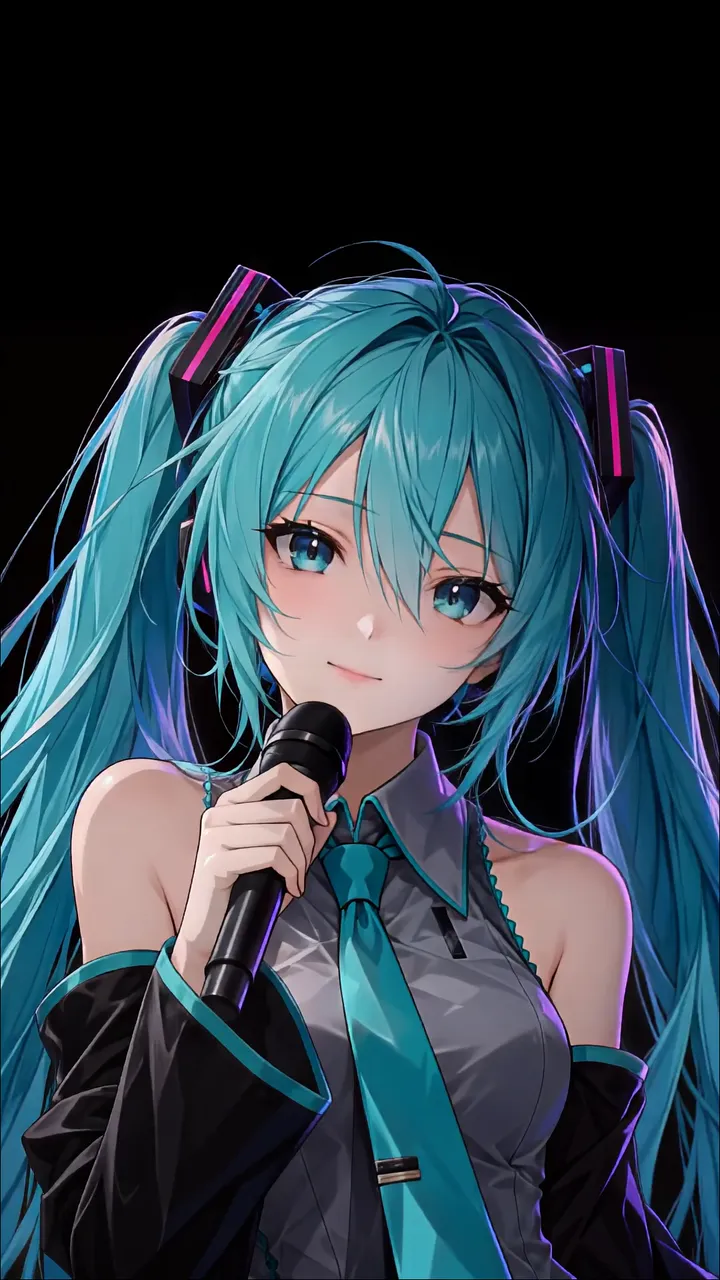
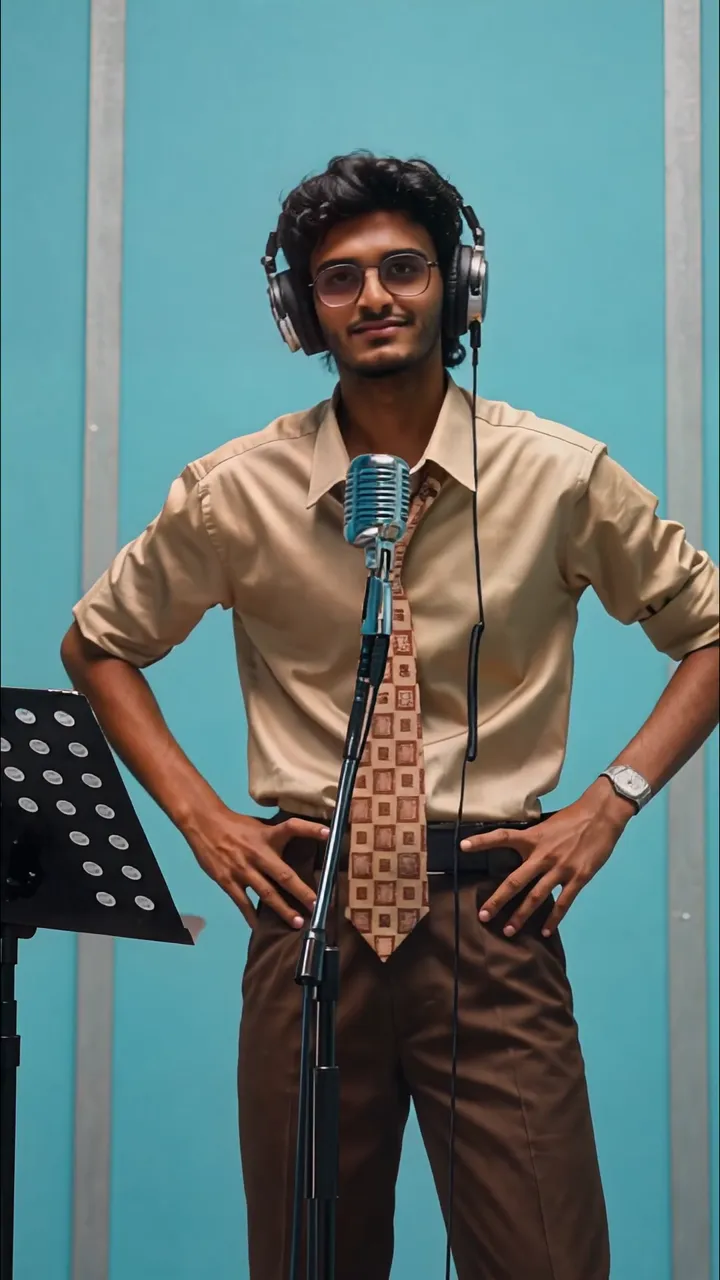
Download "Singer With Headphones And Microphone In Vibrant Star Background" live wallpaper

Verify that you are human to download high quality live wallpapes.

How to set live wallpaper on your phone Setup tutorial

On Android Phones

  1. Save the downloaded MP4 file to your phone.
  2. Open your phone's Gallery, Files, or Wallpaper app.
  3. Choose the video, tap Set as wallpaper, then apply it to your home screen or lock screen.

On iPhone

  1. Save the MP4 file to Photos.
  2. iPhone requires a Live Photo, convert the video with a live wallpaper app first.
  3. Open Settings > Wallpaper, select the saved Live Photo, then apply it.
You may also like:

Vintage Retro Singer With Microphone And Headphones In Studio Vintage Retro Singer With Microphone And Headphones In Studio Blue Ganesha With Golden Crown And Pearls Blue Ganesha With Golden Crown And Pearls Blue-Skinned Child of Krishna Amidst Flowers and Butterflies Blue-Skinned Child of Krishna Amidst Flowers and Butterflies Kasane Teto Creating Music On A Synth Keyboard Kasane Teto Creating Music On A Synth Keyboard Kasane Teto Holding A Microphone With Red Hair And Red Eyes Kasane Teto Holding A Microphone With Red Hair And Red Eyes Hatsune Miku Performing With A Microphone Hatsune Miku Performing With A Microphone Ayushmann Khurrana Intense Interview Scene In White Shirt Ayushmann Khurrana Intense Interview Scene In White Shirt Young Man In Vintage Studio With Retro Microphone And Headphones Young Man In Vintage Studio With Retro Microphone And Headphones Mammootty Intense Action With Assault Rifle In Dramatic Lighting Mammootty Intense Action With Assault Rifle In Dramatic Lighting

Best matches for this wallpaper:

Report wallpaper

Select the reason that best describes the issue.