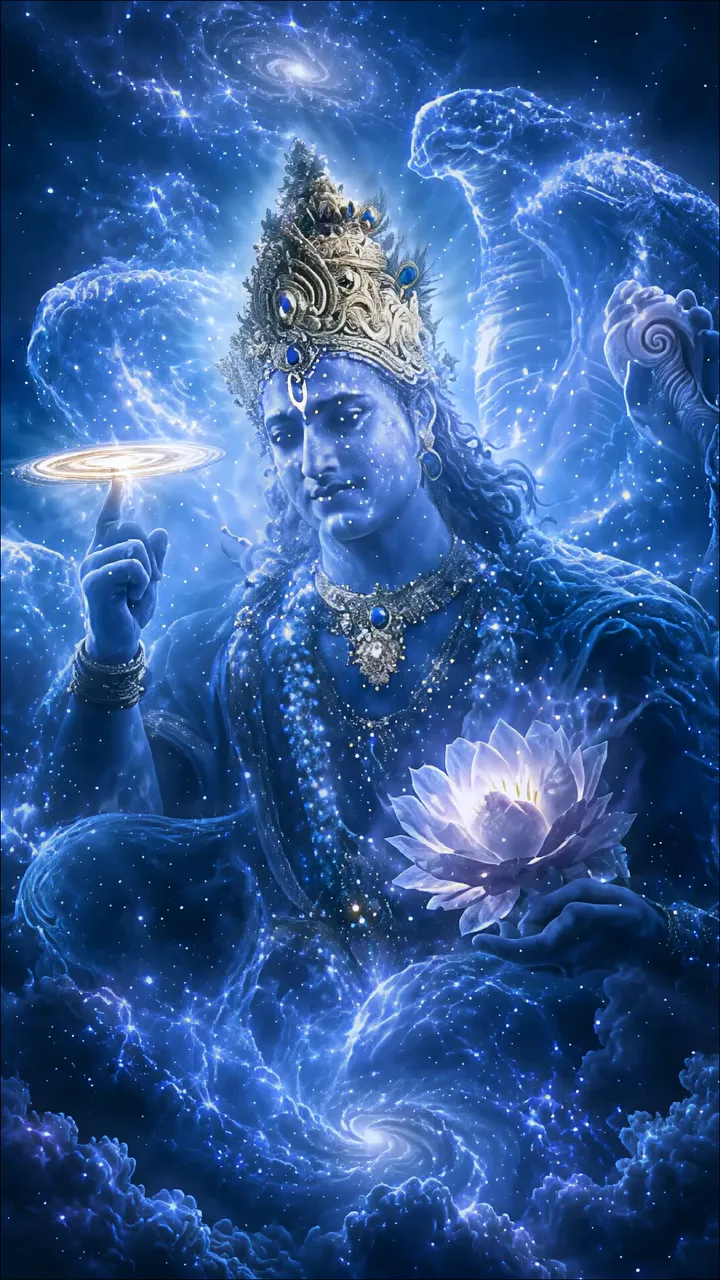
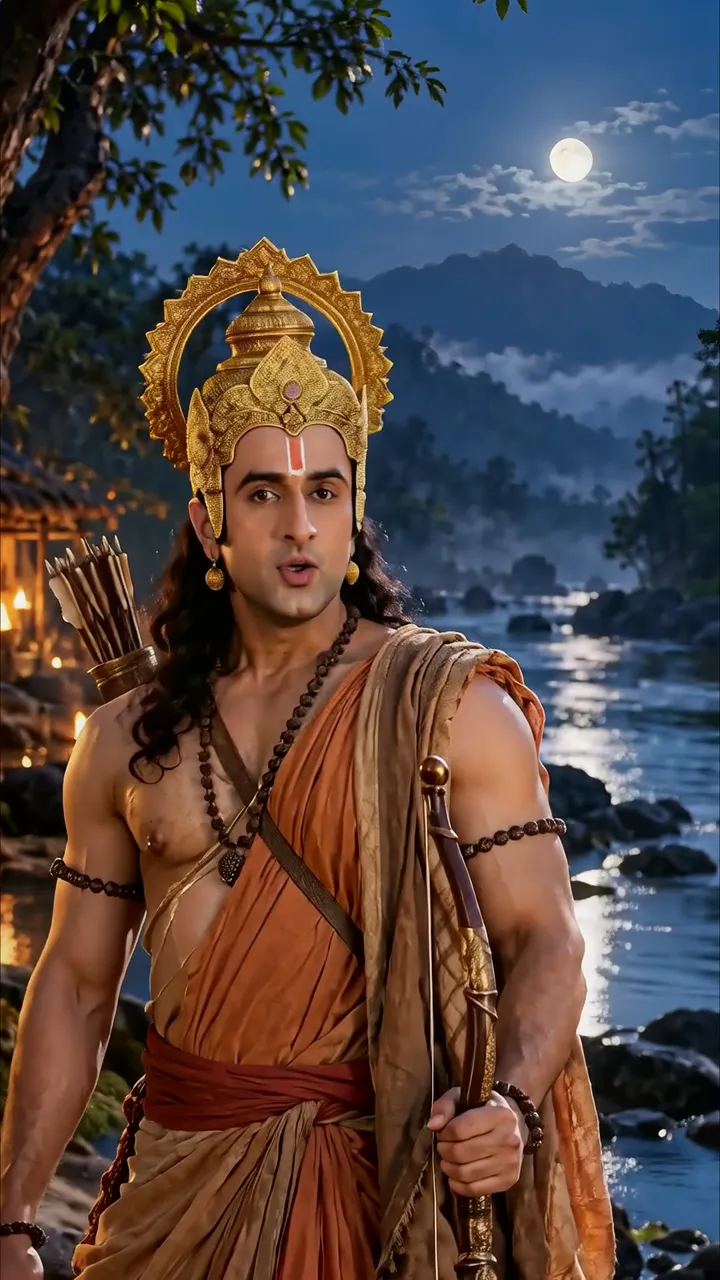
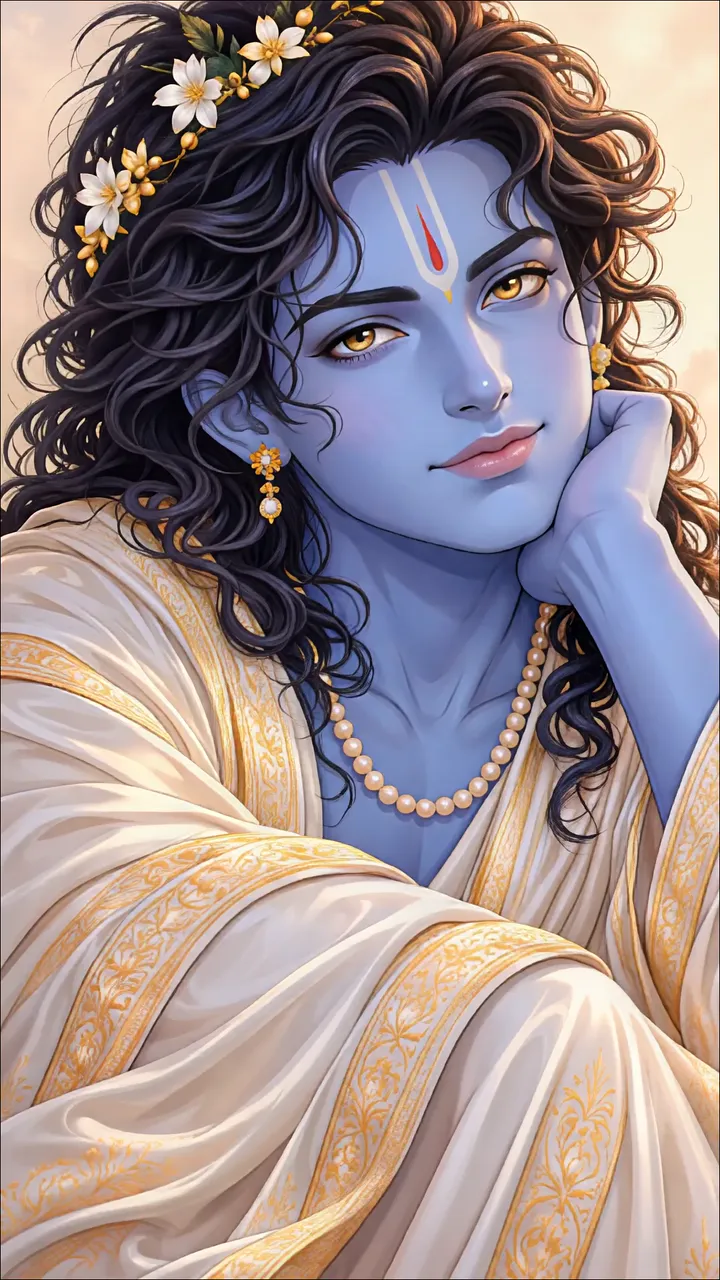
Shiva With Cosmic Multiface Crown And Galaxy Body live wallpaper
How to set it as wallpaper
iPhone
For a still wallpaper, save the cropped JPG to Photos and choose it in Settings → Wallpaper. For an animated Lock Screen on supported models, convert the MP4 to a Live Photo with a compatible app and select it in the wallpaper picker.
Android
For a still wallpaper, open the JPG in your gallery and choose Set as wallpaper. For the MP4, look for a video wallpaper option in your gallery or wallpaper settings. A compatible live wallpaper app can help if your phone has no built-in option.
After saving the converted Live Photo to Photos, open Settings, then Wallpaper, then Add New Wallpaper. Tap Photos, choose Live Photo, select the saved image, turn on the Live Photo effect, and tap Add to apply it to your Lock Screen.
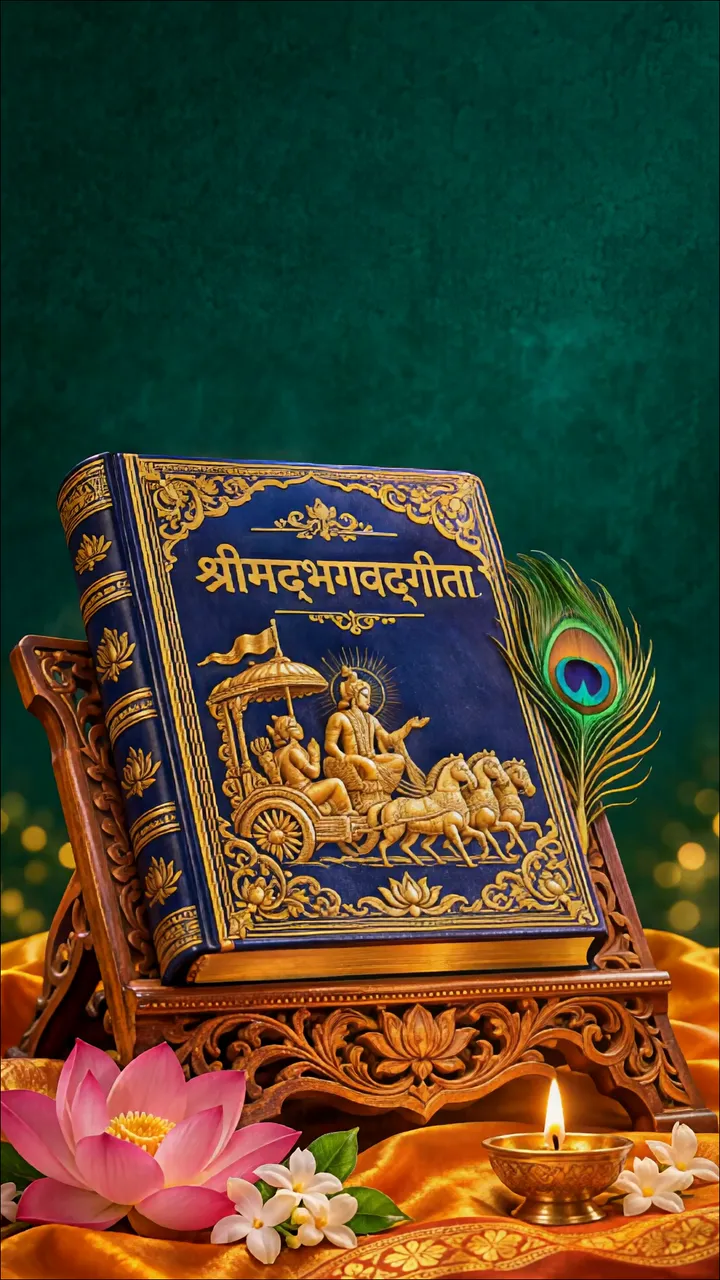
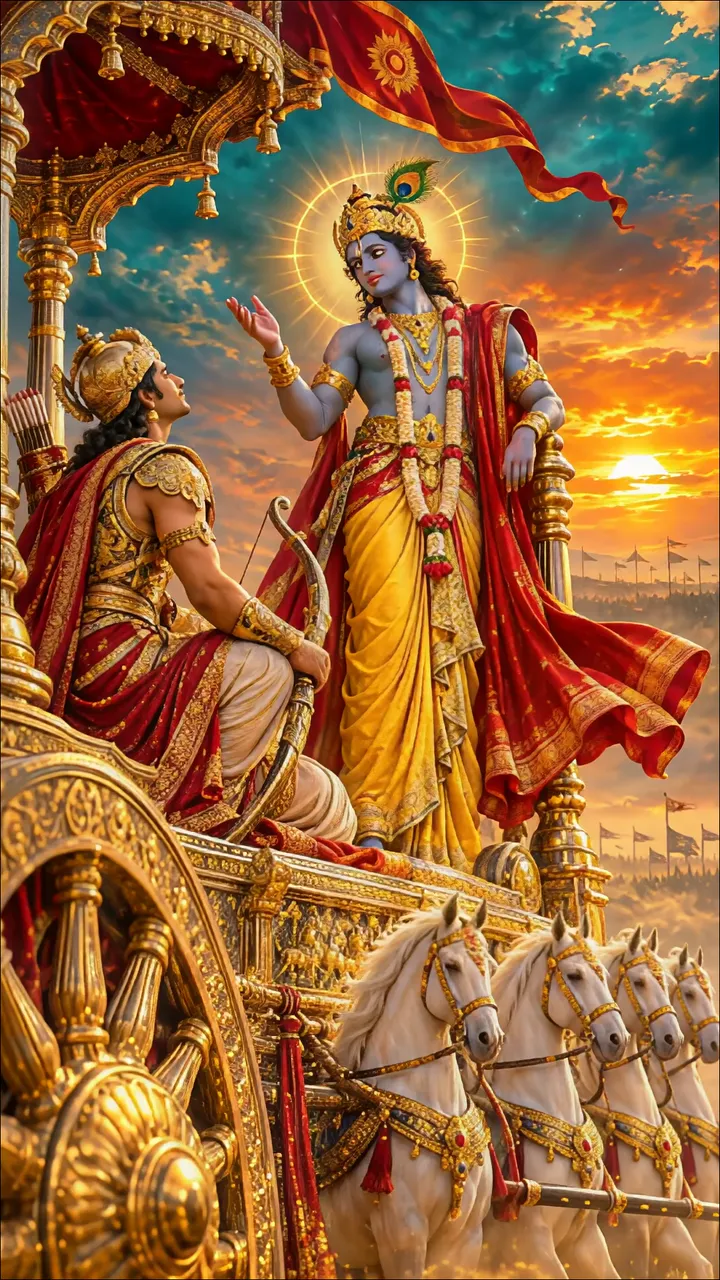
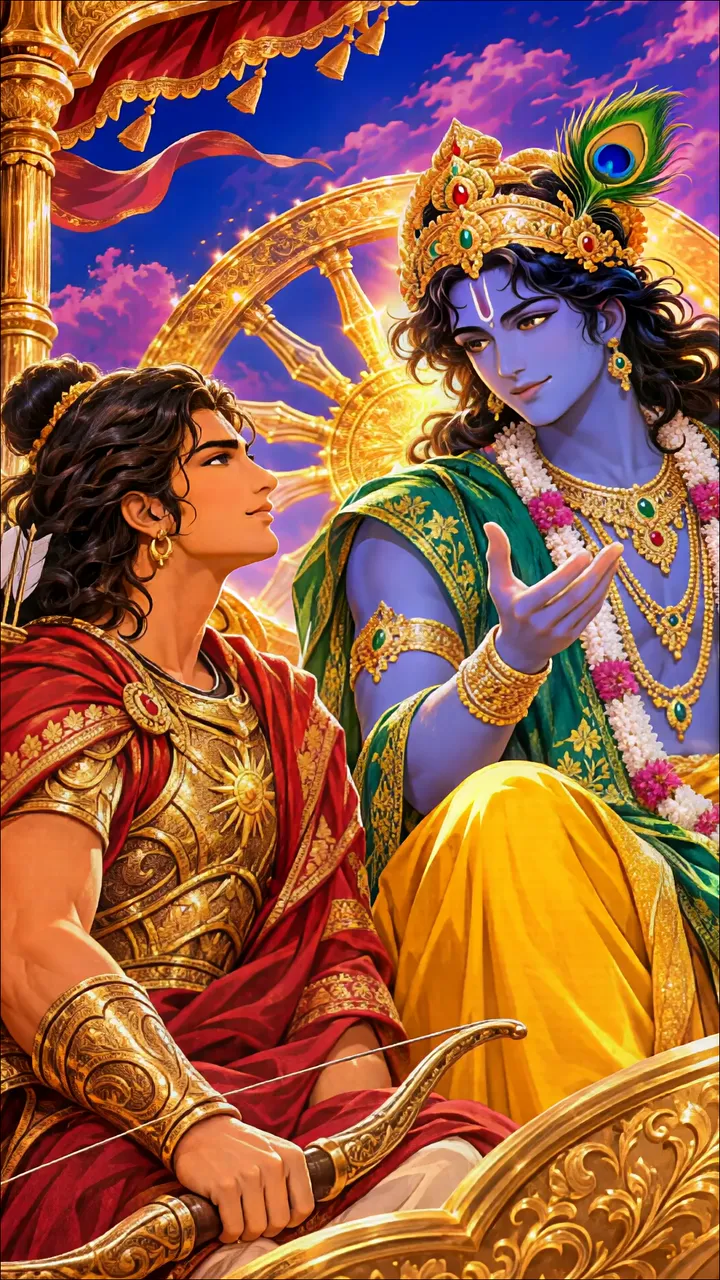
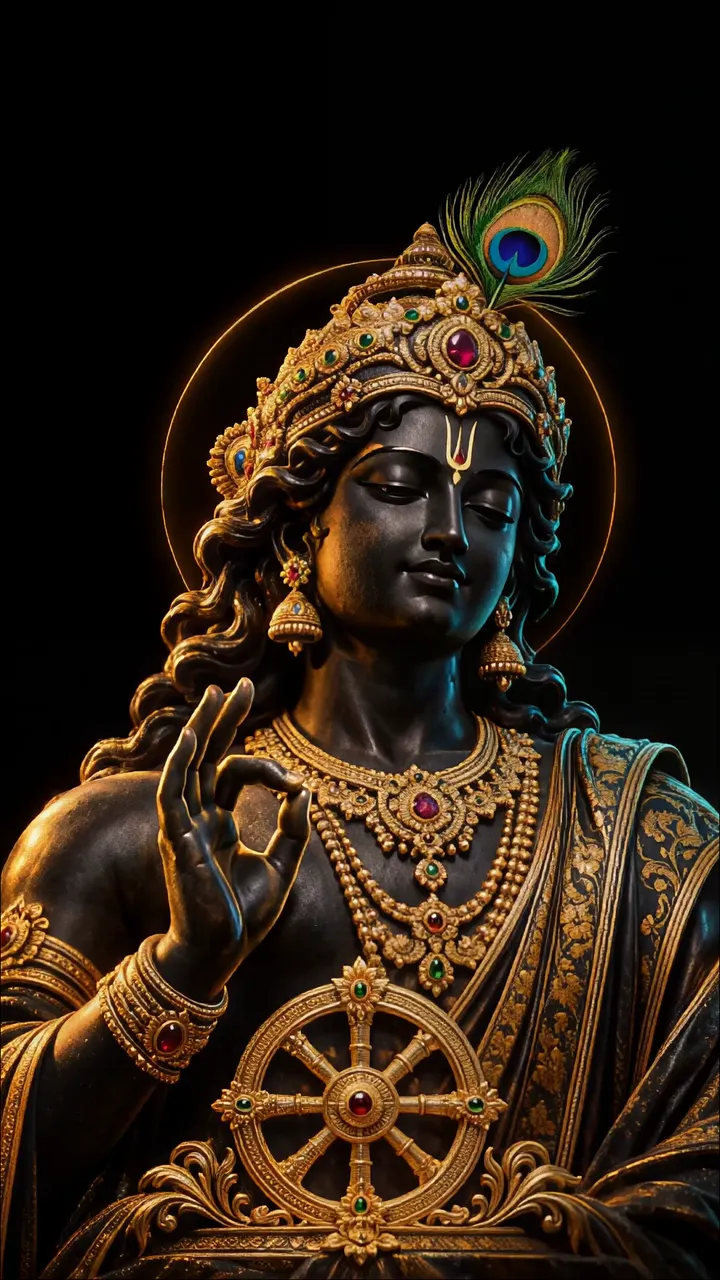
A divine Shiva with a cosmic galaxy body and a radiant multiface crown stands in a celestial scene, surrounded by swirling stars and cosmic energy. His multiple arms hold sacred symbols, while a golden chariot pulled by white horses carries a devotee in prayer below. The background features a glowing sun and moon against a vibrant cosmic sky, creating a majestic and spiritually charged atmosphere. The composition blends Hindu mythology with cosmic imagery, emphasizing divine power and cosmic harmony through rich colors and dynamic celestial elements.
- Format
- MP4 live wallpaper
- Resolution
- 720P, 1080P
- Duration
- 00:08
- File size
- 16 MB
- Category
- Gita Jayanti, Shiva, Multiface Crown