Lord Krishna In Chariot With Arjuna During Gita Jayanti live wallpaper
How to set it as wallpaper
iPhone
For a still wallpaper, save the cropped JPG to Photos and choose it in Settings → Wallpaper. For an animated Lock Screen on supported models, convert the MP4 to a Live Photo with a compatible app and select it in the wallpaper picker.
Android
For a still wallpaper, open the JPG in your gallery and choose Set as wallpaper. For the MP4, look for a video wallpaper option in your gallery or wallpaper settings. A compatible live wallpaper app can help if your phone has no built-in option.
After saving the converted Live Photo to Photos, open Settings, then Wallpaper, then Add New Wallpaper. Tap Photos, choose Live Photo, select the saved image, turn on the Live Photo effect, and tap Add to apply it to your Lock Screen.
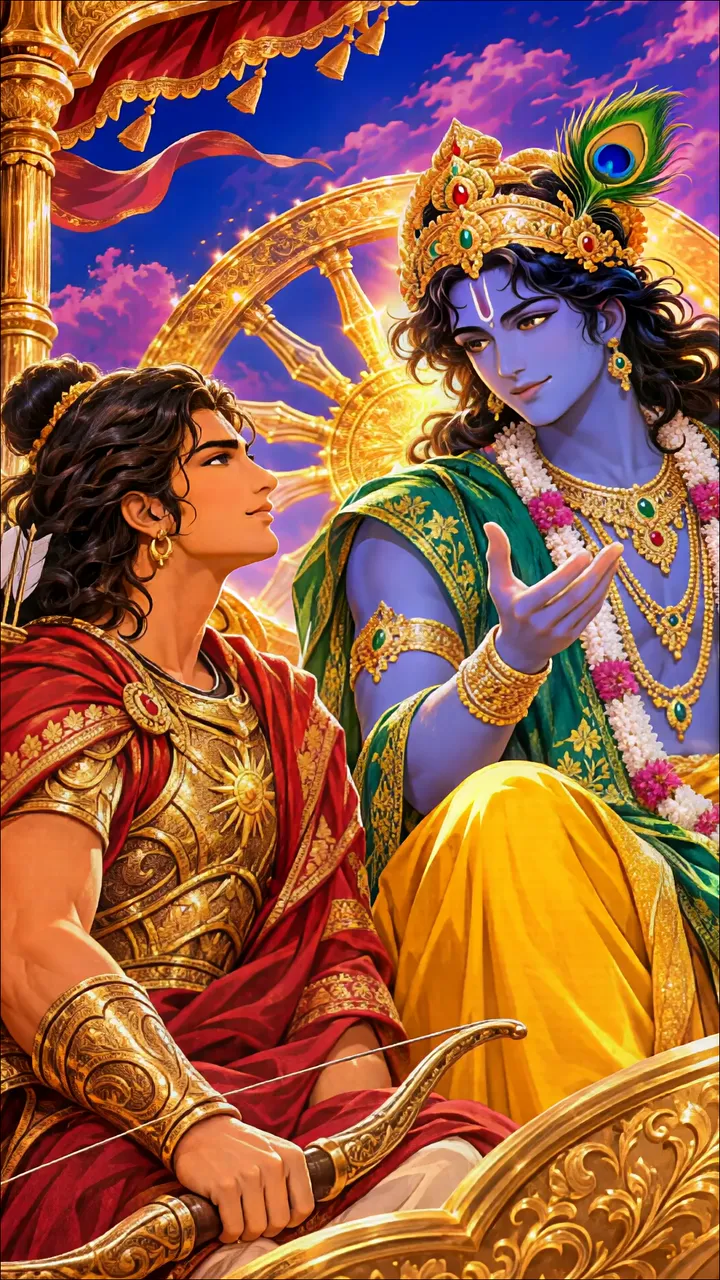
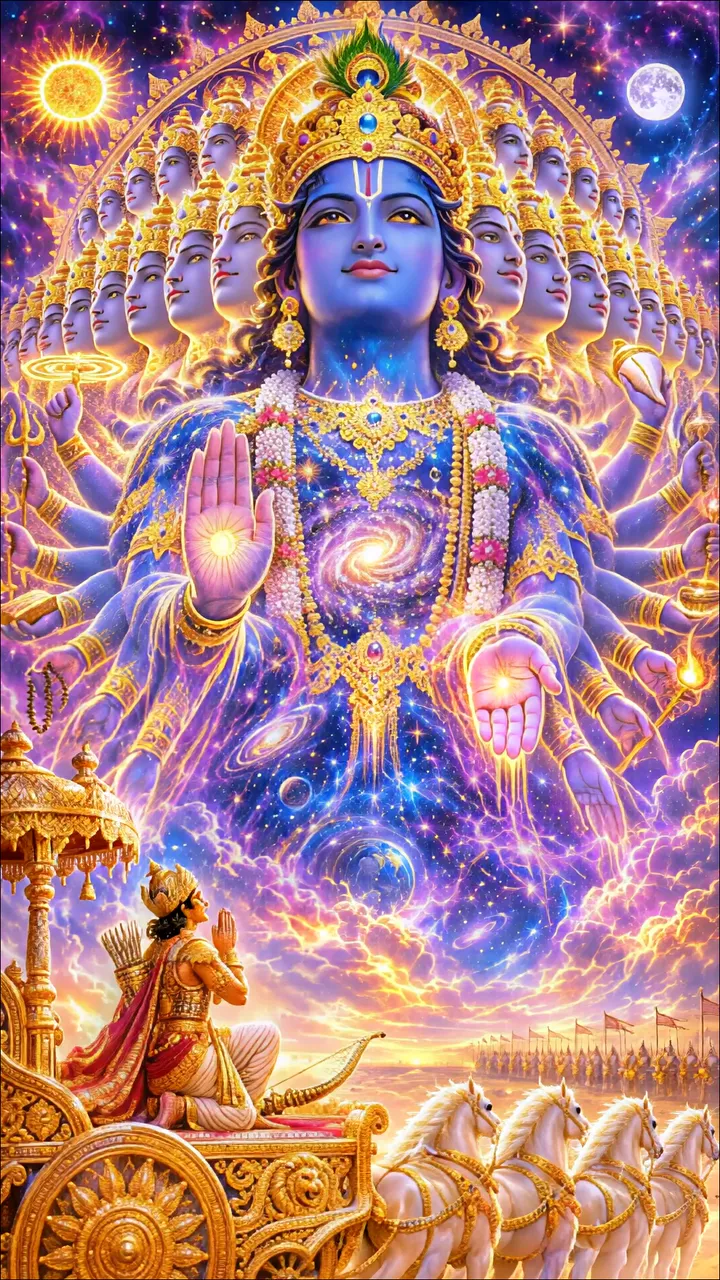
Lord Krishna stands majestically in a golden chariot, adorned in red and gold, as he delivers the Bhagavad Gita to Arjuna, who kneels in reverence. Four white horses pull the ornate chariot, their harnesses gleaming under the warm glow of a setting sun. The sky is painted with fiery orange and deep blue clouds, creating a dramatic backdrop. Krishna’s blue skin, radiant halo, and peacock feather crown contrast with Arjuna’s golden armor and red dhoti. The scene captures the spiritual intensity of Gita Jayanti, with the divine figure commanding attention and the earthly warrior in humble submission, framed by the grandeur of the chariot and the celestial light.
- Format
- MP4 live wallpaper
- Resolution
- 720P, 1080P
- Duration
- 00:08
- File size
- 10.2 MB
- Category
- Gita Jayanti, Lord Krishna, Arjuna