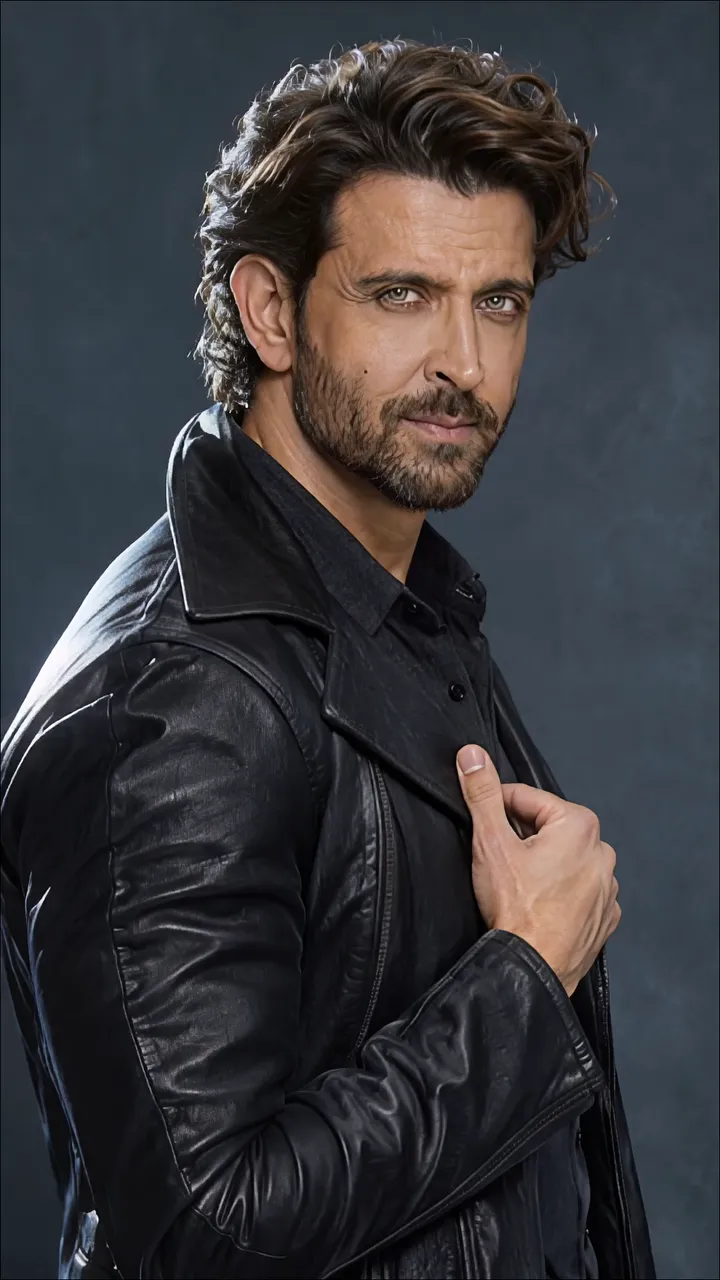
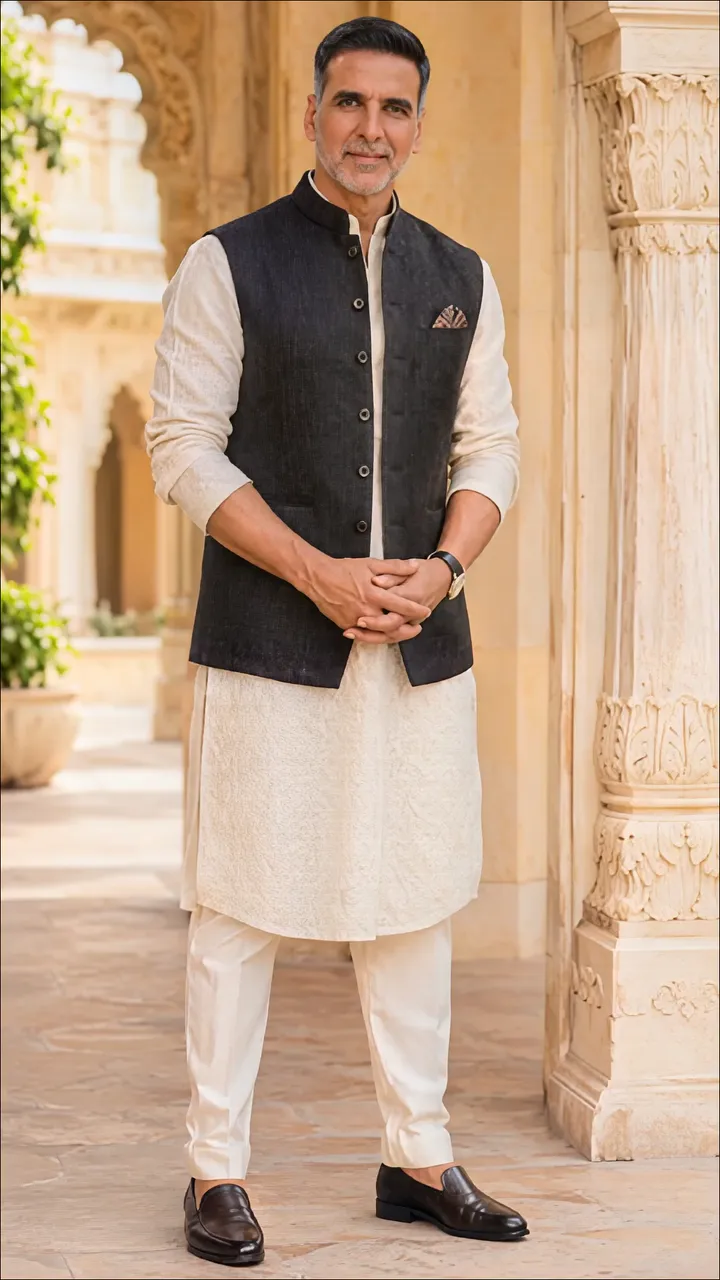
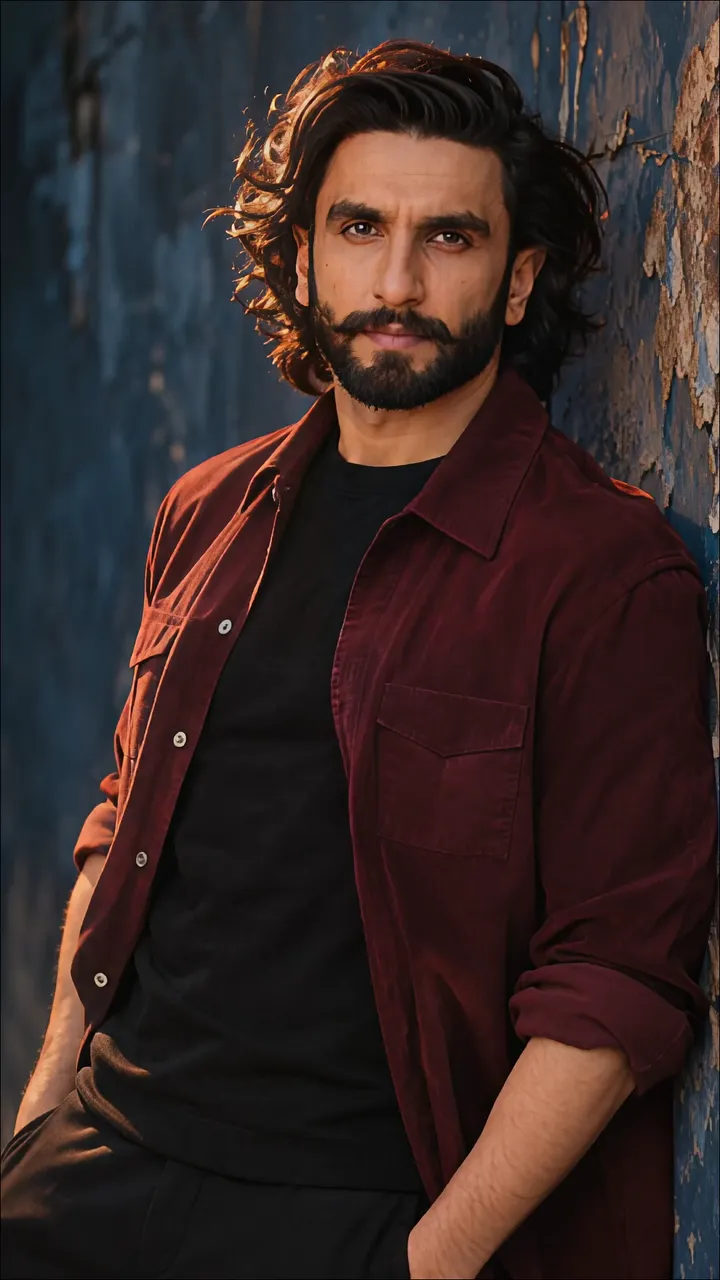
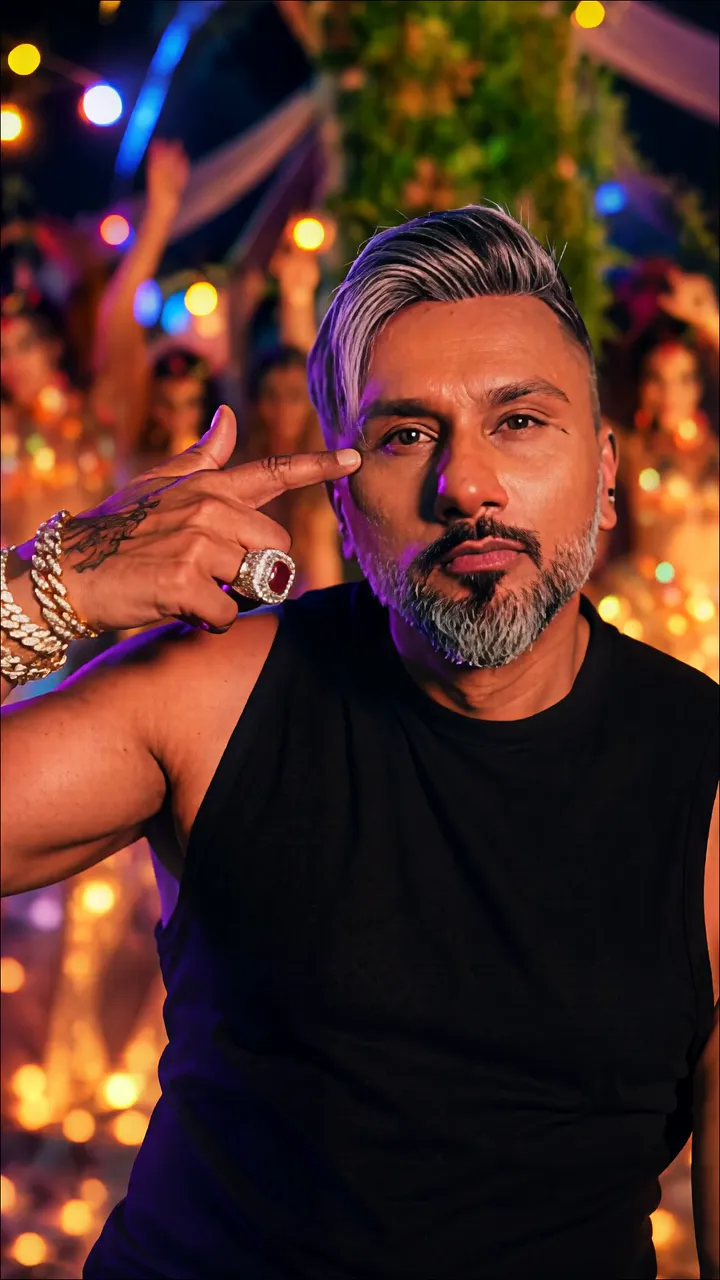
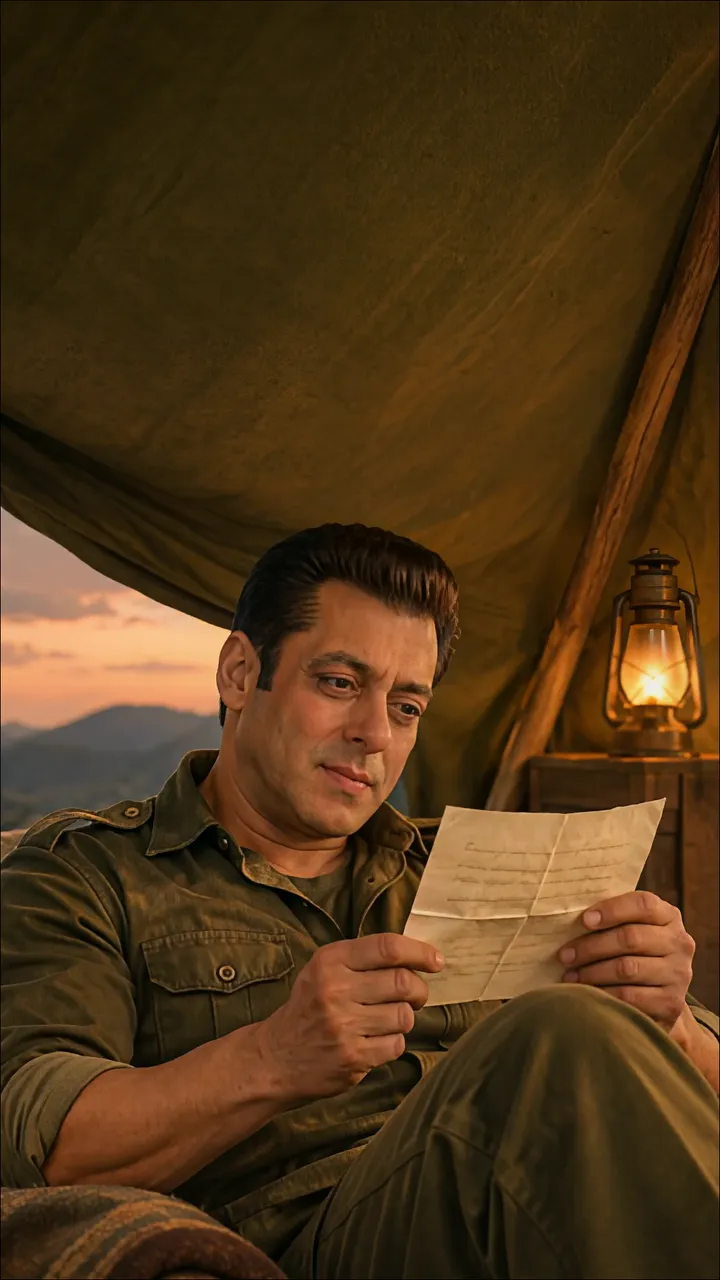
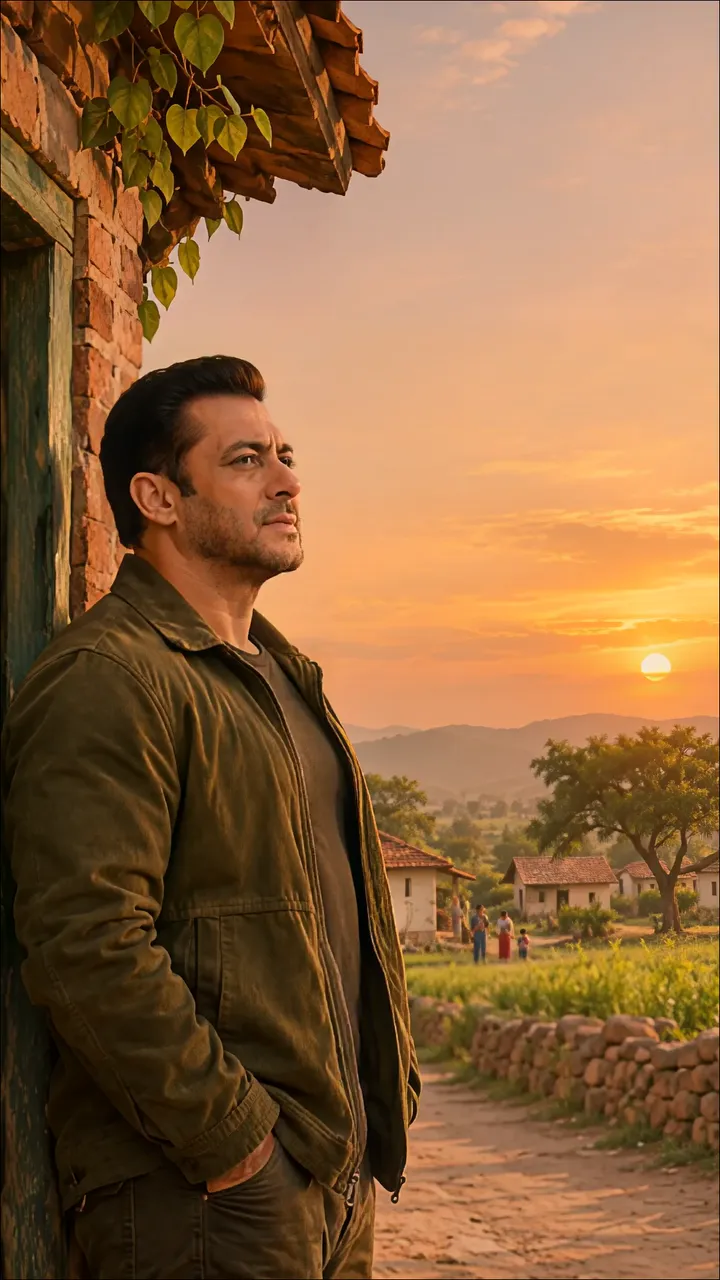
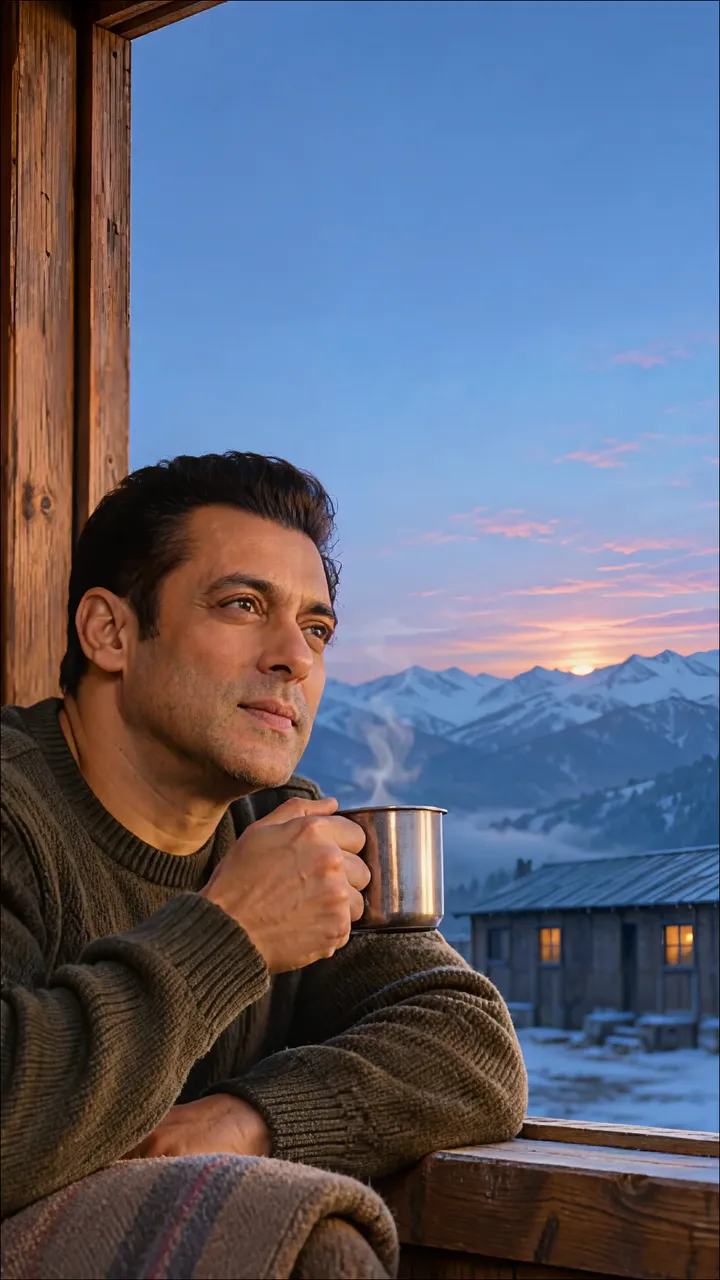
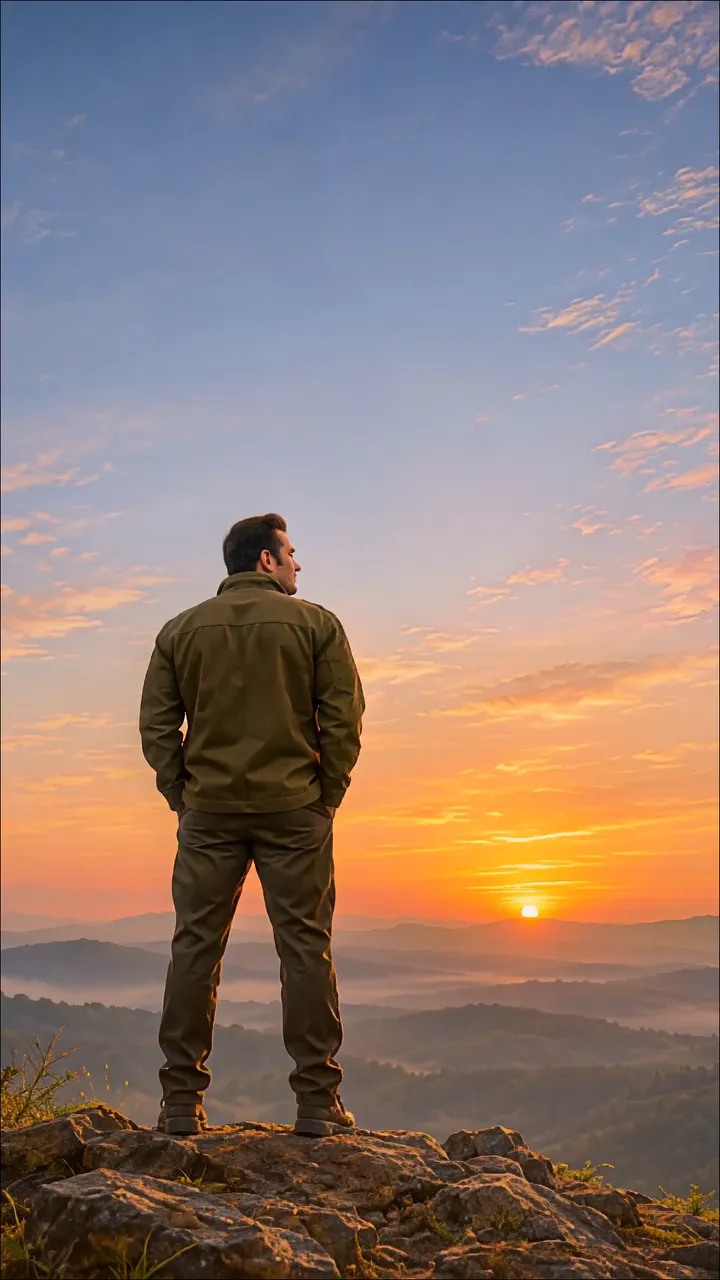
Salman Khan Confidently Standing With Arms Crossed live wallpaper
How to set it as wallpaper
iPhone
For a still wallpaper, save the cropped JPG to Photos and choose it in Settings → Wallpaper. For an animated Lock Screen on supported models, convert the MP4 to a Live Photo with a compatible app and select it in the wallpaper picker.
Android
For a still wallpaper, open the JPG in your gallery and choose Set as wallpaper. For the MP4, look for a video wallpaper option in your gallery or wallpaper settings. A compatible live wallpaper app can help if your phone has no built-in option.
After saving the converted Live Photo to Photos, open Settings, then Wallpaper, then Add New Wallpaper. Tap Photos, choose Live Photo, select the saved image, turn on the Live Photo effect, and tap Add to apply it to your Lock Screen.
Salman Khan stands confidently with arms crossed, wearing a dark blue button-up shirt, black trousers, and black leather boots. His posture exudes strength and calm authority against a solid dark green studio backdrop. A silver bracelet adorns his left wrist, adding a subtle detail to his polished look. The lighting is soft and even, highlighting his facial features and the texture of his clothing. The composition is centered and balanced, focusing entirely on his commanding presence in a professional portrait setting.
- Format
- MP4 live wallpaper
- Resolution
- 720P, 1080P
- Duration
- 00:07
- File size
- 1.7 MB
- Category
- Bollywood Actor, Salman Khan, Studio Portrait