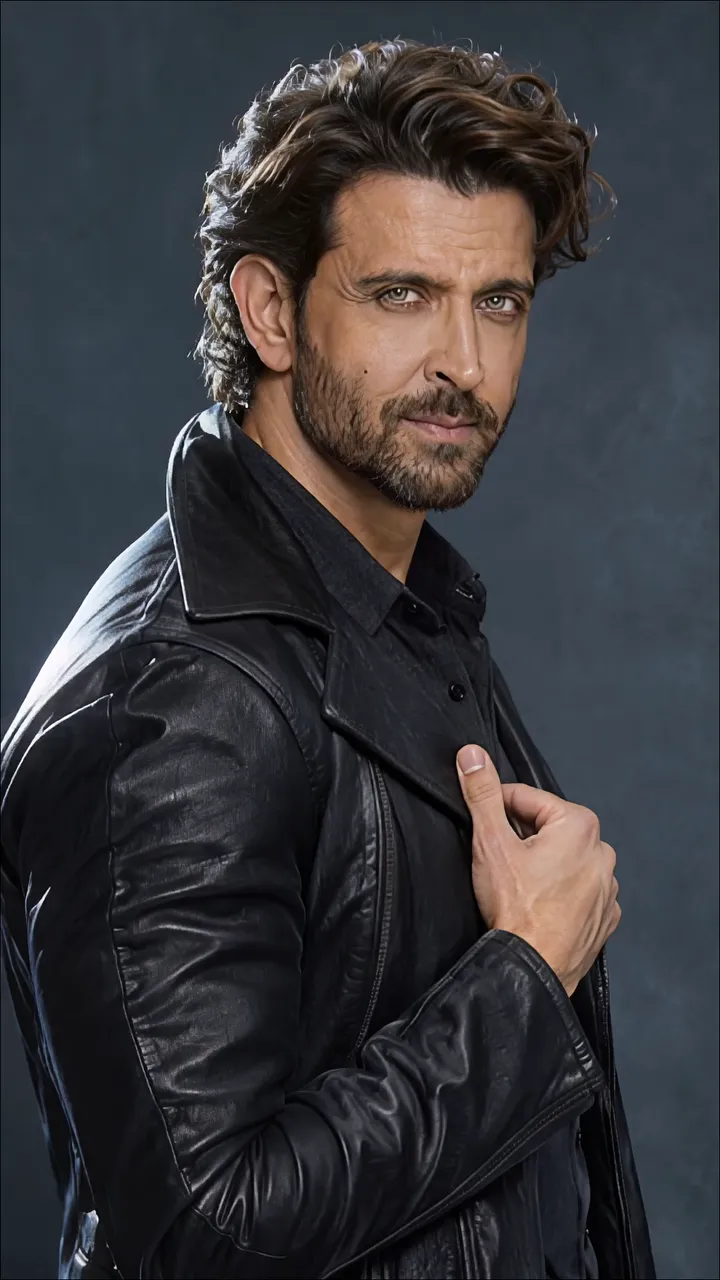
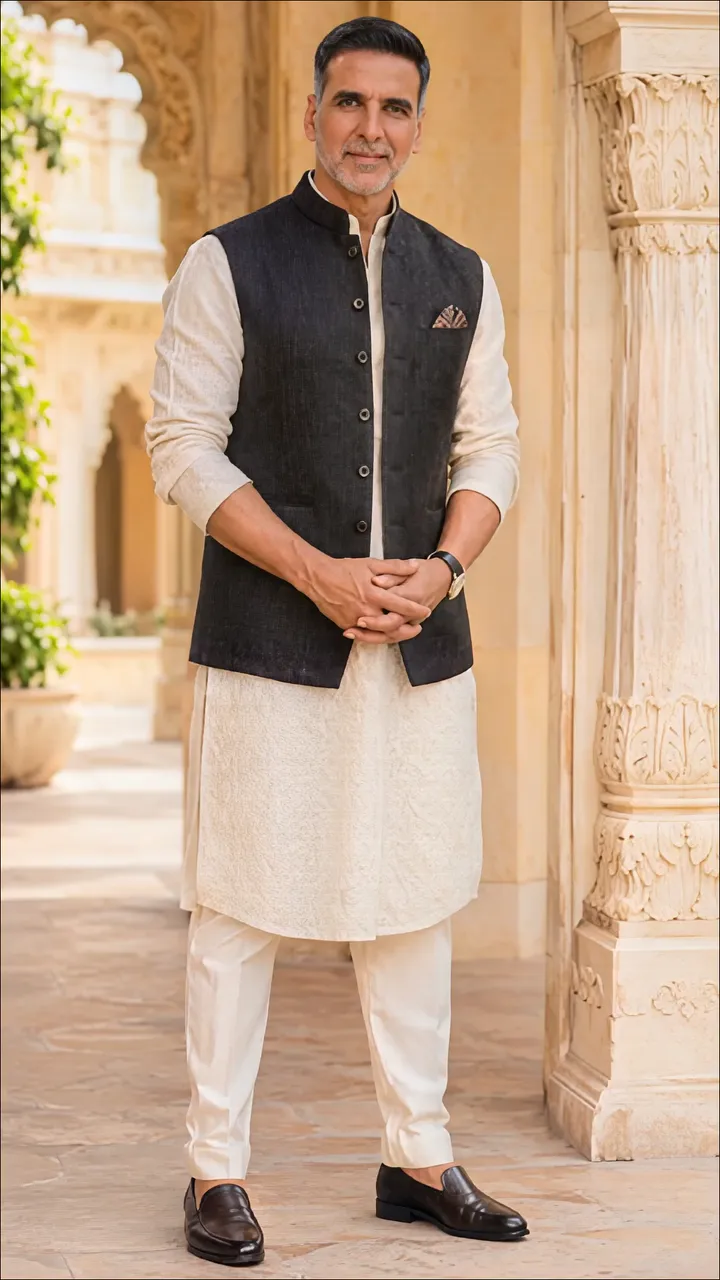
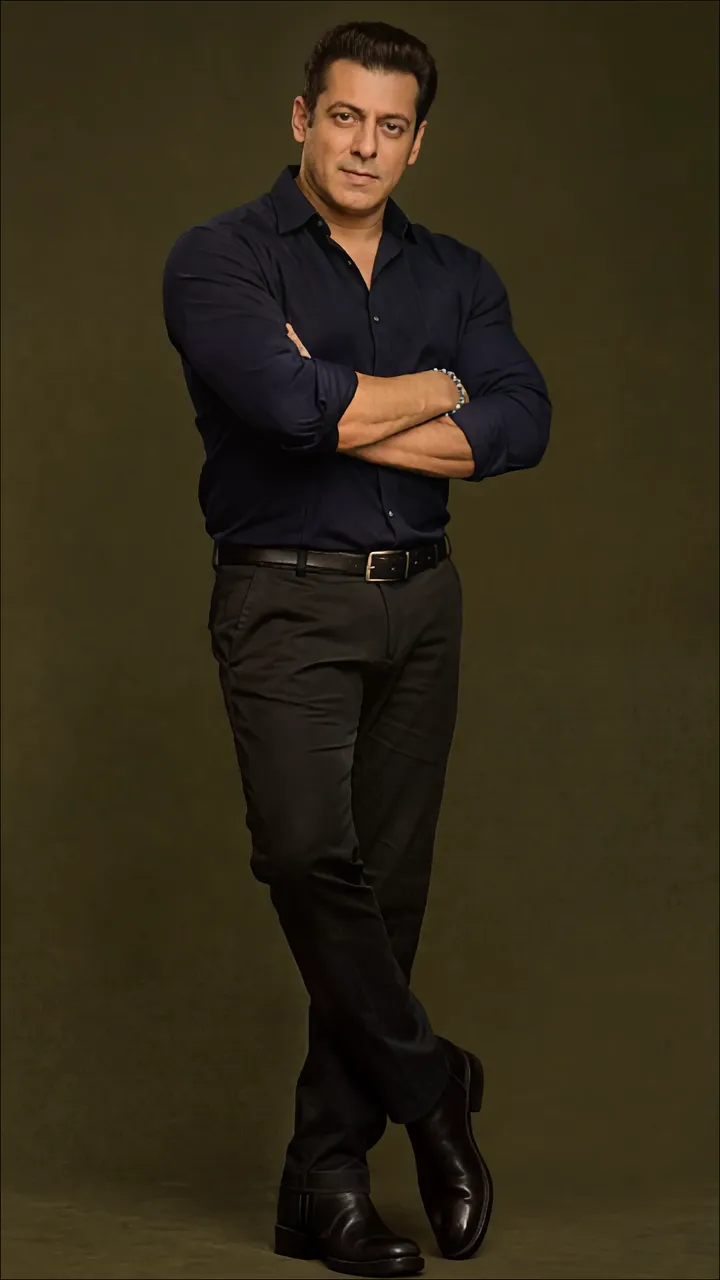
Ranveer Singh Leaning Against A Weathered Blue Wall live wallpaper
How to set it as wallpaper
iPhone
For a still wallpaper, save the cropped JPG to Photos and choose it in Settings → Wallpaper. For an animated Lock Screen on supported models, convert the MP4 to a Live Photo with a compatible app and select it in the wallpaper picker.
Android
For a still wallpaper, open the JPG in your gallery and choose Set as wallpaper. For the MP4, look for a video wallpaper option in your gallery or wallpaper settings. A compatible live wallpaper app can help if your phone has no built-in option.
After saving the converted Live Photo to Photos, open Settings, then Wallpaper, then Add New Wallpaper. Tap Photos, choose Live Photo, select the saved image, turn on the Live Photo effect, and tap Add to apply it to your Lock Screen.
Bollywood actor Ranveer Singh poses confidently, leaning against a weathered blue wall with peeling paint. He wears a maroon corduroy shirt over a black t-shirt, with sleeves rolled up, creating a relaxed yet stylish look. Warm, directional lighting highlights his facial features and dark, wavy hair, contrasting with the cool tones of the textured background. The composition is intimate and focused, capturing his direct gaze and composed expression. The scene blends urban decay with polished portraiture, emphasizing his charismatic presence against a gritty, atmospheric backdrop.
- Format
- MP4 live wallpaper
- Resolution
- 720P, 1080P
- Duration
- 00:07
- File size
- 2.8 MB
- Category
- Bollywood Actor, Ranveer Singh, Blue Wall