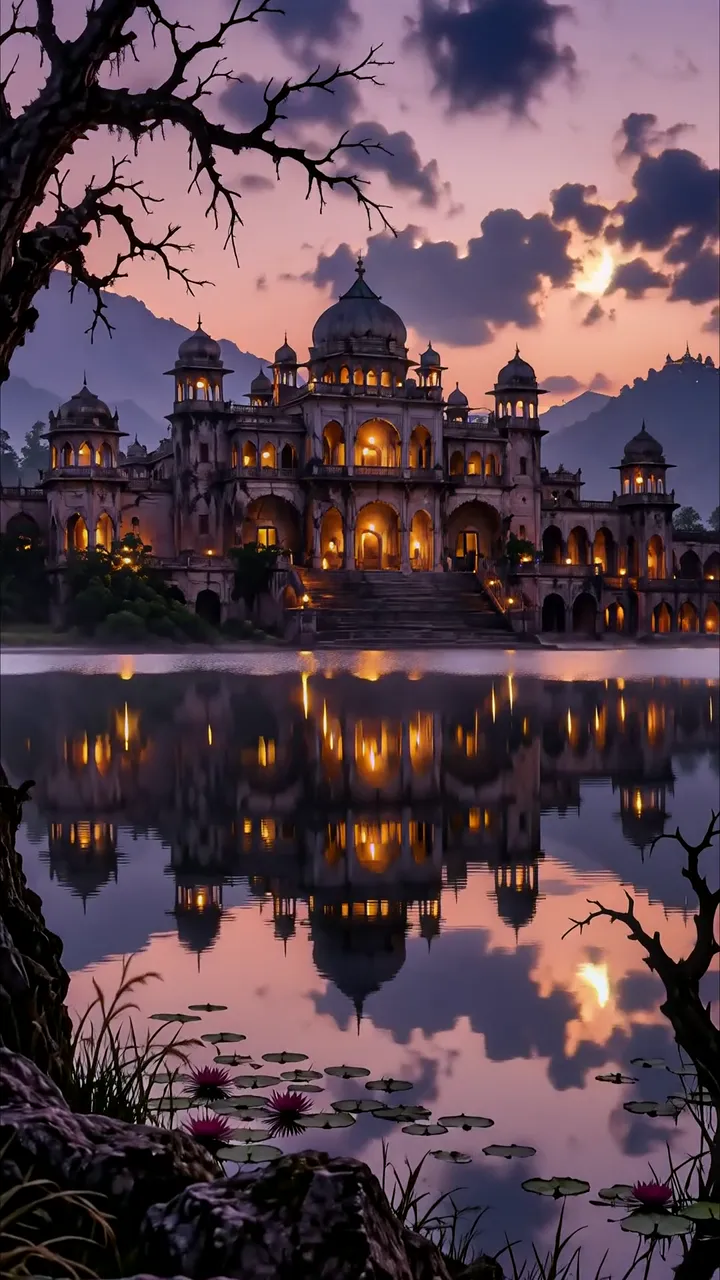
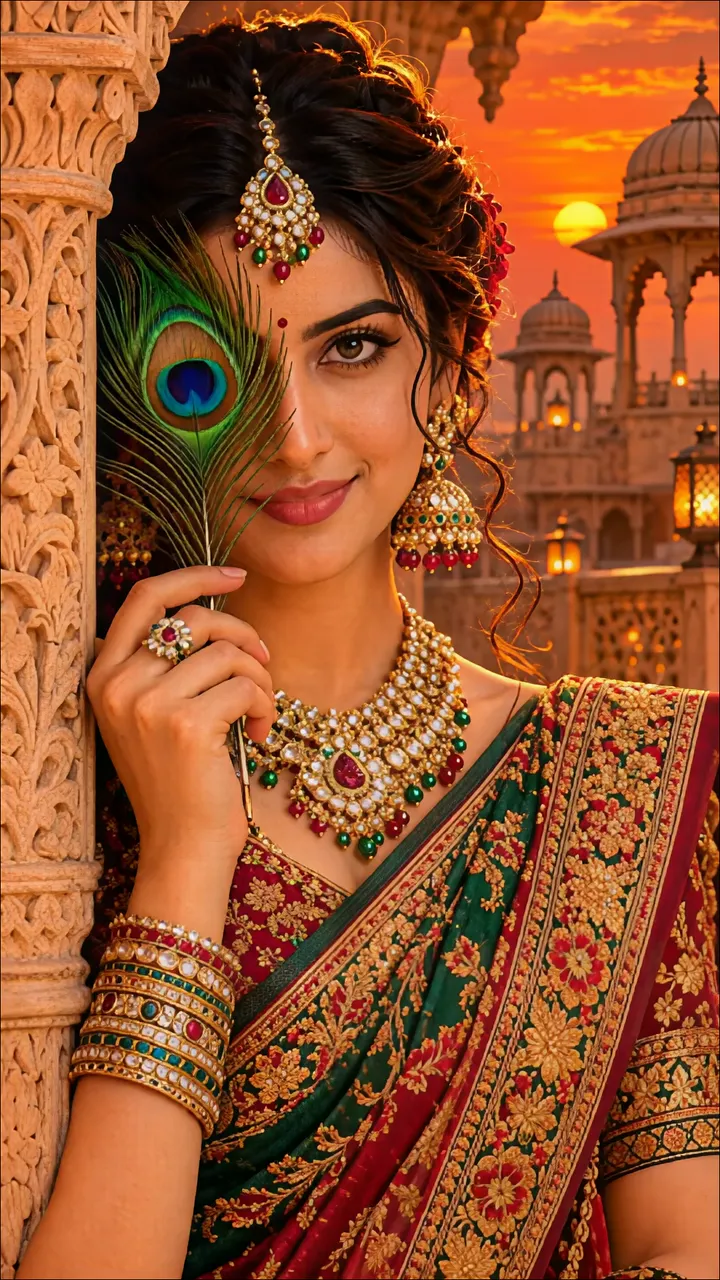
Sad Indian Princess Crying In Royal Palace With Blue Jewelry live wallpaper
How to set it as wallpaper
iPhone
For a still wallpaper, save the cropped JPG to Photos and choose it in Settings → Wallpaper. For an animated Lock Screen on supported models, convert the MP4 to a Live Photo with a compatible app and select it in the wallpaper picker.
Android
For a still wallpaper, open the JPG in your gallery and choose Set as wallpaper. For the MP4, look for a video wallpaper option in your gallery or wallpaper settings. A compatible live wallpaper app can help if your phone has no built-in option.
After saving the converted Live Photo to Photos, open Settings, then Wallpaper, then Add New Wallpaper. Tap Photos, choose Live Photo, select the saved image, turn on the Live Photo effect, and tap Add to apply it to your Lock Screen.
This high-definition animated background features a sorrowful Indian princess in a royal palace, adorned in a blue and gold patterned saree with intricate jewelry. Her long, dark hair frames her face as she sheds tears, conveying a deep sense of sadness. The background reveals opulent architecture with golden furnishings, arched doorways, and distant domes under a bright sky. The composition uses warm lighting and rich textures to create a visually immersive and emotionally resonant screen style. This free download is perfect for personalizing your phone, lock screen, home screen, or PC display, adding a unique and poignant visual to your device.
- Format
- MP4 live wallpaper
- Resolution
- 720P, 1080P
- Duration
- 00:07
- File size
- 8 MB
- Category
- Indian Princess, Royal Palace, Blue Jewelry