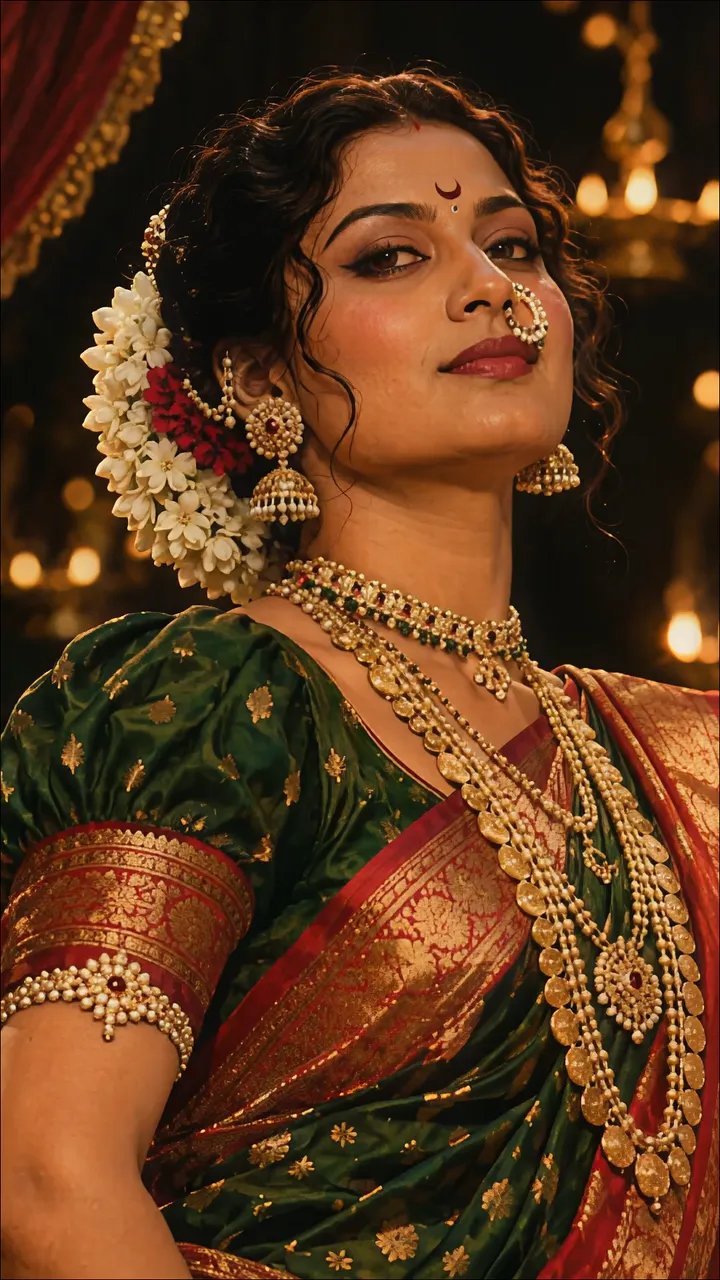
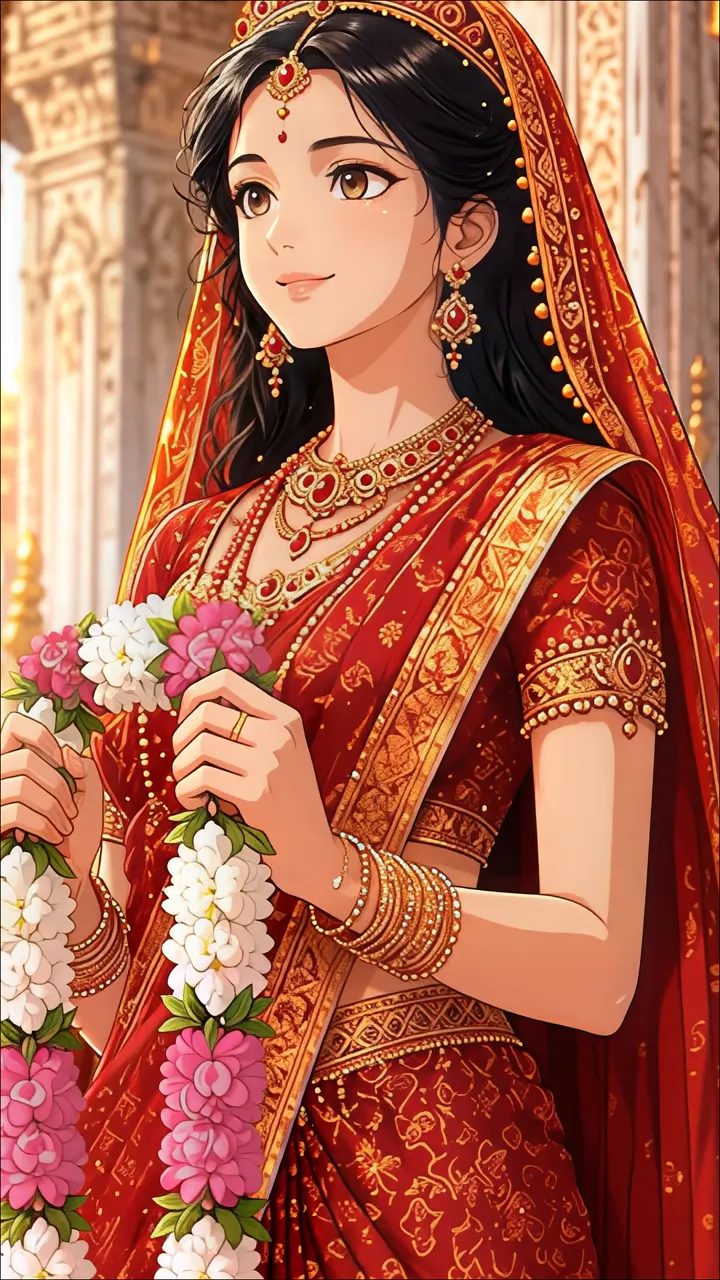
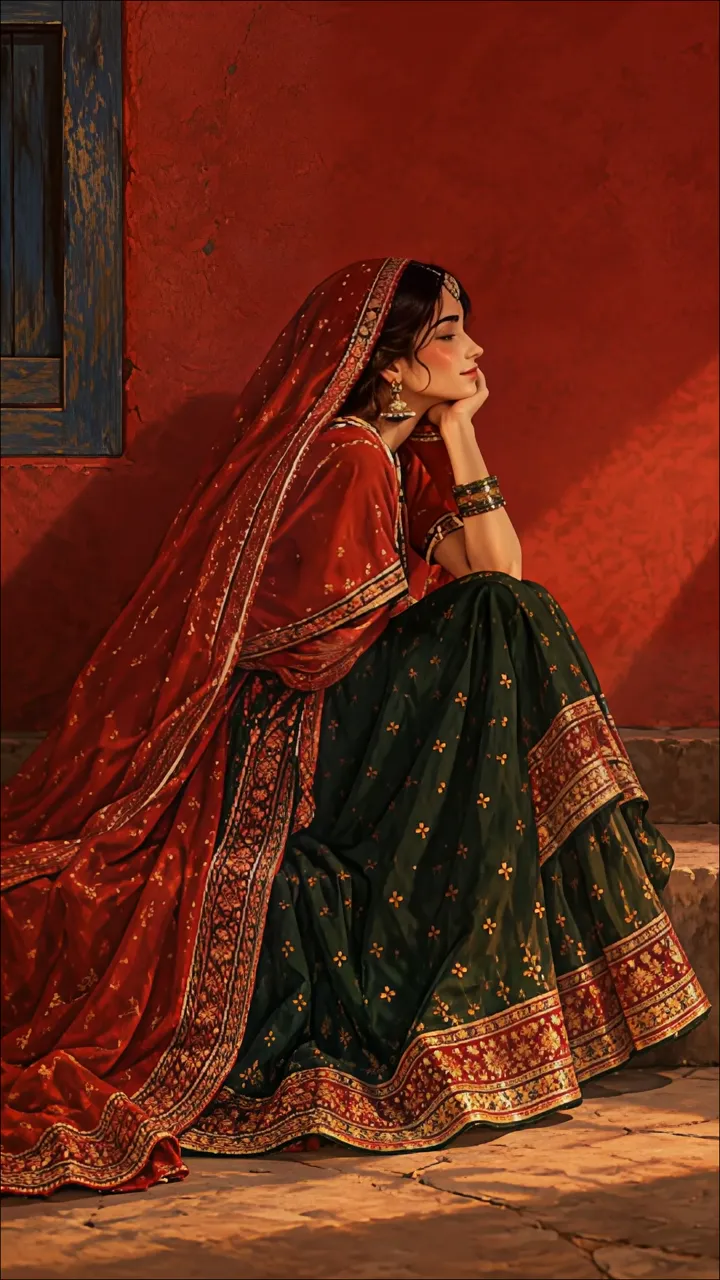
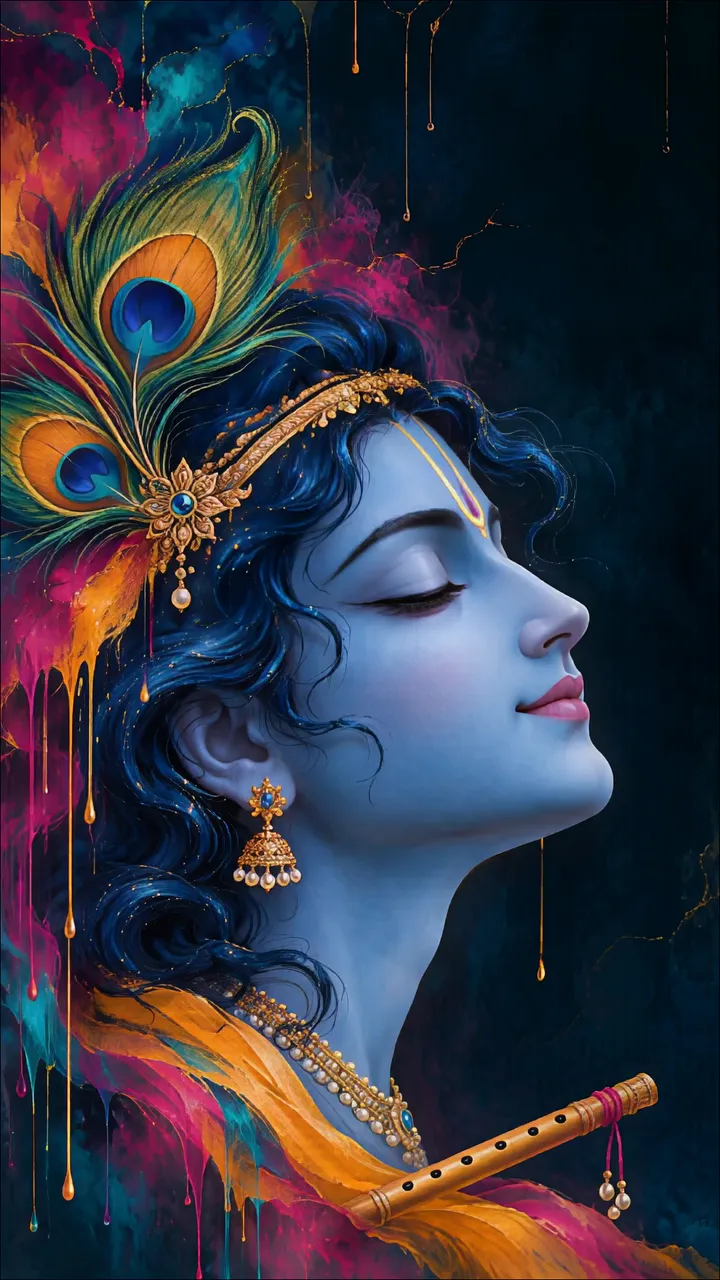
Indian Bride In Traditional Saree With Peacock Feather At Sunset live wallpaper
How to set it as wallpaper
iPhone
For a still wallpaper, save the cropped JPG to Photos and choose it in Settings → Wallpaper. For an animated Lock Screen on supported models, convert the MP4 to a Live Photo with a compatible app and select it in the wallpaper picker.
Android
For a still wallpaper, open the JPG in your gallery and choose Set as wallpaper. For the MP4, look for a video wallpaper option in your gallery or wallpaper settings. A compatible live wallpaper app can help if your phone has no built-in option.
After saving the converted Live Photo to Photos, open Settings, then Wallpaper, then Add New Wallpaper. Tap Photos, choose Live Photo, select the saved image, turn on the Live Photo effect, and tap Add to apply it to your Lock Screen.
An Indian bride in a richly embroidered green and red saree stands gracefully beside an ornate stone pillar, holding a vibrant peacock feather to partially cover her face. She wears elaborate gold jewelry including a maang tikka, earrings, necklace, and bangles, all adorned with red and green gemstones. Behind her, a sunset bathes historic Indian architecture in warm orange and gold light, with domed structures and glowing lanterns visible in the background. The composition blends traditional bridal attire with cultural symbolism, creating a serene and visually rich portrait enhanced by the soft, golden hour lighting and intricate details of her ensemble and surroundings.
- Format
- MP4 live wallpaper
- Resolution
- 720P, 1080P
- Duration
- 00:08
- File size
- 8.6 MB
- Category
- Indian Bride, Peacock Feather, Traditional Saree