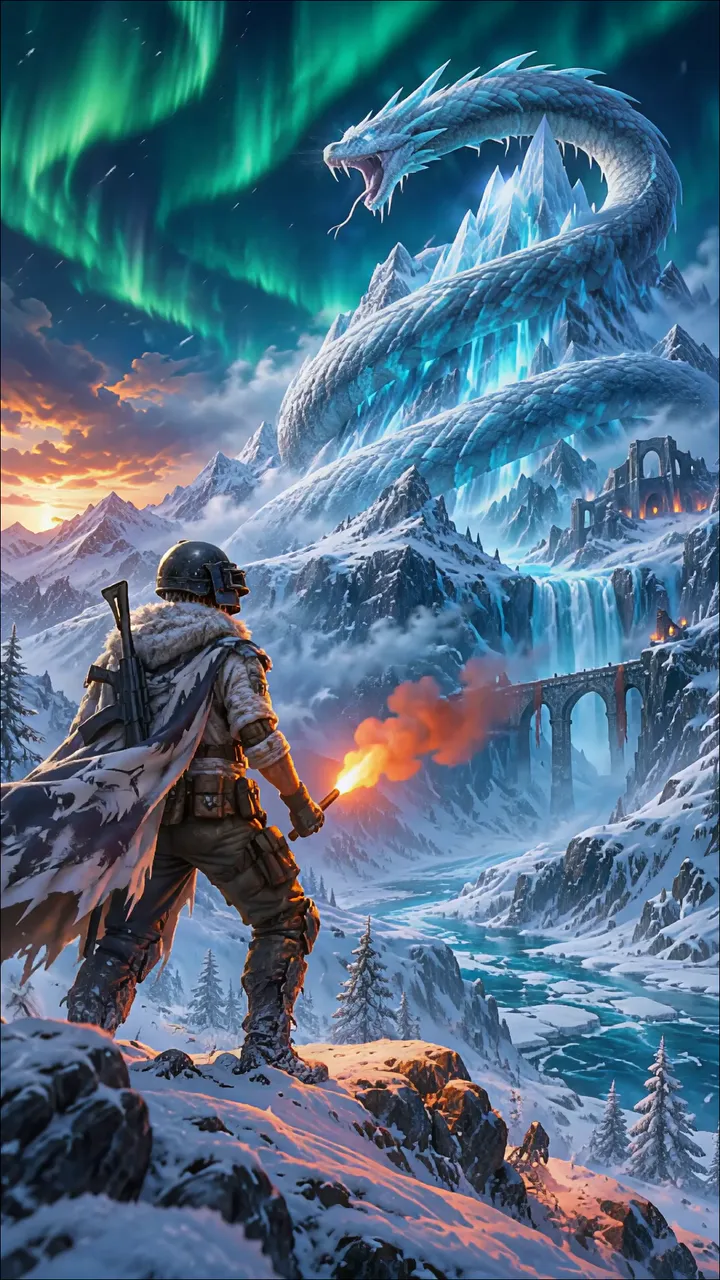
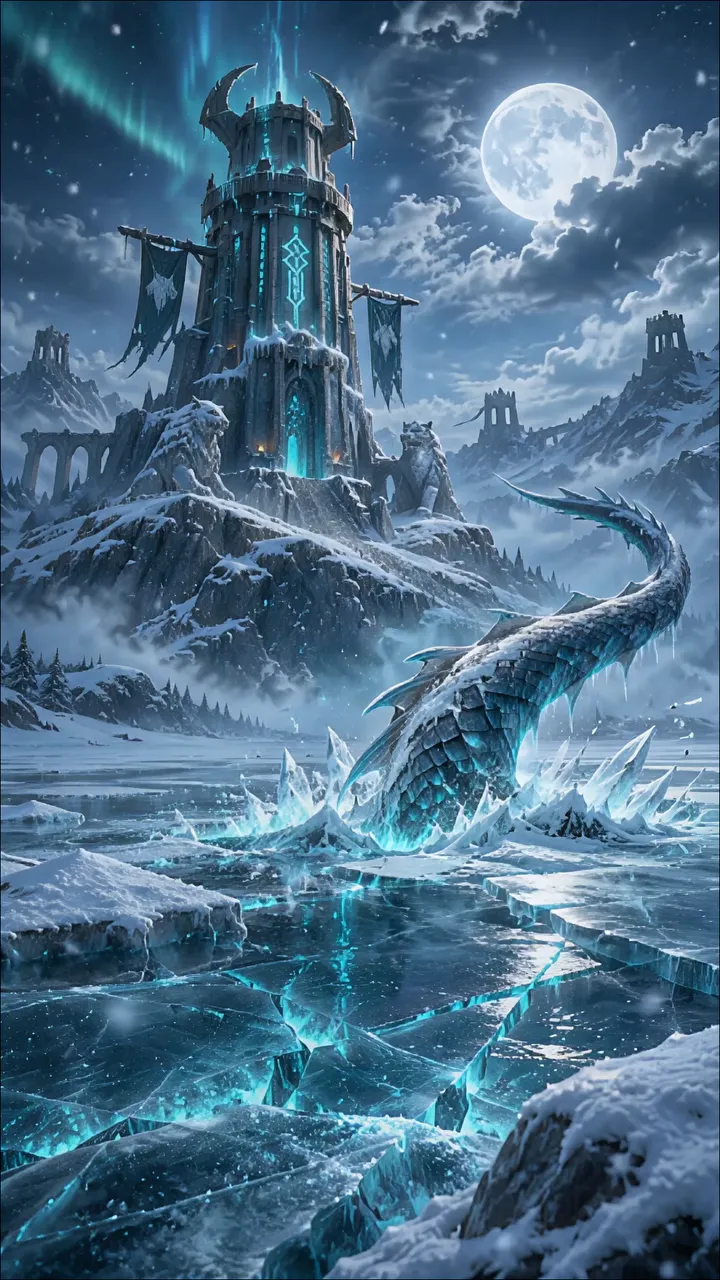
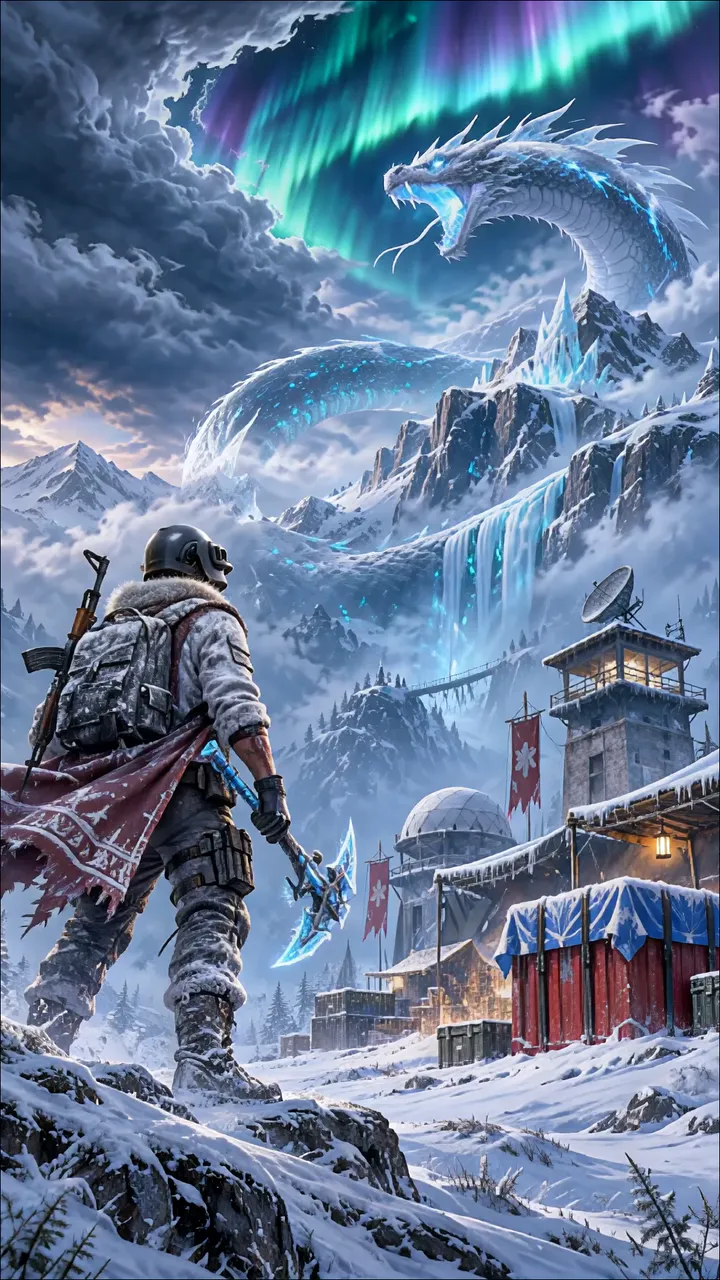
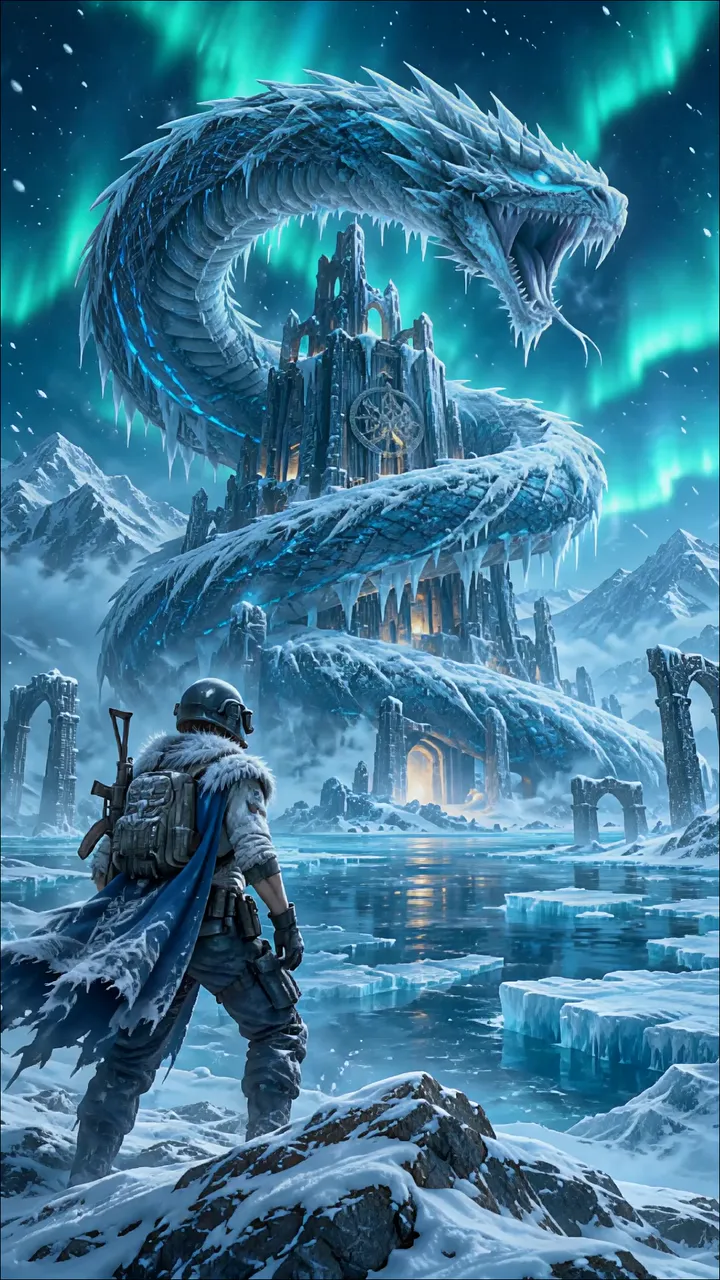
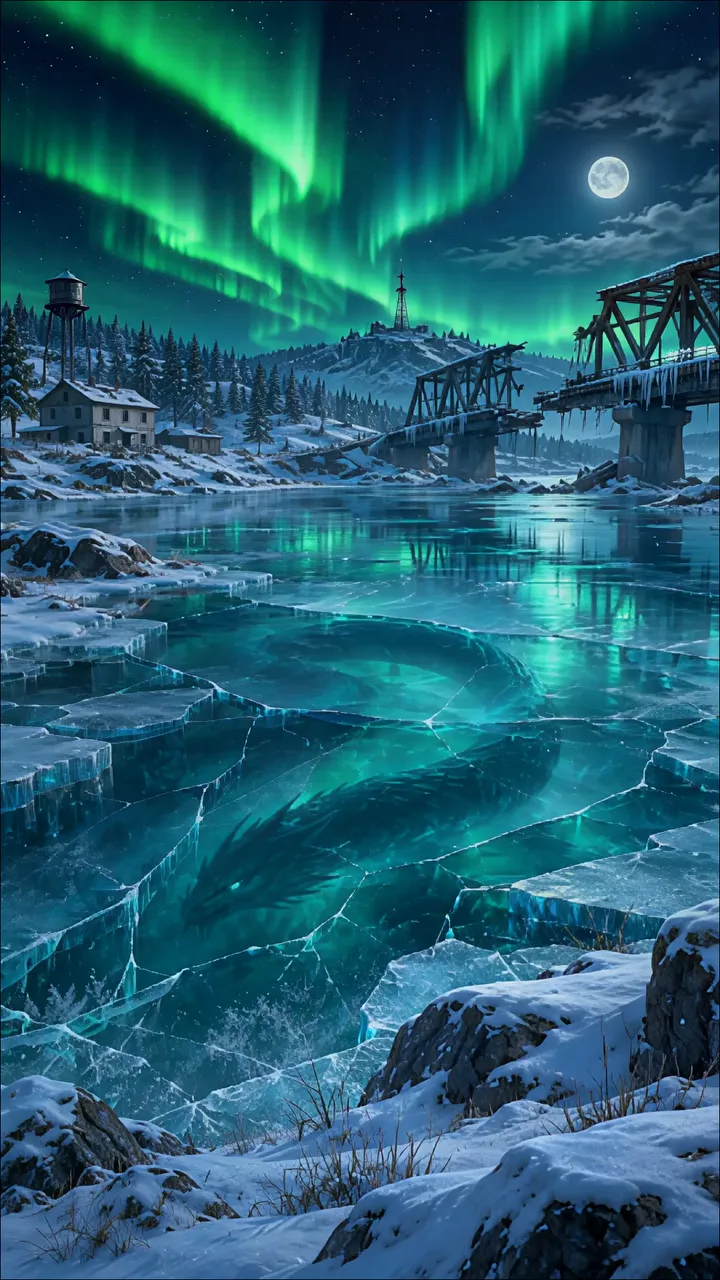
Player Facing Ice Dragon In Arctic Aurora live wallpaper
How to set it as wallpaper
iPhone
For a still wallpaper, save the cropped JPG to Photos and choose it in Settings → Wallpaper. For an animated Lock Screen on supported models, convert the MP4 to a Live Photo with a compatible app and select it in the wallpaper picker.
Android
For a still wallpaper, open the JPG in your gallery and choose Set as wallpaper. For the MP4, look for a video wallpaper option in your gallery or wallpaper settings. A compatible live wallpaper app can help if your phone has no built-in option.
After saving the converted Live Photo to Photos, open Settings, then Wallpaper, then Add New Wallpaper. Tap Photos, choose Live Photo, select the saved image, turn on the Live Photo effect, and tap Add to apply it to your Lock Screen.
A lone player in tactical gear stands on a snowy cliff, gazing at a colossal ice dragon coiled over frozen ruins under a vibrant aurora. The dragon’s icy scales shimmer with blue light, mirroring the glowing aurora above and the fractured ice below. Snow-capped mountains frame the scene, while ancient stone structures emerge from the icy water, creating a surreal, cinematic landscape. The composition balances the player’s small scale against the dragon’s immense presence, enhanced by the ethereal glow of the aurora and the cold, crystalline atmosphere. This fantasy battle royale scene merges epic scale with immersive environmental detail.
- Format
- MP4 live wallpaper
- Resolution
- 720P, 1080P
- Duration
- 00:10
- File size
- 9.8 MB
- Category
- BGMI, Arctic Chronicles, Ice Dragon