Indian Girl Peeking Through Ornate Stone Archway live wallpaper
How to set it as wallpaper
iPhone
For a still wallpaper, save the cropped JPG to Photos and choose it in Settings → Wallpaper. For an animated Lock Screen on supported models, convert the MP4 to a Live Photo with a compatible app and select it in the wallpaper picker.
Android
For a still wallpaper, open the JPG in your gallery and choose Set as wallpaper. For the MP4, look for a video wallpaper option in your gallery or wallpaper settings. A compatible live wallpaper app can help if your phone has no built-in option.
After saving the converted Live Photo to Photos, open Settings, then Wallpaper, then Add New Wallpaper. Tap Photos, choose Live Photo, select the saved image, turn on the Live Photo effect, and tap Add to apply it to your Lock Screen.
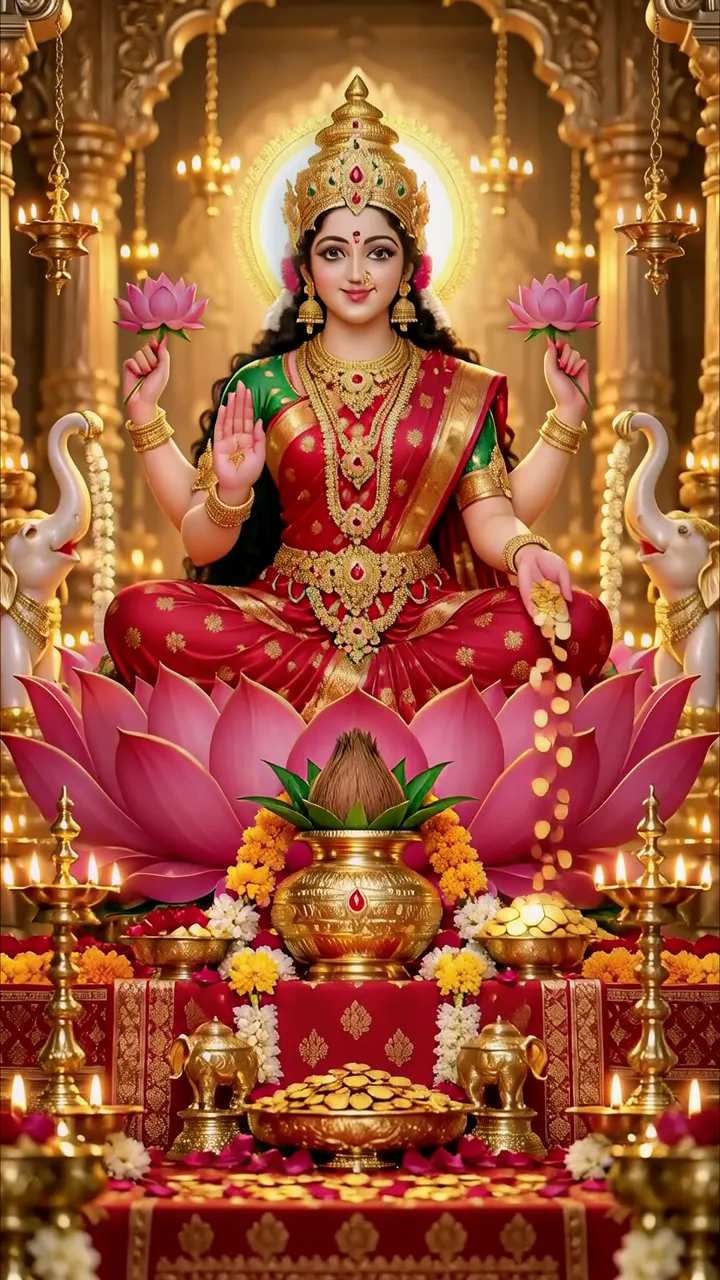
An Indian girl with dark, wavy hair and traditional jewelry peeks playfully from behind an intricately carved stone pillar in a sunlit temple corridor. She wears a rich green velvet sari adorned with gold embroidery and red gemstones, complemented by a maang tikka, earrings, and bangles. Warm golden sunlight filters through arched openings, casting soft shadows across the ornate stone architecture and highlighting the textures of her clothing and the pillar. The composition emphasizes her gentle smile and the cultural richness of the setting, blending human presence with ancient architectural beauty.
- Format
- MP4 live wallpaper
- Resolution
- 720P, 1080P
- Duration
- 00:08
- File size
- 7.3 MB
- Category
- Inida girl, Indian Girl, Hindu Goddess