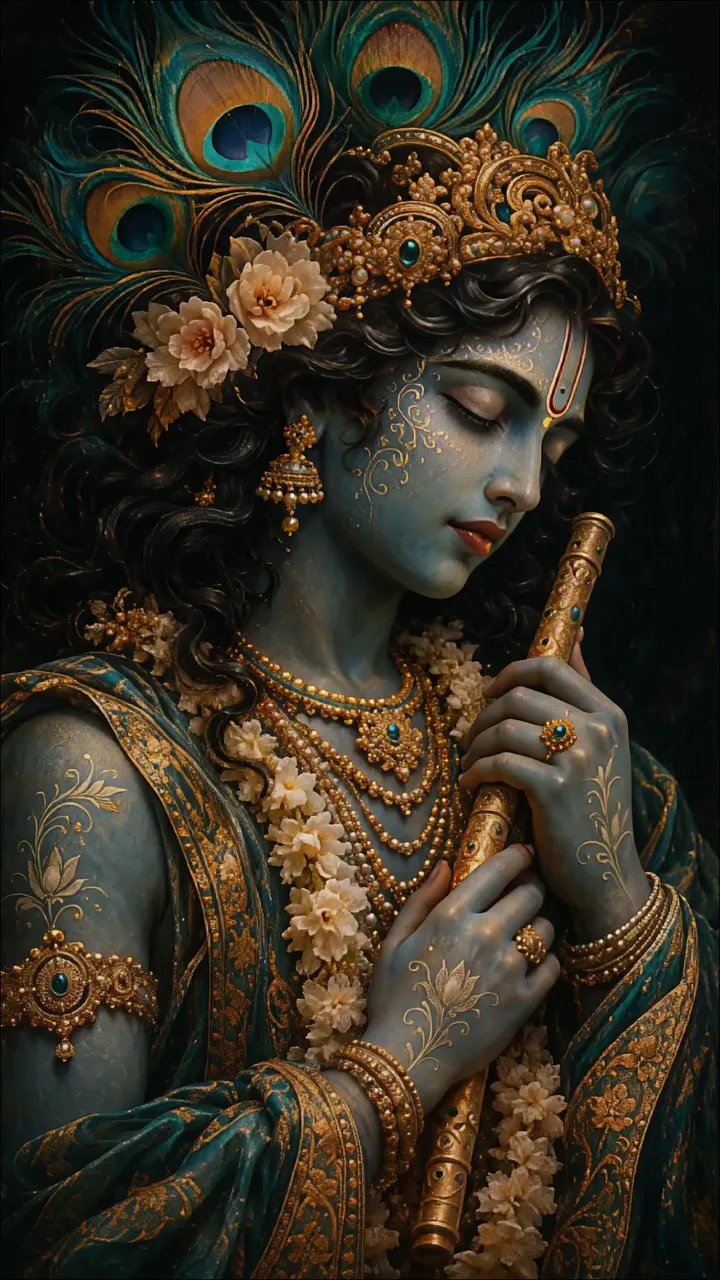
Indian Girl in Maroon Banarasi Sari at Ornate Palace Window live wallpaper
How to set it as wallpaper
iPhone
For a still wallpaper, save the cropped JPG to Photos and choose it in Settings → Wallpaper. For an animated Lock Screen on supported models, convert the MP4 to a Live Photo with a compatible app and select it in the wallpaper picker.
Android
For a still wallpaper, open the JPG in your gallery and choose Set as wallpaper. For the MP4, look for a video wallpaper option in your gallery or wallpaper settings. A compatible live wallpaper app can help if your phone has no built-in option.
After saving the converted Live Photo to Photos, open Settings, then Wallpaper, then Add New Wallpaper. Tap Photos, choose Live Photo, select the saved image, turn on the Live Photo effect, and tap Add to apply it to your Lock Screen.
An Indian girl in a rich maroon Banarasi sari with intricate gold embroidery rests her chin on her hands, gazing thoughtfully from within an ornate palace courtyard. Her dark, wavy hair is adorned with a red and gold maang tikka, and she wears elaborate golden jewelry including bangles, earrings, and a necklace. The scene is framed by a detailed stone archway with carved pillars, bathed in warm, golden sunlight that highlights the textures of her attire and the architectural details. The background reveals a softly blurred palace interior, emphasizing the subject’s poised posture and the opulent, traditional aesthetic of the setting.
- Format
- MP4 live wallpaper
- Resolution
- 720P, 1080P
- Duration
- 00:08
- File size
- 8.6 MB
- Category
- Inida girl, Indian Girl, Banarasi Sari