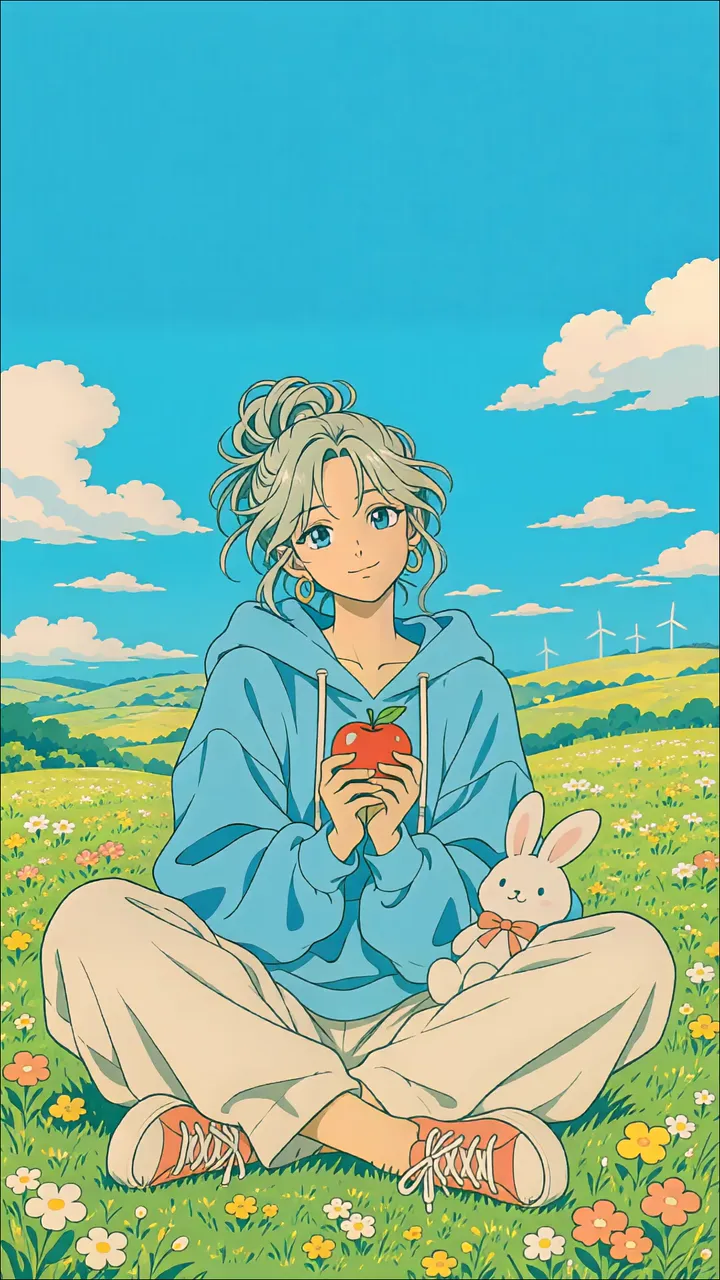
Hello Kitty Picking A Red Apple In A Fruit Garden live wallpaper
How to set it as wallpaper
iPhone
For a still wallpaper, save the cropped JPG to Photos and choose it in Settings → Wallpaper. For an animated Lock Screen on supported models, convert the MP4 to a Live Photo with a compatible app and select it in the wallpaper picker.
Android
For a still wallpaper, open the JPG in your gallery and choose Set as wallpaper. For the MP4, look for a video wallpaper option in your gallery or wallpaper settings. A compatible live wallpaper app can help if your phone has no built-in option.
After saving the converted Live Photo to Photos, open Settings, then Wallpaper, then Add New Wallpaper. Tap Photos, choose Live Photo, select the saved image, turn on the Live Photo effect, and tap Add to apply it to your Lock Screen.
Hello Kitty, the iconic white cartoon cat with a red bow, is shown holding a large red apple in a cheerful garden setting. She stands in front of green apple trees laden with fruit, with small white flowers dotting the grassy ground. The scene is bright and colorful, with a warm, inviting atmosphere. The simple, clean lines and pastel background enhance the playful, wholesome mood. The composition focuses on Hello Kitty’s friendly expression and the vibrant red of the apple, making it a charming and instantly recognizable image.
- Format
- MP4 live wallpaper
- Resolution
- 720P, 1080P
- Duration
- 00:07
- File size
- 2.1 MB
- Category
- Hello Kitty, Red Apple, Fruit Garden