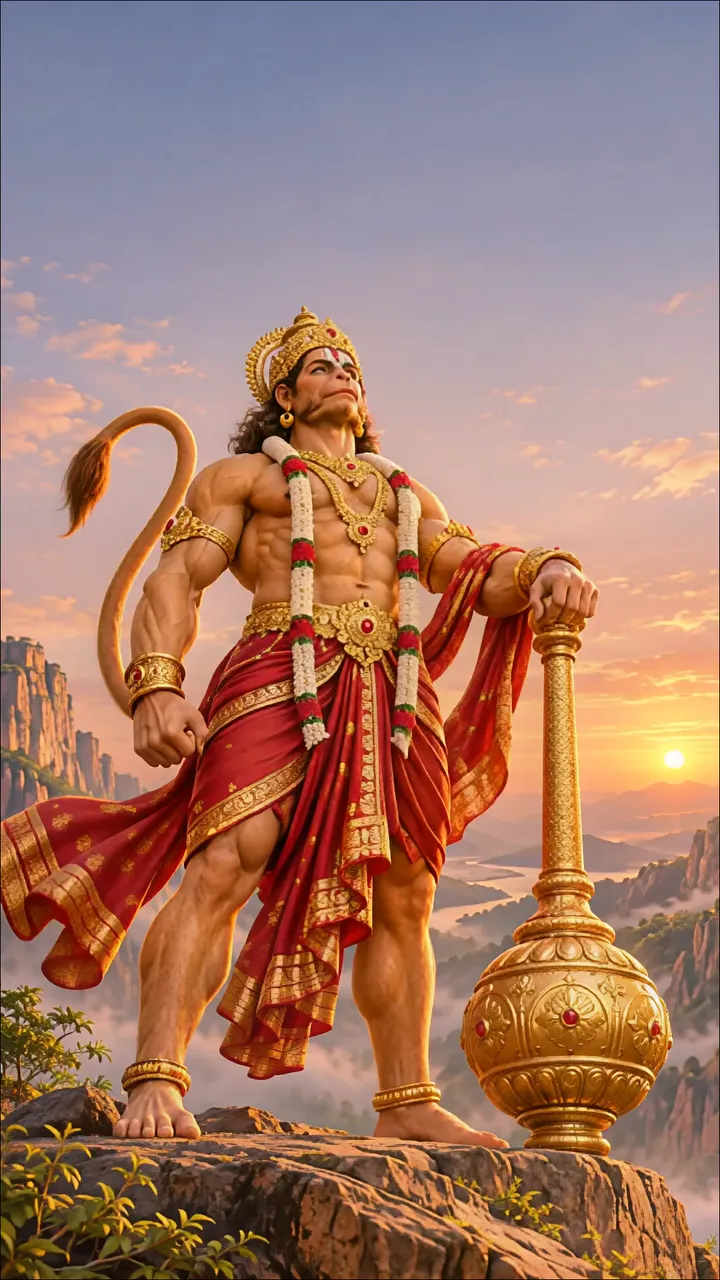
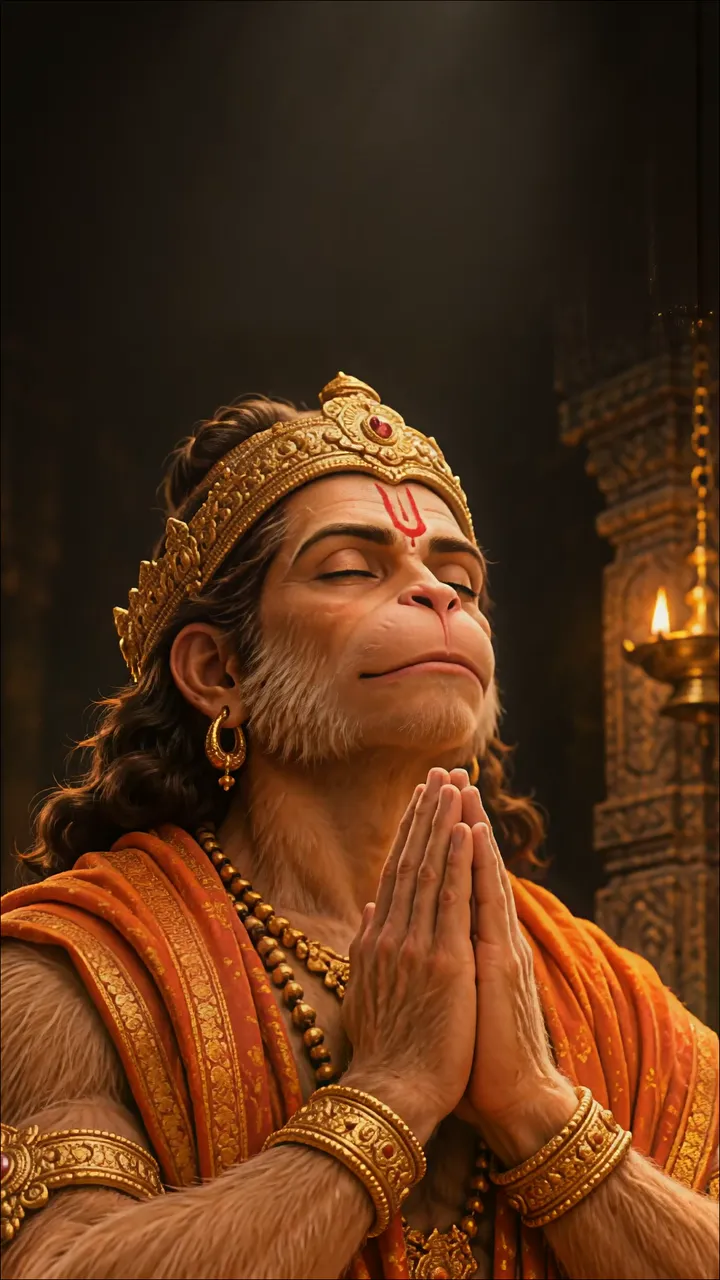
Hanuman In Meditative Pose With Golden Crown And Red Tilak live wallpaper
How to set it as wallpaper
iPhone
For a still wallpaper, save the cropped JPG to Photos and choose it in Settings → Wallpaper. For an animated Lock Screen on supported models, convert the MP4 to a Live Photo with a compatible app and select it in the wallpaper picker.
Android
For a still wallpaper, open the JPG in your gallery and choose Set as wallpaper. For the MP4, look for a video wallpaper option in your gallery or wallpaper settings. A compatible live wallpaper app can help if your phone has no built-in option.
After saving the converted Live Photo to Photos, open Settings, then Wallpaper, then Add New Wallpaper. Tap Photos, choose Live Photo, select the saved image, turn on the Live Photo effect, and tap Add to apply it to your Lock Screen.
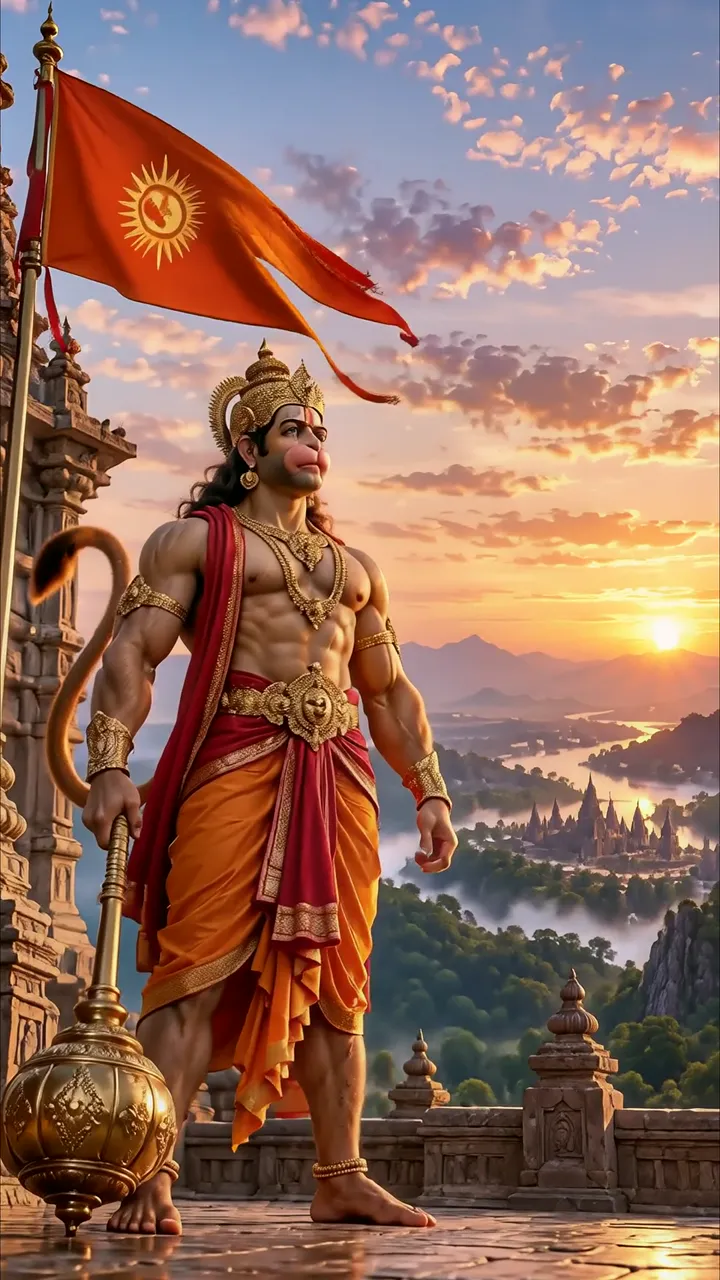
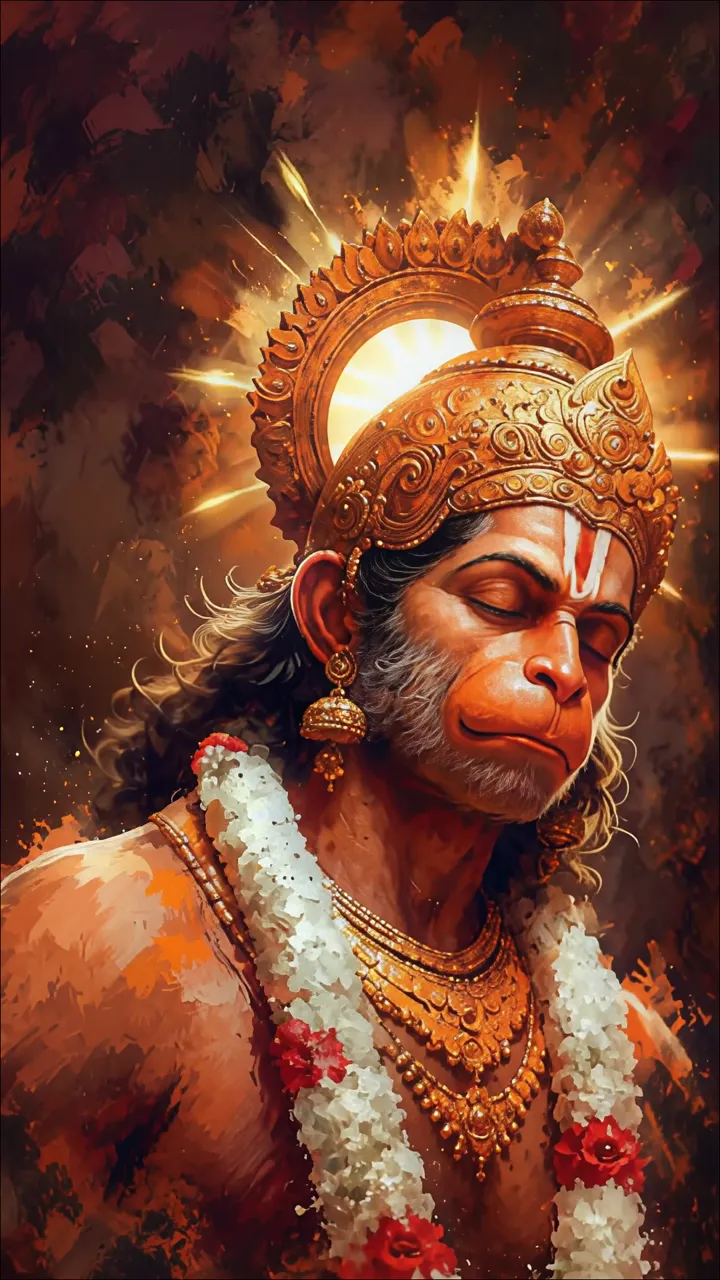
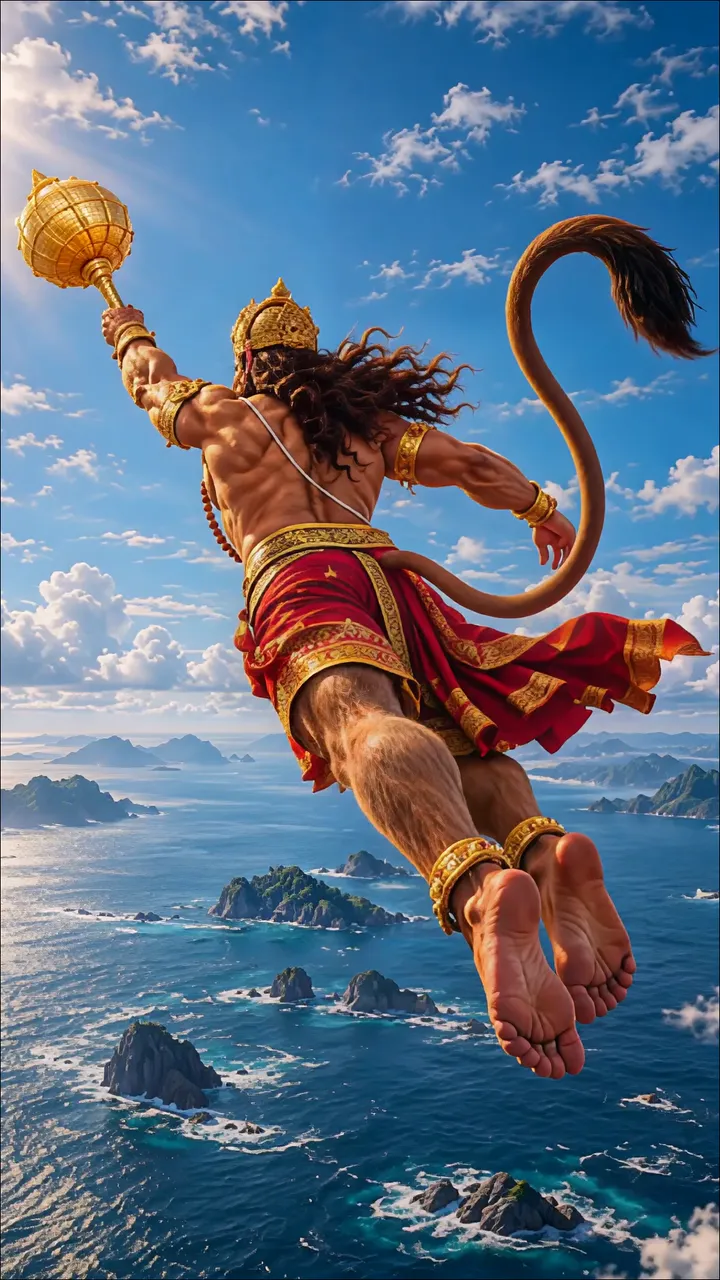
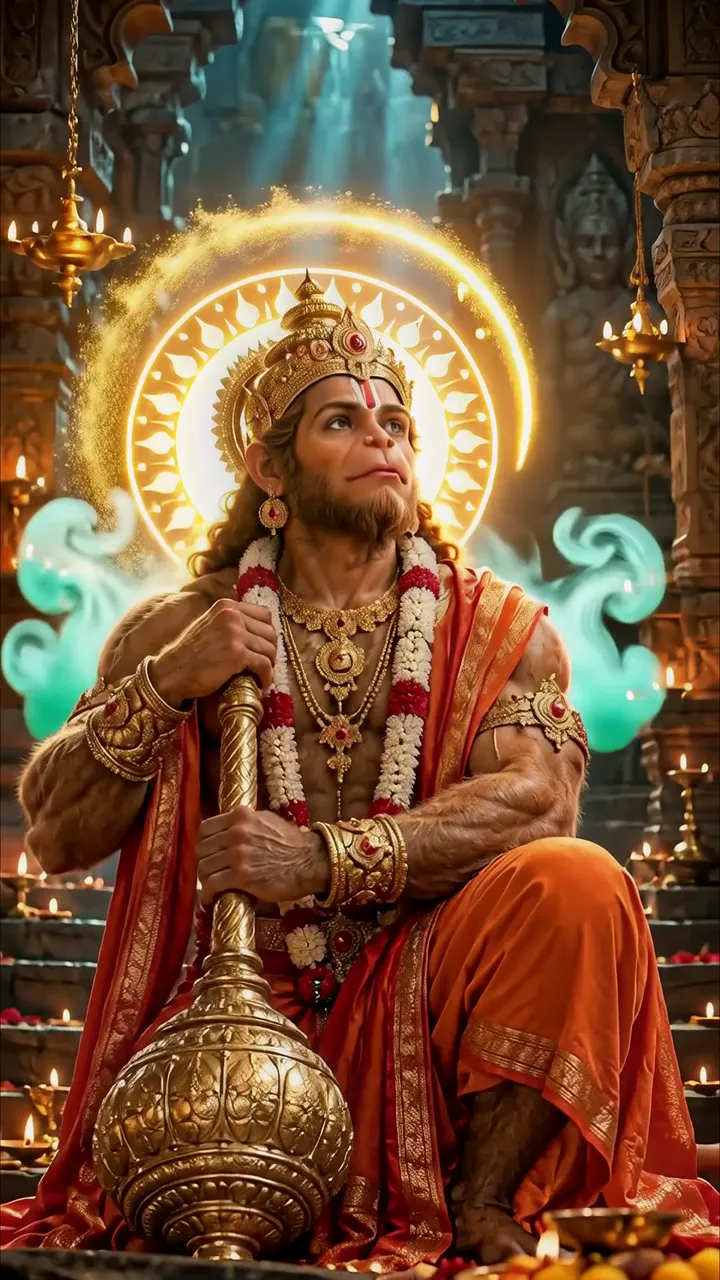
Hanuman, the revered Monkey God, is depicted in a serene meditative pose with eyes gently closed and head tilted upward. He wears a detailed golden crown adorned with a red gem and a matching red tilak on his forehead. His long, flowing hair and beard are rendered in soft, warm tones, complemented by ornate gold earrings and a beaded necklace. The background is a vibrant, abstract blend of deep blues, fiery oranges, and magentas, with paint-like drips adding a dynamic, artistic texture. The composition emphasizes divine calm and spiritual grace, with warm lighting highlighting his peaceful expression against the rich, colorful backdrop.
- Format
- MP4 live wallpaper
- Resolution
- 720P, 1080P
- Duration
- 00:08
- File size
- 4.8 MB
- Category
- Hanuman, Monkey God, Golden Crown