Hanuman Flying Over Ocean With Golden Mace live wallpaper
How to set it as wallpaper
iPhone
For a still wallpaper, save the cropped JPG to Photos and choose it in Settings → Wallpaper. For an animated Lock Screen on supported models, convert the MP4 to a Live Photo with a compatible app and select it in the wallpaper picker.
Android
For a still wallpaper, open the JPG in your gallery and choose Set as wallpaper. For the MP4, look for a video wallpaper option in your gallery or wallpaper settings. A compatible live wallpaper app can help if your phone has no built-in option.
After saving the converted Live Photo to Photos, open Settings, then Wallpaper, then Add New Wallpaper. Tap Photos, choose Live Photo, select the saved image, turn on the Live Photo effect, and tap Add to apply it to your Lock Screen.
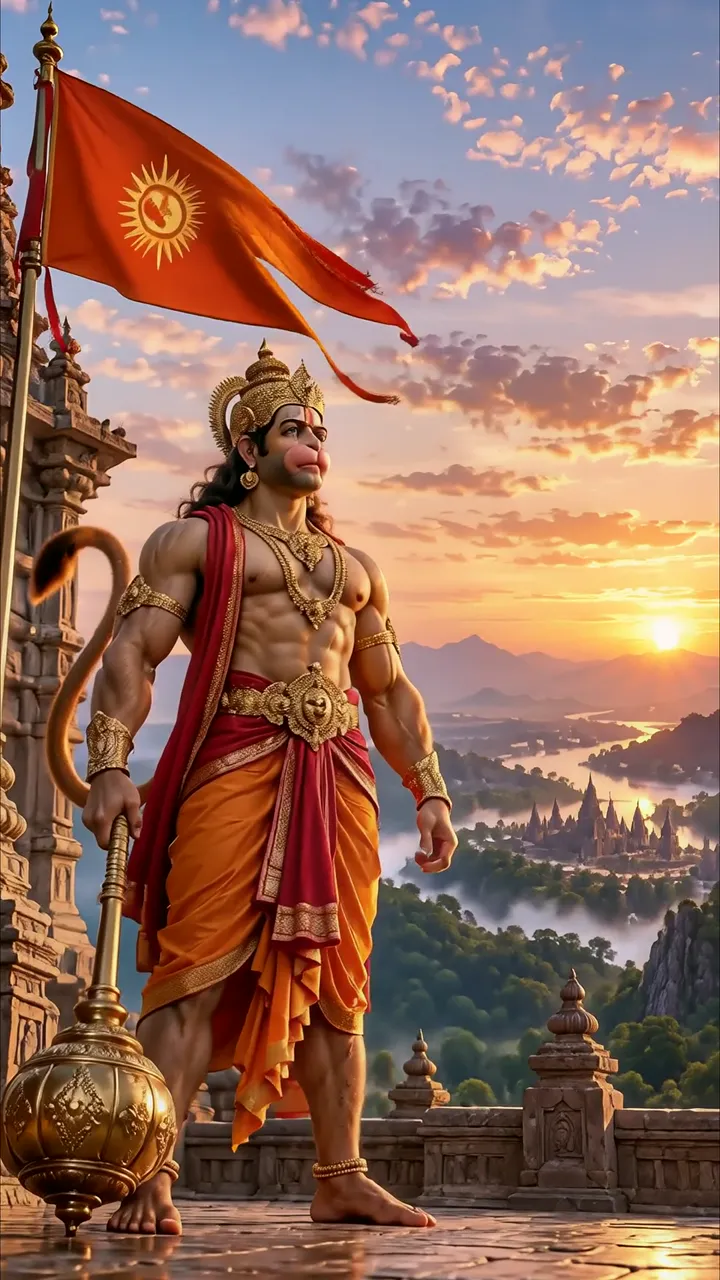
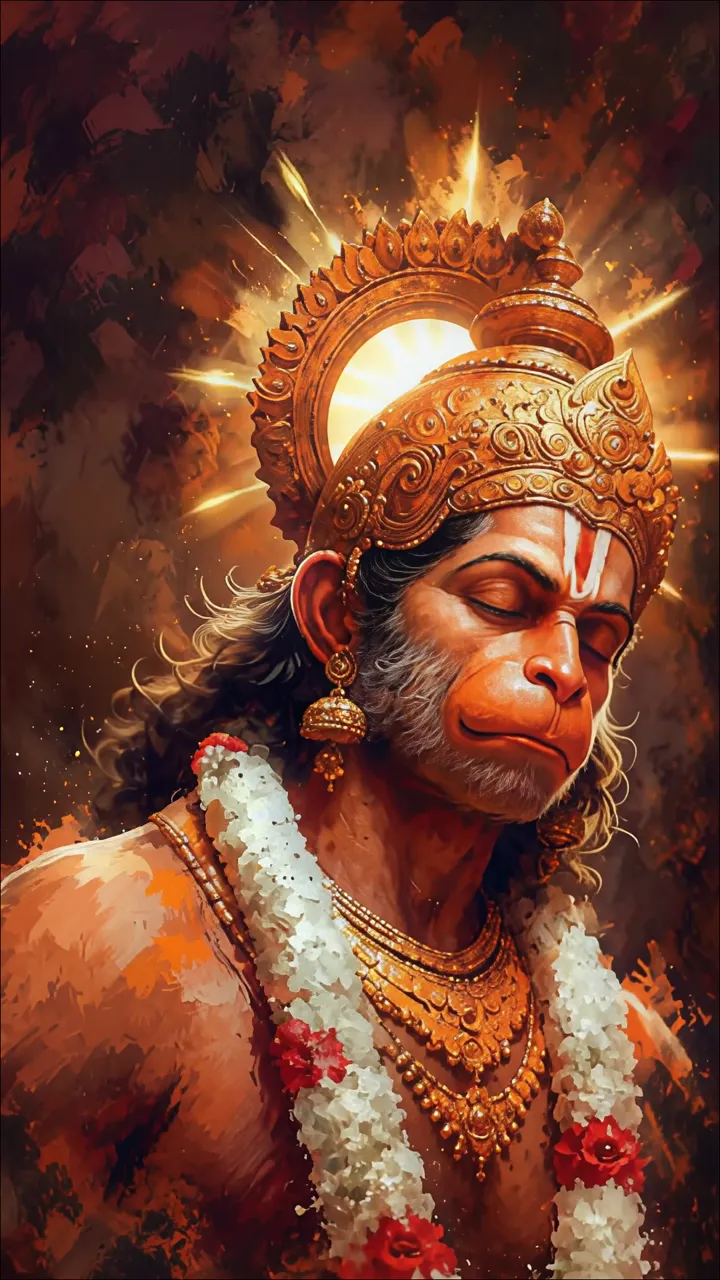
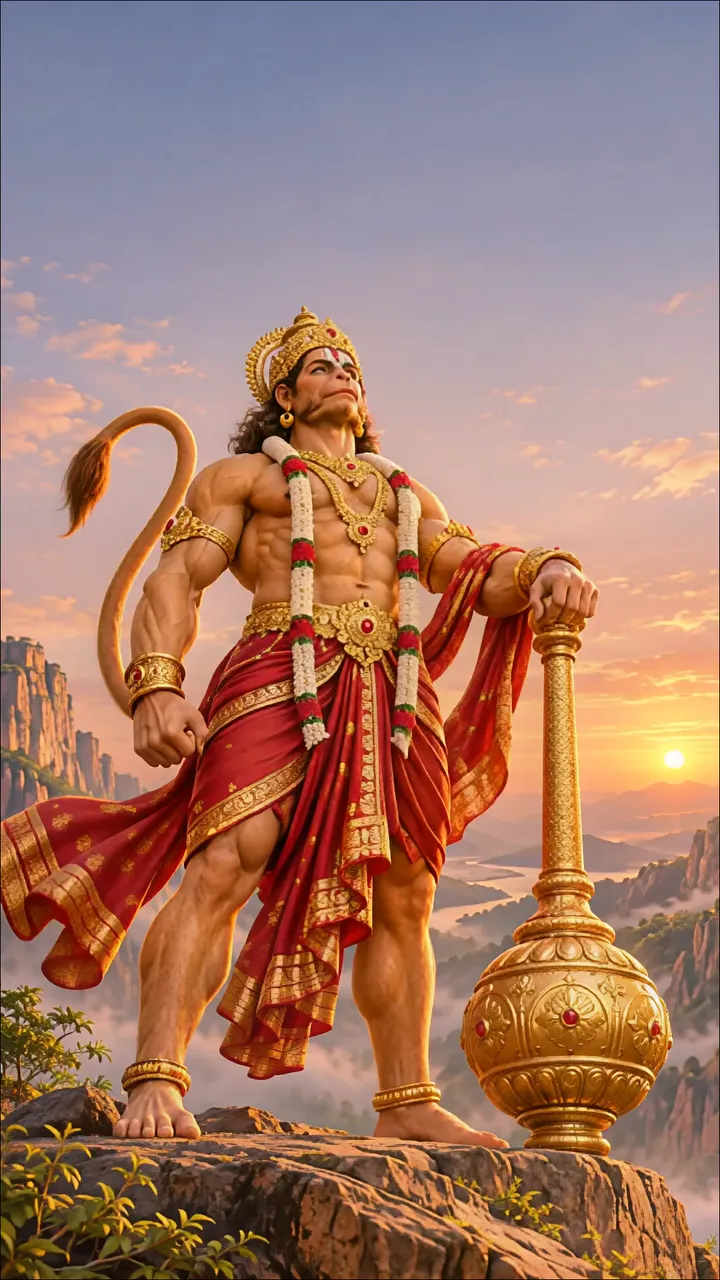
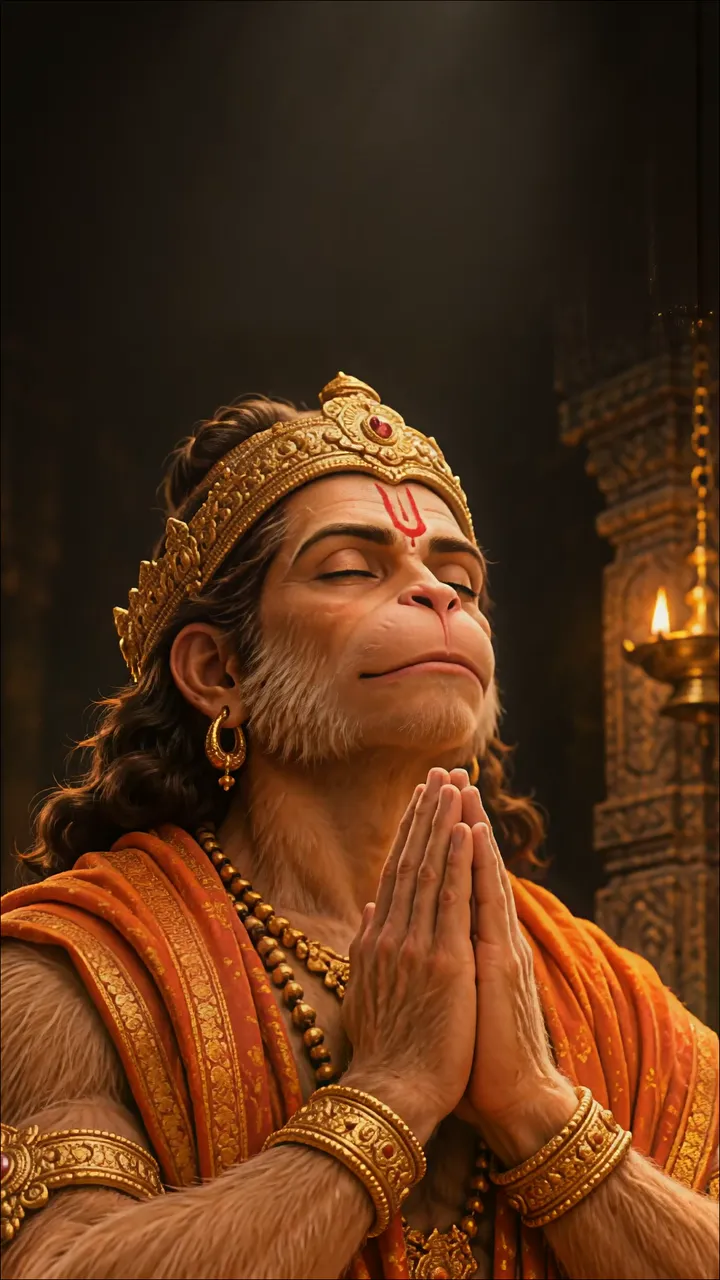
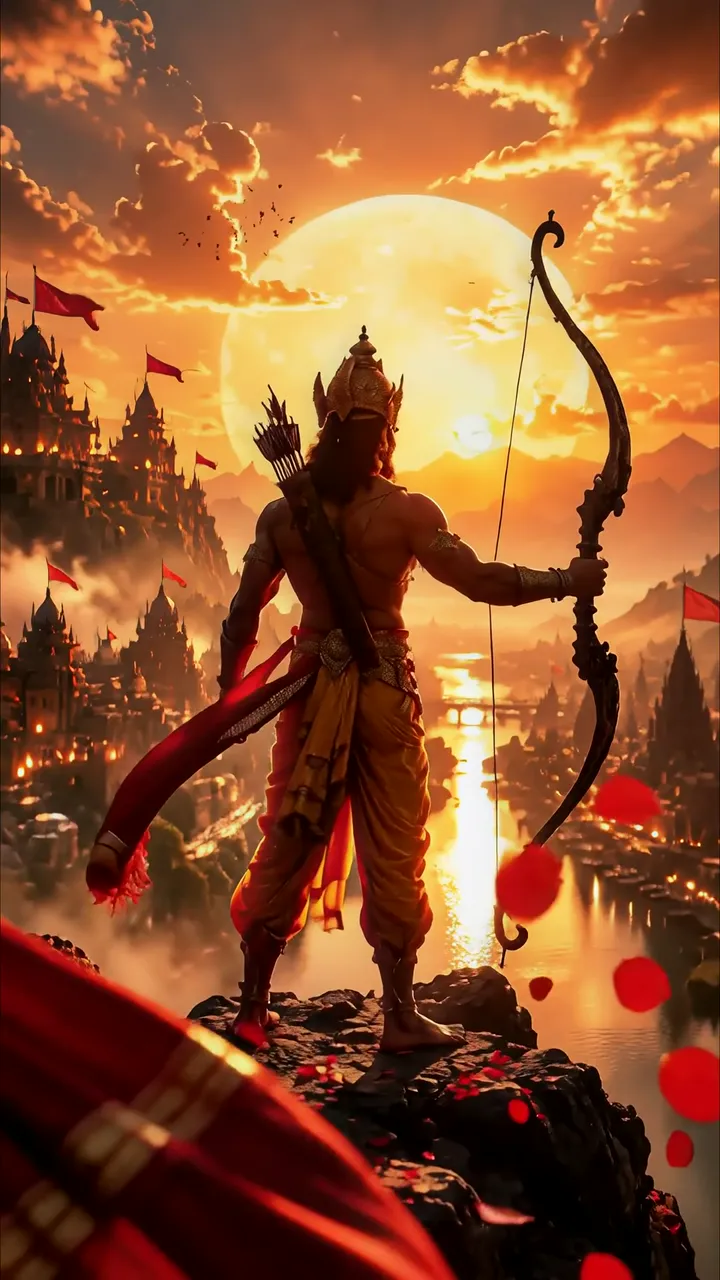
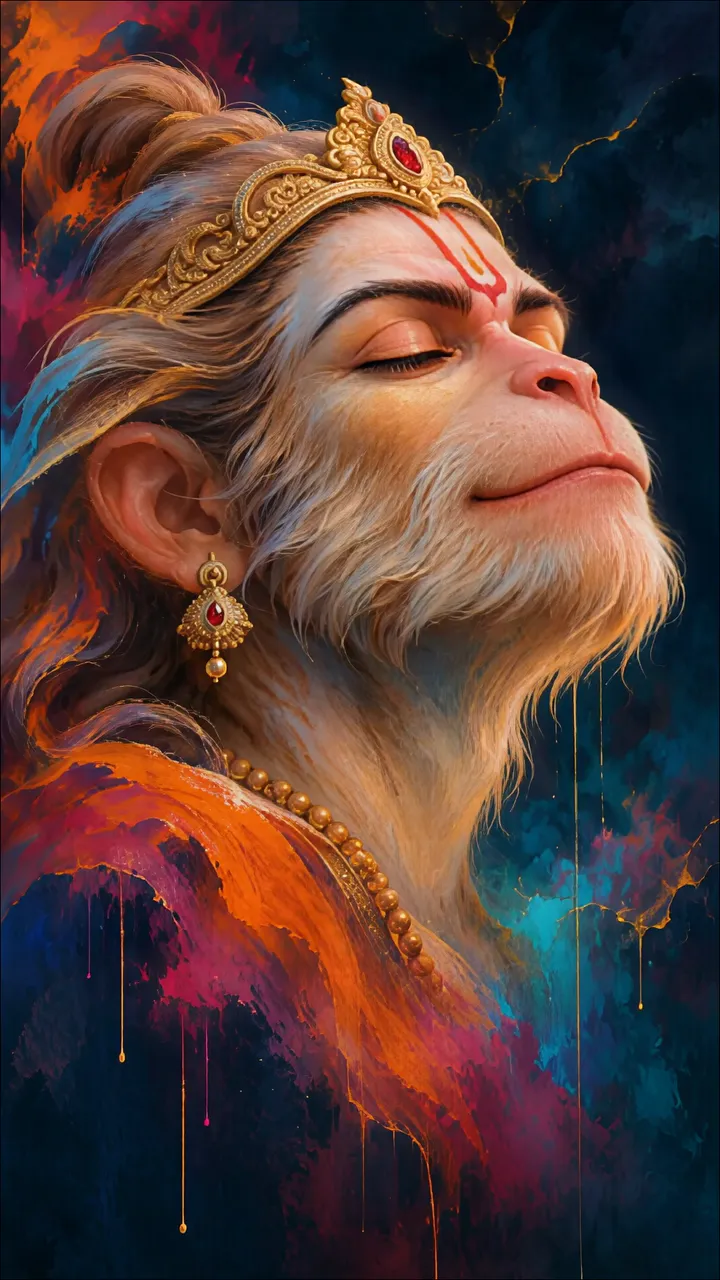
Hanuman, the Hindu deity, soars dynamically above a vast blue ocean dotted with rocky islands, holding his iconic golden mace. He is depicted with his signature long tail, muscular physique, and traditional red and gold attire, adorned with ornate jewelry. The scene is illuminated by bright sunlight filtering through a partly cloudy sky, casting a divine glow on his form and the surrounding waters. The composition emphasizes his powerful flight and spiritual presence, with the expansive ocean below creating a sense of scale and majesty. The image captures a moment of divine action, blending mythological grandeur with natural beauty.
- Format
- MP4 live wallpaper
- Resolution
- 720P, 1080P
- Duration
- 00:07
- File size
- 10 MB
- Category
- Hanuman, Golden Mace, Ocean