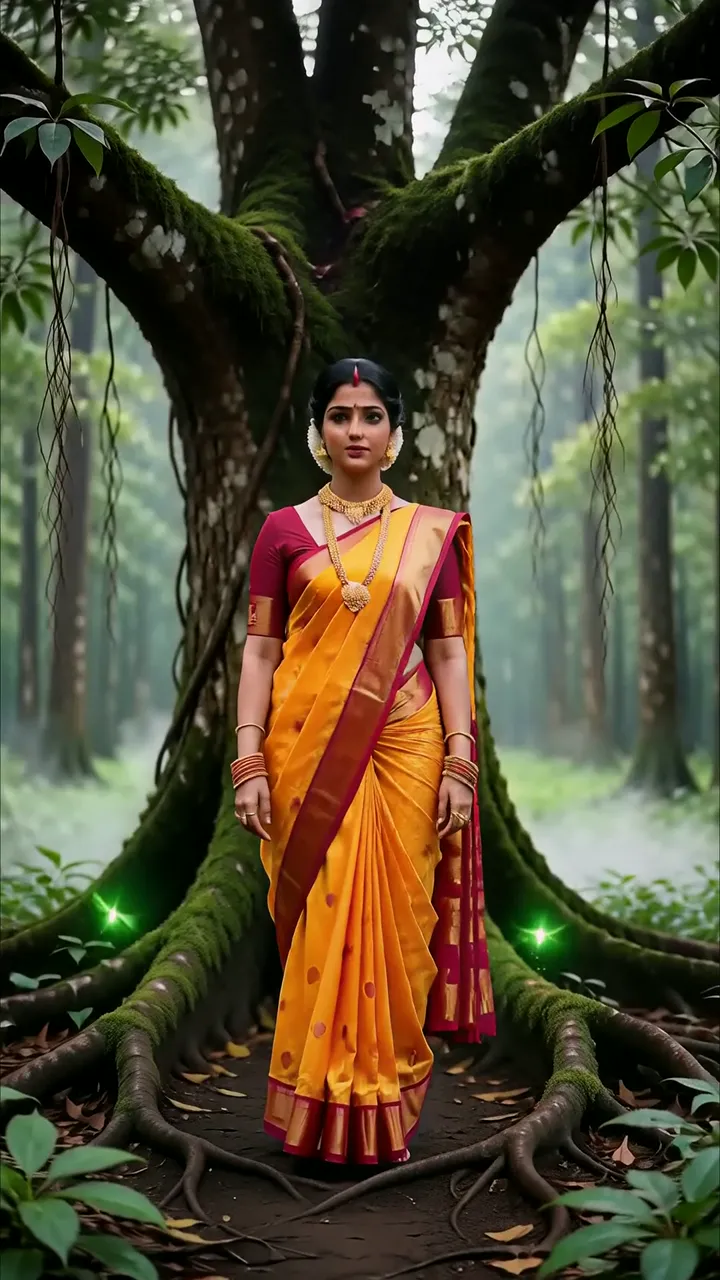
Gorgeous Indian Goddess With Golden Jewelry And Red Bindu live wallpaper
How to set it as wallpaper
iPhone
For a still wallpaper, save the cropped JPG to Photos and choose it in Settings → Wallpaper. For an animated Lock Screen on supported models, convert the MP4 to a Live Photo with a compatible app and select it in the wallpaper picker.
Android
For a still wallpaper, open the JPG in your gallery and choose Set as wallpaper. For the MP4, look for a video wallpaper option in your gallery or wallpaper settings. A compatible live wallpaper app can help if your phone has no built-in option.
After saving the converted Live Photo to Photos, open Settings, then Wallpaper, then Add New Wallpaper. Tap Photos, choose Live Photo, select the saved image, turn on the Live Photo effect, and tap Add to apply it to your Lock Screen.
This stunning close-up portrait features a divine Indian goddess adorned in intricate golden jewelry, including a detailed maang tikka, earrings, and bangles, all embellished with red and green gemstones. Her traditional makeup, highlighted by a prominent red bindi, enhances her captivating gaze. The goddess gently covers her mouth with her hand, creating an air of mystery and grace. The composition is rich with cultural symbolism and high-definition clarity, making it an ideal screen style for your phone, lock screen, or PC. Download this free live wallpaper to add a touch of elegance and spiritual beauty to your device, making it feel more personal and distinctive.
- Format
- MP4 live wallpaper
- Resolution
- 720P, 1080P
- Duration
- 00:10
- File size
- 12.6 MB
- Category
- Indian Goddess, Black AMOLED, Red Bindu